
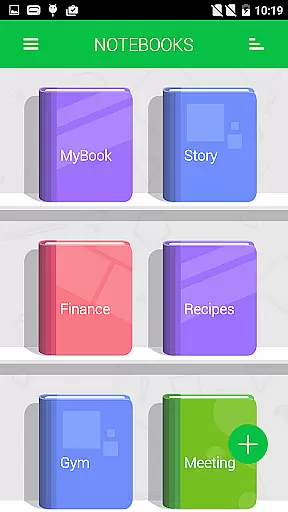
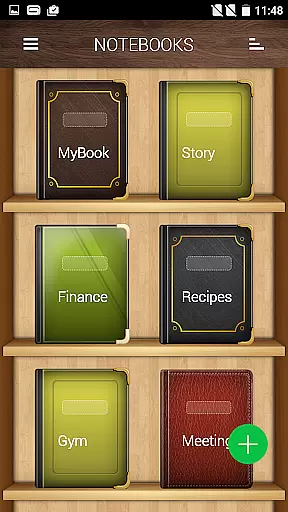


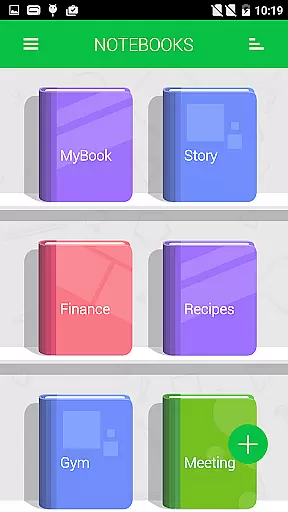


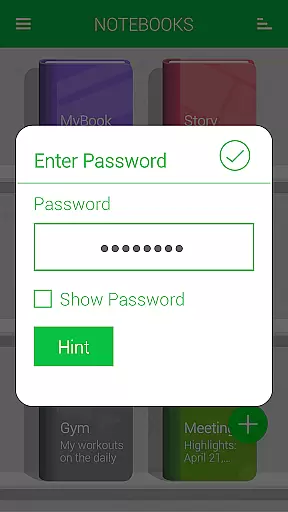
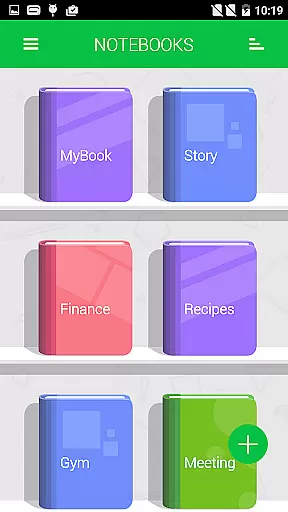
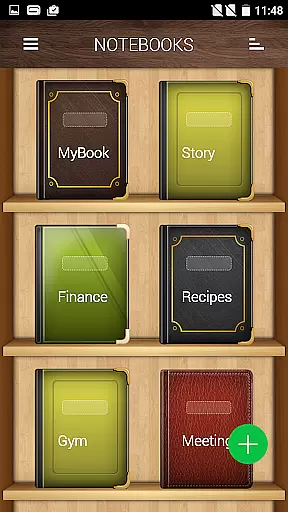


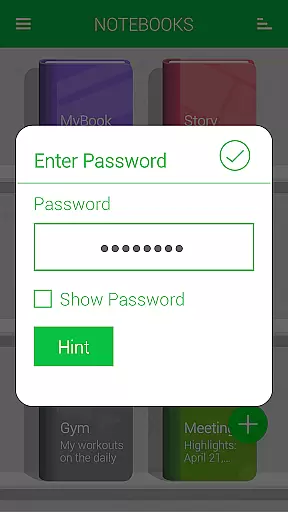
Notebooks Pro is a comprehensive note-taking application designed to cater to all your note-making needs. It allows users to create multiple notebooks for different subjects, each with customizable covers, titles, and page styles. The app supports password protection and fingerprint unlocking, ensuring the security of your notes.
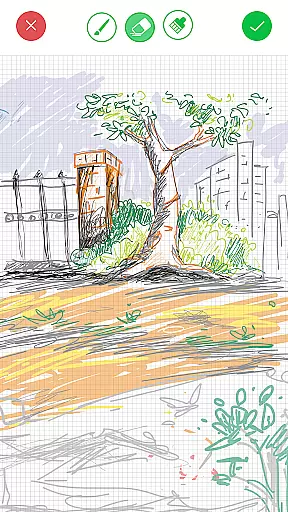
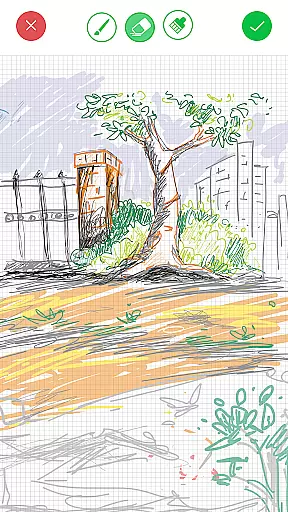
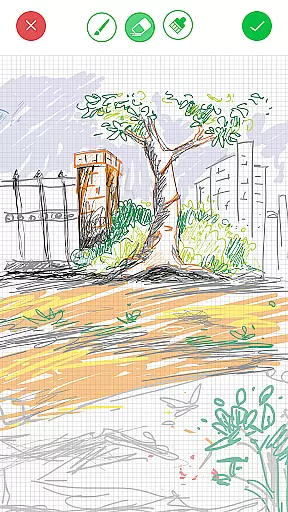
One of the standout features of Notebooks Pro is its ability to attach freehand drawings and image files to notes, making it versatile for various uses such as academic studies or business meetings. With options to export entire books or individual pages to PDF, along with instant search capabilities within each notebook, this app provides both flexibility and ease of use.
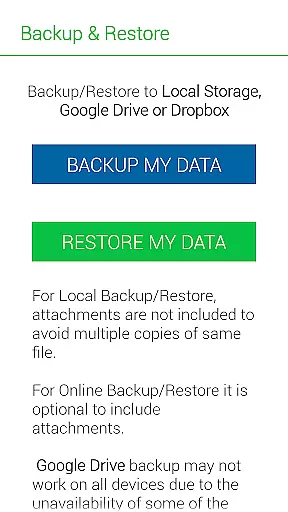
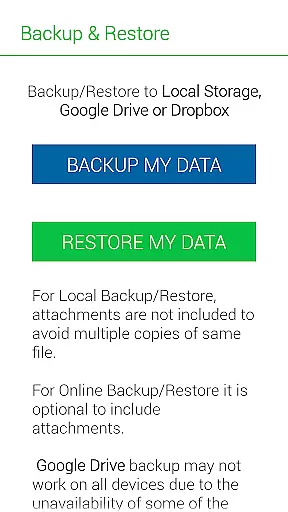
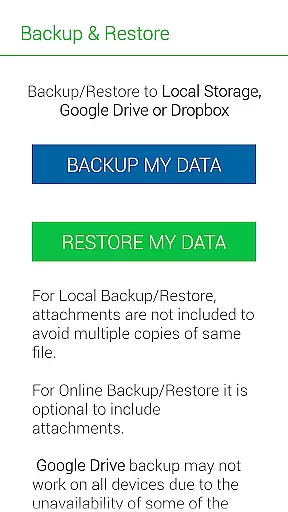
The application is particularly useful for students, business professionals, and anyone who relies on their mobile devices for note-taking. By backing up data to cloud services like Google Drive and Dropbox, Notebooks Pro ensures that your notes are always safe and accessible from anywhere.
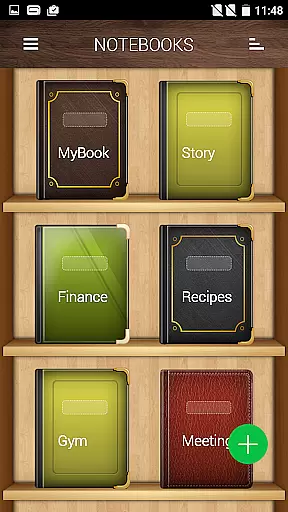
Notebooks Pro offers an extensive array of features that enhance the note-taking experience. Users can create multiple notebooks, each with customizable covers, titles, and page styles. This customization extends to setting themes and choosing custom fonts for each notebook, allowing for a personalized touch.
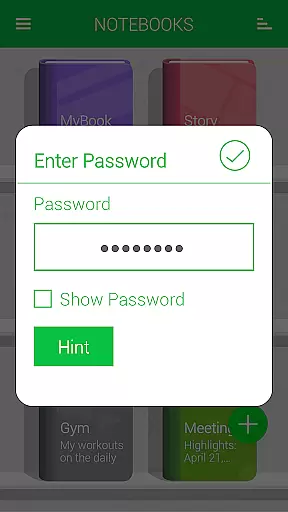
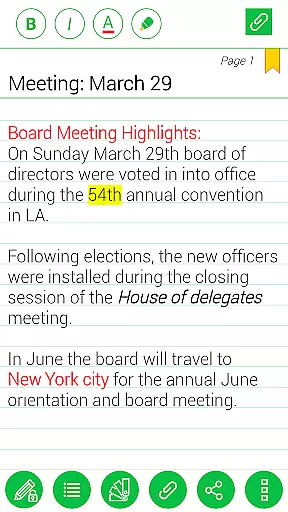
Security is a top priority, with options for password protection and fingerprint unlocking. The app also includes practical features such as the ability to set a title for every page, instant search functionality within each notebook, and the option to bookmark pages. Additionally, users can attach image files and create freehand drawings, which can be particularly useful for visual learners or those needing to illustrate concepts.
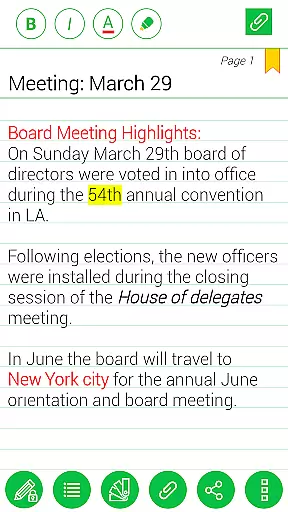
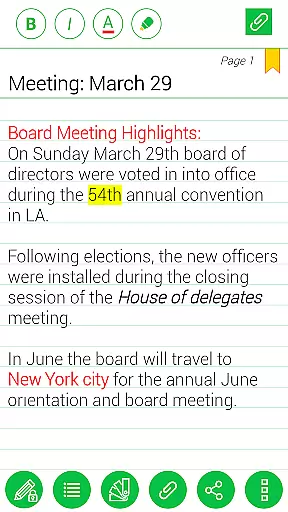
Another significant feature is the ability to export content to PDF format, complete with attachments. This makes sharing and archiving notes straightforward and efficient. With support for text styles such as bold, italics, and colored highlights, Notebooks Pro ensures that your notes are not only informative but also visually appealing.
Notebooks Pro offers extensive lifestyle category coverage by providing users with a versatile digital note-taking experience. This application is designed to cater to various aspects of daily life, including personal organization, education, and professional tasks.
With features such as multiple customizable notebooks, users can separate and manage their notes for different subjects or projects. The ability to attach images, create freehand drawings, and apply text styles like bold, italics, and colored highlights adds a rich layer of detail to the user's notes.
The app also supports password protection and fingerprint unlocking, ensuring that personal information remains secure while still being easily accessible to the rightful owner. Additionally, the option to back up data to cloud services like Google Drive and Dropbox provides peace of mind against data loss.
Overall, Notebooks Pro enhances the lifestyle of its users by allowing them to maintain an organized, creative, and secure collection of their thoughts and important information across all areas of life.
When it comes to content authenticity and expert credibility, Notebooks Pro ensures that the information entered by the user is preserved accurately and privately. The app does not store account details, and permissions are in place solely for the purpose of backing up data to trusted services like Google Drive.
Each feature within Notebooks Pro has been crafted with attention to detail, from instant search capabilities within each notebook to exporting books or pages as PDFs with attachments. These functions are indicative of a high level of expertise in creating a seamless and integrated user experience.
Moreover, the developers have provided clear guidance through FAQs and usage instructions available on their website. This transparency helps establish trust with users who seek assurance about how their data is handled and how they can make the most out of the app's features.
By focusing on delivering genuine value through meticulous design and transparent operations, Notebooks Pro demonstrates both content authenticity and expert credibility, making it a reliable tool for anyone looking to enhance their digital note-taking process.
User-friendly interface
Customizable notebooks
Secure with password protection
Cloud backup options
Versatile note-taking features
Limited language support
No collaboration features
Premium version required
Occasional bugs reported
Learning curve for new users

Design and brew great homebrewing beer, mead, cider and wine recipes on the go!
 3.60
3.60
Cute Adorable Animals now on your wrist with our Wear OS watch face!
4.40
What is my face shape? Find out your face shape from picture, see fitting frames
3.90
Unique Dark Analog style for Wear OS watches.
4.5
This minimalist yet classic board design brings a futuristic twist to your wrist
4.20
Zodiac & Horoscope Launcher: Daily Sign Predictions & Astrology
4.40
The Miracle Box includes methods used by Steve Huff of Huff Paranormal.
3.20
Going above and beyond known spirit communication
3.60
Vehicle ownership simplified. Get the myChevrolet® app today.
4.60
Made To Order Faves
4.70
Pay your rent, submit work orders and much more with the RentCafe Resident App.
4.70
The App can control Roborock vacuum cleaners from anywhere with rich features.
4.60
Earn money & gift cards when you take surveys, play games, scan receipts & more.
4.50
Get your life organized with My Agenda!
4.30
Smart controls for your Ember Smart Mugs
4.10
Subwoofer school’s in session! You’ve now enrolled into KICKER U.
3.80
Unique informative Dial with Live Moon Phase at a glance!
3.60
Communicate with your vehicles and Powerwalls anytime, anywhere
3.60
Designed to delight, impress and energize your festive spirit every single day
4.0


User Reviews