
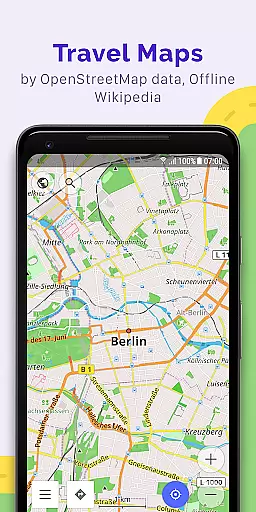
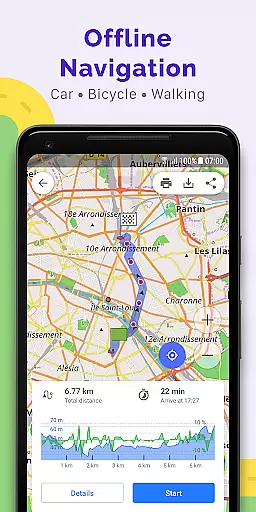
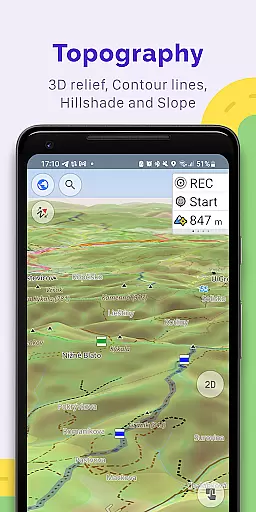
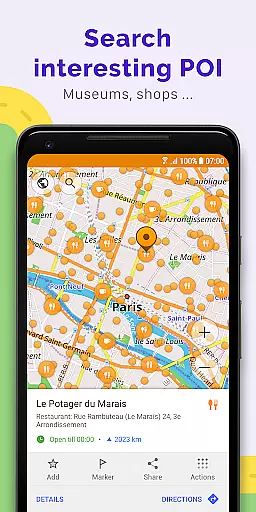
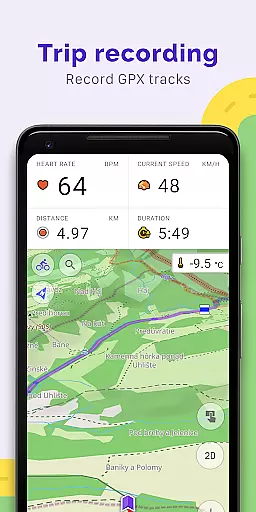
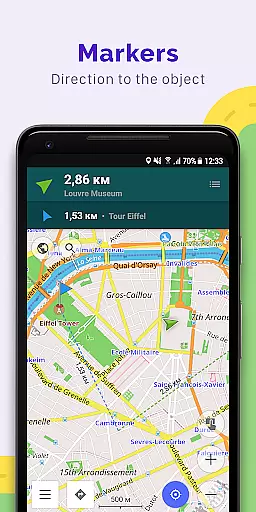
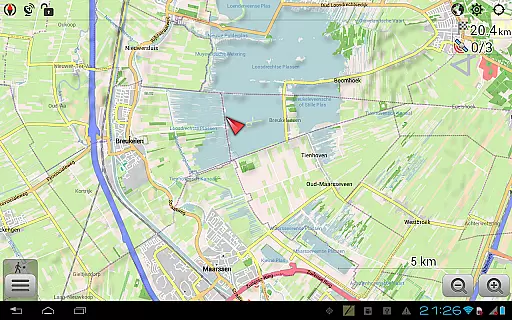
OsmAnd+ is a premium offline mapping and navigation application designed for travelers, outdoor enthusiasts, and professionals who require reliable GPS tools without an internet connection. Built on OpenStreetMap (OSM) data, this app offers advanced features such as customizable navigation profiles for various vehicles, GPX track recording, and detailed topographic maps with contour lines.
One of the standout capabilities of OsmAnd+ is its support for Android Auto and unlimited map downloads, making it ideal for road trips or remote area exploration. Whether you're hiking in the mountains, sailing, or planning routes based on inclines and vehicle dimensions, OsmAnd+ provides all the tools necessary to ensure accurate navigation and route planning.
The app also integrates offline Wikipedia and Wikivoyage travel guides, offering users access to valuable information even without connectivity. Its open-source nature ensures transparency, while paid features like OsmAnd Pro provide additional functionalities such as weather plugins and hourly map updates.
OsmAnd+ stands out with its extensive feature set tailored for diverse navigation needs. The app supports multiple navigation profiles, including cars, motorcycles, bicycles, pedestrians, and boats, allowing users to customize their routes based on specific requirements like road surfaces or vehicle dimensions. With offline map functionality, users can download maps worldwide and access them without an internet connection.
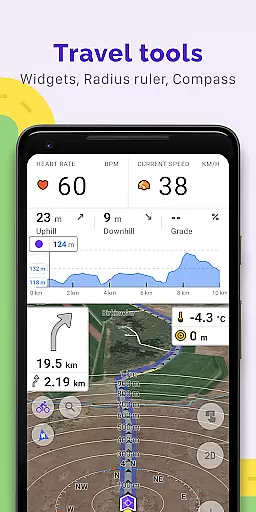
For outdoor enthusiasts, OsmAnd+ offers topographic maps with contour lines, shading relief, and nautical depth charts. It also allows users to record and manage GPX tracks, overlay different map sources, and visualize elevation profiles. Additional tools include a compass, radius ruler, and Mapillary integration for immersive street-level imagery.
Paid subscribers gain access to OsmAnd Pro features, such as cloud backups, cross-platform synchronization, and external sensor support via ANT+ and Bluetooth. These advanced capabilities make OsmAnd+ a versatile choice for both casual travelers and professional users seeking comprehensive mapping solutions.
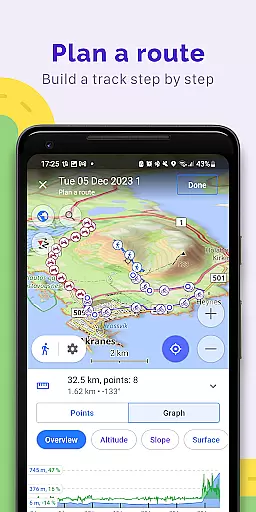
Booking authenticity is a crucial aspect of any travel application, ensuring that all reservations and planned routes are reliable and accurate. OsmAnd+ u2014 Maps & GPS Offline provides users with the ability to plot routes and record GPX tracks without an internet connection, which guarantees that your bookings and plans remain intact even in areas with no connectivity. This feature is particularly beneficial for travelers exploring remote locations where network availability might be limited.
The app allows route planning using customizable navigation profiles suitable for various vehicles, including cars, motorcycles, bicycles, and more. By taking into account preferred roads and vehicle dimensions, OsmAnd+ ensures that each plotted route is optimized and authentic. Users can also modify constructed routes by excluding certain roads or surfaces, providing flexibility and personalization in their travel plans.
With OsmAnd+, you have the power to manage GPX tracks effectively. You can display your own or imported GPX tracks on the map and navigate through them seamlessly. The visual data about the route, such as descents and ascents, along with the ability to share GPX tracks in OpenStreetMap, further enhances the booking experience. These features collectively ensure that every planned route is not only authentic but also tailored to meet individual preferences and requirements.
Price transparency is essential for users to understand the cost structure associated with using a service or application. OsmAnd+ u2014 Maps & GPS Offline offers several paid features under the OsmAnd Pro subscription model, ensuring that users are well-informed about what they are paying for. One of the standout features is OsmAnd Cloud, which allows for backup and restore functionalities, providing peace of mind regarding data security.
In addition to cloud services, the OsmAnd Pro subscription includes hourly map updates, ensuring that users always have access to the most current and accurate mapping data. The weather plugin and elevation widget are other valuable tools that enhance the overall user experience by offering real-time environmental insights and detailed terrain information, respectively.
Furthermore, OsmAnd+ supports external sensors via ANT+ and Bluetooth protocols, allowing users to integrate additional hardware for enhanced functionality. Customizing route lines and accessing online elevation profiles are other premium features that add value to the subscription. By clearly outlining these benefits, OsmAnd+ maintains price transparency, enabling users to make informed decisions based on their specific needs and budget constraints.
Offline map functionality
Customizable navigation profiles
GPX track recording
Topographic maps
Android Auto support
Complex interface for beginners
High cost for subscription
Limited free features
Occasional map update delays
Resource-intensive performance

Plan where to stand and shave minutes off your trip!
 4.80
4.80
View current Idaho road conditions, road cameras, and timelapse videos.
4.1
The mobile panorama panel. Works offline - worldwide!
4.40
Find the best prices, pay for the cheapest gas, and save on every fill up
3.30
Discover the power of one-way location tracking. Share your location securely.
4.50
Easily rent a car at over 9,500 locations with the Enterprise car rental app.
4.60
Streamline your U.S. entry
4.90
Offline WiFi Hotspot Finder, eSIM, Caller ID, Dialer, Home Screen Launcher & VPN
4.20
Book flight, car or packages. Instant access to hotel discounts & travel deals
4.80
Guest how you guest when you book one of our 6,800+ hotels and earn rewards.
4.90
It drives. You ride.
4.90
All-in-one delivery and taxi app. Ride, food, & grocery delivery app.
4.80
Maximize your cruise vacation with the Royal Caribbean app
4.70
Book neighborhood dog boarding, dog walking, pet sitting, and doggy day care.
4.60
Get exclusive travel deals and enjoy the award-winning customer service!
4.60
MyTSA gives you 24/7 access to info that passengers frequently request from TSA.
4.10
Iowa 511 is the Iowa Department of Transportation's traveler information app.
3.80
Examine the planet
3.80
The #1 Parent App in Brevard County
4.4


User Reviews