
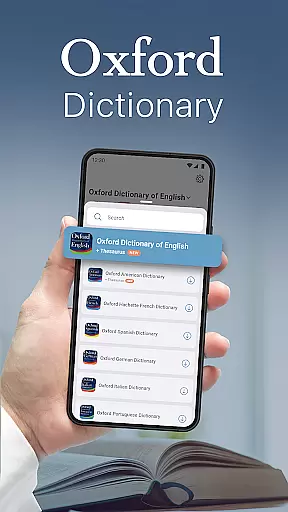
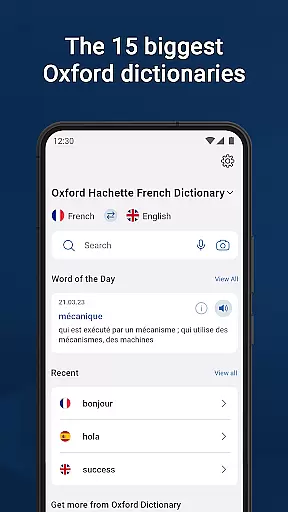
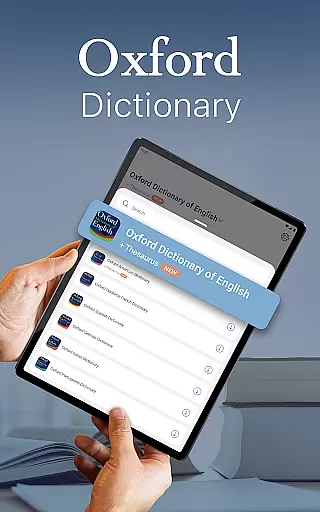
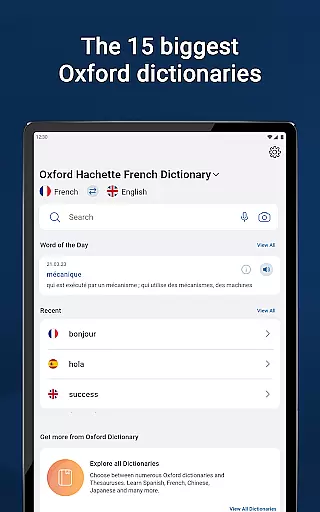
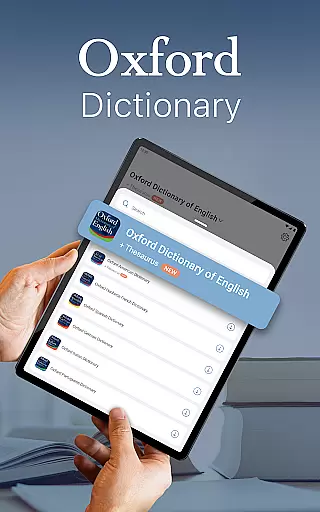
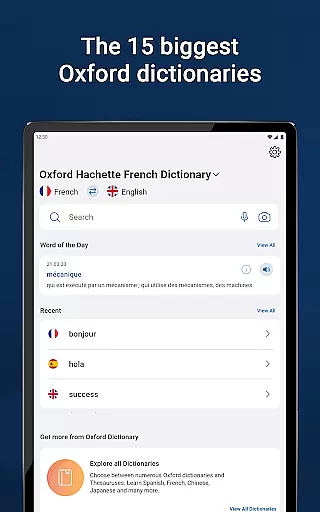
Oxford Dictionary & Thesaurus is a comprehensive language reference tool that provides access to the 15 largest Oxford dictionaries. This app is powered by Oxford Languages and serves as an authoritative resource for language study and reference. It is particularly useful for professionals, students preparing for exams, and academics.
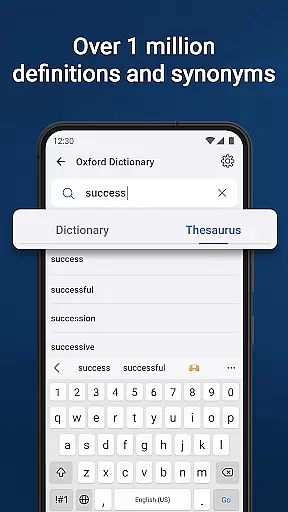
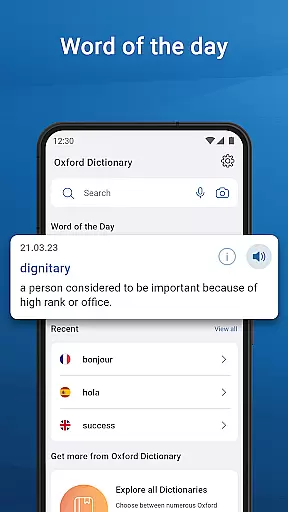
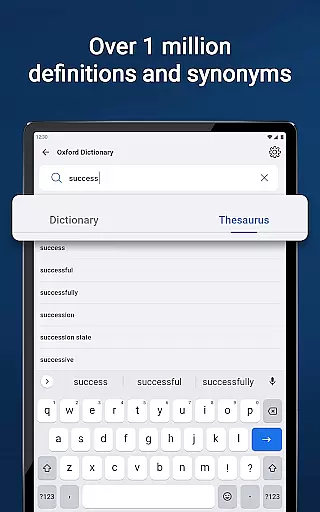
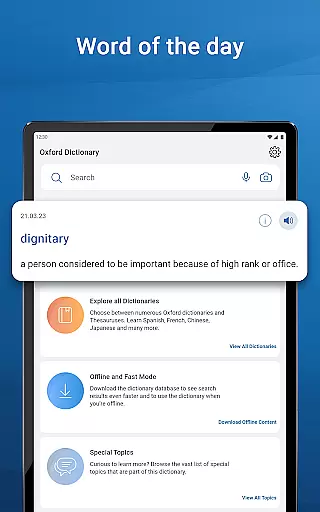
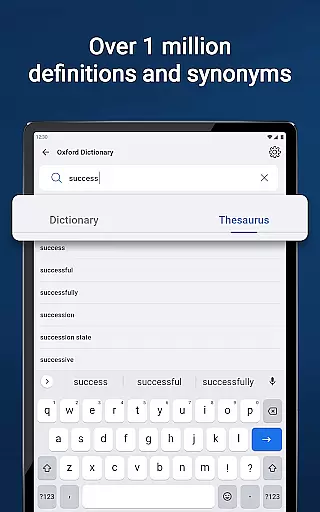
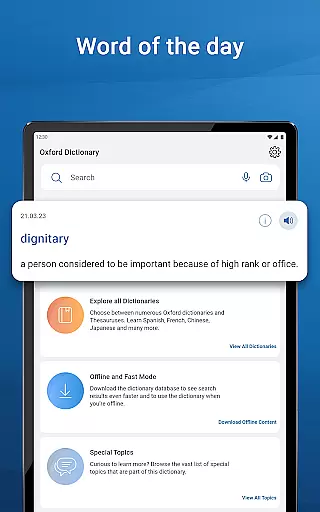
The app offers advanced search and learning tools, including fuzzy search, voice search, and camera search functionalities. Users can also enjoy features like word-of-the-day, auto-correction, and tap-to-translate entries in other apps. With its rich content database updated to 2023, it contains over 1 million words, phrases, and definitions, making it an essential tool for anyone using foreign languages in academic or professional contexts.
This app stands out with its extensive range of dictionaries covering multiple languages such as English, French, German, Spanish, Russian, Chinese, Italian, Hindi, Urdu, Portuguese, Japanese, Greek, and Bulgarian. Each dictionary is equipped with thousands of synonyms, antonyms, phrases, and special topics references.
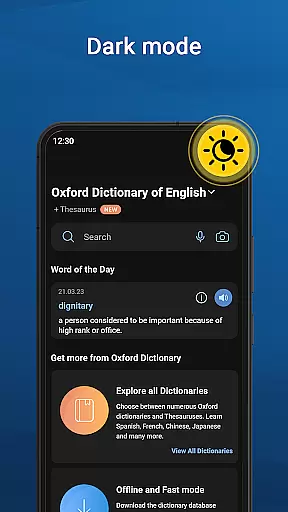
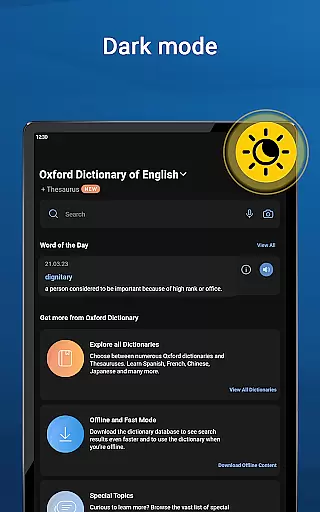
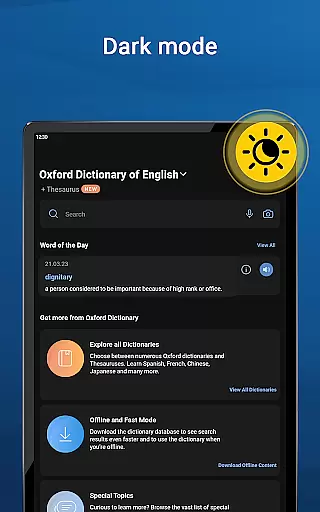
Advanced learning tools include fuzzy search, voice search, wildcard search, search autocomplete, keyword lookup, camera search, favorites list, auto-correction, recent list, and tap-to-translate functionality. These tools ensure users can find the information they need quickly and accurately. Additionally, the app supports dark mode, home page navigation, and word sharing via installed apps on your device.
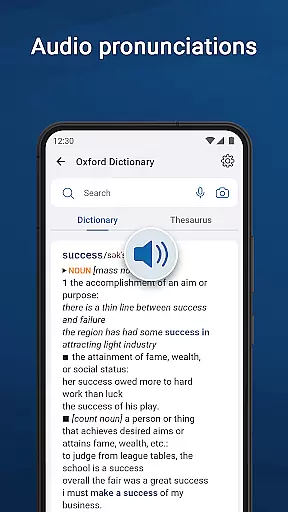
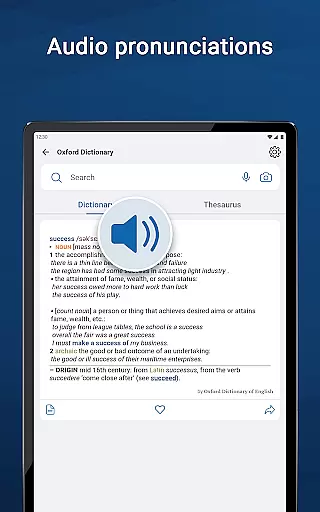
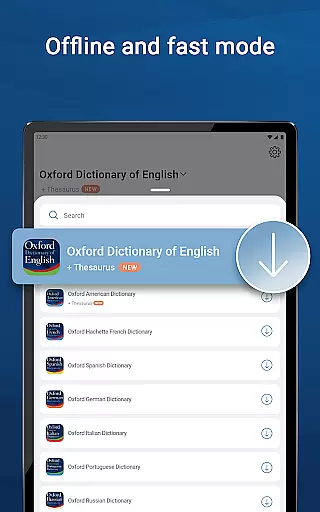
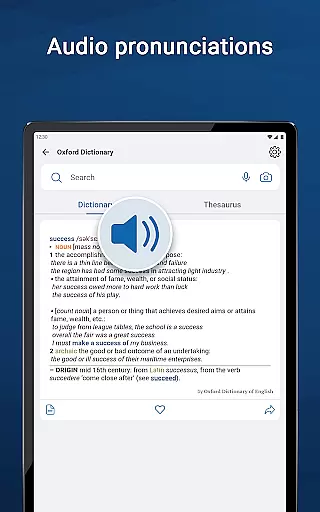
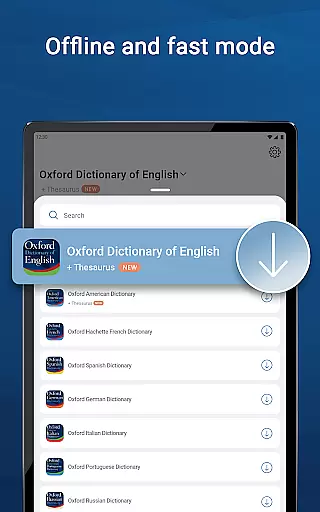
Premium subscription unlocks unlimited synonym lookups, audio pronunciation guides, offline mode, and an ad-free experience. This ensures users have uninterrupted access to the full potential of the world's best dictionary resources anytime, anywhere.
The Oxford Dictionary & Thesaurus app offers an extensive e-book library that includes 15 of the most authoritative dictionaries from Oxford Languages. This vast collection provides over 1 million words, phrases, and definitions, making it one of the largest and most comprehensive linguistic resources available on a mobile platform.
Each dictionary within the app is fully licensed and authenticated by Oxford Languages, ensuring users have access to accurate and reliable content. The inclusion of resources such as the Oxford Dictionary of English & Thesaurus, New Oxford American Dictionary & Thesaurus, and specialized bilingual dictionaries guarantees that users receive information that is not only extensive but also credible and officially endorsed.
For professionals, students, and academics alike, this breadth of content means access to the latest terminology and language usage across multiple languages. Whether preparing for standardized tests like the ACT, SAT, IELTS, or TOEFL, or engaging in cross-language academic research, users can trust in the authenticity of their learning material.
Moreover, with regular updates to its word database, the app ensures that users are always working with the most current language data available, reinforcing its position as an indispensable tool for anyone serious about language study or reference.
Oxford Dictionary & Thesaurus excels in format compatibility, offering users a seamless experience across various devices and platforms. The app's advanced search tools, including fuzzy search, voice search, and camera search, ensure that users can find the information they need regardless of how they input their queries.
In addition to traditional text-based searches, the app supports innovative lookup methods such as wildcard search and keyword lookup for compound words or phrases. These features make it easy for users to navigate complex linguistic data without needing to know exact spellings or formats, thus broadening accessibility.
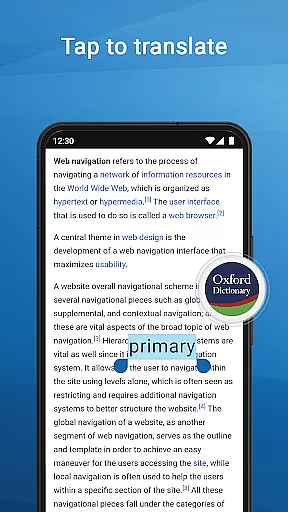
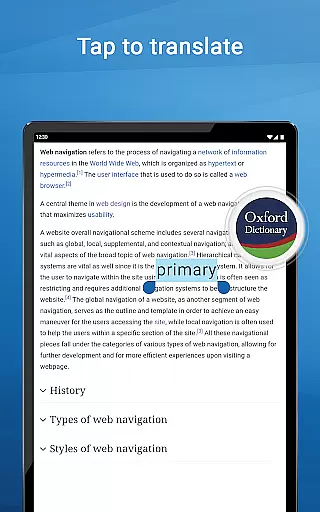
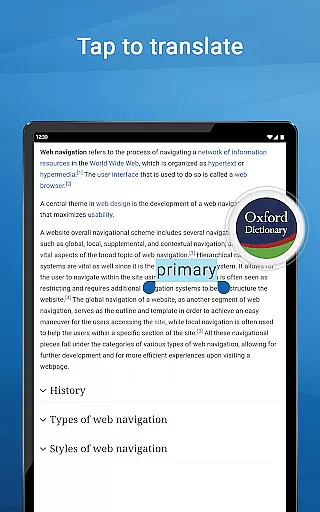
Furthermore, the app integrates smoothly with other installed applications on your device through its tap-to-translate feature, allowing direct entry lookups in external apps. Users can also share word definitions via different sharing options, enhancing collaborative learning and communication.
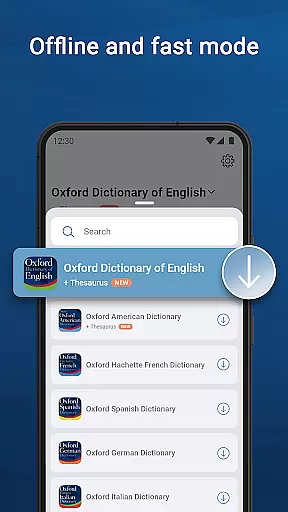
Premium subscribers benefit from additional functionalities like offline mode, which allows full access to the dictionary database without an internet connection. This flexibility ensures that no matter where you are or what device you're using, the Oxford Dictionary & Thesaurus remains a versatile and indispensable reference tool.
Comprehensive language coverage
Advanced search functionalities
Regularly updated word database
User-friendly interface
Premium features enhance usability
Premium subscription required
Some features may be complex
Large app size
Limited free content
Occasional bugs reported

Bilingual dictionary with English translations of Modern Standard Arabic words.
 4.30
4.30
Plan of Life that Saint Josemaría recommended
4.80
Personalized Chat with Bible
4.80
Prime novels await! Fantasy & Romance on JoyRead. Immersive reads!
4.20
Liturgy of the Hours totally off-line
4.80
Manage collectibles, survey and treasure maps in Elder Scrolls Online.
4.40
A Comprehensive Restoration of Sacred Scripture
4.50
Learn to tie more than 200 knots in 3D!
4.90
ARC Raiders Companion: Map, Quests, ARC/Item Info. Track everything instantly!
4.00
Daily thoughts, meditations, and prayers for living a sober life in recovery.
4.90
The Original Tropical Freshwater Aquarium Fish And Plant Care Guide
4.80
Audiobook player with cross-device progress sync, playlists, and widget support.
4.80
World's most comprehensive dictionary app: 13 languages, all online or offline!
4.80
This is the pro version King James bible Offline that we have
4.70
Watch real short episodes in just minutes— addictive, you won't be able to stop!
4.70
"Five Dr. Seuss titles in one omBook!"
4.60
WebNovel - Read Solo Leveling novel and comic
4.10
Enjoy your favorite books
3.50
Read popular romance books and web novels on the fantastic ebook reader
3.50


User Reviews