
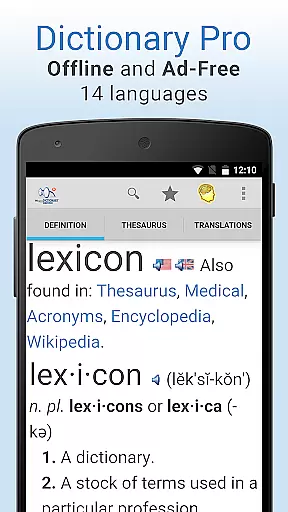
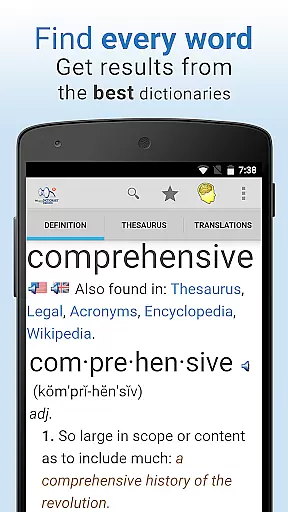
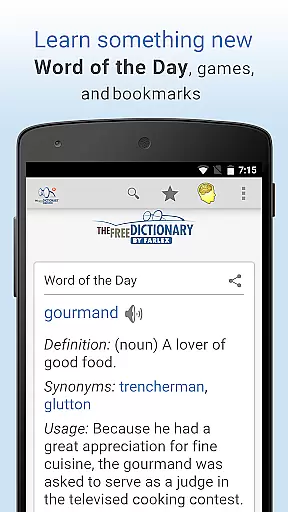
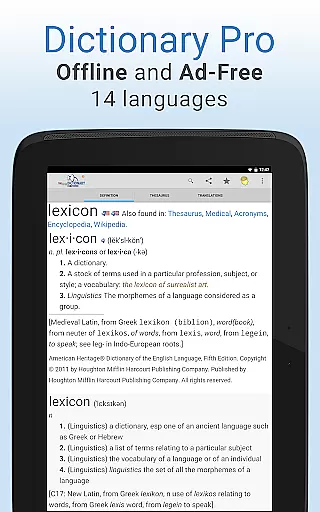
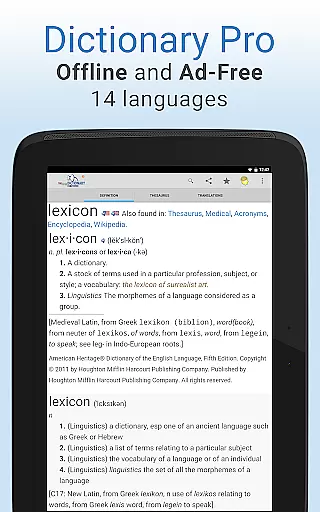
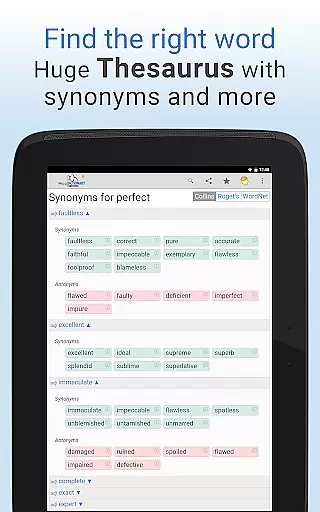
Dictionary Pro is a premium reference app designed for users seeking comprehensive offline dictionary and thesaurus capabilities without interruptions from ads. This app offers an expansive English offline dictionary, translations into 40+ languages, and dictionaries in 13 other languages, all accessible without an internet connection.
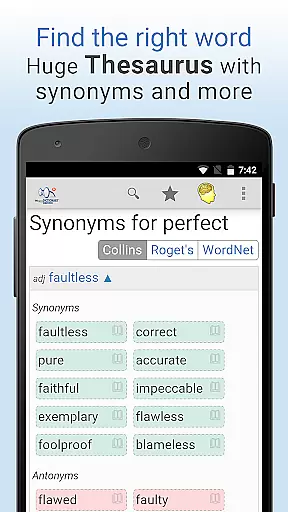
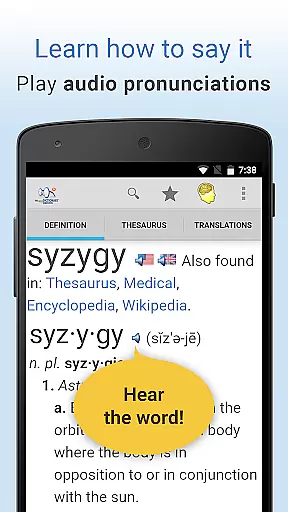
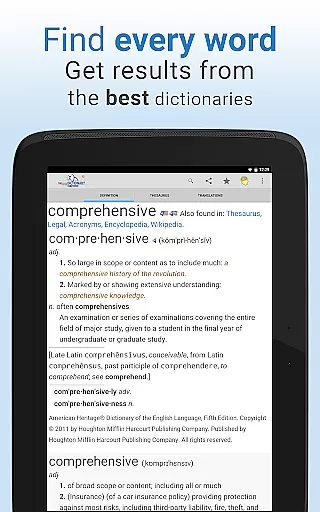
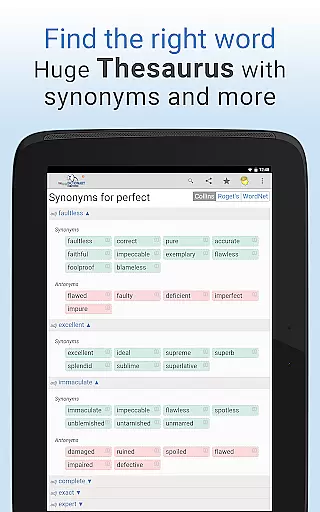
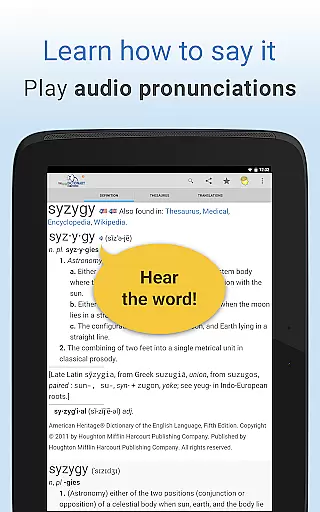
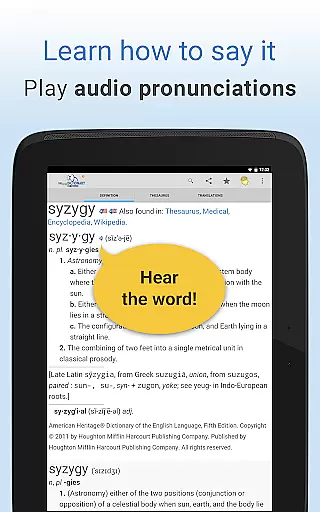
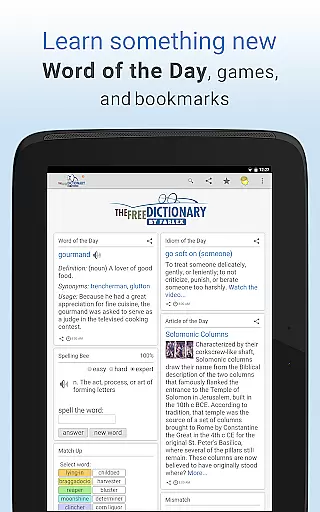
Beyond its core offline functionality, Dictionary Pro provides content from over 100 trusted sources like Webster's, Roget's, and Cambridge University Press. Users can access detailed definitions, audio pronunciations, specialty dictionaries (medical, legal, financial), idioms videos, and word games such as Spelling Bee and Hangman. Its advanced features include voice search, bookmark syncing, adjustable font sizes, and multilingual navigation.
Perfect for students, professionals, or language learners, Dictionary Pro combines depth of content with user-friendly tools to enhance vocabulary learning and research efficiency.
Dictionary Pro stands out with its robust set of features tailored for both casual users and serious researchers. The app includes a fully offline mode with extensive dictionaries and translations, ensuring uninterrupted access to critical information regardless of connectivity.
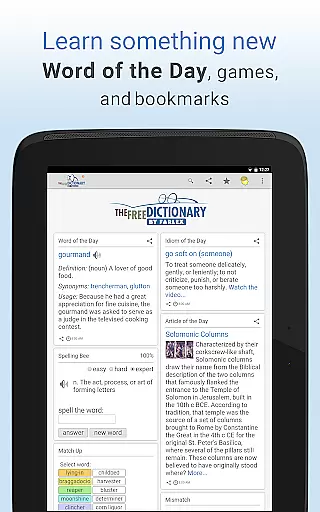
One of its key innovations is the ability to customize the user experience. Users can personalize their homepage by adding or removing articles, games, and even local weather updates. Advanced search options allow jumping directly to definitions, thesaurus entries, or translations with one click. Additionally, Dictionary Pro supports voice search, enabling hands-free queries simply by speaking the word aloud.
The app also integrates social sharing, multilingual interfaces, and partnerships like the World Food Program initiative, which donates meals to hungry children based on user engagement. These thoughtful additions make Dictionary Pro not only functional but socially impactful.
Dictionary Pro offers an extensive e-book library that goes beyond traditional dictionaries. With over 100 dictionaries and encyclopedias from trusted publishers like McGraw-Hill and Cambridge University Press, users have access to authoritative content across multiple disciplines.
The app ensures copyright authenticity by partnering directly with reputable publishers. This guarantees that all dictionary entries, articles, and reference materials are legitimate and up-to-date versions of their printed counterparts.
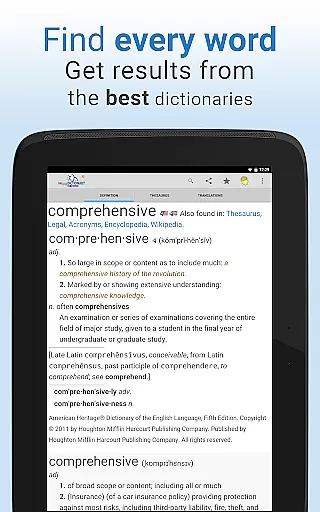
Users benefit from this vast collection through comprehensive definitions, etymologies, and specialty dictionaries covering medical, legal, and financial terminology. The multilingual interface further enhances accessibility, making it a valuable tool for both native English speakers and language learners.
One of Dictionary Pro's standout features is its exceptional format compatibility. The app supports various dictionary formats, including offline versions in 13 languages and translations into 40+ languages, ensuring users can access content regardless of their location or internet connectivity.
The application's flexibility extends to its integration capabilities with other apps. Through API calls, developers can access Dictionary Pro's extensive database, making it a versatile tool for educational and professional applications.
Users appreciate the ability to look up words from any app by highlighting text and sharing it with Dictionary Pro. This seamless compatibility across different platforms and applications demonstrates the app's commitment to providing a comprehensive and accessible reference solution.
Comprehensive offline access
No ads or interruptions
Voice search functionality
Multilingual support
Socially impactful features
Premium price point
Large file size
Limited free version
Occasional sync issues
Complex interface for beginners

Track your Star Wars book collection across Canon & Legends
 4.80
4.80
Master AKC Rally signs with in-depth hints, diagrams, and expert guidance.
4.50
A wonderful reader for good time spend.
4.20
Translate into 100+ languages with the world’s most accurate AI translator.
4.70
Liturgy of the Hours totally off-line
4.80
"When tweetle beetles fight, it's called a tweetle beetle battle."
4.90
A KJV Bible with Apocrypha and precept-based study concordance
5.00
Calculate, Knowledge, Homework
4.40
Liturgy of the Hours and Mass for every day of every year. No Internet needed!
5.00
My Bible offers a comprehensive app by providing offline access, daily verses.
4.80
Enjoy daily devotionals, Bible verses, audio courses, and more.
4.80
Read aloud texts, audiobooks, PDFs or any eBook with text to speech AI audio
4.60
The Original & Authentic Crystals, Gemstones, Rocks & Minerals Encyclopedia.
4.60
Unlock unlimited access to bestselling ebooks, novels, stories, and audiobooks
4.60
Discover, track, and share your reading with friends & our community of readers
4.60
The ultimate military vehicle identification (Equipment ID) guide.
4.40
Bilingual dictionary with English translations of Modern Standard Arabic words.
4.30
“There was one last piece of cake. My little sister said ‘Me too!’”
4.00
Battle Royale Chapter 5 Season 2 HD Wallpapers Emotes Skins and BattlePass
3.00


User Reviews