
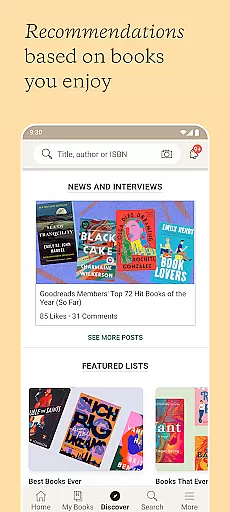
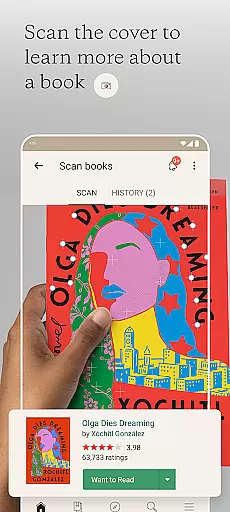
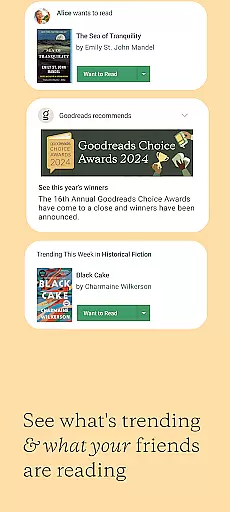
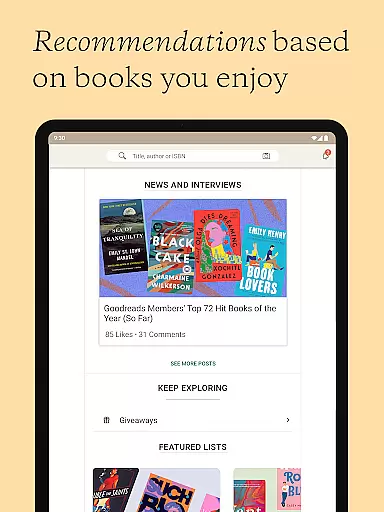
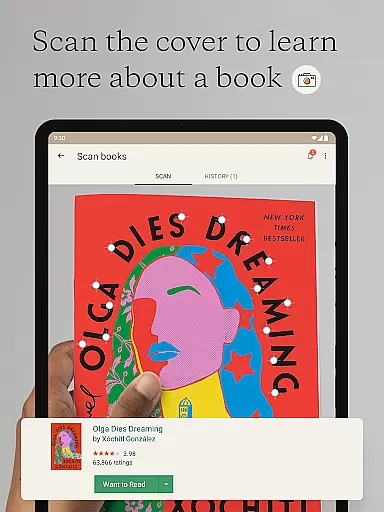
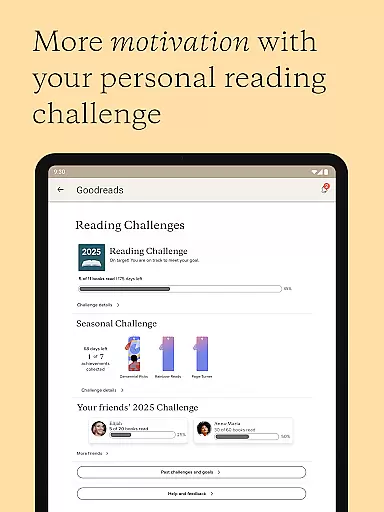
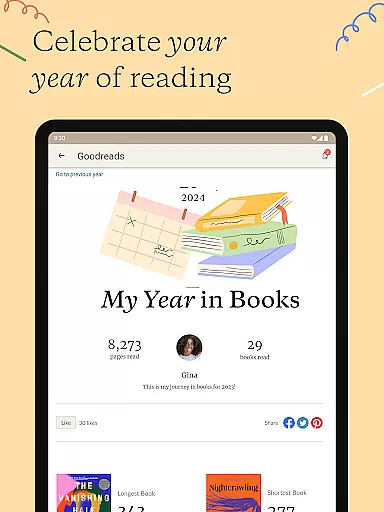
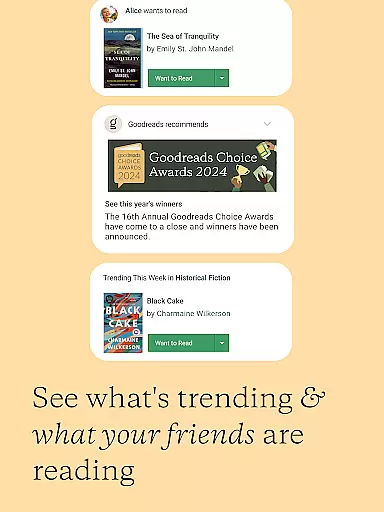
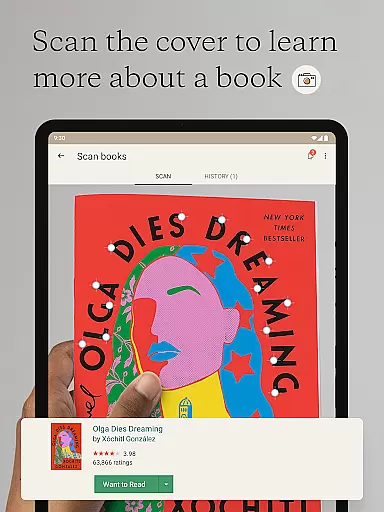
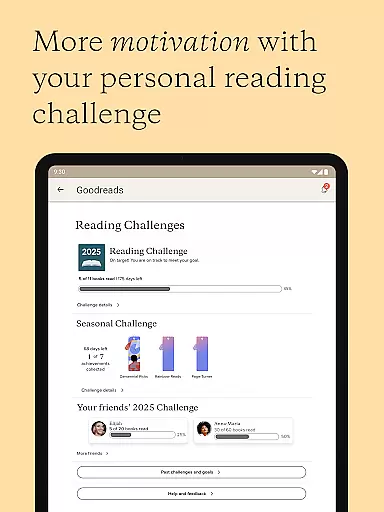
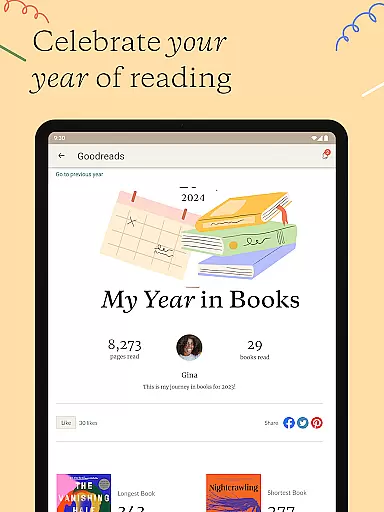
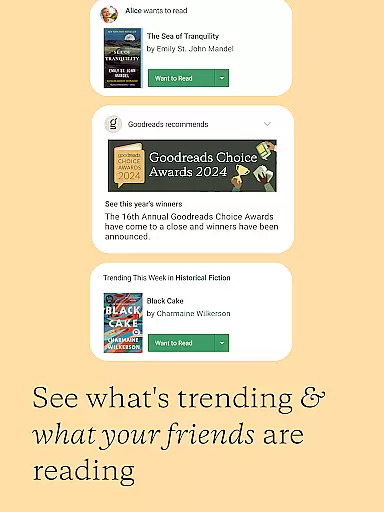
Goodreads is the world's largest platform for book enthusiasts, offering a comprehensive space to discover, share, and discuss books. With over 75 million members and 2.2 billion books cataloged, it provides an unmatched resource for readers. The app allows users to scan book covers for instant reviews, receive tailored recommendations, and explore featured books and genres. It also integrates social features, letting users see what their friends are reading.
The app's core value lies in its ability to enhance the reading experience by combining a powerful book discovery engine with a vibrant community of readers. Whether you're looking for your next great read or want to share your thoughts on a recent book, Goodreads offers tools to make these interactions seamless and engaging. Its personalized recommendation system and Reading Challenge feature help users expand their literary horizons while staying motivated.
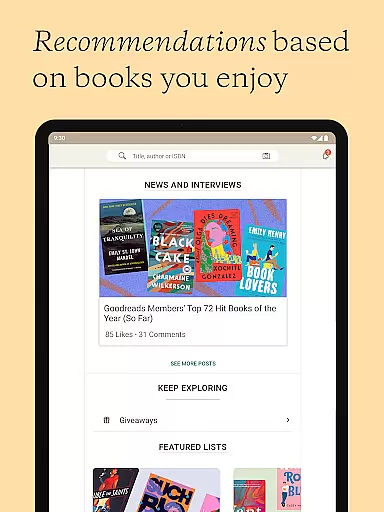
Goodreads boasts an array of features designed to enrich the reading journey. Users can scan book covers to access reviews and save titles to their 'Want to Read' shelf instantly. The app's recommendation engine analyzes individual reading tastes to suggest books that align with personal preferences. Additionally, users can browse curated lists of featured books and genres, ensuring they never run out of options.
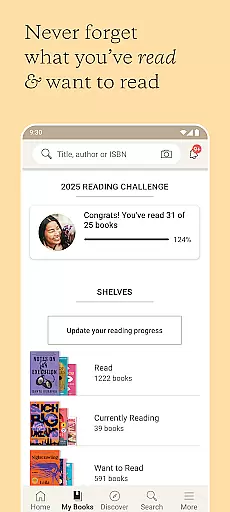
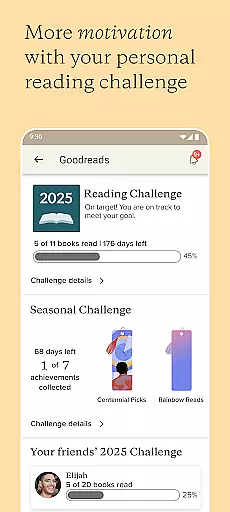
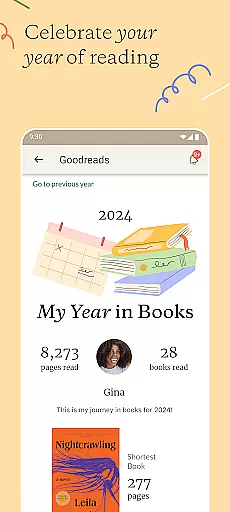
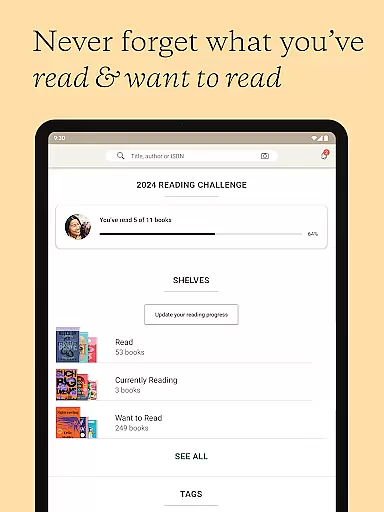
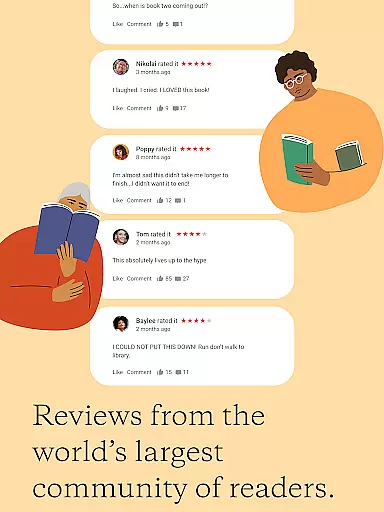
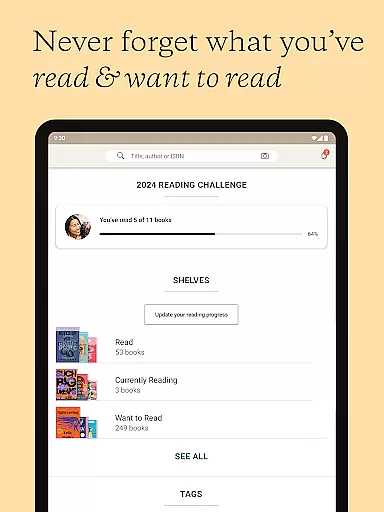
Social interaction is at the heart of Goodreads. The app lets users track their reading progress, rate and review books, and update their current reads. The Reading Challenge encourages users to set and achieve reading goals, while discussion groups and messaging foster community engagement. These features collectively create a dynamic ecosystem where readers can connect, share insights, and discover new books effortlessly.
Goodreads offers an extensive e-book library with over 2.2 billion books added by more than 75 million members. This vast collection ensures that readers can find virtually any book they are looking for, making it a go-to platform for book enthusiasts.
The platform places a strong emphasis on copyright authenticity, ensuring that all books listed are either recommended by users or come from legitimate sources. This commitment to copyright compliance provides peace of mind for readers and authors alike.
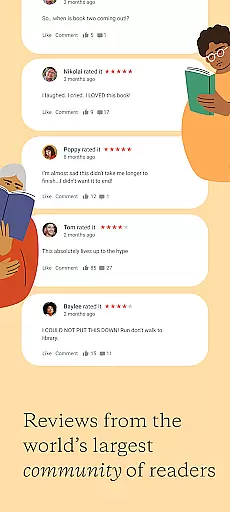
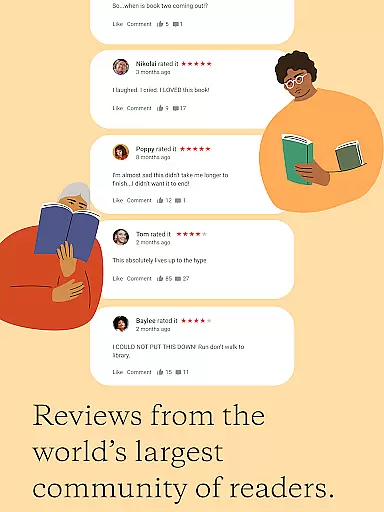
By allowing users to search, rate, and review any book in their catalog, Goodreads not only helps readers discover new books but also contributes to the credibility and authenticity of its library. The community-driven approach ensures that book information is accurate and trustworthy.
Goodreads supports a wide range of book formats, ensuring that users can access content in their preferred format. Whether you're looking for paperback, hardcover, audiobook, or e-book versions, Goodreads has got you covered.
The app's compatibility extends beyond just physical and digital book formats. It allows users to scan book covers to instantly read reviews and save books on their Want to Read shelf, streamlining the process of adding books in any format to your personal library.
This versatility in format compatibility enhances the user experience, making it easier for readers to manage their collections and discover new books regardless of the format they prefer. With Goodreads, you have the freedom to explore books in multiple formats without any limitations.
User-friendly interface
Personalized recommendations
Vast book database
Active reading community
Reading challenge motivator
Limited non-English content
Occasional app glitches
Privacy concerns
Ads in free version
Complex navigation

Bilingual dictionary with English translations of Modern Standard Arabic words.
 4.30
4.30
"Five Dr. Seuss titles in one omBook!"
4.60
“I am the Lorax. I speak for the trees.”
4.80
Powerful Bible study tools linked to every verse in an easy-to-use Bible reader!
4.60
Offline dictionary for learning Cantonese as a second language
4.90
Improve your vocabulary and grammar with the 15 biggest Oxford Dictionaries.
4.30
Unlock more features in Lithium and show your support. Expand for details.
4.00
Build family tree & discover DNA, family history heritage, origins and ancestors
4.60
Liturgy of the Hours and Mass for every day of every year. No Internet needed!
5.00
Daily rosary and gospel reflections for catholic
4.90
Learn Thai with 195,000+ entries, crisp Thai sounds, big text; works offline.
4.80
Bible Study App with Audio Book, Verse of the Day, and Devotionals.
4.80
Holy Bible, a KJIV Bible study, audios & daily verses, talk with God now.
4.80
Translate into 100+ languages with the world’s most accurate AI translator.
4.70
Crowd-sourced listing of businesses with anti-gun signs, and pro-2a alternatives
4.60
Mirror Bible - eye-opening paraphrase translation of the NT by Francois du Toit
4.30
Shop over 13 million new and used books at up to 80% off list price
4.20
America's best dictionary and thesaurus - with premium content and no ads
3.40
The Psalms for singing
4.1


User Reviews