
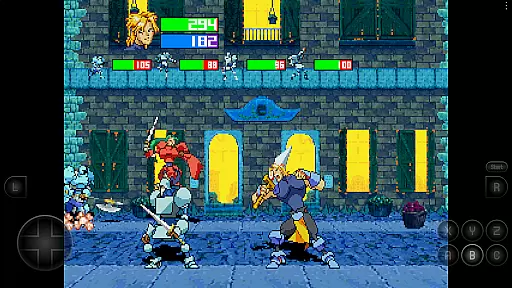
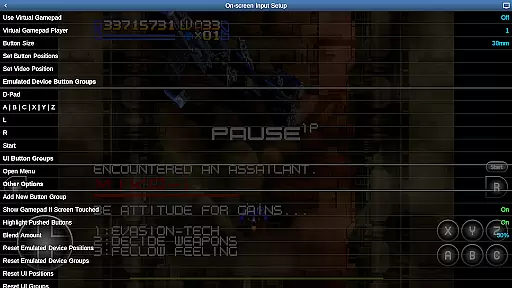
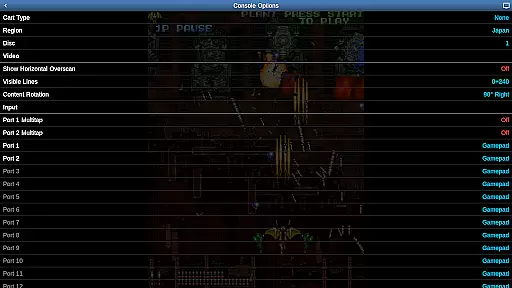
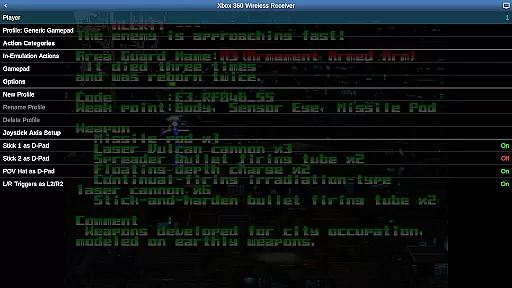
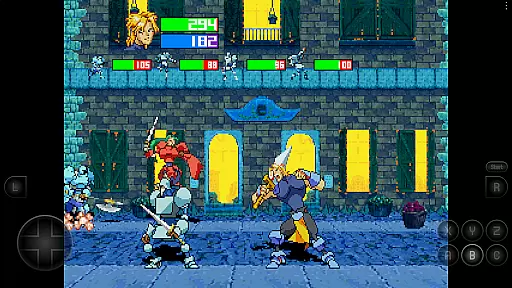
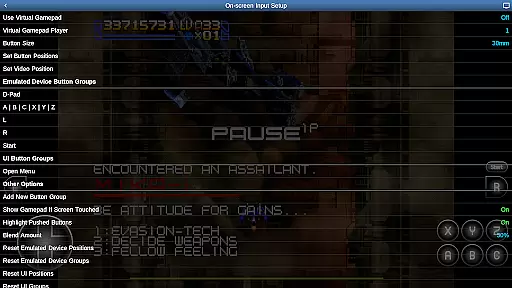
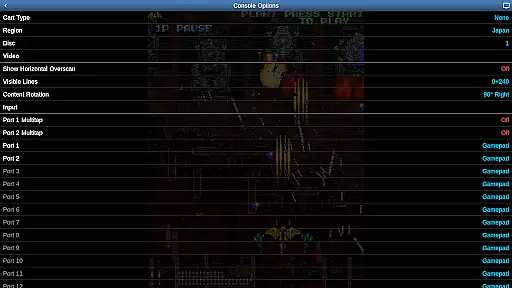
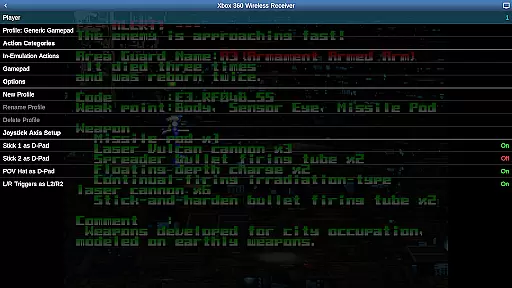

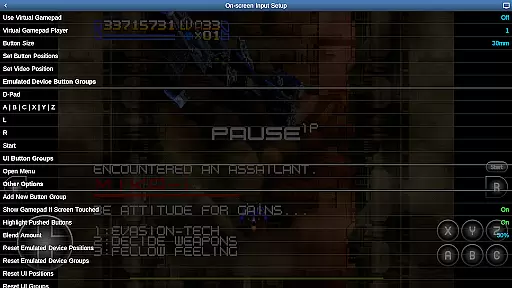
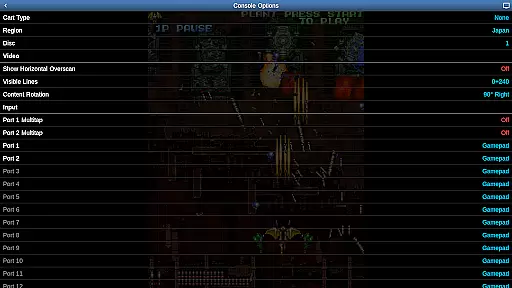
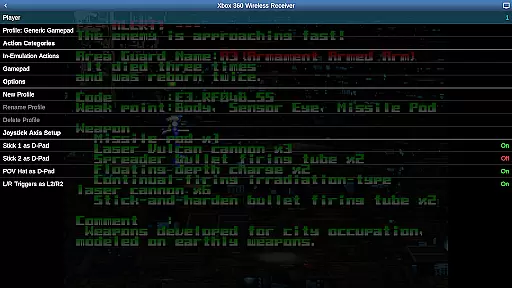
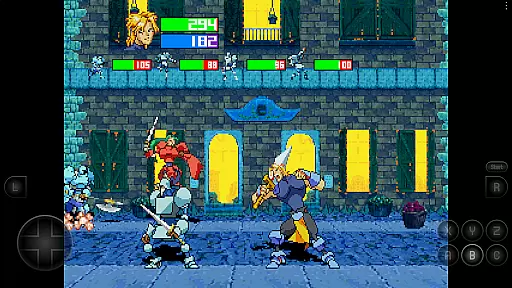
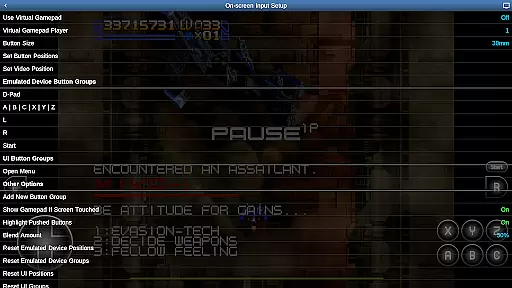
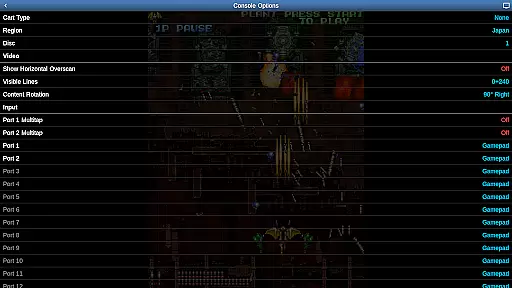
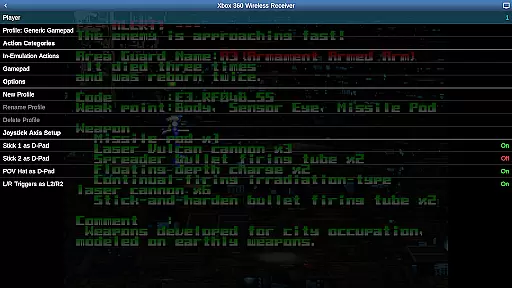
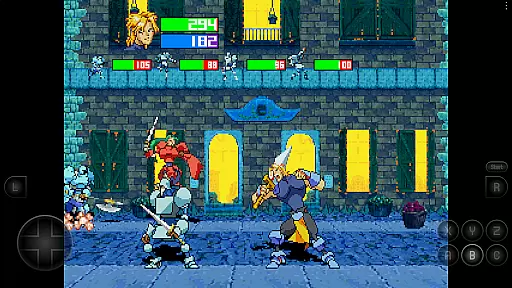
Saturn.emu is an advanced open-source Sega Saturn emulator designed for Android devices. It offers a minimalist user interface and focuses on delivering low audio and video latency, making it ideal for gaming enthusiasts who value performance. The app supports multiple file formats including .cue, .ccd, and .chd, even within ZIP archives, and provides features like per-game screen rotation for Tate mode shmups and multitap/light gun support.
Optimized for devices with high specifications such as the Pixel 4 or equivalent, Saturn.emu ensures smooth emulation of Sega Saturn games. With configurable on-screen controls and compatibility with Bluetooth/USB gamepads and keyboards, users can enjoy a customizable and immersive gaming experience. This emulator does not include ROMs, requiring users to supply their own legally obtained game files.
The app's dedication to performance and its compatibility with Android's storage access framework allows gamers to access their game files from both internal and external storage seamlessly. Saturn.emu represents a reliable solution for those looking to relive the classic Sega Saturn library on modern mobile devices.
Saturn.emu stands out with its robust feature set tailored for Sega Saturn emulation. The app supports various file formats such as .cue, .ccd, and .chd, including those compressed in ZIP files, ensuring wide compatibility with different game archives. Its use of .m3u files enables seamless handling of multi-disc games, enhancing the user experience for complex titles.
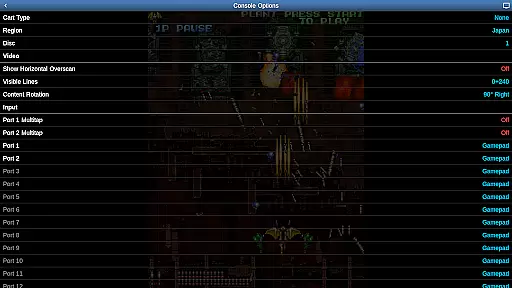
One of the notable features is the per-game screen rotation, which caters to Tate mode shoot 'em ups (shmups), allowing players to rotate the screen orientation based on individual game requirements. Additionally, Saturn.emu includes multitap and light gun support, broadening the range of playable games and providing authentic arcade experiences.
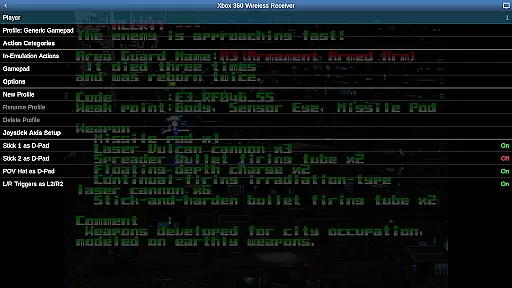
The emulator also boasts configurable on-screen controls and extensive peripheral support, accommodating Bluetooth and USB gamepads, as well as keyboards. Recognizing any HID device acknowledged by the operating system, Saturn.emu ensures that popular controllers like Xbox and PS4 are fully functional. These features collectively deliver a versatile and high-quality emulation experience on Android devices.
Arcade authenticity and nostalgia are crucial elements for any emulator aiming to recreate the classic gaming experience. Saturn.emu, based on Mednafen, offers an advanced emulation platform that captures the essence of original arcade games while maintaining a minimalist user interface.
This emulator supports multiple file formats such as .cue, .ccd, and .chd, even within ZIP archives, ensuring that users can enjoy a wide variety of games as they were originally intended. The inclusion of per-game screen rotation for Tate mode shmups further enhances the nostalgic experience by allowing players to rotate their screens just like in traditional arcade setups.
By supporting both multitap and light gun functionalities, Saturn.emu brings back the interactive and immersive gameplay that many remember fondly from arcades. These features not only preserve the integrity of the original gaming experience but also make it accessible on modern devices.
Ultimately, Saturn.emu delivers an authentic arcade experience by combining accurate emulation with features designed to evoke nostalgia, making it a top choice for enthusiasts looking to relive the golden age of arcade gaming.
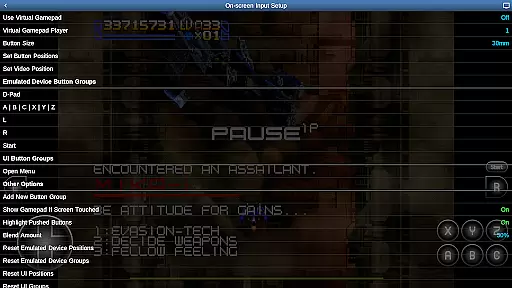
Control responsiveness is a key factor in delivering an immersive and enjoyable gaming experience. Saturn.emu excels in this area by offering support for various control schemes including configurable on-screen controls, and compatibility with Bluetooth and USB gamepads.
The emulator's support for HID devices recognized by the operating system, such as Xbox and PS4 controllers, ensures that users can enjoy precise and responsive control over their games. This compatibility allows gamers to choose their preferred input method, enhancing the overall user experience.
Additionally, the ability to customize on-screen controls provides flexibility and personalization options that cater to individual preferences. Players can adjust button layouts and sizes to suit their play style, ensuring optimal comfort and performance during extended gaming sessions.
With its focus on low audio/video latency and responsive controls, Saturn.emu guarantees that users will experience seamless gameplay, capturing the immediacy and excitement of classic arcade titles on contemporary hardware.
Low audio/video latency
Wide file format support
Customizable controls
Supports multiple disc games
Active development and updates
No included ROMs
Requires high-end device
Complex setup for beginners
Limited customer support
Dependent on third-party peripherals

Enter Double Dragon Trilogy, a compilation of the beloved arcade series
 4.10
4.10
Flip the bottle! Do tricks and don't let the bottle fall!
4.50
Frenetic party game, pass the bomb to the other players!
3.80
Use superpower in your magic hands. Defeat the enemies in a fun elemental game.
4.50
Motorcycle racing games! Prove your paperboy can win in the bike race 3D!
4.50
Playing venom RPG alien games? Set spider alien isolation base, with no survivor
4.30
This app is a very fast emulator
3.40
The only Sega Saturn emulator for Android
4.40
Original Space Adventure Experience
4.60
Amid the vastness of the universe, you are a Black Hole about to be swallowed!
5.00
This is an emulator for a certain 64 bit console with online cloud backup.
4.80
Create your restaurant story & make food on a crazy kitchen in this cooking game
4.70
Play fun multiplayer games with friends on one device! Two, Three, Four players!
4.60
Challenge your friends across the world to see who can jump the farthest!
4.50
Millions of crafters have smashed billions of blocks! Now you can join the fun!
4.40
Sit back and relax! Tap to move the black hole, and swallow weapons to win.
4.20
It's quite possibly the world's hardest game!
3.90
A fast, full-featured GBA emulator with link cable emulation.
3.90
Protect the balloon! Only 1% of players can reach lvl 100 with all the balloons!
3.70


User Reviews