
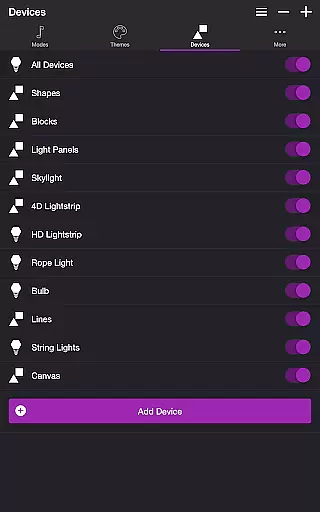
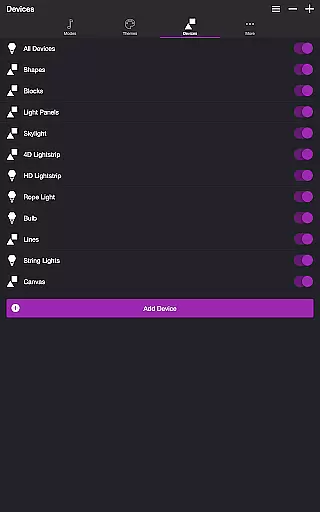
Soundstorm for Nanoleaf is an entertainment app designed to enhance your party experience by synchronizing Nanoleaf devices with music. Compatible with Nanoleaf Wall Lights and Nanoleaf Matter (Wi-Fi) Smart Devices, it allows users to create vibrant light shows that pulse and flash to the rhythm of their favorite songs.
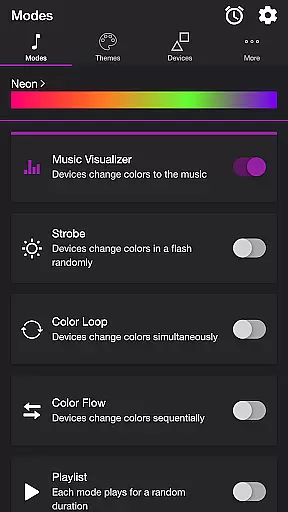
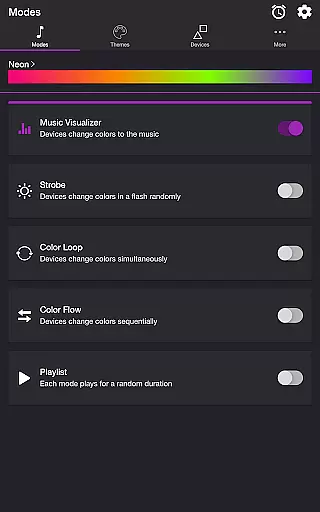
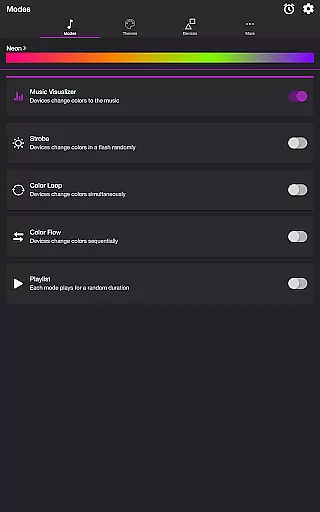
The app features multiple modes including Music Visualizer, Strobe, Color Loop, Color Flow, and Playlist. Each mode offers unique ways to interact with your Nanoleaf devices, from changing colors in sync with music to sequential color transitions. With customizable themes and detailed settings, users can tailor the visual effects to match their preferences and create personalized party atmospheres.
Soundstorm for Nanoleaf stands out with its diverse range of interactive modes. The Music Visualizer mode uses microphone access to change device colors according to music beats, while Strobe creates random color flashes. The Color Loop and Color Flow modes offer simultaneous or sequential color changes across devices.
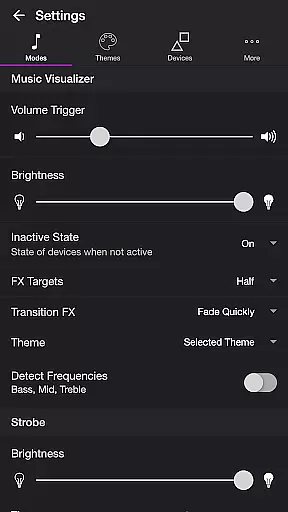
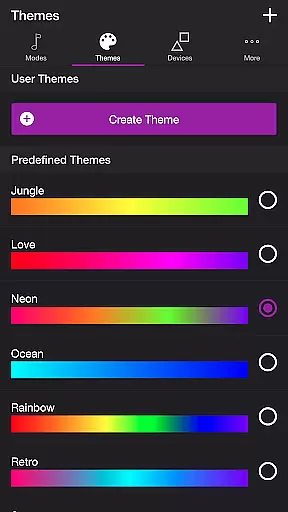
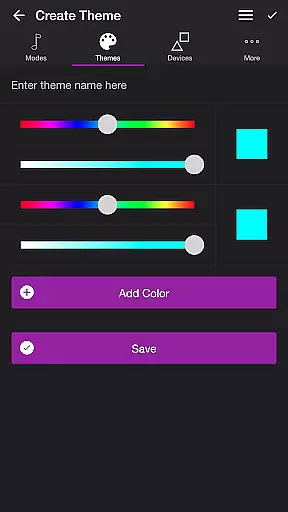
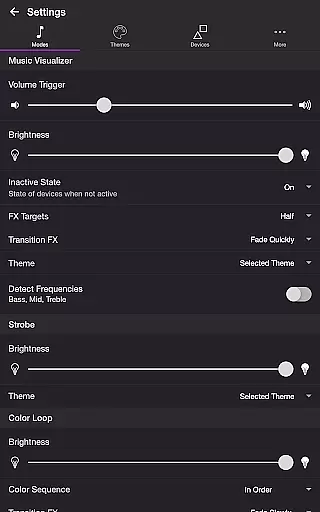
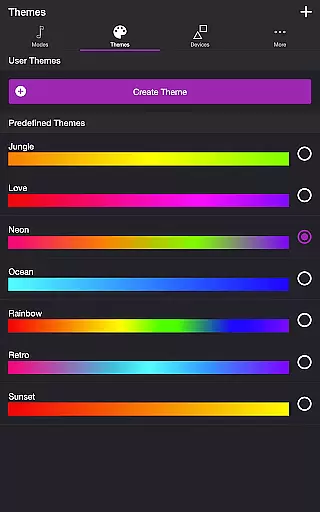
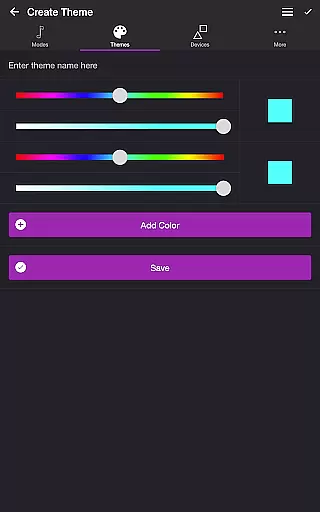
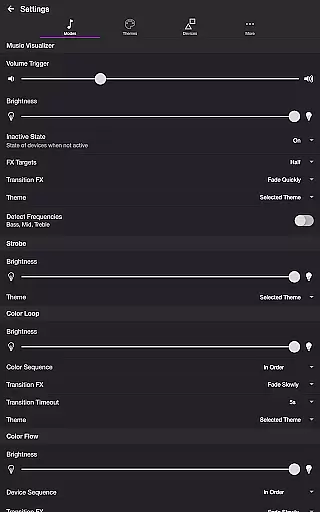
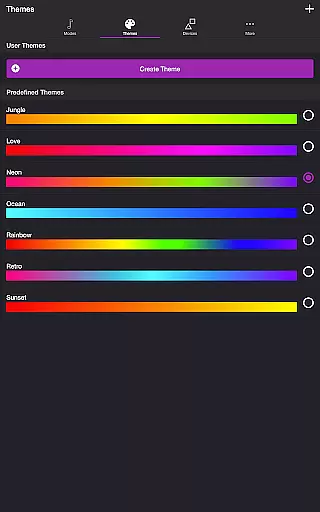
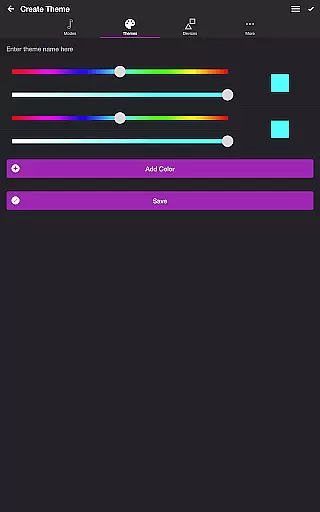
Users can choose from predefined themes or create custom ones on the Themes tab. Detailed settings allow customization of volume triggers, brightness levels, transition effects, and frequency detection. The Playlist mode enables random or ordered playback of different modes, each with adjustable durations. Additional features like Sleep Timer and automatic mode start/stop provide extra convenience for users.
Soundstorm for Nanoleaf offers a diverse range of content through its multiple modes and themes. Users can choose from various modes such as Music Visualizer, Strobe, Color Loop, Color Flow, and Playlist, each providing a unique light show experience.
The app's flexibility in theme selection allows users to either pick from predefined themes or create their own, ensuring that the visual effects are personalized and fresh every time. This feature caters to different preferences and occasions, making it suitable for parties or personal relaxation.
With settings that allow customization of volume triggers, brightness, transition effects, and frequency detection, users have control over how the lights react to music or other inputs. This level of customization ensures that the content remains engaging and dynamic.
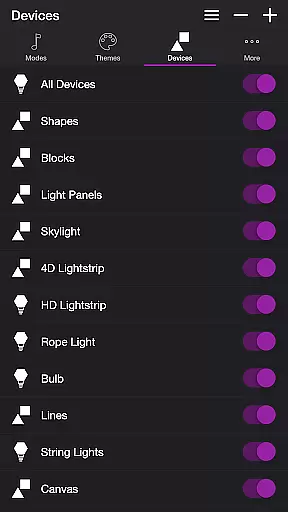
Moreover, the ability to reorder colors and devices, change sequences, and set durations for each mode adds another layer of variety. These features collectively contribute to an entertainment experience that is both rich in content and consistently fresh with every use.
One of the key strengths of Soundstorm for Nanoleaf is its ability to maintain user engagement over extended periods. The app achieves this by offering a highly interactive and customizable experience that encourages users to experiment with different settings and configurations.
Features like Sleep Timer and automatic start/stop options for modes ensure that users can tailor their experience to fit their schedules, thus promoting longer usage sessions. By integrating seamlessly with Nanoleaf devices, the app provides a visually captivating experience that keeps users engaged.
The app also supports retention by allowing users to save their favorite themes and settings, making it easy to return to a preferred setup. This personal investment in customizing the experience fosters a sense of ownership and attachment to the app.
Additionally, Scott's commitment to continuously improving the app based on user feedback ensures that there is always something new and exciting to look forward to, further enhancing user engagement duration and retention.
User-friendly interface
Wide compatibility
Versatile customization
Multiple interactive modes
Intuitive theme editor
Requires compatible devices
Microphone access needed
Limited free features
Complex settings for beginners
Device-specific functionality

Binge-worthy short dramas on DramaRush—engaging stories that fit your day.
 3.90
3.90
Play games. Earn real rewards. Cash out in 3hours via PayPal or gift cards.
4.40
Stream over 80 hours of exclusive mashups and remixes by DJ Rehab.
4.2
Practice and master your ESP and intuition with five mode trainer.
4.20
With the credits you earn play more games
2.90
Catalog & tracker of your DVD, Blu-ray & Digital Movie and TV Collection Library
4.80
The Xbox app keeps you connected to your gaming community.
4.50
Connect. Discover. Control.
3.60
Everything FOX in one place. Watch FOX News, NFL, MLB, TV shows and more.
4.50
Stories that spark in seconds.
4.80
Live TV, sports & holiday movies — stream on phone, tablet & TV
4.60
The JBL Portable app works with JBL portable Bluetooth speakers.
4.60
Your Avatar, Endless Fun
4.60
Tarot & Oracle Card Readings
4.50
Official KennysGifs Stickers
4.20
Binaural Brainwave Doses for Every Imaginable Mood
3.60
Watch whatever you want, whenever you want, wherever you want.
3.30
Unofficial Game Companion App” “Guides • Builds • Tips • Progression
4.1
Control your AWTRIX 3 easily
4.3


User Reviews