
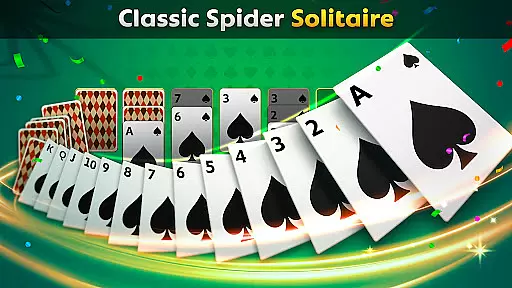
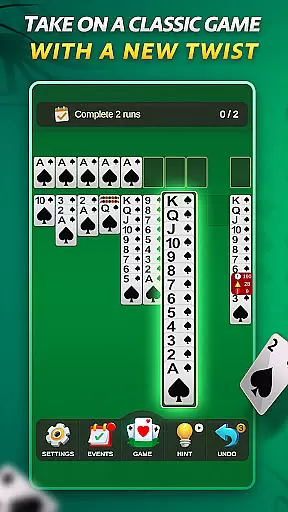
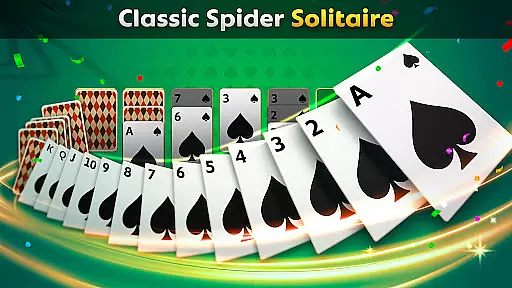
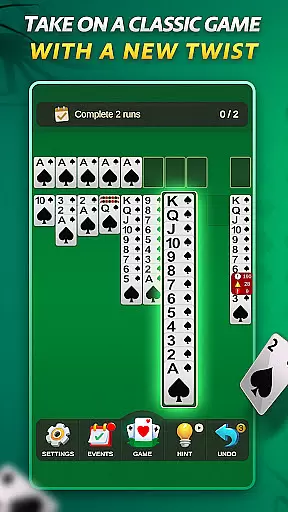
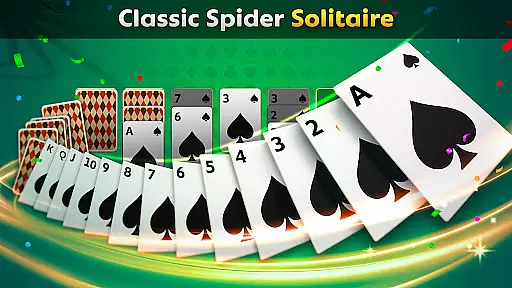
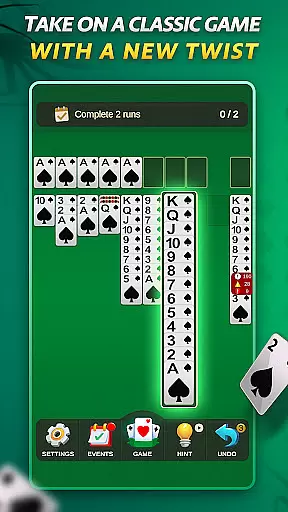
Spider Solitaire offers a modern twist on the classic card game, providing players with an engaging and polished experience. The app features multiple game modes including traditional Spider Solitaire and the faster-paced Spiderette, catering to both casual and serious gamers.
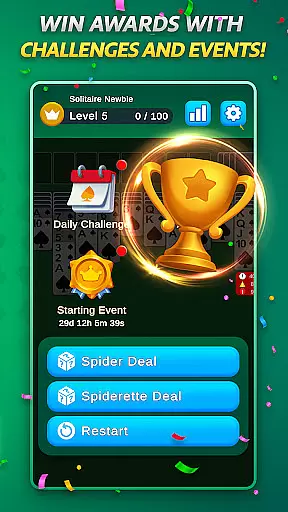
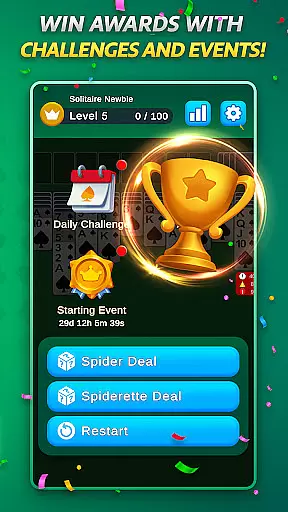
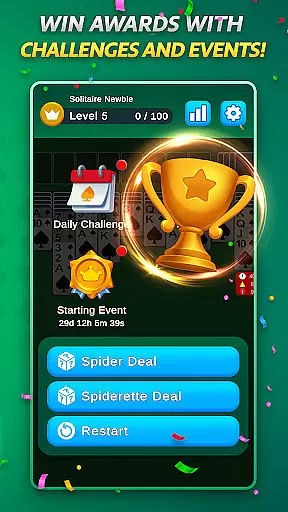
With daily challenges, special events, and collectible badges, this version keeps the gameplay fresh and exciting. Its intuitive design and optimized mobile interface ensure smooth and enjoyable sessions, while the absence of in-app purchases guarantees a fair and uninterrupted gaming experience.
Spider Solitaire stands out with its variety of features designed to enhance the classic gameplay. Players can enjoy different modes such as Spider Solitaire and Spiderette, each offering unique challenges and suit options for varied difficulty levels.
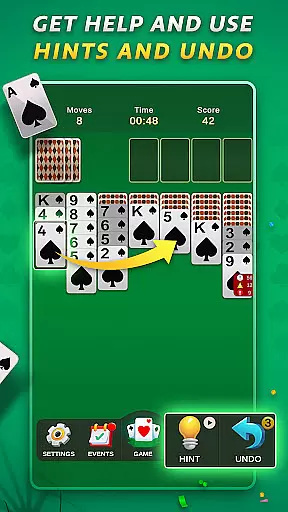
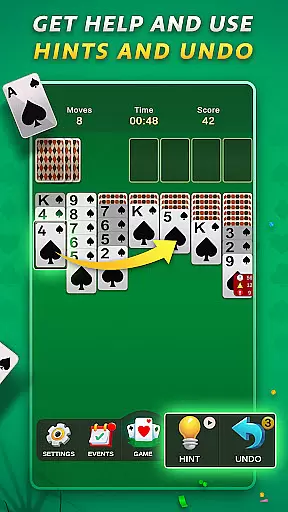
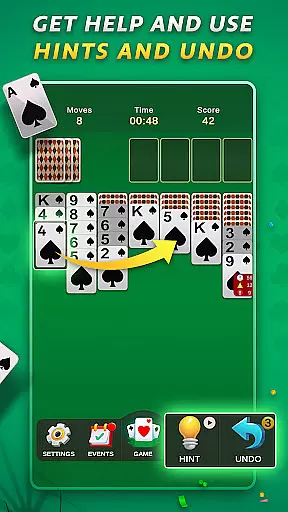
The app includes daily challenges and special events that keep the game engaging, along with a badge collection system for completing tasks. Undo and hint options provide assistance when needed, and the free play mode allows for relaxed gaming. With no in-app purchases, all features are accessible, supported by optional rewarded ads.
Spider Solitaire ensures that its random number generation (RNG) is both fair and certified, providing players with a trustworthy gaming experience. The randomness in card shuffling and dealing is crucial for maintaining the integrity of the game.
This application employs advanced algorithms to guarantee unbiased outcomes in every session. Players can be confident that each game's result is genuinely random and not manipulated, preserving the challenge and excitement.
The certification of RNG processes adds an extra layer of credibility, assuring users that the game meets industry standards for fairness. This commitment to transparency enhances player trust and encourages continued engagement with the app.
By prioritizing RNG fairness and obtaining necessary certifications, Spider Solitaire fosters a loyal user base that appreciates the authenticity and honesty embedded within the gaming experience.
In Spider Solitaire, control fluidity and minimal input latency are essential for delivering a seamless card-playing experience. Players expect responsive interactions when moving cards or selecting options, which directly impacts their satisfaction and enjoyment.
The app achieves this through optimized touch controls and an intuitive interface design, ensuring swift responses to user inputs. Whether dragging cards across the tableau or tapping to make quick moves, players will find the actions smooth and natural.
Reducing input latency has been a priority in development, allowing gamers to execute strategies without frustrating delays. Quick feedback loops between player actions and on-screen responses keep the gameplay engaging and dynamic.
Ultimately, Spider Solitaire's focus on control fluidity and low input latency results in an immersive environment where players can fully concentrate on their strategy rather than being distracted by technical shortcomings.
User-friendly interface
Daily challenges
No in-app purchases
Variety of game modes
Polished design
Limited social features
Ads between games
Occasional bugs
Basic graphics
Few customization options

Lyric Party tests your knowledge of your favorite hit songs.
 4.20
4.20
The official digital adaptation of the beloved card game Morels.
4.70
Enjoy 4 classic solitaire card games : Klondike TriPeaks Spider & Pyramid cards
4.0
Spider Solitaire Pro, classic Spider Solitaire Klondike game,as Freecell,Pyramid
4.20
Play Solitaire, win real cash prizes, and enjoy endless fun anytime, anywhere!
4.70
Play your cards carefully in this 4 player trick-taking card game!
4.60
Classic Solitaire Game: Brain training & relaxation!
4.20
Riichi Mahjong - A fun, strategic variant of the classic multiplayer game!
4.80
Train your brain playing the most relaxing & addictive 2025 solitaire game
4.70
Card-Based Farkle Fun
4.80
Play and Master the Fun Classic Card Game Spades. Outsmart Opponents & Enjoy
4.80
Relax and unwind with Solitaire: Card Games.
4.70
Train your brain playing the most relaxing & addictive 2025 solitaire game !
4.60
Always ready: the partnership trick-taking card game with so many rule options!
4.60
The original digital version of the cult-classic kitty card game!
4.40
Compete against the computer in this classic trick-taking game.
4.20
90 games. Intuitive, simple, beautiful... just great. Try it and you'll love it!
4.20
GWENT: Rogue Mage is a single-player expansion to GWENT: The Witcher Card Game
3.50
The Trading Card Game of Hunter's Gambit, Online!
4.0


User Reviews