
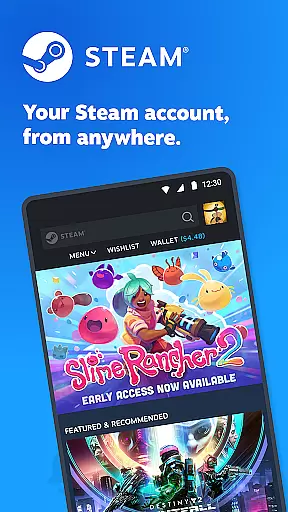
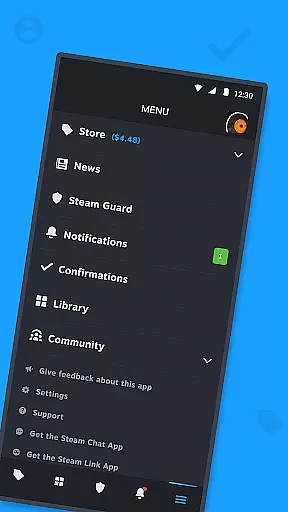
Steam Mobile is a versatile entertainment application that brings the full functionality of the Steam platform to your mobile device. The app allows users to shop for PC games, protect their accounts with advanced security features like Steam Guard, and manage their game libraries remotely. With personalized news feeds, customizable notifications, and access to the entire Steam community, this app ensures you stay connected to your gaming world.
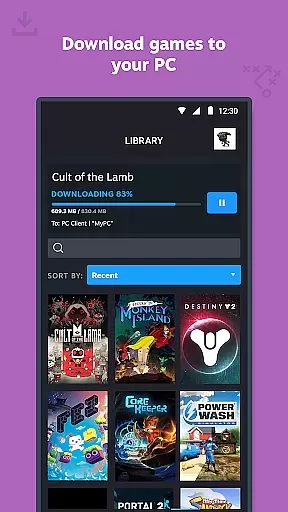
The application's remote download feature enables users to queue up game installations on their PCs from anywhere, while trade confirmations allow secure management of in-game item transactions. Whether you're looking to browse the latest game deals, engage with community discussions, or simply keep track of your friends' activities, Steam Mobile provides a comprehensive solution for all your gaming needs.
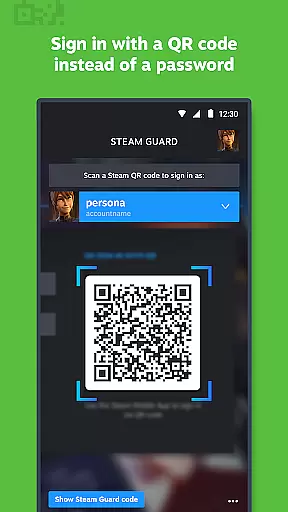
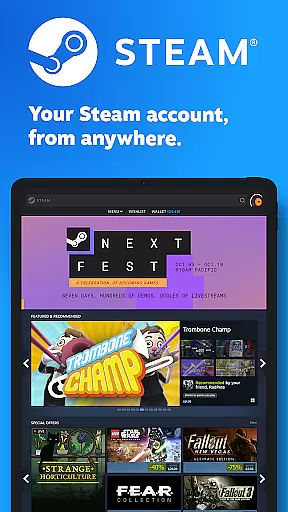
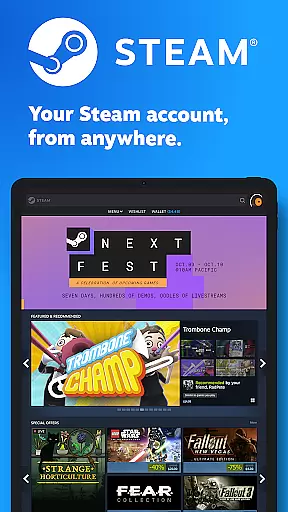
Steam Mobile offers an impressive array of features designed to enhance the gaming experience. The app includes a fully functional store where users can browse and purchase PC games, ensuring they never miss out on sales. Its Steam Guard functionality adds an extra layer of security through two-factor authentication, QR code sign-ins, and sign-in confirmations.
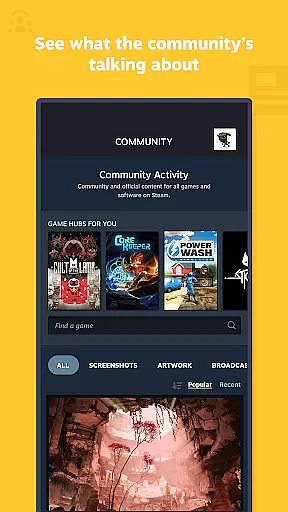
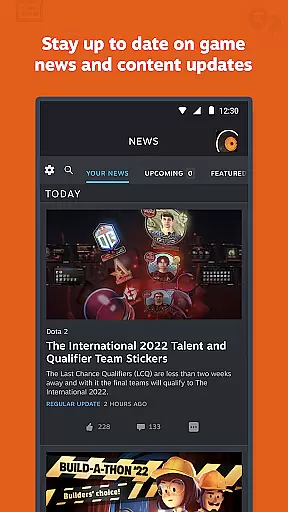
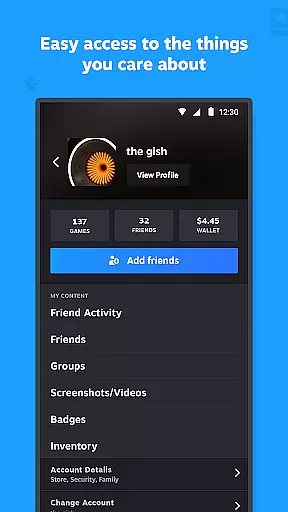
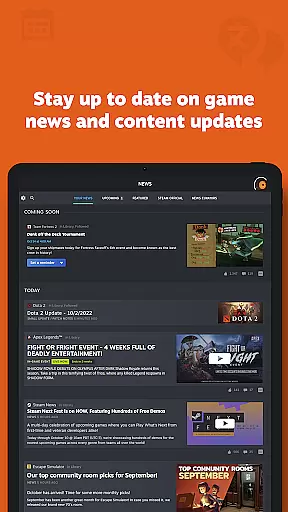
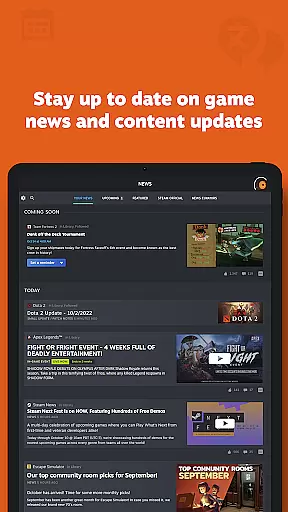
Users can also enjoy a personalized News feed based on their game library, providing updates directly from publishers. The app supports customizable notifications for various activities such as wishlist changes, friend requests, and more. Additionally, it grants access to the entire Steam Community, including discussions, groups, Market, and Workshop, making it a one-stop solution for all Steam-related activities.
The Steam Mobile App offers a diverse range of content that caters to the varied interests of gamers. With access to the entire Steam Community, users can engage in discussions, join groups, read guides, participate in the Market and Workshop, watch broadcasts, and more.
One of the standout features is the personalized News feed, which provides the latest news, events, and content updates directly from publishers and game developers based on your game library. This ensures that you are always in the loop with what matters most to you.
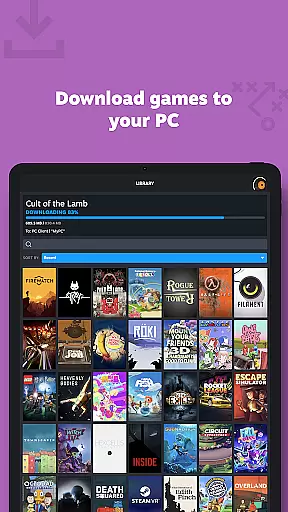
In addition to community-driven content, the app also supports managing your game library, remote downloads, trade confirmations, and market activities. This comprehensive suite of features ensures that there is always something fresh and engaging for users to interact with daily.
Furthermore, customizable notifications for wishlists, sales, comments, trades, discussions, friend requests, and more mean that users will never miss out on important updates or opportunities to enhance their gaming experience.
User engagement is at the heart of the Steam Mobile App's design, ensuring that users remain connected to their gaming world even when they're away from their PCs. The app achieves this through several key features that promote prolonged interaction.
For instance, the Library view allows users to manage game downloads and updates remotely, keeping them involved in their gaming setup process throughout the day. This feature not only enhances convenience but also encourages regular app usage.
Trade and Market Confirmations add another layer of engagement by allowing users to speed up item trades and sales using their phones. This mobile functionality creates an interactive economy that keeps users invested in their Steam accounts.
Lastly, the ability to customize Steam notifications ensures that users receive relevant alerts that keep them coming back. Whether it's a sale on a wishlist item or a friend's activity update, these notifications drive retention by maintaining a constant, meaningful connection with the platform.
User-friendly interface
Comprehensive security features
Remote game management
Personalized content feed
Active community integration
Limited mobile gameplay
Occasional sync issues
Heavy on battery
Requires constant internet
Complex for beginners

Exclusive Short Drama Video! All in HD. Bringe trending reels & enjoy drama time
 3.80
3.80
Unofficial Game Companion App” “Guides • Builds • Tips • Progression
4.1
SpiritWave is paranormal ITC application.
5.00
Earn gift cards for playing games. Become a real game tester!
4.40
Wodfix Air aggregates popular online content for you.
4.80
Fetch money rewards all just for playing games. Cash out for gift cards in app.
4.50
Browse popular images and videos from Reddit on Android TV!
3.90
Original short dramas with diverse genres for a rich viewing experience!
4.80
Pop Drama is a premier app crafted for short drama lovers
4.60
The OFFICIAL PeeWee Purpdrank Soundboard!
4.80
Classic dynamic pixel art from Mark Ferrari.
4.70
Watch Reels, Drama Shorts & TV Series Anytime. Download DramaWave Now!
4.70
Find out if you're on Santa's Naughty or Nice List with this magical scanner!
4.60
Premium version to enjoy your favorite anime
4.60
Atomus is a 10-finger multi-touch interactive visualizer.
4.30
Create and play realistic-looking mock Emergency Alert System messages.
4.30
Experience the video editing experience brought by our intuitive interface
4.10
Collaboration with popular VTubers
4.2
See the frequencies! Watch the magic!
4.2


User Reviews