
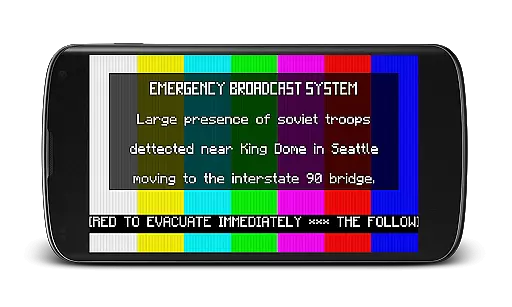
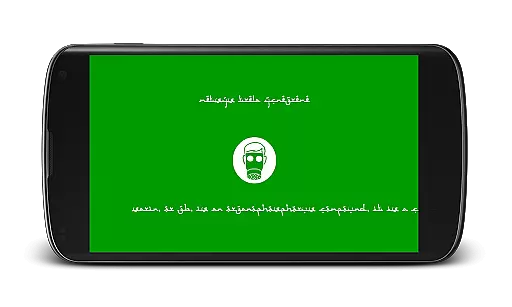
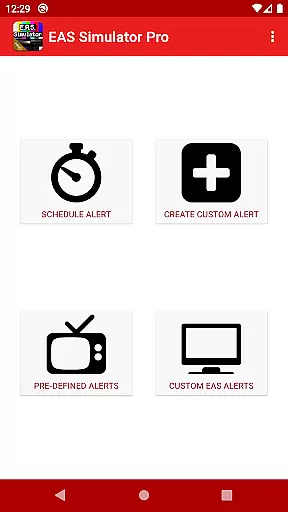
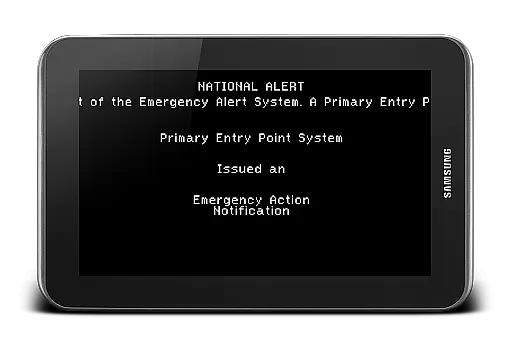
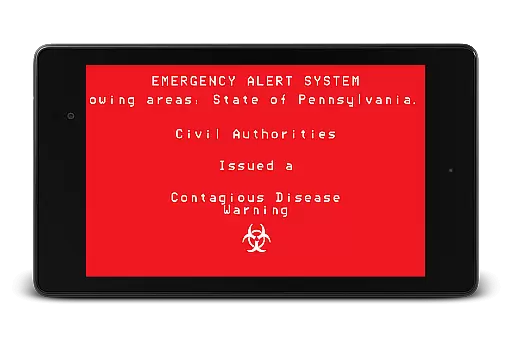
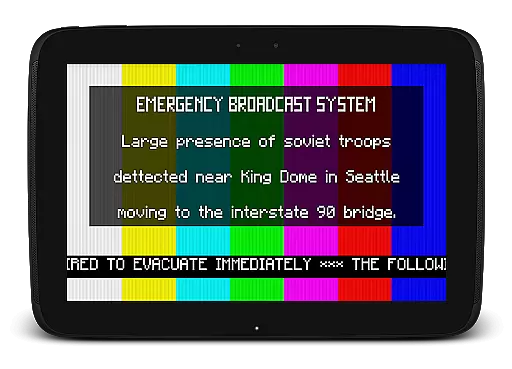
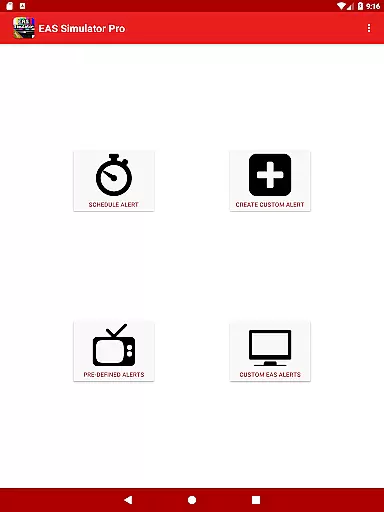
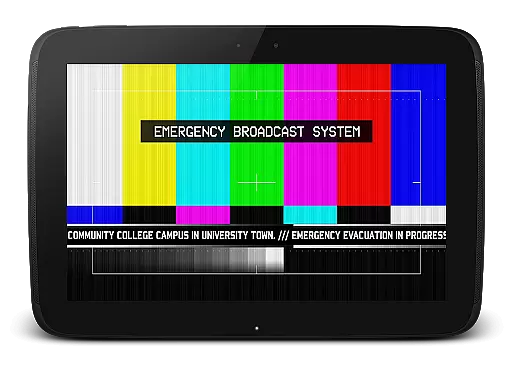
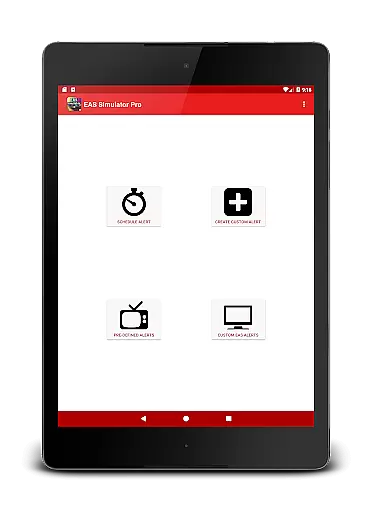
EAS Simulator Pro is a unique entertainment app that allows users to simulate realistic Emergency Alert System (EAS) messages on their Android devices. With this app, you can create and play mock alerts for various scenarios, including natural disasters, nuclear attacks, and even zombie apocalypses. The app offers an extensive set of features such as creating custom alerts, converting them into videos, scheduling drills, and sharing with friends.
Designed for both fun and educational purposes, EAS Simulator Pro provides a rich experience by incorporating real-life disaster scenarios and fictional emergency situations inspired by popular video games and movies. Whether you're preparing for a role-playing game or conducting a drill, this app ensures your simulations are as authentic as possible.
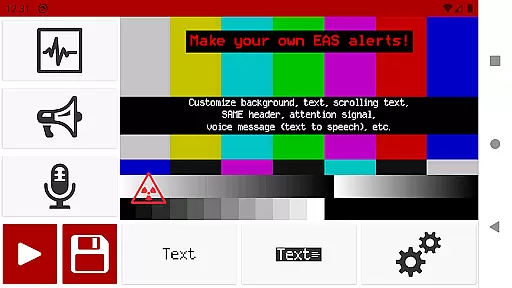
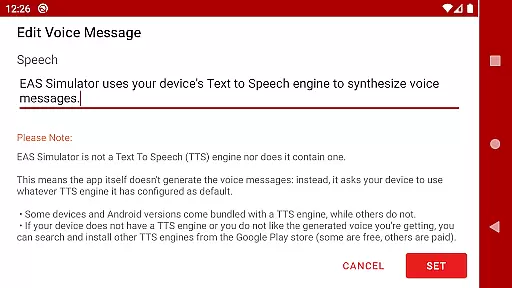
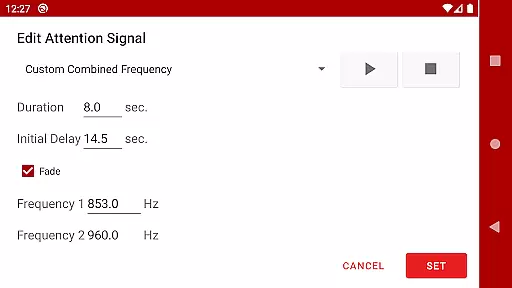
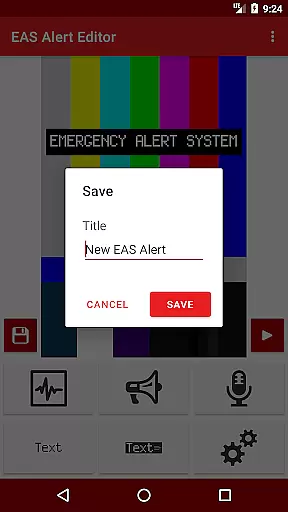
The standout feature of EAS Simulator Pro is its comprehensive alert editor, which lets users craft detailed and personalized EAS messages without limitations. You can choose from various backgrounds similar to TV alerts, add static or scrolling texts, and include SAME headers with attention signals like beeping sounds and tornado sirens. Additionally, the app supports voice messages generated through your device's Text-to-Speech engine.
Another notable capability is the ability to schedule alerts to play at specific times, even if the device is locked. This makes it ideal for organizing drills or pranks seamlessly. Furthermore, the app comes pre-loaded with numerous predefined alerts covering real-world events and thrilling fictional scenarios, enhancing the overall user engagement and enjoyment.
In the realm of digital entertainment, content variety and freshness are paramount to maintaining user engagement. EAS Simulator Pro excels in this area by offering a wide array of pre-defined alerts that cater to both real-life scenarios and thrilling fictional situations. From simulating natural disasters like flash floods and tornadoes to more imaginative settings such as zombie apocalypses or nuclear strikes, the app provides an extensive selection designed to captivate users' imaginations.
Moreover, EAS Simulator Pro allows for the creation and customization of unique Emergency Alert System messages, ensuring that each experience feels new and tailored to individual preferences. Users can craft their own alerts with specific backgrounds, text styles, sounds, and even voice messages generated through their device's Text-to-Speech engine. This level of personalization not only enhances replay value but also encourages creativity within its user base.
The ability to schedule alerts adds another layer of dynamism, making it ideal for drills, pranks, or role-playing activities. By enabling these scheduled events even when the device is locked, EAS Simulator Pro ensures that users remain engaged over time without needing constant interaction with the app itself. Such features contribute significantly towards keeping the content feeling current and exciting on every use.
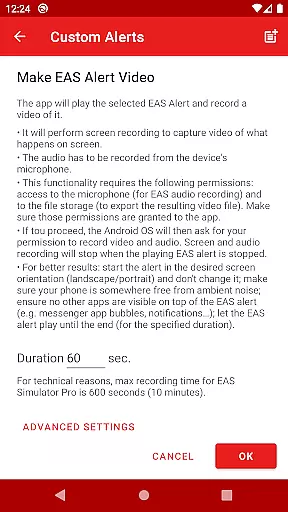
User engagement duration and retention are critical metrics for any entertainment application, indicating how well it holds attention and fosters loyalty among its audience. EAS Simulator Pro addresses these aspects effectively by providing tools that encourage prolonged interaction. With functionalities such as converting EAS alerts into videos using screen recording and microphone audio, exporting/importing custom alerts, and scheduling future broadcasts, the app creates multiple touchpoints that keep users coming back regularly.
Additionally, the inclusion of realistic sound effects, scrolling texts resembling news tickers, static or blinking visuals, and SAME headers mimicking official emergency broadcasts all work together to create immersive experiences that hold users' interest longer than typical apps might achieve. These elements combine to form a compelling simulation environment where individuals can explore various 'what if' scenarios at their leisure.
Furthermore, recognizing potential compatibility issues across different devices demonstrates EAS Simulator Prou2019s commitment to user satisfactionu2014a key factor influencing long-term retention rates. By advising prospective buyers to try out the demo version first, the developers ensure customers know exactly what theyu2019re getting before committing financiallyu2014an approach likely to build trust and foster lasting relationships between the product and its clientele.
User-friendly interface
Highly customizable alerts
Realistic simulation options
No advertisements
Export/import functionality
Requires TTS engine
Video export issues
Limited OS compatibility
Paid version only
Permissions required

Unofficial Game Companion App” “Guides • Builds • Tips • Progression
 4.1
4.1
Heroclix search units with multi filter , team builder, collection manager.
4.40
Simulation of Dashboard / Touch Screen for Tesla. (Works without actual Tesla).
4.1
A wonderful collection of the most beautiful sounds of animals and birds
4.2
Stream Movies & TV Series: Original Shows, Family Movies & New Releases Weekly
4.60
Experience the video editing experience brought by our intuitive interface
4.10
Companion app for Elden Ring to track quests, bosses, progress and more.
4.70
Watch Reels, Drama Shorts & TV Series Anytime. Download DramaWave Now!
4.70
With the Steam Mobile App, you can take Steam with you anywhere.
3.00
SpiritWave is paranormal ITC application.
5.00
Find out if you're on Santa's Naughty or Nice List with this magical scanner!
4.60
Everything FOX in one place. Watch FOX News, NFL, MLB, TV shows and more.
4.50
Rain and lightning effects for your Philips Hue lights
4.30
Watch New Episodes & Live TV
3.80
Binaural Brainwave Doses for Every Imaginable Mood
3.60
NFL, NBA, NHL, MLB, local sports coverage, shows, movies & news!
3.20
Stream live TV shows, sports, news, movies & more - all without cable.
3.00
Air Horn - Siren Sounds Prank, Fun way to wake up your Friends and Family
4.3
Christmas Globe: Transform your Wear OS device into a festive timekeeper!
4.0


User Reviews