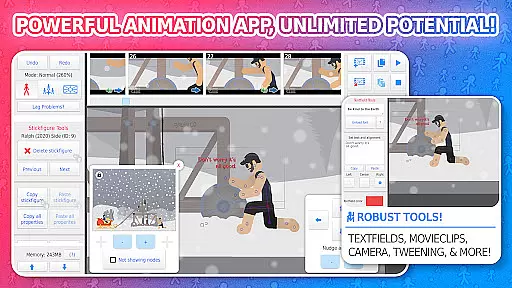
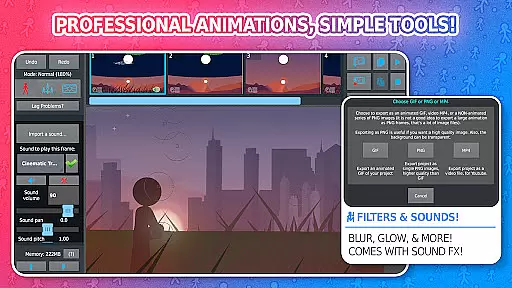
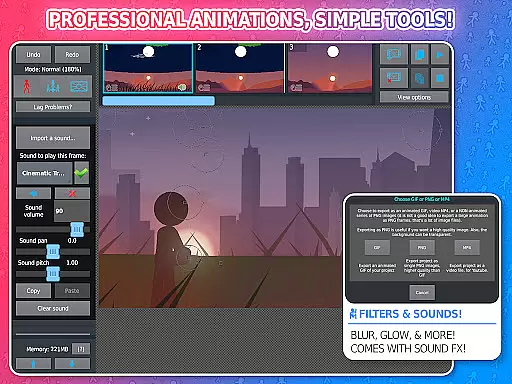
Stick Nodes Pro is a premier stickman animation app tailored for mobile devices, offering advanced features for creating professional-quality animations. Inspired by Pivot Stickfigure Animator, this tool allows users to produce intricate stick-figure movies and export them as GIFs or MP4 videos.
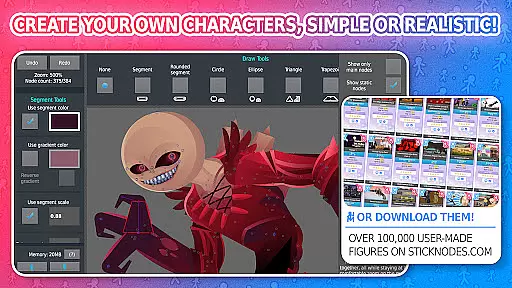
The Pro version enhances the experience with ad-free startup, watermark-free exports, sound effects per frame, and additional filters. With over 30,000 downloadable stick figures and compatibility with Minecraft skins, it caters to both novice animators and skilled professionals seeking robust animation tools.
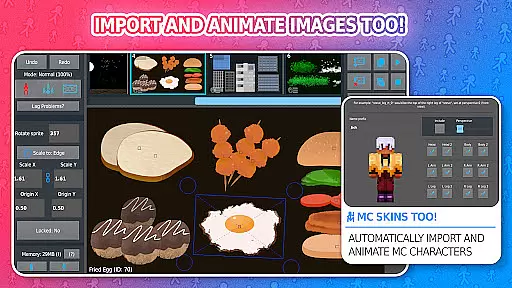
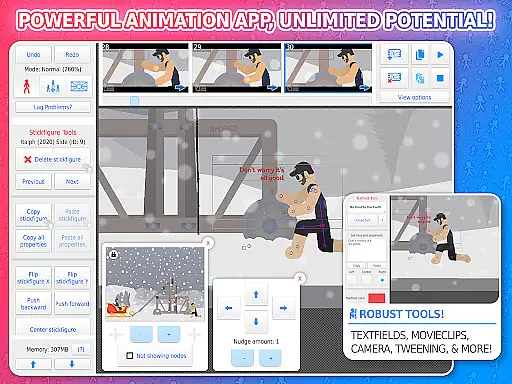
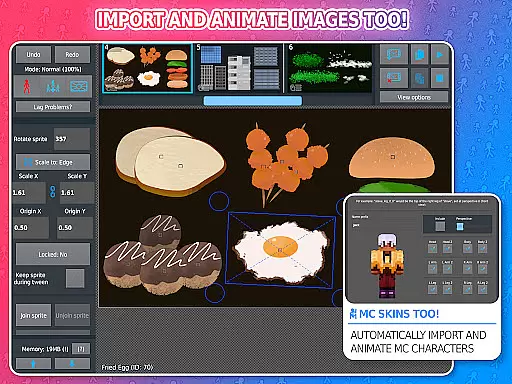
Stick Nodes Pro boasts an array of powerful features that elevate the animation process. Users can import custom images, apply automatic frame-tweening for smoother transitions, and utilize a virtual camera for dynamic scene manipulation akin to Flash's v-cam.
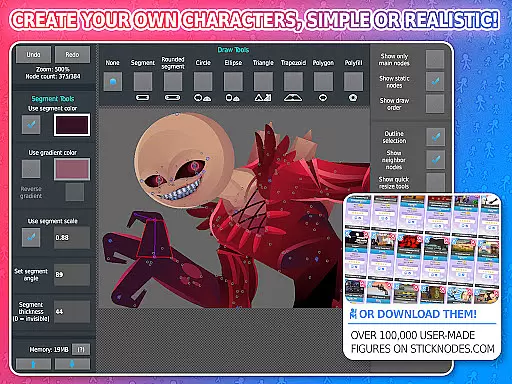
Additional capabilities include movie clips for reusable animations, diverse shape customization with gradients, text fields for dialogue, and various filters like transparency and glow. The app also supports community interaction, project sharing, and compatibility with pre-3.0 Pivot files, making it a comprehensive animation suite.
Stick Nodes Pro offers an extensive range of content that ensures users have access to a diverse set of features for their animation projects. With over 30,000 stickfigures available for download and the ability to import custom images, animators can explore endless creative possibilities.
The app is regularly updated, providing new tools and enhancements that keep the content fresh and engaging. Animators can utilize advanced features such as applying filters, adding sound effects, and exporting animations in MP4 format, which are exclusive to the Pro version.
Moreover, the compatibility with Minecraft skins adds another layer of variety, allowing users to animate their favorite characters from the game. This constant evolution and addition of content ensure that animators always have something new to work with.
By offering a thriving community and continuous updates, Stick Nodes Pro not only maintains but also increases user engagement over time, making it a go-to choice for both budding and professional animators.
User engagement is a critical aspect of Stick Nodes Pro, designed to retain users by providing comprehensive tools that cater to both beginners and experienced animators. The app's feature set, including automatic customizable frame-tweening and a simple camera for scene manipulation, encourages prolonged use as users delve deeper into their projects.
With the ability to save, open, and share projects, along with the option to join stickfigures together and simulate complex interactions, users find themselves invested in their creations. This investment translates into longer sessions and increased retention as animators refine their skills and produce more sophisticated animations.
The active community and vast library of stickfigures also play a significant role in user retention. By interacting with other animators and utilizing shared resources, users feel part of a larger creative ecosystem, prompting them to return to the app regularly.
Furthermore, the app's presence on social media platforms and its website keeps users informed about updates and community events, fostering a sense of belonging and encouraging sustained engagement with Stick Nodes Pro.
Ad-free experience
Watermark-free exports
Advanced frame-tweening
Extensive figure library
Vibrant user community
Paid pro features
Complex for beginners
Limited free resources
Device compatibility issues
Occasional bugs

Create, chat & bond with AI souls who truly listen.
 4.50
4.50
Play games. Earn real rewards. Cash out in 3hours via PayPal or gift cards.
4.40
Air Horn - Siren Sounds Prank, Fun way to wake up your Friends and Family
4.2
Live TV, sports & holiday movies — stream on phone, tablet & TV
4.60
Fool your friends & Family with Fake ultrasound test report
3.60
VR 360 Cinema Player is the ultimate VR player for playing videos on mobile
3.50
Catch the latest episodes of The Voice or live stream NFL games with The NBC App
4.20
Stream, Watch, Chat. Live.
4.00
Earn big rewards like PayPal & Amazon gift cards by playing games you love!
4.30
Original short dramas with diverse genres for a rich viewing experience!
4.80
Fun brain twisting challenge with trending Whirlpool Filter.
4.70
Stream Movies & TV Series: Original Shows, Family Movies & New Releases Weekly
4.60
Your Avatar, Endless Fun
4.60
Build and Share AI
4.20
Experience the video editing experience brought by our intuitive interface
4.10
Alice Box is an Instrumental Trans Communication app.
3.80
Daily immersive workout plan: Body warm up & finger yoga exercises
3.80
Watch whatever you want, whenever you want, wherever you want.
3.30
Stream over 80 hours of exclusive mashups and remixes by DJ Rehab.
4.4


User Reviews