
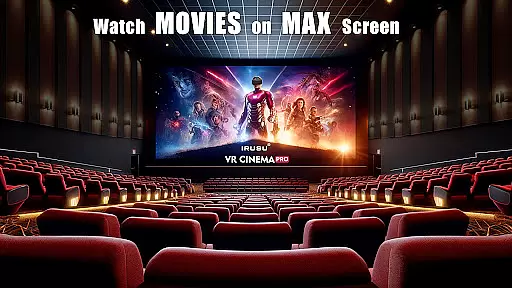
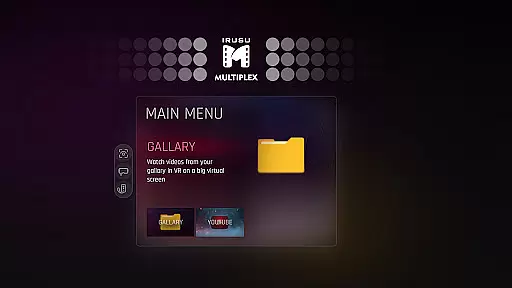
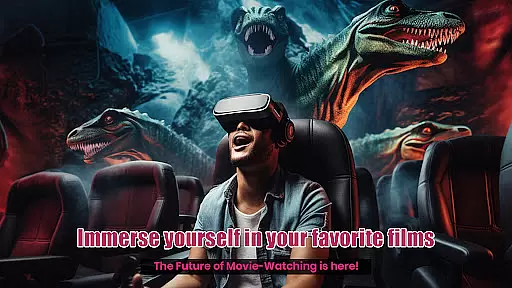
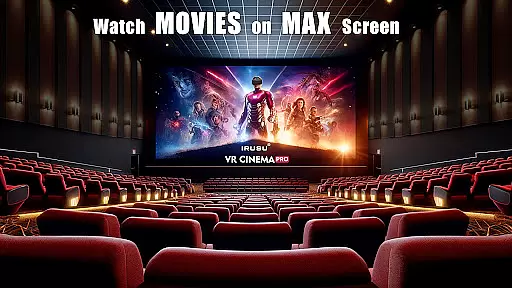
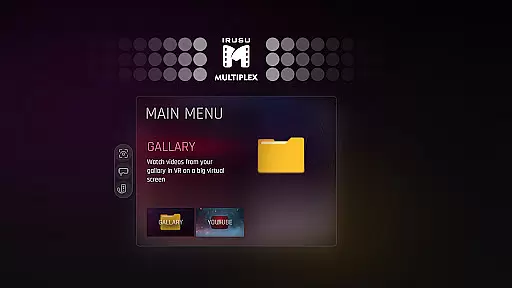
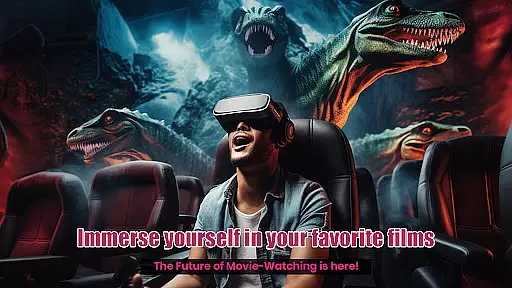
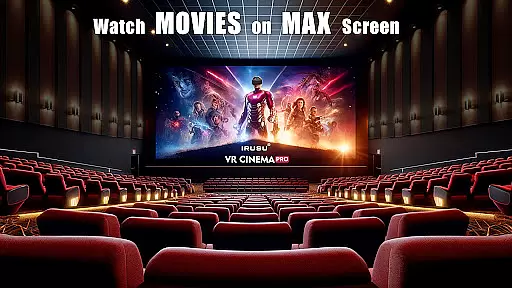
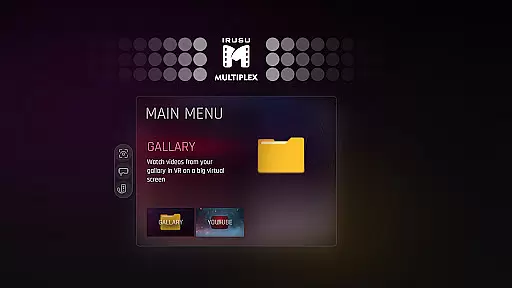
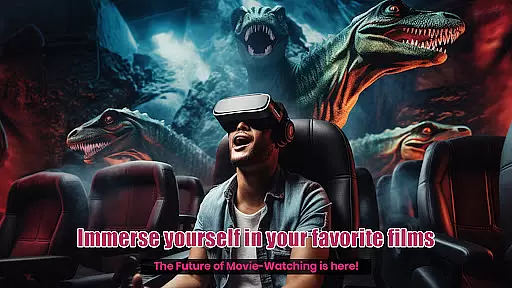
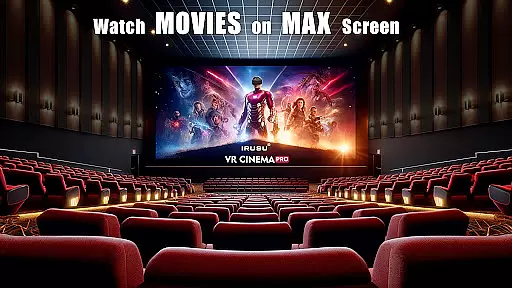
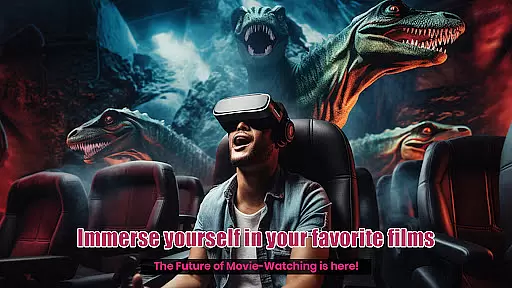
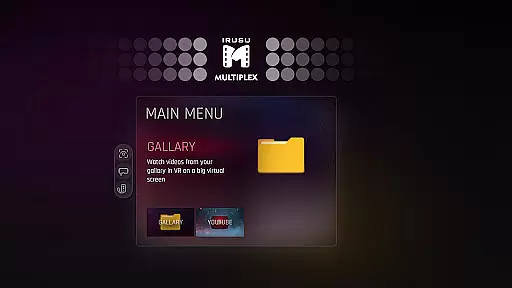
VR Player Pro is a premium virtual reality video player app designed for immersive entertainment experiences. The application transforms your smartphone into a personal VR cinema, offering multiple customizable viewing environments and realistic lighting effects that adapt to the content you're watching.
With support for various video formats including 2D, 3D SBS, and 360° videos, this app ensures high-quality playback on massive virtual screens. Compatible with popular VR headsets like Google Cardboard and VR Box, it provides an unparalleled level of comfort and clarity through adjustable seating positions and viewing angles.
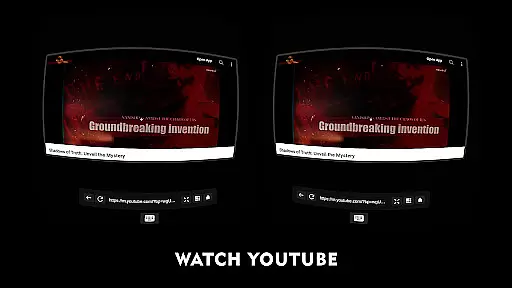
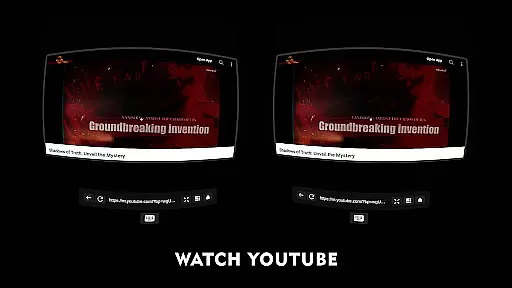
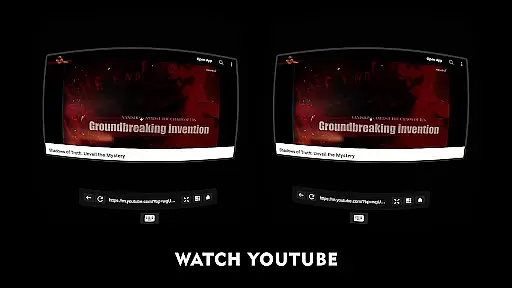
Whether you're enjoying movies or streaming online content via its built-in browser with YouTube VR playback, VR Player Pro delivers a truly unique home theatre experience right at your fingertips.
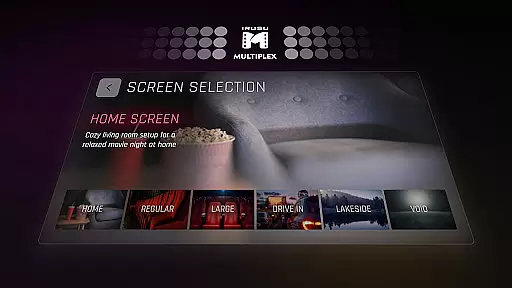
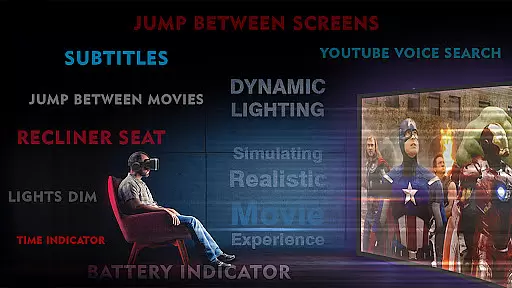
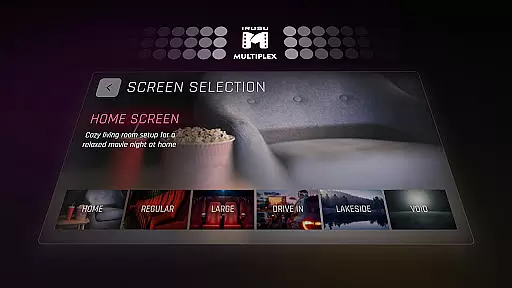
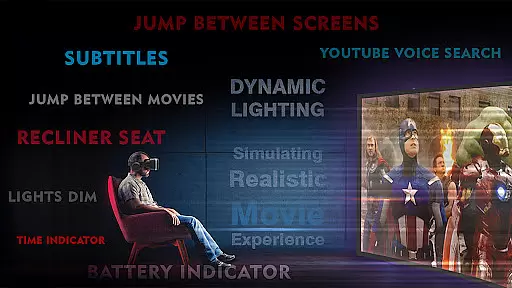
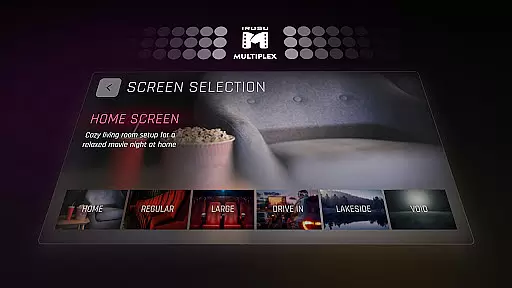
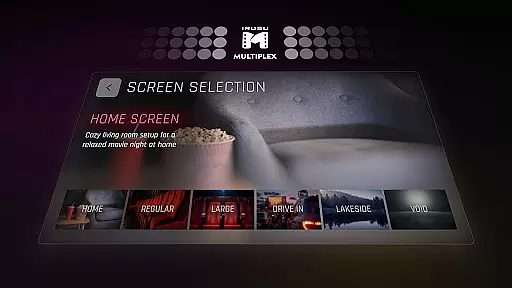
One of the standout features of VR Player Pro is its diverse selection of immersive viewing locations. Users can choose from classic movie halls, drive-in lots, serene winter lake views, or cozy home theatres to enhance their movie-watching experience.
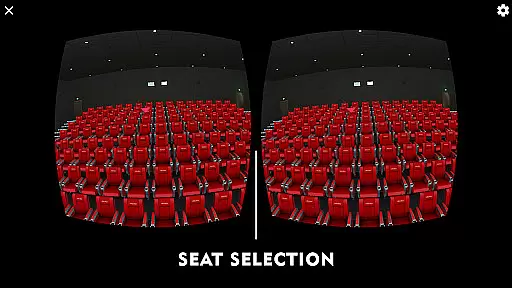
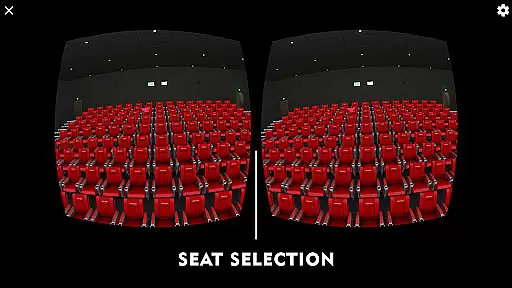
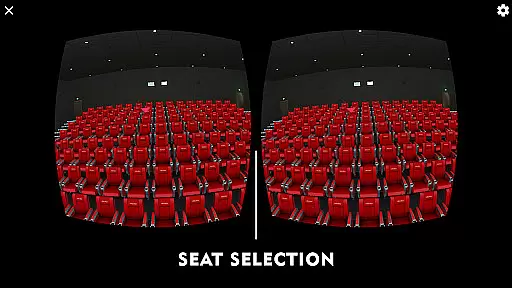
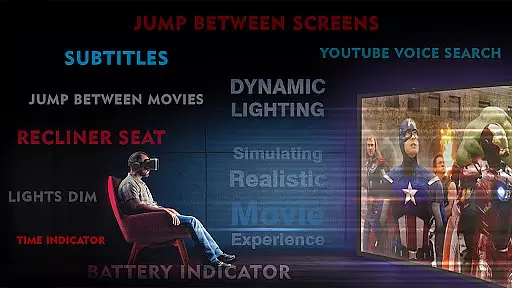
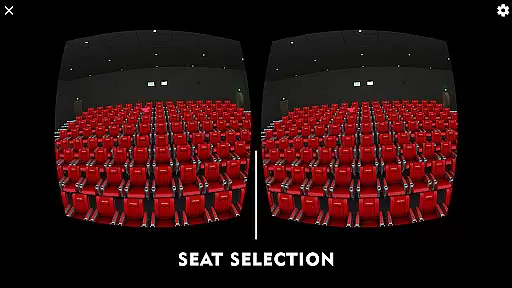
The dynamic lighting system reacts in real-time to the video being played, creating an authentic atmosphere that complements the on-screen action. Additionally, users have the flexibility to select different seats within these virtual spaces, allowing them to find their perfect spot just as they would in a physical cinema.
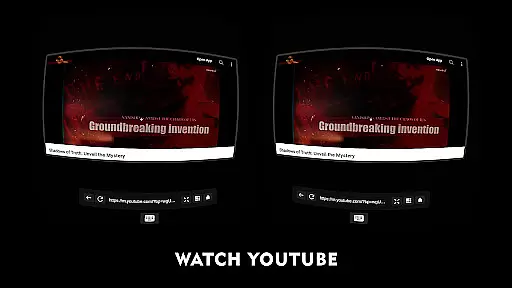
For those who prefer online content, the app includes a built-in web browser supporting voice search, enabling seamless access to platforms like YouTube directly in VR mode. This combination of advanced technology and user-friendly design makes VR Player Pro an exceptional choice for anyone seeking top-tier virtual reality entertainment.
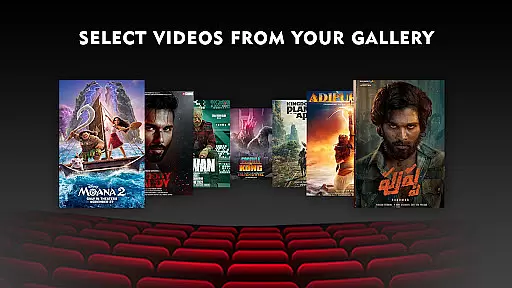
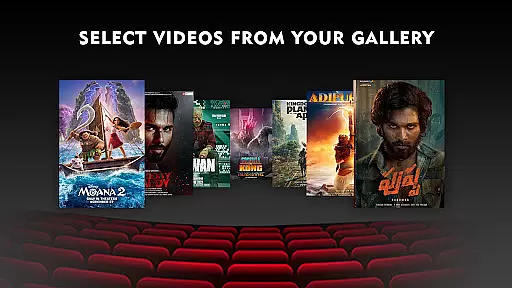
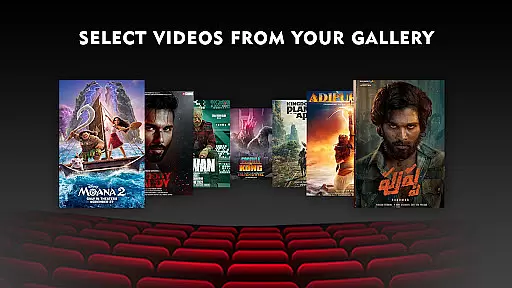
VR Player Pro offers an impressive range of content variety that caters to diverse entertainment preferences. With its unique Irusu VR Cinema Player, users can enjoy everything from standard 2D movies to immersive 360u00b0 videos, all within a virtual theater setting. The app supports multiple video formats including 4K and 2K resolutions, ensuring high-quality playback for various media types.
Beyond traditional movie watching, the application provides dynamic viewing environments through its selection of immersive scenes. Users can choose from classic movie halls, drive-in lots, winter lake views, or home theaters, each offering a distinct atmosphere for their viewing pleasure. This feature keeps the entertainment experience fresh and engaging, as viewers can change their virtual surroundings with every use.
The built-in browser adds another layer of content diversity by allowing direct YouTube playback within the VR environment. With added voice search capabilities, finding and enjoying online content has never been easier. This seamless integration of web-based media expands the app's content library far beyond locally stored files.
Regular updates and new scene additions ensure that the entertainment options remain current and exciting. By supporting various VR headsets like Google Cardboard and Shinecon, the application maintains broad compatibility while continuously enhancing its feature set. This commitment to regular improvements guarantees that users always have access to the latest VR entertainment technologies.
VR Player Pro excels in maintaining long user engagement sessions through its innovative features and comfortable viewing options. The app's seat selection system allows users to choose from multiple viewing positions, enabling them to find their perfect spot just as they would in a real theater. This flexibility helps maintain viewer comfort during extended watching periods, directly contributing to longer engagement durations.
Angle adjustment functionality further enhances user retention by letting viewers fine-tune their perspective for optimal viewing. Combined with dynamic lighting that adapts to video content, these features create an immersive environment that encourages users to stay engaged with their media. The realistic ambient lighting effects particularly help in maintaining the illusion of a physical theater space.
The application's support for various video formats, including 3D SBS and 360u00b0 content, provides users with multiple reasons to return to the platform. Whether watching downloaded media or streaming content through the built-in browser, the consistent high-quality experience across different media types promotes regular usage patterns.
Compatibility with numerous VR headsets ensures that users can access these engagement-enhancing features regardless of their specific hardware. This broad accessibility, combined with the app's ability to transform smartphones into powerful VR media hubs, creates a compelling reason for users to make VR Player Pro their primary entertainment platform.
Immersive Environments
Real-Time Lighting
Multiple Seat Options
Voice Search Support
Wide Compatibility
Premium Price Tag
Complex Setup
Limited Free Content
High System Requirements
Occasional Bugs

Exclusive Short Drama Video! All in HD. Bringe trending reels & enjoy drama time
 3.80
3.80
Air Horn - Siren Sounds Prank, Fun way to wake up your Friends and Family
4.3
The OFFICIAL PeeWee Purpdrank Soundboard!
4.80
Fool your friends & Family with Fake ultrasound test report
3.60
Stream videos to VIDAA & VEWD TVs from Hisense, Sharp, Skyworth, Vestel & TiVo
3.00
Stories that spark in seconds.
4.80
Series,Películas y Telenovelas
4.50
NFL, NBA, NHL, MLB, local sports coverage, shows, movies & news!
3.20
Premium version to enjoy your favorite anime
4.60
Wodfix Air aggregates popular online content for you.
4.80
Companion app for Elden Ring to track quests, bosses, progress and more.
4.70
Browser for Chromecast to stream webvideos, online movies, IPTV & HD livestreams
4.40
Create melty bead designs by numbers, photos or your imagination
4.40
Best of icon for christmas
4.30
Browse popular images and videos from Reddit on Android TV!
3.90
Necrophone is spirit box ghost hunting app made for spirit communication.
3.70
Connect. Discover. Control.
3.60
With the credits you earn play more games
2.90
See the frequencies! Watch the magic!
4.4


User Reviews