
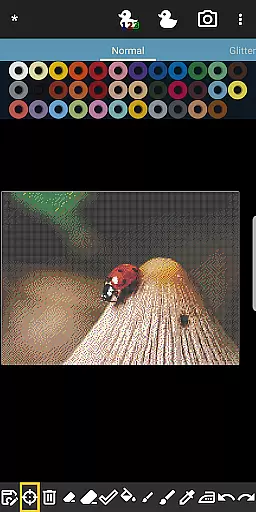
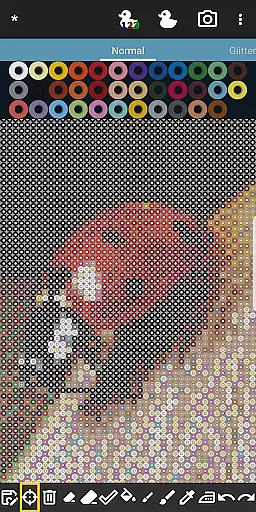
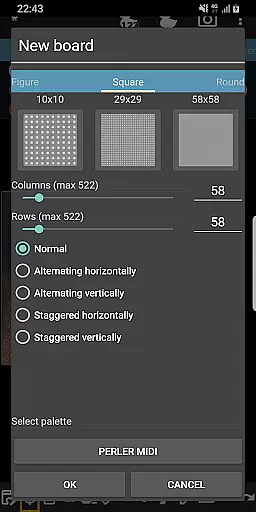
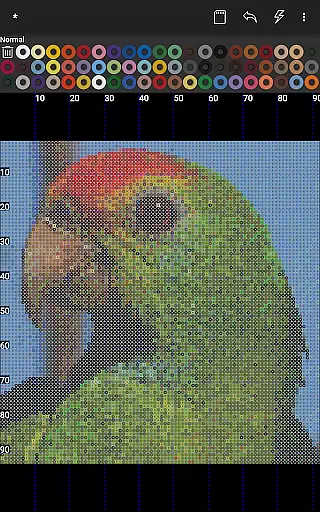

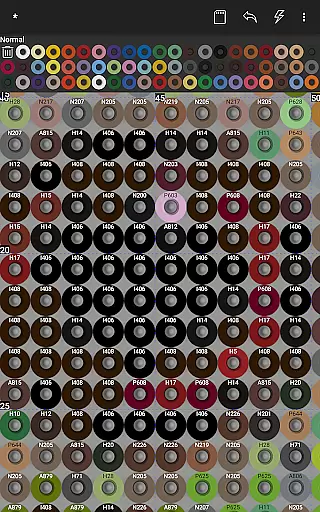
BeadStudio is a creative design application that allows users to craft intricate fuse or melty bead patterns digitally before bringing them to life on physical pegboards. Suitable for all ages, from children to professional artists, the app provides a platform for creating designs ranging from simple figures to photorealistic artworks.
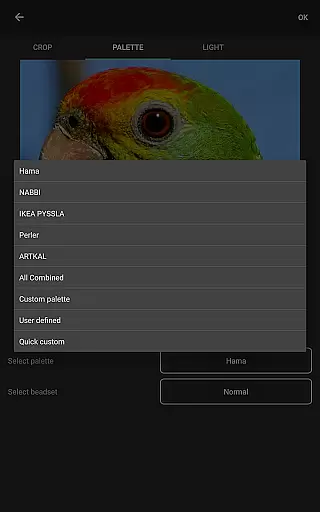
The app supports major fuse bead brands like Hama Beads and Perler Beads, offering features such as photo-to-bead conversion and custom palettes for mixing different bead types. With its Bead By Numbers feature, it also serves as an educational tool that enhances motor skills and stimulates creativity in children while providing a meditative experience for adults.
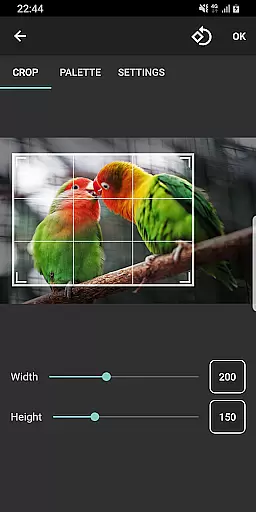
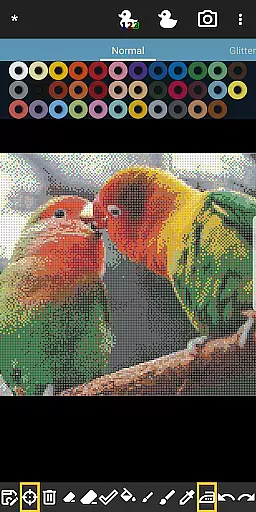
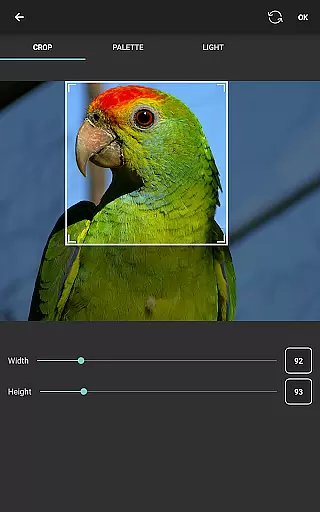
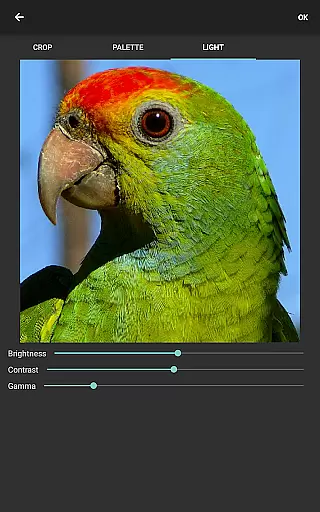
BeadStudio stands out with its versatile features tailored for fuse bead enthusiasts. The built-in photo to bead conversion tool enables users to transform any image into a bead design using specific brand colors they have available. This digital crafting process saves time and resources by allowing experimentation without physical materials.
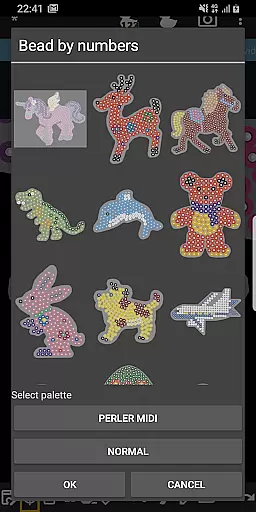
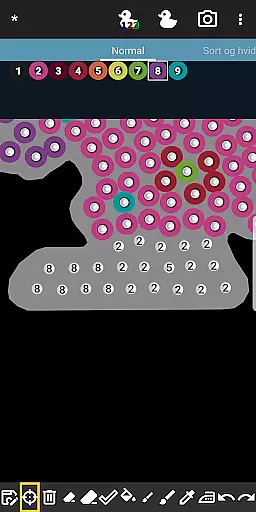
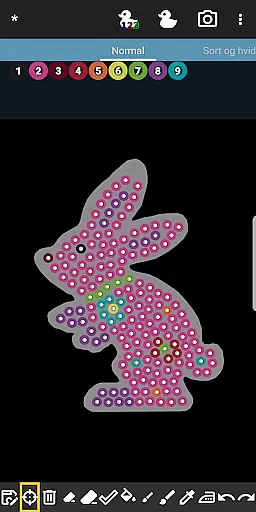
Another highlight is the Bead By Numbers feature, akin to Paint By Numbers, which offers ready-to-use templates of figures and animals. Users can follow numbered pegs to fill out patterns, making it accessible for young children and those new to fuse beads. Additionally, the ability to mix different bead brands into one palette caters to advanced users seeking precision in their artwork.
In the realm of digital creativity, BeadStudio stands out by offering an extensive array of content that caters to various interests and skill levels. From crafting simple patterns to producing photorealistic artworks, this application provides a rich diversity of design possibilities. Users can explore countless templates, shapes, and figures, ensuring that there is always something new and exciting to create.
BeadStudio's strength lies in its ability to transform ordinary photos into stunning bead designs. With support for all major fuse bead brands, including Hama Beads and Perler Beads, users have the freedom to experiment with different color palettes and styles. The built-in photo-to-bead conversion tool allows for customization of family portraits, pet pictures, or scenic landscapes, making each project uniquely personal.
Moreover, the platform encourages creativity through its Bead By Numbers feature, reminiscent of Paint By Numbers. This engaging function offers a meditative experience while helping users, especially children, enhance their motor skills. By selecting from a variety of pre-designed figures like unicorns, bunnies, and dinosaurs, users can immerse themselves in a calming activity that stimulates artistic exploration.
The constant updates and addition of new templates ensure that the content remains fresh and inspiring. Whether you're a seasoned artist or a curious beginner, BeadStudio's dynamic offerings guarantee that your creative journey will never stagnate, providing endless opportunities for innovation and self-expression.
BeadStudio excels in fostering prolonged user engagement through its captivating and versatile features. The app's intuitive interface makes it accessible for users of all ages, from toddlers to adults, ensuring that everyone can find joy and fulfillment in creating intricate bead designs. Its ease of use, akin to finger painting, invites users to dive into projects without feeling overwhelmed, thus encouraging longer sessions within the app.
One of the standout aspects of BeadStudio is its capacity to convert personal photos into bead patterns, which significantly boosts user retention. This personalized approach allows individuals to immortalize cherished memories in a unique and tangible form. By supporting multiple fuse bead brands and enabling custom palettes, the app ensures that users can replicate their designs accurately, enhancing satisfaction and encouraging repeat usage.
Additionally, the Bead By Numbers feature serves as an excellent retention tool. It simplifies complex designs into manageable tasks, where each peg is numbered, guiding users step-by-step. This method not only captivates users but also motivates them to complete their projects, leading to increased time spent on the app. As users gain confidence, they are inspired to tackle more challenging designs, further solidifying their engagement.
Ultimately, BeadStudio's blend of entertainment, meditation, and creativity results in high user retention rates. The app's ability to adapt to various skill levels and preferences ensures that users remain invested in their creative endeavors, transforming fleeting interests into enduring hobbies. With its comprehensive suite of tools and continuous content updates, BeadStudio successfully maintains user interest over extended periods.
User-friendly interface
Supports multiple fuse bead brands
Photo to bead conversion tool
Customizable palettes
Educational and meditative features
Requires internet connection
Limited free features
In-app purchases necessary
External storage permission needed
May overwhelm beginners

Ultimate VR movie player for android mobile videos
 4.5
4.5
Create, chat & bond with AI souls who truly listen.
4.50
Music visualizer and party effects for your Nanoleaf devices
4.0
A companion app for the game Elite Dangerous
4.10
Fetch money rewards all just for playing games. Cash out for gift cards in app.
4.50
Alice Box is an Instrumental Trans Communication app.
3.80
Premium version to enjoy your favorite anime
4.60
Create your Songs. Cover Maker with any Voice, Song Generator
3.30
Pop Drama is a premier app crafted for short drama lovers
4.60
Watch Reels, Drama Shorts & TV Series Anytime. Download DramaWave Now!
4.70
Stream Movies & TV Series: Original Shows, Family Movies & New Releases Weekly
4.60
Direct access to the most complete Guitar Tab Archive in Spanish: LaCuerda.net
4.60
Tarot & Oracle Card Readings
4.50
Everything FOX in one place. Watch FOX News, NFL, MLB, TV shows and more.
4.50
Watch New Episodes & Live TV
3.80
Fool your friends & Family with Fake ultrasound test report
3.60
VR 360 Cinema Player is the ultimate VR player for playing videos on mobile
3.50
Unofficial Game Companion App” “Guides • Builds • Tips • Progression
4.3
Simulation of Dashboard / Touch Screen for Tesla. (Works without actual Tesla).
4.3


User Reviews