
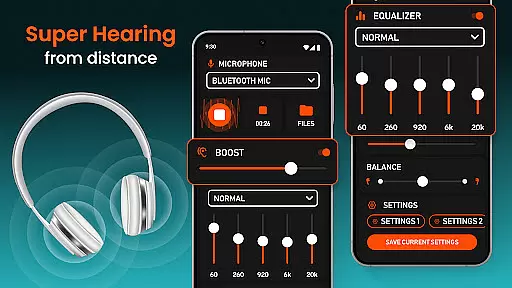
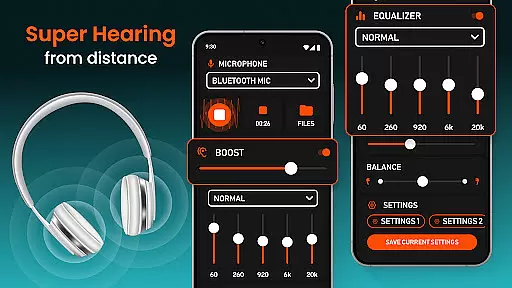
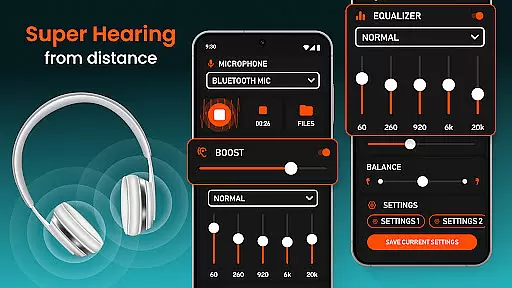
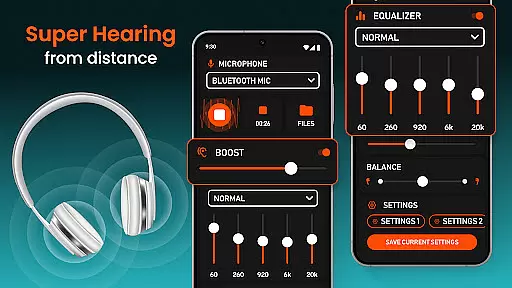
Super Hearing from Distance is a cutting-edge mobile application designed to enhance auditory experiences through advanced sound amplification technology. This app transforms your smartphone into a powerful listening device, capable of amplifying surrounding sounds while maintaining discretion.
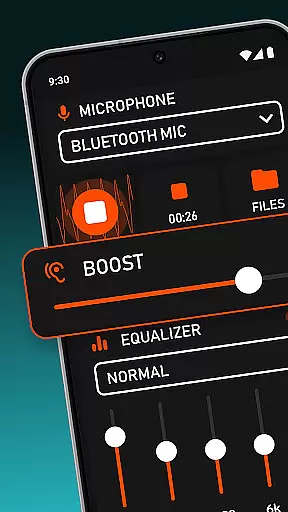
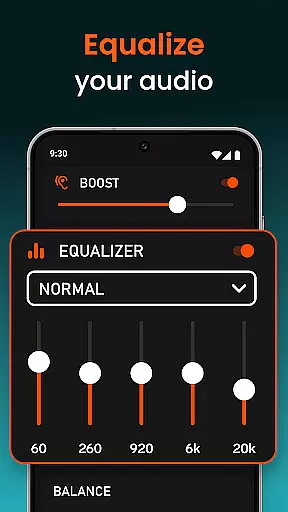
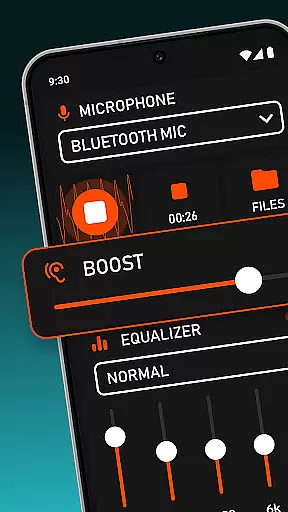
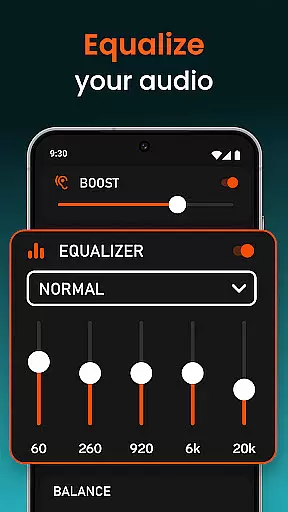
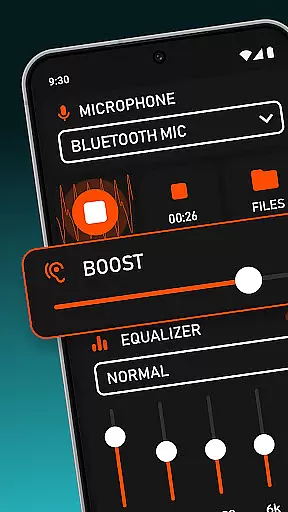
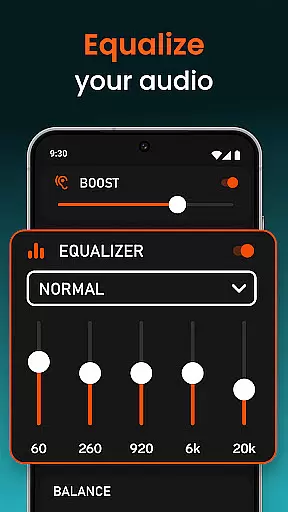
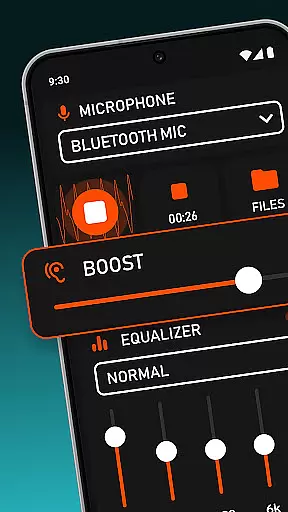
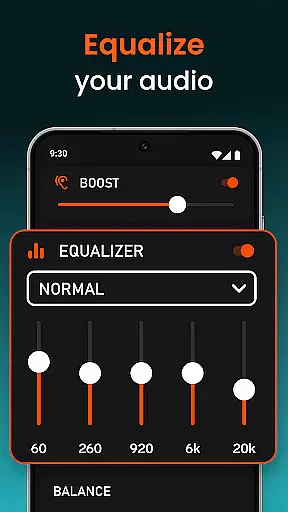
The application's core functionality lies in its ability to boost hearing capabilities using either wired or Bluetooth headphones. It features an intuitive equalizer system that allows precise control over sound volume and quality, making it suitable for various environments and situations. Whether you need to amplify conversations in noisy settings or hear distant sounds with clarity, this app provides the necessary tools.
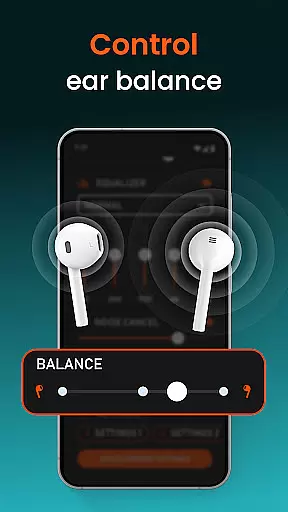
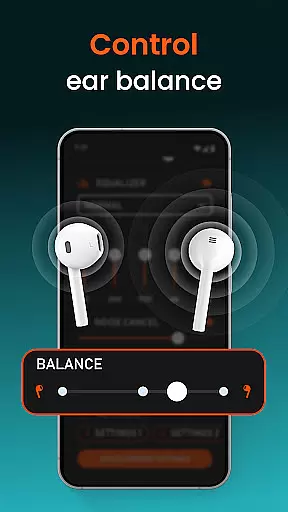
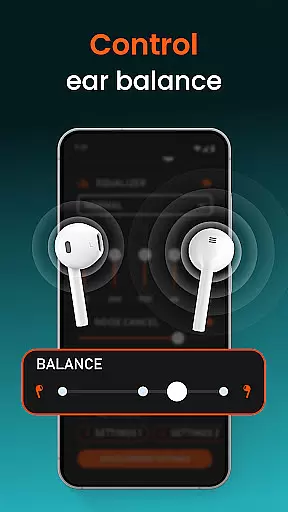
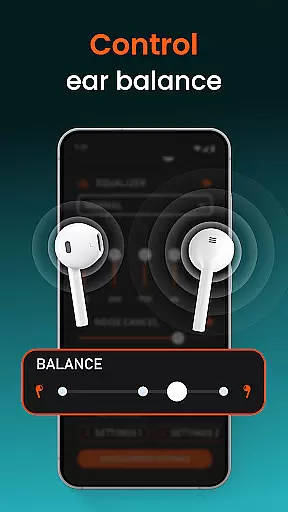
One notable application scenario is during important meetings or lectures where clear audio reception is crucial. The app's ability to independently adjust sound levels for each ear ensures personalized comfort and optimal hearing experience. This feature particularly benefits individuals with uneven hearing abilities across ears, providing them with enhanced audio clarity without drawing attention.
This medical-grade hearing solution stands out with its comprehensive feature set tailored for diverse hearing enhancement needs. The app's primary advantage is its versatile compatibility with various audio devices, supporting both traditional wired connections and modern wireless technologies including Bluetooth speakers and USB headphones.
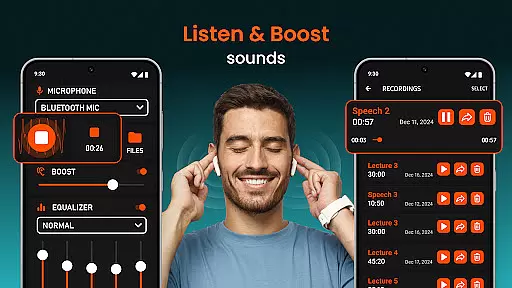
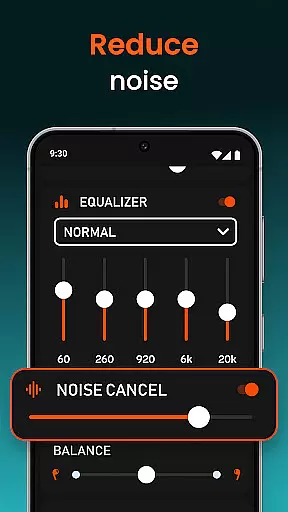
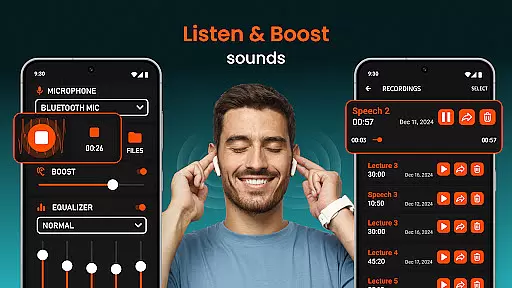
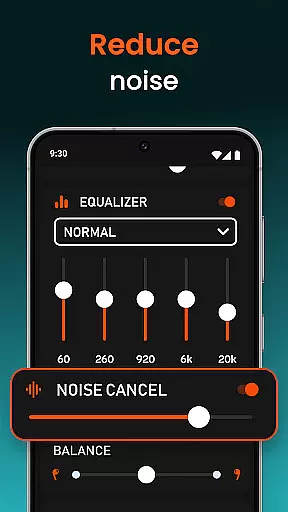
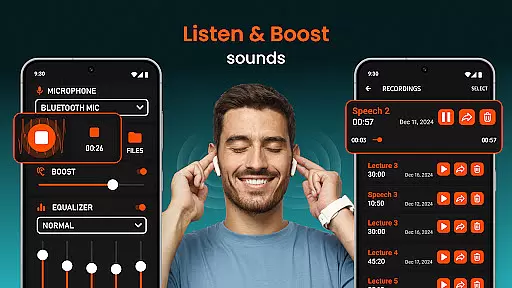
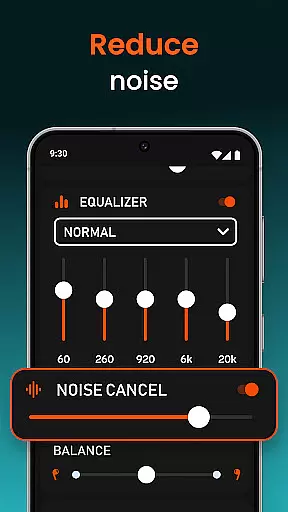
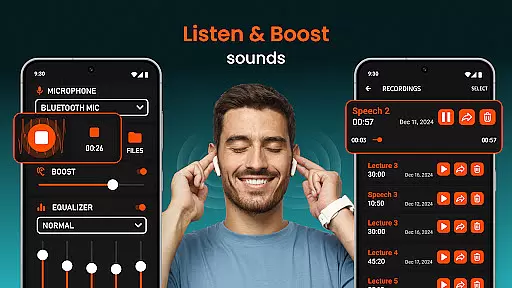
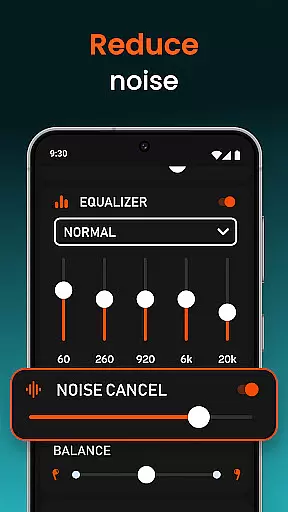
A key differentiating factor is the sophisticated microphone selection system. Users can choose between phone microphones, headset microphones, or Bluetooth microphones based on their specific requirements. The integrated noise reduction technology works in tandem with these options to deliver crystal-clear sound reproduction. Additionally, the remote control functionality enables selective sound amplification, allowing users to focus on particular audio sources while filtering out unwanted background noise.
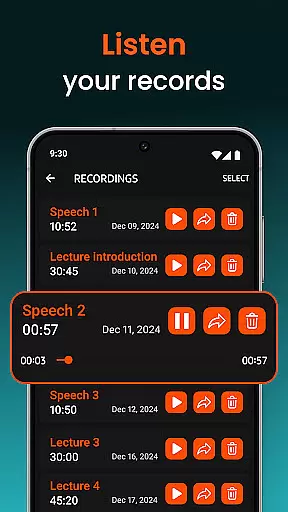
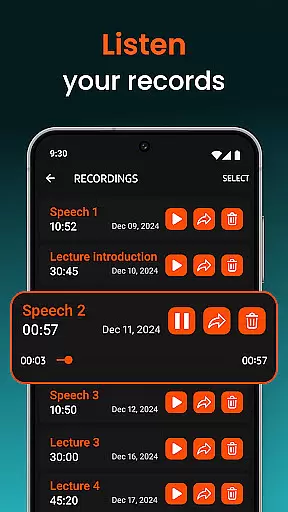
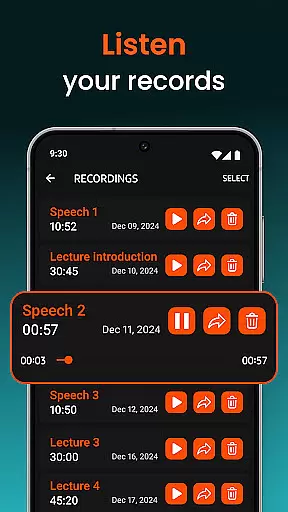
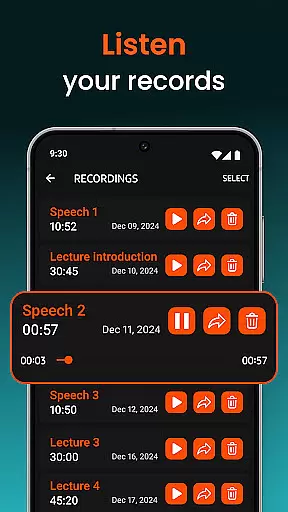
The inclusion of a sound recording feature adds another layer of practicality, enabling users to save and review important conversations. The app's ability to provide independent volume control for each ear demonstrates its commitment to personalized hearing solutions. These features collectively create a robust hearing assistance tool that adapts to various challenging listening environments while maintaining user comfort and discretion.
In the realm of medical applications, content credibility is paramount. Super Hearing from Distance positions itself as more than just a sound amplifier; it's a tool designed with precision to assist those with hearing impairments. The app claims to offer features such as noise reduction and independent volume adjustments for each ear, which are grounded in sound medical rationale aimed at improving auditory experiences.
Each feature within the app has been crafted to ensure that users receive the most authentic and helpful assistance for their hearing needs. By providing options like microphone selection and equalizer settings, the app demonstrates an understanding of diverse auditory requirements. These functionalities suggest that expert knowledge has been applied in its development, ensuring that users are not just getting louder sounds, but clearer and more comprehensible audio experiences.
For individuals relying on such technology, having medical professionals' validation can significantly enhance trust. Although specific expert endorsements aren't detailed, the app's sophisticated approach indicates rigorous design standards. Users benefit from knowing that their reliance on this app is supported by a foundation of credible medical insight, enhancing both efficacy and peace of mind.
While Super Hearing from Distance does not directly provide teleconsultation services, its features indirectly support high-quality remote communication. Clear and enhanced audio is crucial during virtual meetings with healthcare providers. This app ensures that every word is heard with precision, making teleconsultations more effective and reliable.
The ability to adjust sound levels and select specific microphones allows users to customize their listening experience according to their environment. Whether engaging in a teleconsultation from a noisy setting or a quiet room, the app's noise reduction capabilities ensure that conversations remain clear and uninterrupted. Such functionalities are vital for maintaining the integrity of remote medical discussions.
Furthermore, the app's compatibility with various devices, including Bluetooth headphones and USB hearing aids, enhances accessibility. Users can seamlessly integrate their preferred listening devices, ensuring optimal sound quality during teleconsultations. This adaptability not only improves user experience but also reinforces the importance of reliable audio in receiving quality remote healthcare advice.
Advanced sound amplification
Wireless connectivity options
Noise reduction technology
Customizable equalizer settings
Multiple microphone choices
Battery consumption high
Bluetooth connection issues
Interface not user-friendly
Occasional audio glitches
Limited free features

Explore human anatomy with this rich learning experience.
 4.00
4.00
Sync your blood glucose device, log values automatically and tame your diabetes!
4.60
Perform pure-tone audiometry and a speech intelligibility test on your phone.
4.50
Crush your paramedic exam with NREMT-style tests, ECGs, and top-tier prep!
3.90
Master AEMT with 1,400+ study items, TEIs, practice tests, and scoring.
4.10
The Better Pharmacy Experience
4.90
Coaches you through labour using hypnobirthing techniques & tracks contractions
4.70
The doctor will see you now
4.70
Find and Price Care
4.60
Spruce is the leading platform for HIPAA-compliant communication and care.
4.90
Behavioral Health Portal
4.70
Your donation experience just got smoother; Donor Hub is your go-to place.
4.70
This app is simply 1 book (also large app) and 17 other apps combined into 1
4.70
PPP provides quick offline access to over 350 field treatment protocols.
4.60
Identify pills, search different drugs, get drug information and much more!
4.50
Manage your health care in one easy place
4.40
One app to unlock your health
4.30
Voice pitch monitor for speech therapy, LSVT, Parkinson's, singing & trans
4.30
Hearing aid app for Android solves your hearing problems.
4.00


User Reviews