
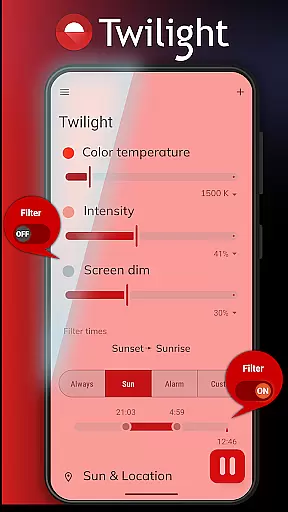
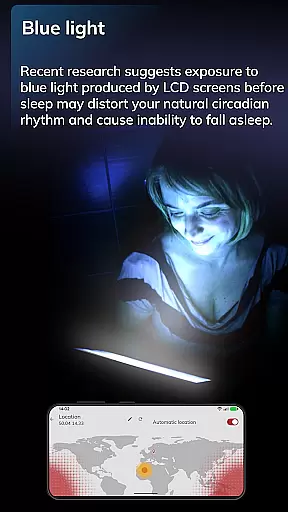
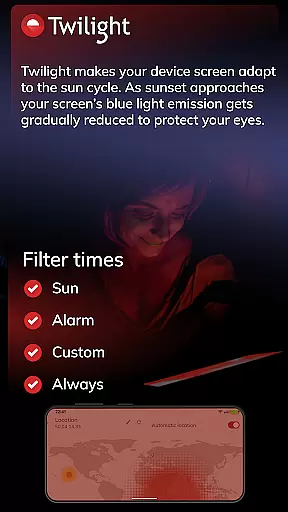
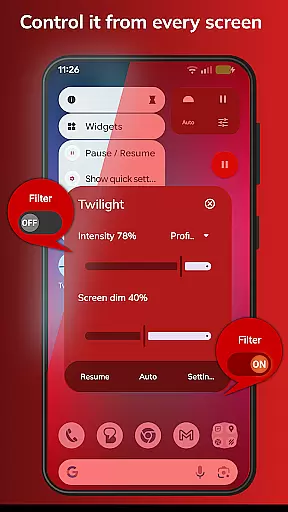
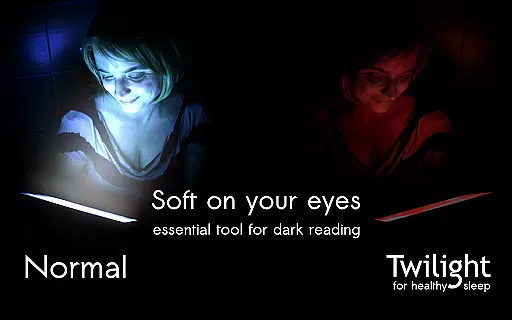
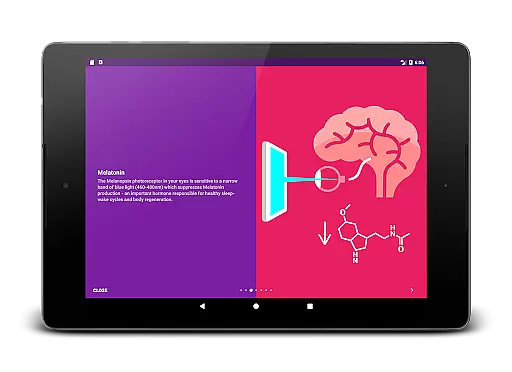
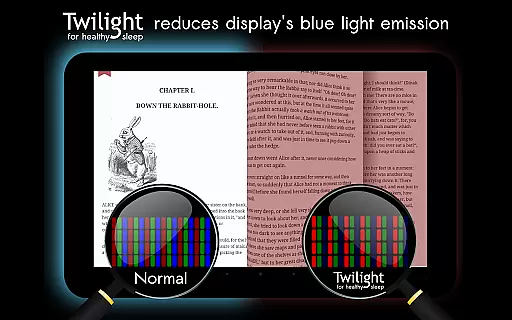
Twilight Pro Unlock is a specialized application designed to help users improve their sleep quality by adjusting the screen's blue light emission on Android devices. The app filters out blue light in the 460-480nm range after sunset, replacing it with a softer red filter that reduces eye strain and promotes healthier sleep patterns.
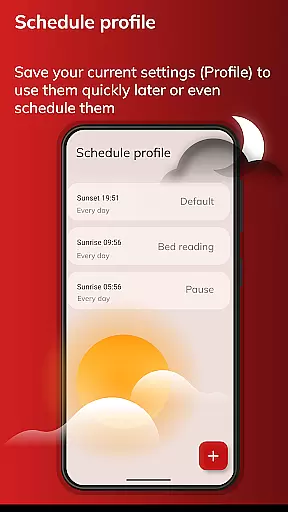
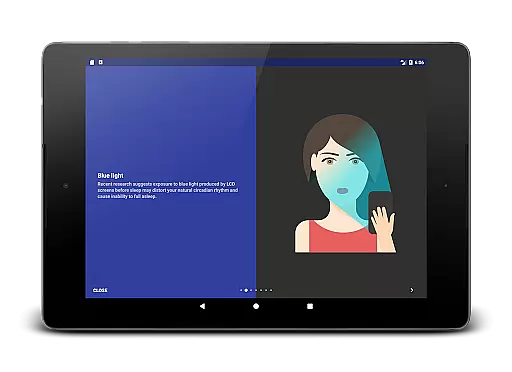
The app's core functionality revolves around its ability to adapt to the time of day, automatically adjusting the screen's color temperature based on local sunrise and sunset times. This feature helps maintain the body's natural circadian rhythm, which can be disrupted by prolonged exposure to blue light from screens before bedtime.
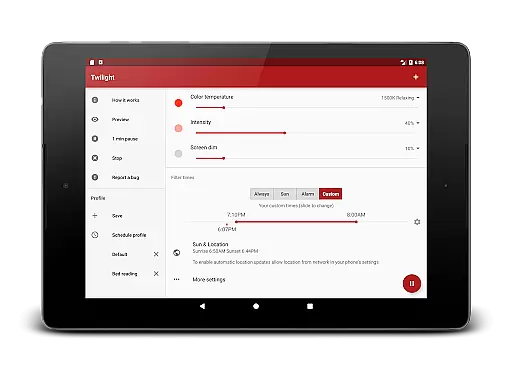
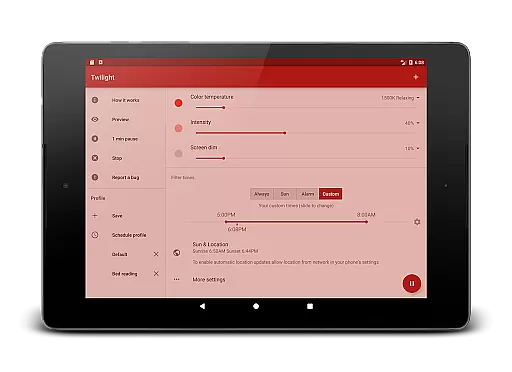
With Twilight Pro Unlock, users gain access to advanced features such as multiple customizable profiles, adjustable transition times, and the option to disable the service during inactive hours. These capabilities make it an ideal solution for individuals seeking better sleep hygiene and those who spend considerable time on their devices in the evening.
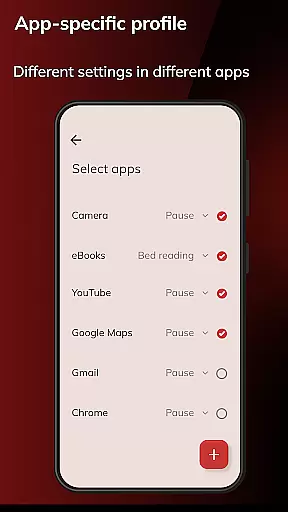
Twilight Pro Unlock offers a comprehensive set of features that cater to users looking to mitigate the negative effects of blue light exposure. One of its standout features is the ability to create more than two custom profiles, allowing users to tailor the app's performance to different scenarios or times of day.
In addition to customizable profiles, the app provides an adjustable transition time feature, enabling a smoother shift from daytime to nighttime screen settings. Users also have the option to completely turn off Twilight during periods when they don't need it, ensuring minimal impact on device performance.
Another notable aspect is that new features are often released first as PRO functionalities, giving users early access to advancements. This ensures that Twilight Pro remains at the forefront of technological solutions for managing screen light exposure and promoting better sleep habits.
Twilight Pro Unlock offers personalized planning by adapting the screen's blue light emission to match your daily schedule and environment. This feature is crucial for maintaining a natural circadian rhythm, especially for those who use digital devices before bedtime.
The app intelligently adjusts the intensity of the blue light filter based on local sunset and sunrise times, ensuring that your eyes are protected during evening hours. By customizing the light spectrum emitted by your device, Twilight helps in reducing sleep disturbances caused by prolonged exposure to blue light.
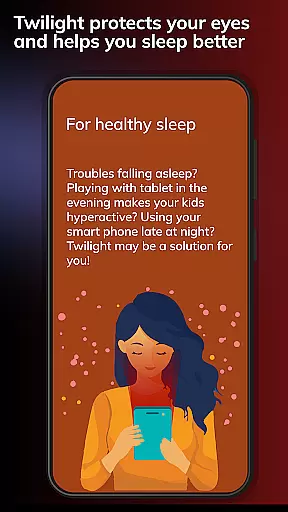
Users can benefit from this tailored approach as it aids in promoting healthier sleep patterns. The ability to modify settings according to individual needs ensures that each user experiences optimal comfort and protection while using their devices at night.
This personalized planning not only enhances sleep quality but also contributes to overall well-being by aligning device usage with natural biological processes. With Twilight Pro Unlock, you gain control over your digital environment, leading to improved rest and productivity.
Progress visualization in Twilight Pro Unlock allows users to see the impact of reduced blue light exposure on their sleep cycle over time. Understanding how changes in screen lighting correlate with sleep improvements is essential for recognizing the benefits of using the app consistently.
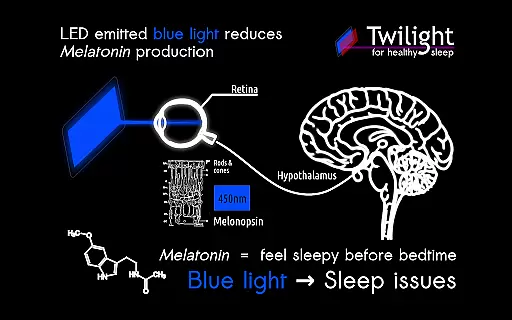
The application provides insights into how modifying screen settings affects melatonin production, which is vital for regulating sleep-wake cycles. By visualizing these adjustments, users can better comprehend the relationship between screen use and sleep quality.
With clear progress indicators, individuals can track their journey towards better sleep hygiene. This feature empowers users to make informed decisions about their nightly routines and device usage, ultimately leading to more restful nights.
By offering tangible evidence of improvement, Twilight Pro Unlock motivates continued use and highlights the positive effects of its blue light filtering technology. Users can witness firsthand how small changes in their digital habits translate into significant enhancements in their sleep patterns.
Improves sleep quality
Customizable profiles
Adjustable transition
Early access to features
Protects eyes effectively
Paid version required
May affect screen color
Not compatible with all devices
Occasional bugs reported
Limited iOS availability

Control your sleep in real-time wearing Garmin device
 3.60
3.60
For Absolute Novices to Strength Training. Simple. Effective.
4.40
Mind on steroids - relaxation, productivity, meditation and sleep!
4.60
Wall Pilates at home & Pilates workout for beginners for core and weight loss.
4.80
Eat smarter with Eato, your personal calorie counter and nutrition tracker!
4.40
Download MadMuscles to start your positive body transformation!
4.30
Walk, track, and burn calories with step counter & GPS walking tracker
4.20
FODMAP, Gluten, Allergy, Vegan
4.50
Understand your body’s most meaningful messages and transform your health.
3.90
Meditation app, head space app provides calm music to help you meditate & sleep
5.00
Easy to use step counter, calorie counter helps lose weight, count steps offline
4.80
a fun app full of surprises :)
4.70
Walk. Earn: Get rewarded for every step! Walk, move, and earn real rewards.
4.70
Memory, mind & logic exercises. Puzzle games, IQ & brain test for kids & adults
4.50
Raccoon AI Calorie Counter. Intermittent Fasting & Timer. Macro, Carb, Protein
4.50
Blood Pressure Log, HRV & Heartbeat Tracker. Pulse Checker.
4.40
Grow with self-tests and personal routine.
4.30
Your personal BP tracking companion, focus on helping you achieve wellness goal.
4.10
Histamine intolerance, low FODMAP diet and irritable bowel syndrome (IBS)
4.00


User Reviews