
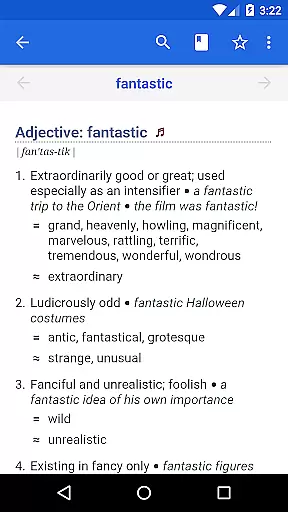
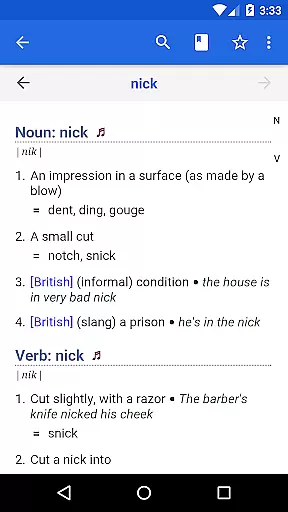
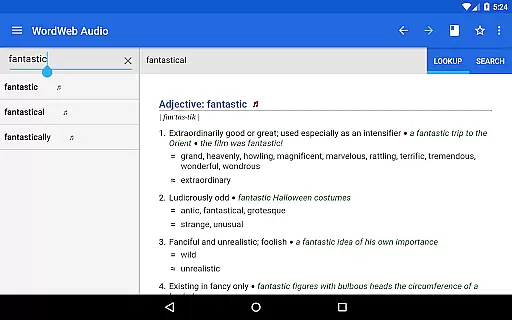
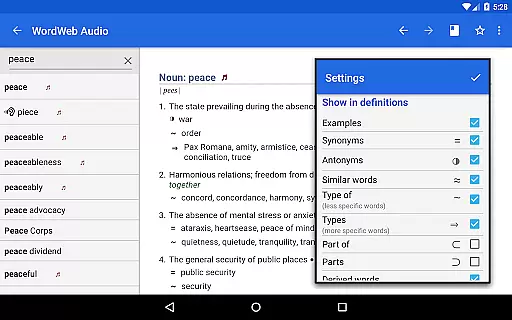
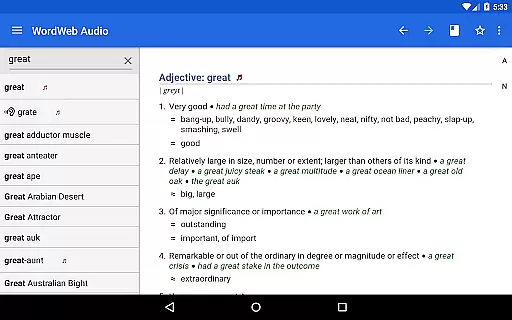

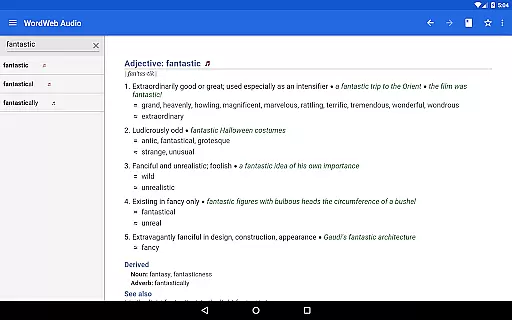
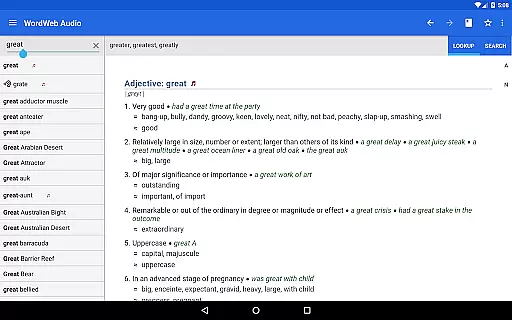
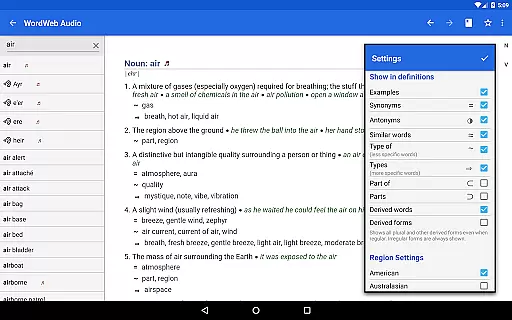
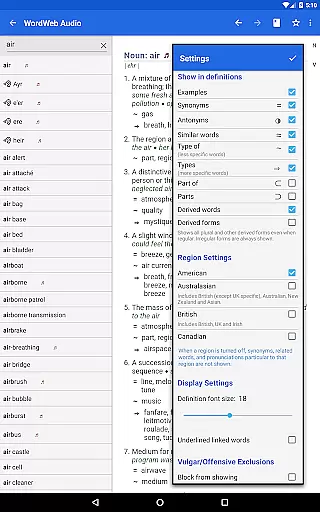
WordWeb Audio Dictionary is an essential reference tool for anyone looking to enhance their English vocabulary. This offline dictionary and thesaurus app provides users with comprehensive word definitions, synonyms, related terms, and professionally recorded pronunciations. With a vast database of 285,000 words and phrases, 225,000 word sense definitions, and 70,000 audio pronunciations, it caters to various forms of English including North American, British, and Australian.
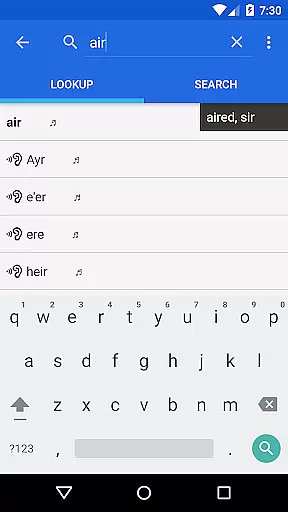
The app's intelligent word entry system offers spelling suggestions and lists commonly confused words or those that sound similar. It also includes advanced search features such as alphabetical listing, pattern-matching search, and filtering by parts of speech. Users can bookmark words, view history, and even look up words from other apps on devices running Android M or higher. The inclusion of proper nouns and common abbreviations makes this app versatile for both learning and professional use.
With its offline functionality, WordWeb Audio Dictionary is perfect for users who need reliable access to high-quality language resources without requiring an internet connection. Once installed, the app occupies approximately 280MB on your device's SD card, making it a practical choice for expanding your vocabulary and improving pronunciation skills.
One of the standout features of WordWeb Audio Dictionary is its extensive database, which includes 285,000 words, phrases, and derived forms, along with 225,000 word sense definitions and 70,000 usage examples. This ensures that users have access to a wide array of linguistic information at their fingertips. Additionally, the app provides 70,000 audio pronunciations and 85,000 text pronunciations, helping users learn correct pronunciation and speak better English.
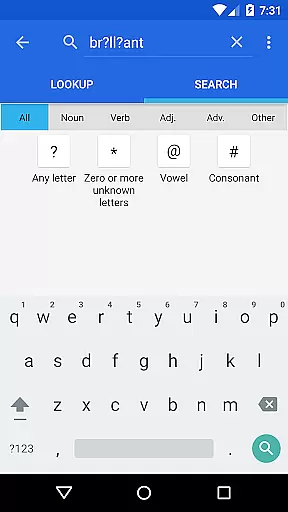
The app's intelligent word entry system enhances user experience by suggesting possible correct spellings and listing words that sound the same or are often confused. Its advanced search capabilities allow users to perform fast pattern-matching searches using wildcards like *, ?, vowel, and consonant filters. Furthermore, users can filter search results by noun, verb, adjective, and adverb, ensuring precise and relevant results every time.
Additional functionalities include the ability to drill down on any word in a definition, full bookmark support, and history tracking. These features make it easy for users to revisit important words and track their learning progress. The app also supports quick word lookups from other applications, provided the device runs Android M or higher, thus integrating seamlessly into the user's daily workflow.
WordWeb Audio Dictionary offers an extensive offline library comprising 285,000 words, phrases, and derived forms, ensuring users have access to a comprehensive range of English vocabulary without needing an internet connection. This vast collection supports various forms of English, including North American, British, and Australian, making it a versatile tool for diverse users.
The dictionary goes beyond mere definitions by incorporating 70,000 usage examples and 70,000 audio pronunciations, which are professionally recorded. This feature not only enriches the learning experience but also assures the authenticity and accuracy of pronunciation guidance, thus supporting users in speaking better English.
Including synonyms, similar, and related words, the app aids in expanding users' vocabulary and understanding of nuanced language use. The inclusion of proper nouns and common abbreviations further enhances its utility as a holistic language reference tool.
With full offline functionality after installation, users can rely on this app's vast database without concerns about copyright issues or the need for an internet connection, making it an essential resource for students, professionals, and language enthusiasts alike.
One of the standout features of WordWeb Audio Dictionary is its ability to seamlessly integrate with other apps, allowing users to quickly look up words by selecting them and choosing WordWeb from the pop-up menu. This compatibility significantly enhances the user experience by providing instant access to word definitions and pronunciations across different platforms.
The app supports a variety of search functionalities, such as alphabetical listing, spelling suggestions, and pattern-matching searches using wildcards like *, ?, vowel, and consonant indicators. These capabilities ensure that users can find the information they need quickly and efficiently, regardless of their familiarity with the exact spelling or form of a word.
Additionally, WordWeb Audio Dictionary allows filtering of search results by grammatical categories such as noun, verb, adjective, and adverb. This feature helps users refine their searches and obtain more relevant results, thereby improving the precision and usefulness of their queries.
Requiring only 280MB of space on an SD card, the app is designed to be storage-efficient while maintaining its expansive database and robust functionality. Its compatibility with Android M and higher ensures that a wide range of users can benefit from this powerful reference tool without technical hindrances.
Comprehensive word database
Offline functionality
Audio pronunciations
Intelligent word suggestions
Advanced search options
Large storage requirement
No integrated grammar guide
Limited visual aids
Interface may feel dated
Premium version costs extra

Knots 360 Pro ( 3D ) shows you animated 192 knots in 3D perspective
 4.10
4.10
Master AKC Rally signs with in-depth hints, diagrams, and expert guidance.
4.50
Zerobooks Light Novel Reader by GOLDENAGATO
4.20
Learn Thai with 195,000+ entries, crisp Thai sounds, big text; works offline.
4.80
F9 Cookbook Mobile App
4.60
The Original & Authentic Crystals, Gemstones, Rocks & Minerals Encyclopedia.
4.60
A story reading app: Read stories, novels and books, or write your own.
3.90
A lightweight reader for comics and mangas files (.cbr, .cbz, .cbt, .pdf, ...)
4.80
Read the Quran in Arabic alongside its translation, with color coded Tajweed.
4.50
My Bible offers a comprehensive app by providing offline access, daily verses.
4.80
“I am the Lorax. I speak for the trees.”
4.80
Read the KJV Bible with Strong’s offline: reading plans, audio Bibles, and more.
4.70
Find, discuss, and organize your world of books and shows.
4.60
Werewolf novels & romance stories in audiobooks for book lovers! Werewolf storie
4.60
Bilingual dictionary with English translations of Modern Standard Arabic words.
4.30
Mirror Bible - eye-opening paraphrase translation of the NT by Francois du Toit
4.30
A companion for prayer, with Azan alarm, Quibla direction, and Holy Quran book
4.10
CleverBook Pro makes the popular guide for the game even better!
4.00
Enjoy your favorite books
3.50


User Reviews