
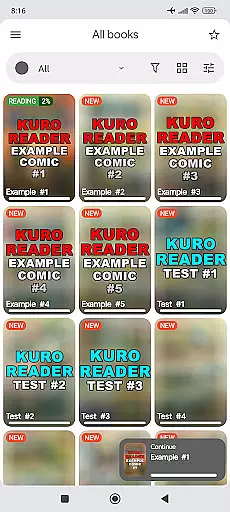
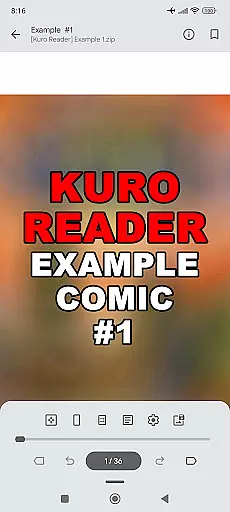
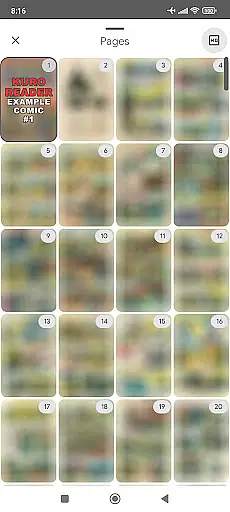
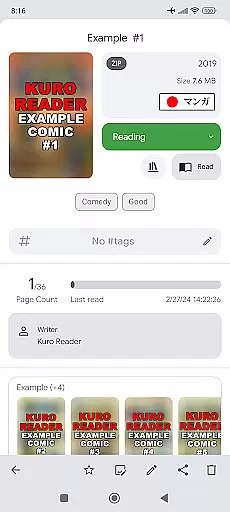
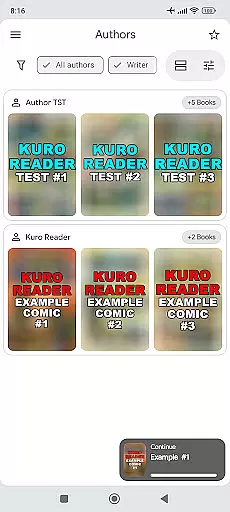
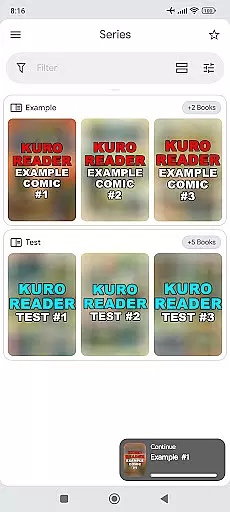
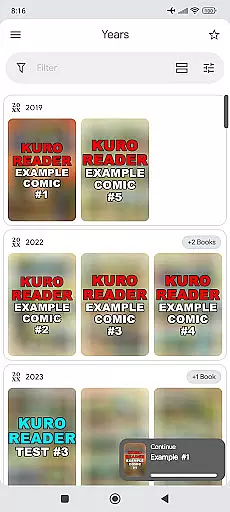
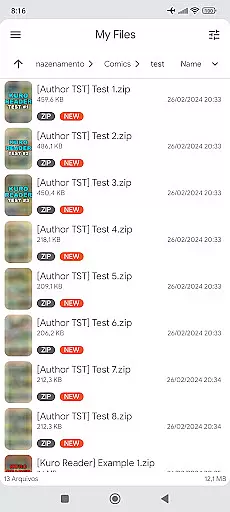
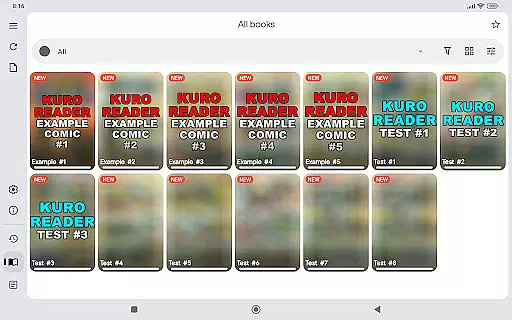
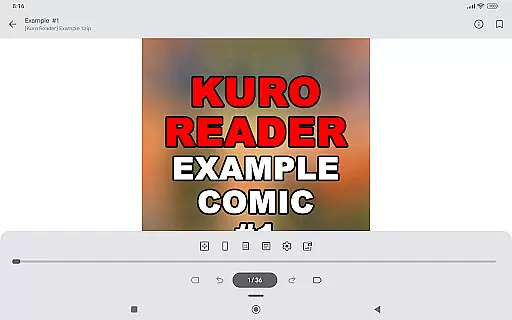
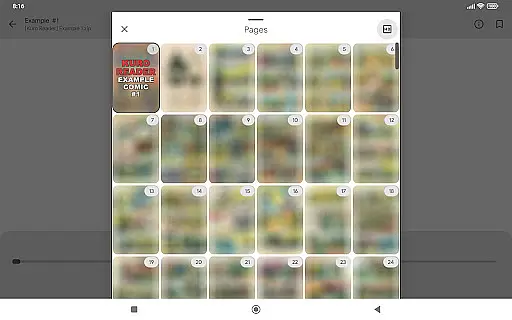
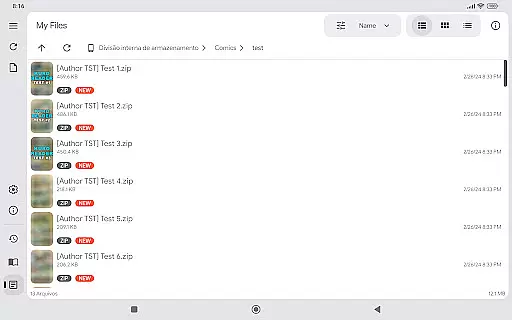
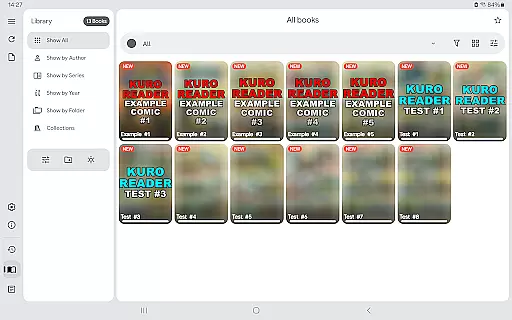
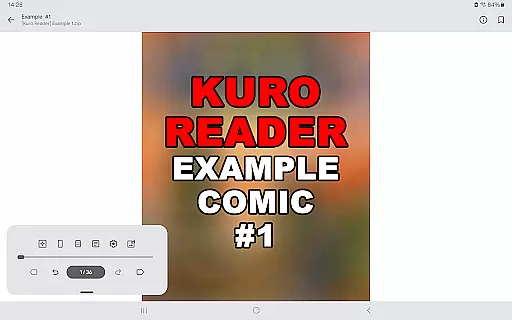
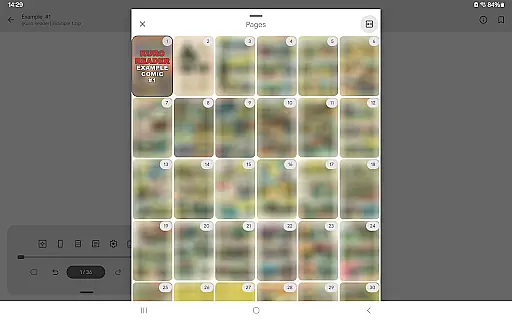
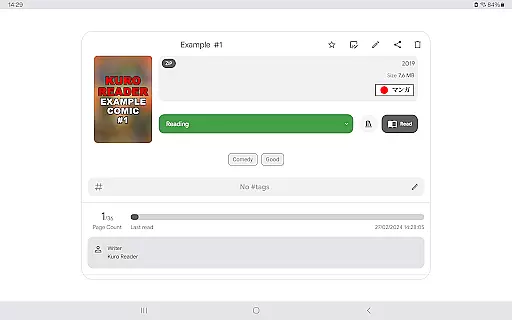
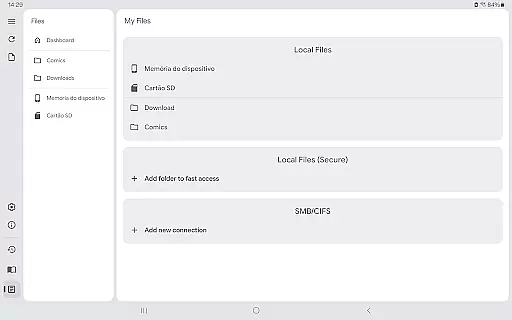
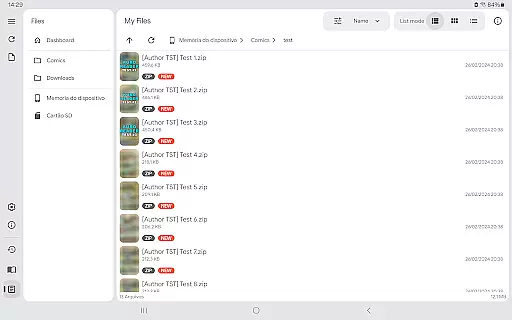
Kuro Reader+ Pro is a premium comic and eBook reader designed for book enthusiasts who value both functionality and aesthetics. This application supports an extensive range of file formats including cbz, cbr, cbt, cb7, zip, rar, tar, 7z, and PDF files, making it versatile for various reading materials. With features like sorted library views by series, authors, or years, users can efficiently organize their digital collections.
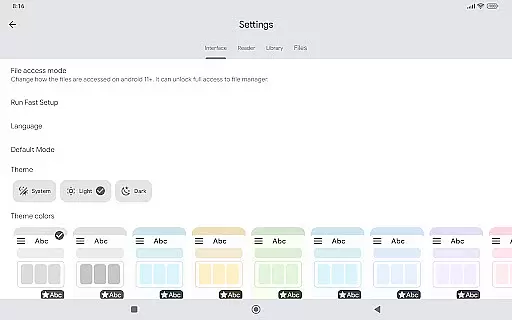
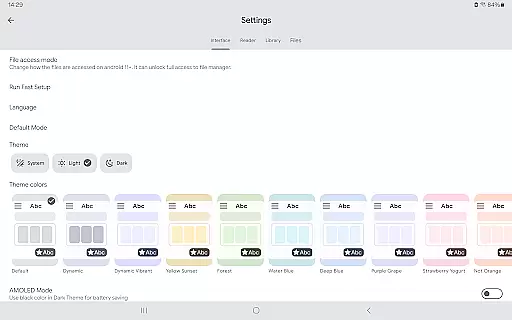
One of the standout aspects of Kuro Reader+ Pro is its customization options. Users can choose from multiple themes, including dark and AMOLED variants, and take advantage of interface personalization to tailor their reading experience. The app also offers specialized reading modes such as Manga mode with right-to-left reading and Webtoon mode for vertical strip navigation. These features ensure that readers can enjoy content exactly how they prefer, whether they're diving into graphic novels or scrolling through webcomics.
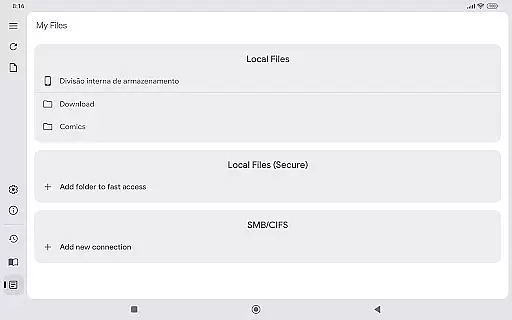
Beyond its core capabilities, Kuro Reader+ Pro provides practical tools like metadata editing, fingerprint and screenshot lock for privacy, and support for networked file systems via SMB. Available in numerous languages, this app caters to a global audience, enhancing accessibility and user engagement. By purchasing the Pro version, users not only gain access to advanced features but also support ongoing development, ensuring continuous improvement and innovation within the platform.
Kuro Reader+ Pro stands out due to its comprehensive feature set tailored for avid readers. One of its primary strengths is the wide file format support, accommodating everything from standard archive files like zip and rar to specialized comic formats such as cbz and cbr. This versatility ensures that no matter the source of your digital media, Kuro Reader+ Pro can handle it seamlessly, providing a unified reading experience across different types of content.
The app's customization options are another significant draw. With seven extra themes, including dark and AMOLED variants, users can adjust the visual presentation to suit their preferences or environmental conditions. Additionally, features like basic comic metadata editing, custom collections, and comic tagging allow for meticulous organization and management of your library. Whether you're sorting by genre, author, or personal ratings, these tools make it easy to maintain a well-structured collection.
Advanced functionalities further enhance the user experience. For instance, the app includes security features like fingerprint and screenshot lock, which are crucial for maintaining privacy on devices with hardware support. Moreover, specialized reading modes such as Manga mode and Webtoon mode cater to specific types of content, offering optimized viewing experiences. Overall, Kuro Reader+ Pro combines robust technical capabilities with user-centric design, delivering a top-tier reading application that meets diverse needs and preferences.
Kuro Reader+ Pro offers a comprehensive reading experience for digital comic enthusiasts, focusing on both functionality and legal compliance. The app supports an extensive range of file formats including cbz, cbr, cbt, cb7, zip, rar, tar, 7z, and PDF files, making it a versatile tool for managing large e-book libraries.
While the app doesn't include any pre-loaded content, it emphasizes the importance of copyright authenticity by encouraging users to read only legally purchased materials. This approach ensures that all content within your digital library is properly licensed and authentic.
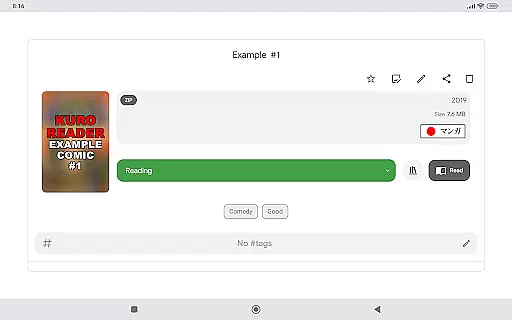
The application's metadata support through ComicInfo.xml enables accurate cataloging of your collection. With features like basic comic metadata editing and custom collections, users can maintain a well-organized library that preserves the integrity of original works while providing convenient access to their legally acquired content.
One of Kuro Reader+ Pro's standout features is its exceptional format compatibility, supporting multiple comic book archive formats such as cbz, cbr, cbt, cb7, alongside standard archive types including zip, rar, tar, and 7z. This wide-ranging support makes it easy for users to access their entire collection without worrying about format restrictions.
The inclusion of PDF support expands the app's versatility beyond just comic books, allowing users to read various document types within the same interface. This feature particularly benefits those who work with both comics and professional documents regularly.
Furthermore, the app's ability to handle different file formats maintains the original quality of the content, ensuring that readers experience their comics exactly as intended by the creators. The combination of broad format support and preservation of content quality makes Kuro Reader+ Pro an excellent choice for managing diverse digital libraries.
User-friendly interface
Wide file format support
Customizable themes
Advanced privacy features
Multilingual support
No included content
Paid features only
Requires technical knowledge
Limited free version
Occasional bugs

"Five Dr. Seuss titles in one omBook!"
 4.60
4.60
Novels, audiobooks, ebooks & fanfiction. Read anytime, anywhere!
3.40
The ultimate military vehicle identification (Equipment ID) guide.
4.40
WebNovel - Read Solo Leveling novel and comic
4.10
“It is fun to have fun, but you have to know how!”
4.40
8 Dr. Seuss short stories in 1 app!
4.70
Daily Prayer, personalized Bible Study, AI-guided Insights, and Spiritual Growth
4.80
Read books PDF, EPUB, WORD, KINDLE, MOBI! Your ebook reader among reading apps.
4.80
A story reading app: Read stories, novels and books, or write your own.
3.90
Liturgy of the Hours totally off-line
4.80
World's most comprehensive dictionary app: 13 languages, all online or offline!
4.80
"Do you like green eggs and ham?"
4.70
Powerful Bible study tools linked to every verse in an easy-to-use Bible reader!
4.60
The Original & Authentic Crystals, Gemstones, Rocks & Minerals Encyclopedia.
4.60
Build family tree & discover DNA, family history heritage, origins and ancestors
4.60
Bible Spiritual Companion
4.40
Daily Bible app: King James Version with verses and audio for studying&prayer
4.40
Bilingual dictionary with English translations of Modern Standard Arabic words.
4.30
A companion for prayer, with Azan alarm, Quibla direction, and Holy Quran book
4.10


User Reviews