
ReadEra is a versatile eBook reader app that supports multiple formats including PDF, EPUB, Microsoft Word, Kindle, DJVU, FB2, TXT, ODT, and CHM. It offers an ad-free reading experience with no in-app purchases or registration required, making it ideal for users who want to read books offline without interruptions.
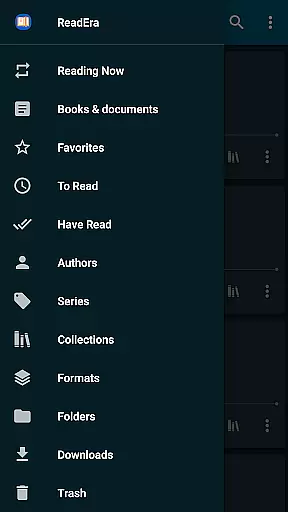
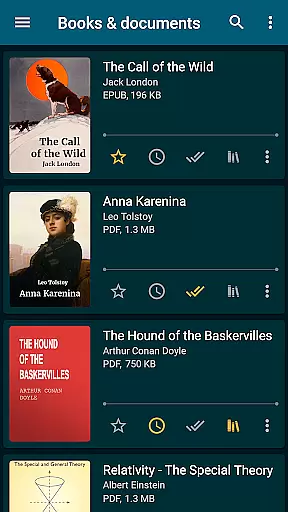
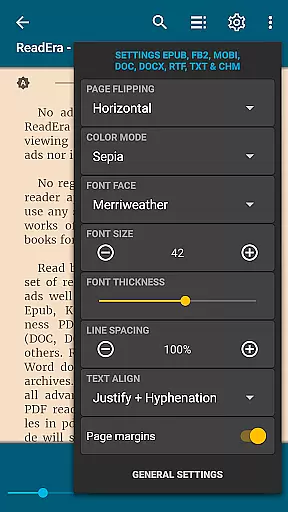
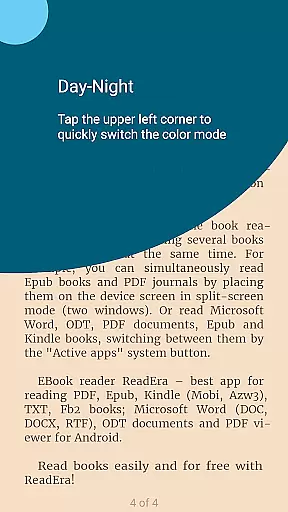
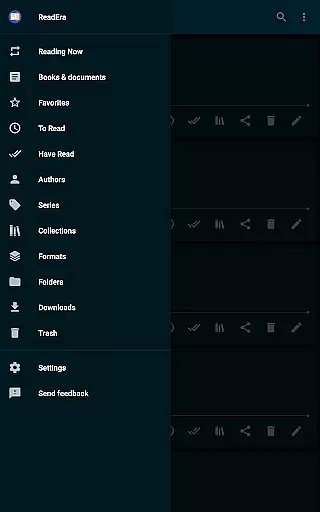
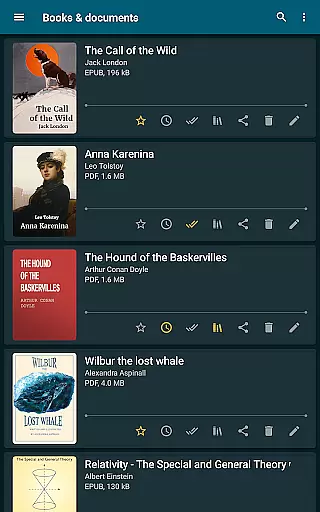
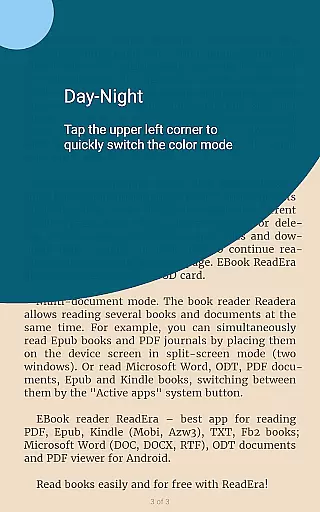
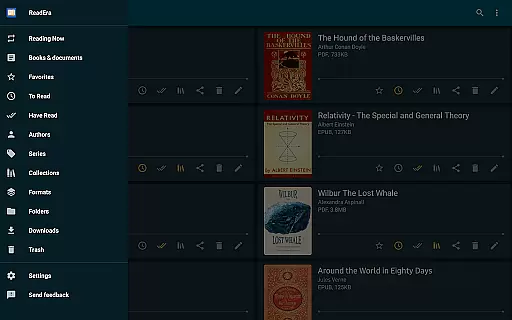
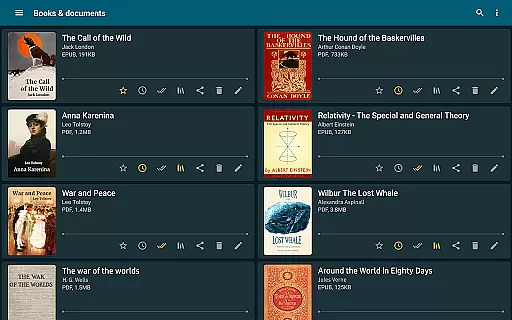
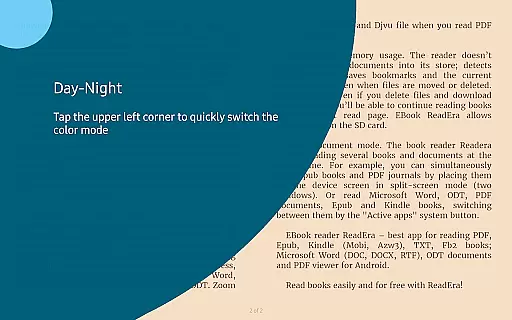
The app stands out with its comprehensive book management system, allowing users to organize their library by authors, series, and custom collections. Its advanced reading settings include day and night modes, customizable fonts, and page layouts. ReadEra also features multi-document mode, enabling users to read several books simultaneously in split-screen format.
Whether you're reading academic papers, novels, or business documents, ReadEra provides a seamless experience across devices. The app's ability to handle large files and zip archives makes it particularly useful for students, researchers, and professionals who need efficient access to extensive digital libraries.
ReadEra distinguishes itself through its multi-format support, accommodating over ten file types including PDF, EPUB, MOBI, and Microsoft Word documents. This versatility eliminates the need for multiple apps, streamlining the reading experience for various document types. The app's powerful book management tools allow users to auto-detect books, create custom collections, and track reading progress through categorized lists.
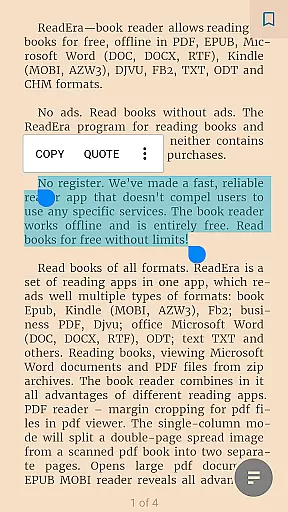
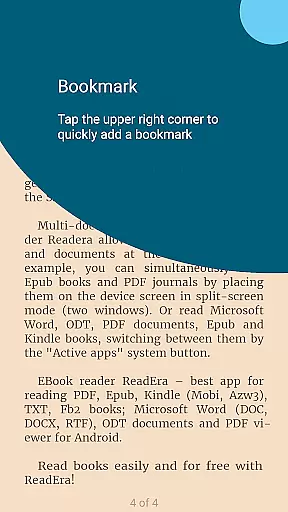
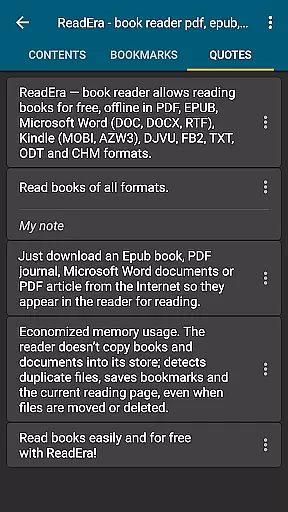
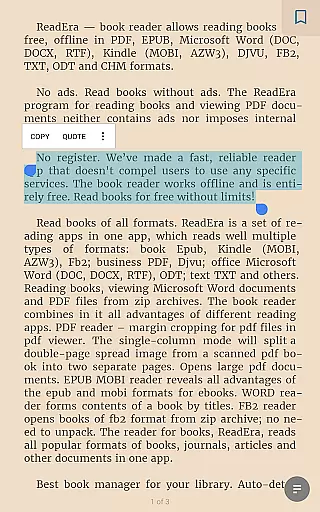
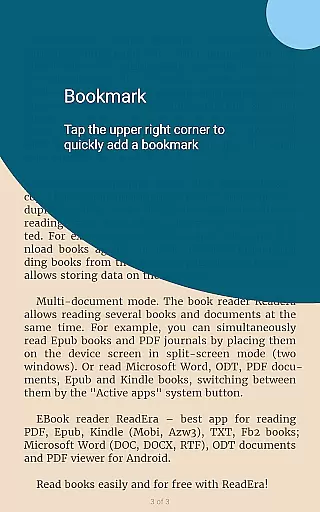
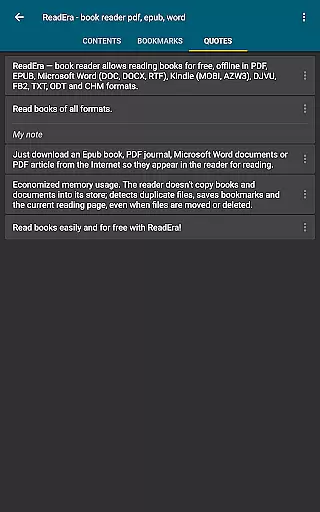
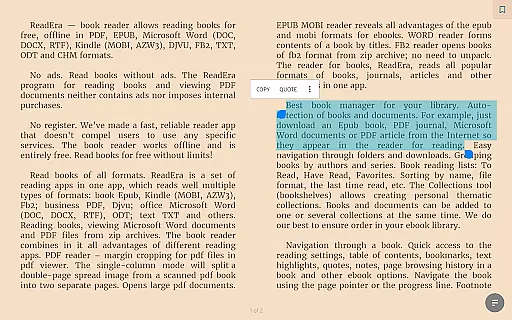
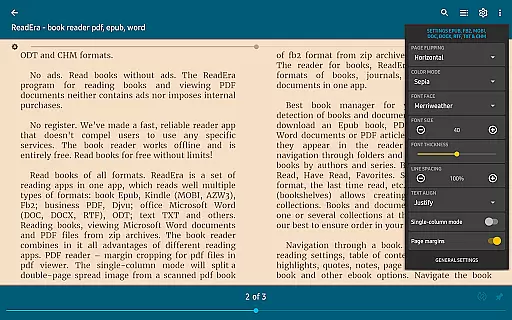
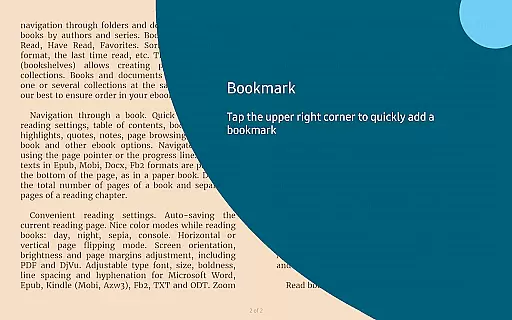
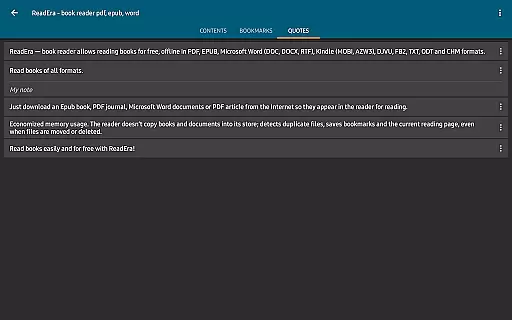
A key feature is its advanced navigation system, which includes table of contents integration, bookmarking, text highlighting, and footnote display at the bottom of pages. Users can customize their reading experience with adjustable fonts, brightness control, and color modes like sepia and night mode. The app also supports margin cropping for PDFs and single-column viewing for scanned documents.
ReadEra's memory optimization ensures efficient storage usage by detecting duplicate files and saving reading positions even when files are moved or deleted. The multi-document mode allows simultaneous reading of different formats, while the split-screen functionality enables productive research and study sessions. These features collectively enhance both casual reading and professional document review.
ReadEra offers an extensive e-book library that supports multiple formats including PDF, EPUB, Microsoft Word, Kindle, DJVU, FB2, TXT, ODT, and CHM. This wide-ranging compatibility ensures users can access a vast array of literature without limitations.
The application guarantees the authenticity of its content by supporting legitimate file types directly downloaded from credible sources. Users can import their legally acquired e-books into ReadEra, assured that the app respects copyright laws and intellectual property rights.
With no internal purchases or advertisements, ReadEra provides a seamless reading experience focused on accessibility and respect for authors' works. The absence of ads and in-app purchases underscores the app's commitment to genuine literary engagement.
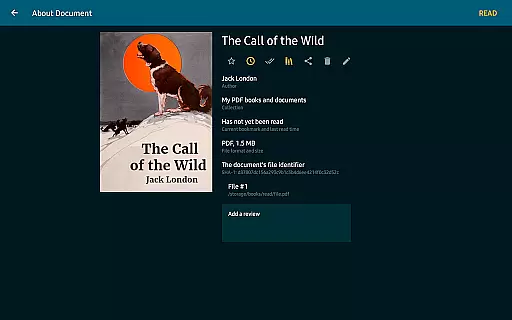
By enabling users to manage their collections effectively, ReadEra promotes a personalized and enriched reading journey. The ability to organize books by author, series, and custom collections ensures that readers can curate their digital libraries with ease and precision.
One of ReadEra's standout features is its exceptional format compatibility. The app supports a multitude of file types such as PDF, EPUB, Microsoft Word (DOC, DOCX, RTF), Kindle (MOBI, AZW3), DJVU, FB2, TXT, ODT, and CHM, making it a versatile tool for diverse reading needs.
This broad format support allows users to consolidate their entire library within a single application. Whether it's academic papers in PDF, novels in EPUB, or business documents in Word, ReadEra accommodates all these formats effortlessly.
ReadEra enhances user experience by providing specialized reading settings for different formats. For instance, margin cropping for PDFs and single-column modes for scanned books ensure optimal readability across various document types.
Additionally, the app facilitates easy navigation through complex documents like PDF journals and Microsoft Word files. By detecting and organizing content intelligently, ReadEra simplifies accessing and managing multi-format libraries, thus elevating the overall reading experience.
User-friendly interface
Multi-format support
Offline functionality
Customizable settings
Free with no ads
Limited cloud integration
No iOS version
Complex UI for beginners
Occasional lag with large files
Basic sharing options

University of North Carolina Herbarium presents the flora of TN, AL, & MS.
 4.4
4.4
A wonderful reader for good time spend.
4.20
Read and study the Bible and other content in over 1,000 languages.
4.80
Unlock more features in Lithium and show your support. Expand for details.
4.00
Full text, sheet music, and recordings of the print edition
4.60
Provides location information of vehicle Shift Interlock releases.
4.30
What’s that bird? Just answer 5 questions, snap a photo, or record its song!
4.90
Fast loot guide for ARC Raiders. Simple tips, stats, maps, and item details.
4.3
Calculate, Knowledge, Homework
4.40
"When tweetle beetles fight, it's called a tweetle beetle battle."
4.90
The Bible Audio Guide
4.80
Daily Prayer, personalized Bible Study, AI-guided Insights, and Spiritual Growth
4.80
A lightweight reader for comics and mangas files (.cbr, .cbz, .cbt, .pdf, ...)
4.80
World's most comprehensive dictionary app: 13 languages, all online or offline!
4.80
8 Dr. Seuss short stories in 1 app!
4.70
Bible Spiritual Companion
4.40
“It is fun to have fun, but you have to know how!”
4.40
CleverBook Pro makes the popular guide for the game even better!
4.00
A story reading app: Read stories, novels and books, or write your own.
3.90


User Reviews