
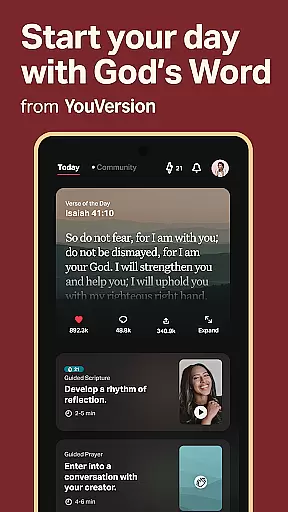
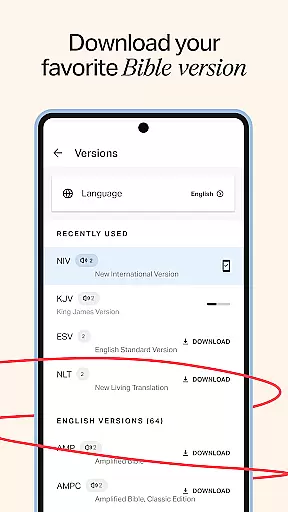
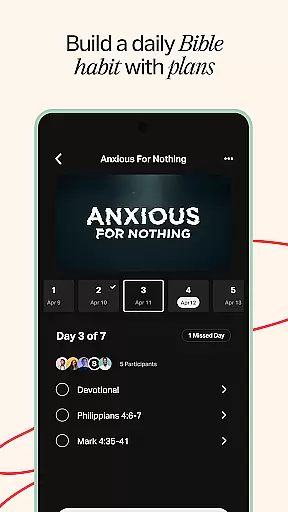
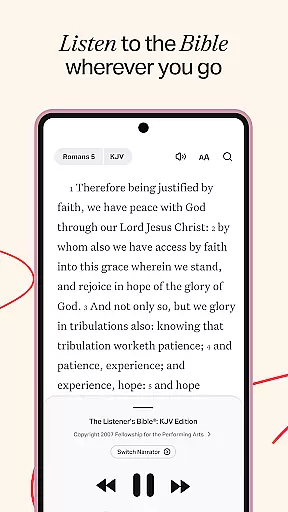
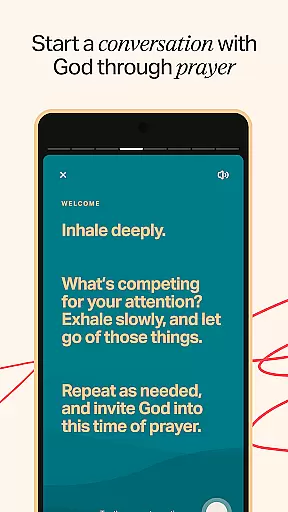
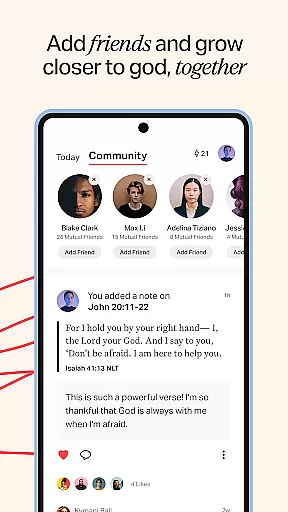
YouVersion Bible App + Audio is a comprehensive spiritual companion designed for daily Bible study and community engagement. With over 2,500 Bible versions available in 2,100+ languages, it offers users an extensive selection of scriptures to explore. The app supports audio Bibles, reading plans, devotionals, and social sharing features that foster meaningful discussions about faith.
One of the standout features is its ability to customize your Bible study experience through highlights, bookmarks, and public or private notes. Users can access content online or download specific versions for offline reading. The app also facilitates group Bible studies with friends, allowing you to share insights and grow together spiritually every day.
This app is particularly useful for individuals seeking a deeper understanding of the Bible while connecting with a global community of believers. Its rich features like Verse Images, video teachings, and cloud sync make it an invaluable tool for personal growth and collective learning.
YouVersion Bible App + Audio stands out with its diverse range of features tailored for both individual and communal Bible study. The app provides access to thousands of reading plans and devotionals in over 99 languages, catering to a global audience. Popular Bible versions such as KJV, NIV, and ESV are readily available, ensuring users can choose their preferred translation.
A key feature is the ability to listen to audio Bibles, although this functionality requires an internet connection. The app promotes social interaction by allowing users to add friends, view activity feeds, and comment on verses. It also includes video content from renowned sources like the JESUS film and The Chosen series, enriching the learning experience.
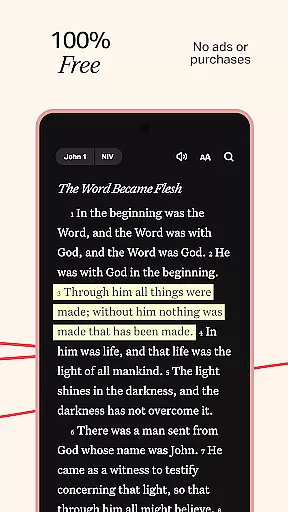
Customization options abound with verse images, color-coded highlights, and adjustable text settings for optimal readability. Cloud sync ensures all your notes, highlights, and bookmarks are accessible across devices, providing a seamless user experience. These features collectively create an engaging environment for studying God's word and connecting with fellow believers.
The YouVersion Bible App offers an extensive e-book library with over 2,500 Bible versions available in more than 2,100 languages. This vast collection ensures that users from diverse linguistic backgrounds can access the scriptures in their preferred language.
Copyright authenticity is a crucial aspect of the app's offerings. It provides popular and trusted versions such as the King James Version (KJV), New International Version (NIV), and English Standard Version (ESV), all of which are recognized for their scholarly approach and faithful translation.
Users benefit from this wide-ranging and authentic selection by being able to switch between different versions, thus gaining various perspectives on Biblical teachings. The availability of these resources completely free of charge further enhances the value provided to the user.
Moreover, the app allows offline reading for select versions, ensuring that once downloaded, users can access the texts without needing an internet connection. This feature not only respects copyright laws but also caters to those who may have limited connectivity.
Format compatibility within the YouVersion Bible App ensures that users can engage with content in multiple ways, including reading, listening to audio Bibles, and watching related video clips. This multimedia approach accommodates different learning styles and preferences.
The app supports a variety of digital formats suitable for smartphones and tablets, making it accessible on a broad range of devices worldwide. Whether through Android or iOS platforms, users experience seamless integration with their mobile devices.
Additionally, the ability to adjust font size, text contrast, and background colors for optimal readability demonstrates the app's commitment to user-centric design. These customization options cater to individual needs, especially aiding those with visual impairments.
By providing cloud sync capabilities via a free YouVersion account, the app guarantees cross-device compatibility. Users can effortlessly transition between devices while retaining access to their notes, highlights, bookmarks, and reading plans, creating a cohesive and uninterrupted study experience.
User-friendly interface
Extensive Bible translations
Rich multimedia content
Strong community features
Customizable study tools
Audio requires internet
Limited offline videos
Some features need account
Occasional ads
Heavy storage usage

Powerful Bible study tools linked to every verse in an easy-to-use Bible reader!
 4.60
4.60
Crowd-sourced listing of businesses with anti-gun signs, and pro-2a alternatives
4.60
Knots 360 Pro ( 3D ) shows you animated 192 knots in 3D perspective
4.10
7 Languages, Google, Wiki, Vocabulary.com, Cambridge & Urban Dictionary!
4.50
Bible Study App with Audio Book, Verse of the Day, and Devotionals.
4.80
Learn Thai with 195,000+ entries, crisp Thai sounds, big text; works offline.
4.80
Full text, sheet music, and recordings of the print edition
4.60
King James Bible read offline, AI Priest, Bible Quiz, Guiding Prayers & Plans
4.80
Daily Bible app: King James Version with verses and audio for studying&prayer
4.40
Bible, Catechism, Study, Saints, Mass Readings, Rosary, Prayer, Bible in a Year
4.80
Daily Prayer, personalized Bible Study, AI-guided Insights, and Spiritual Growth
4.80
Find, discuss, and organize your world of books and shows.
4.60
Read aloud texts, audiobooks, PDFs or any eBook with text to speech AI audio
4.60
The ultimate military vehicle identification (Equipment ID) guide.
4.40
KJV Bible works offline with Audio, Hebrew & Greek lexicon (concordance) & more!
4.20
WebNovel - Read Solo Leveling novel and comic
4.10
“There was one last piece of cake. My little sister said ‘Me too!’”
4.00
Battle Royale Chapter 5 Season 2 HD Wallpapers Emotes Skins and BattlePass
3.00
Sea tide predictions for all coastal U.S. locations.
4.1


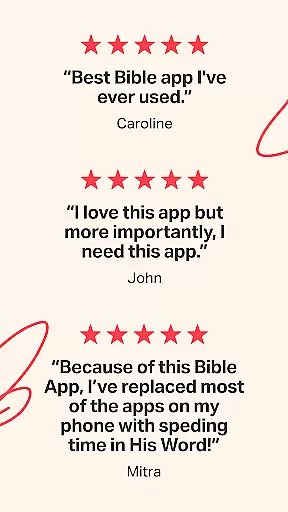
User Reviews