
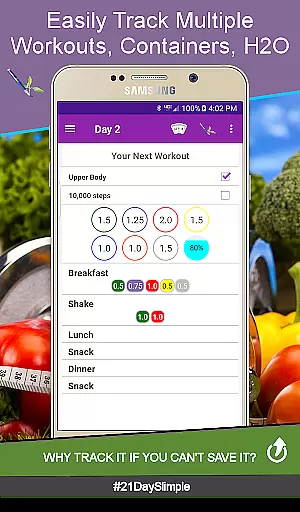
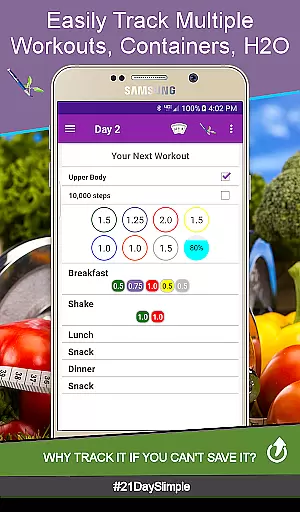
21 Day Slimple - The Easy Fix! is a comprehensive fitness tracking app designed to help users monitor their 21-day program workouts, nutrition, and hydration. This app offers an intuitive interface that simplifies the process of tracking daily activities, meals, and water intake. With features like progress tracking, meal planning, and reminders, it ensures users stay on top of their fitness goals. Whether you're following a base or extreme workout schedule, this app provides the tools needed to succeed.
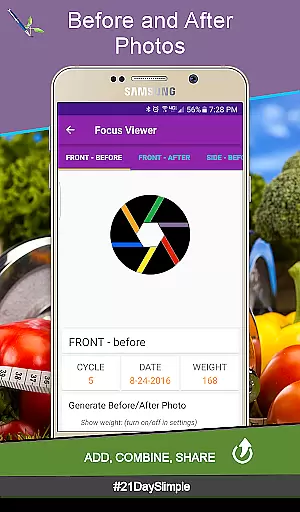
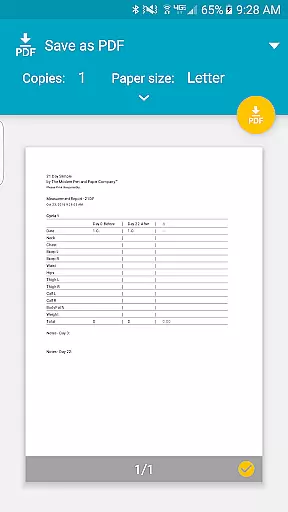
One of the standout features of 21 Day Slimple is its ability to track before and after photos along with measurements, allowing users to visually see their progress over time. Additionally, the app supports multiple meal plans and portion tracking, making it adaptable to various dietary needs. Users can also generate detailed reports and charts to monitor their weight and measurement changes throughout the program. This makes it an invaluable tool for anyone looking to improve their health and fitness in a structured manner.
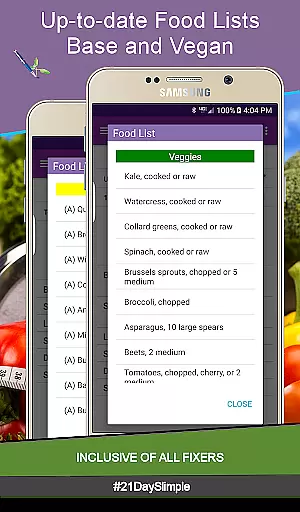
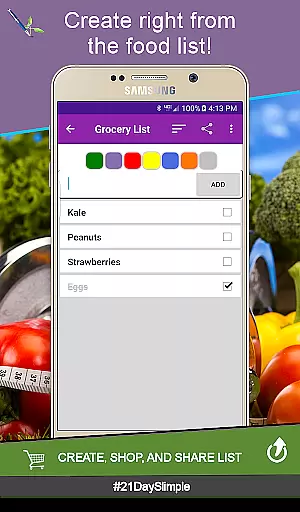
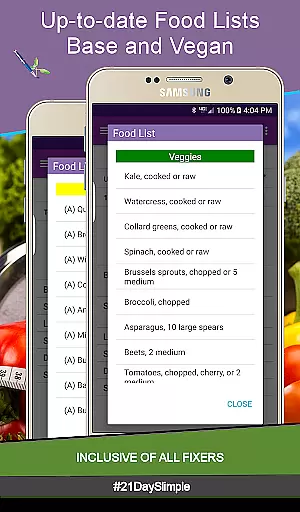
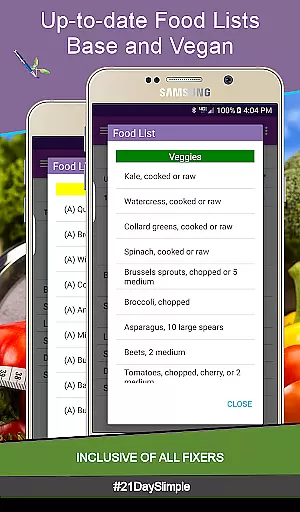
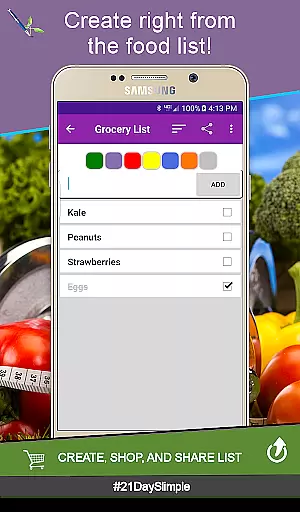
21 Day Slimple offers a wide array of features tailored to enhance the user's fitness journey. The app includes both base and extreme 21-day schedules, as well as specialized programs like Bring the Heat - Country/Deluxe (30-day schedule). Users can switch between cycles seamlessly, ensuring flexibility in their workout routines. The app also allows for detailed tracking of food intake with up-to-date food lists and vegan options, supporting unique dietary requirements.
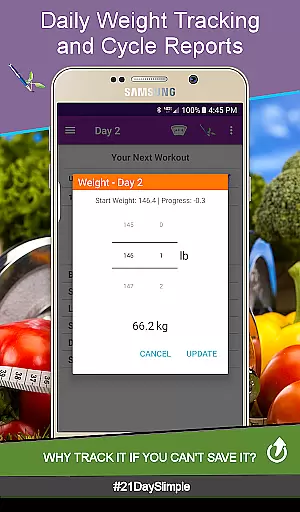
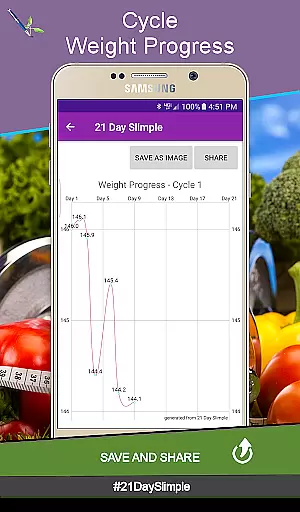
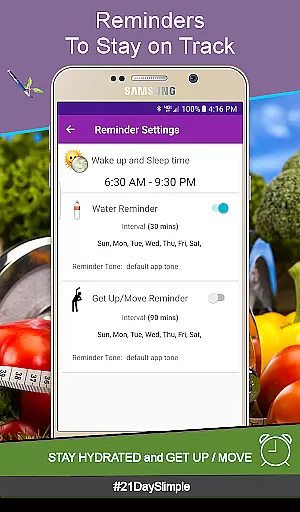
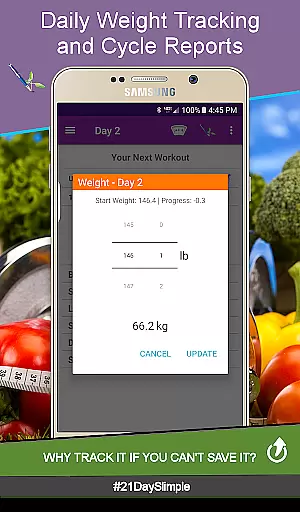
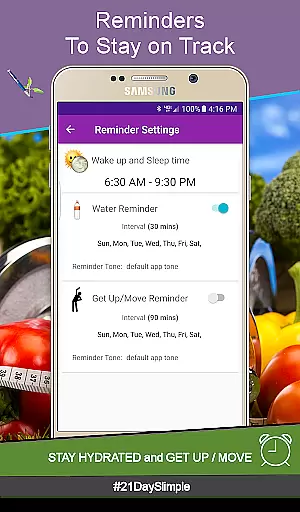
In addition to workout and nutrition tracking, 21 Day Slimple provides robust tools for monitoring progress. Users can track daily weights, view progress charts, and even combine before and after photos for a visual representation of their achievements. The app also includes reminders for hydration and movement, which can be sent directly to smartwatches. Furthermore, the cycle manager feature enables users to start new cycles without losing previous data, offering a continuous tracking experience that adapts to long-term fitness goals.
Personalized planning is a cornerstone of any successful fitness journey, and the 21 Day Slimple app excels in this area. The app offers users the ability to tailor their workout schedules according to their specific needs, whether they are following the base 21 Day schedule, the extreme version, or even the Bring the Heat - Country/Deluxe (30 day) schedule. This flexibility ensures that users can switch between cycles seamlessly, catering to their evolving fitness goals.
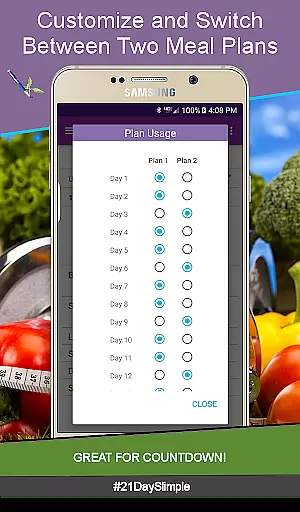
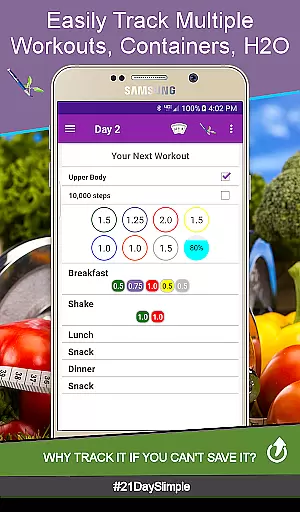
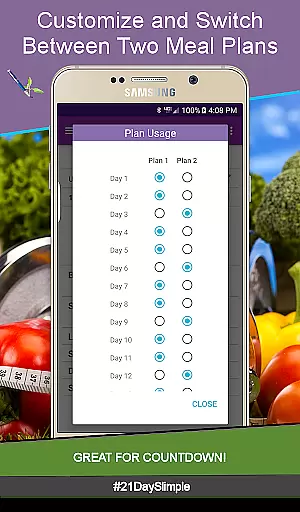
The app's intelligent design supports personalized meal planning with two distinct options that can be alternated throughout the cycle. This feature proves invaluable for those participating in Countdown Competitions or adhering to a boot camp diet, as it allows for gradual adjustments in portion sizes. With 0.25 portion increments available, users have the precision needed to match their unique eating habits.
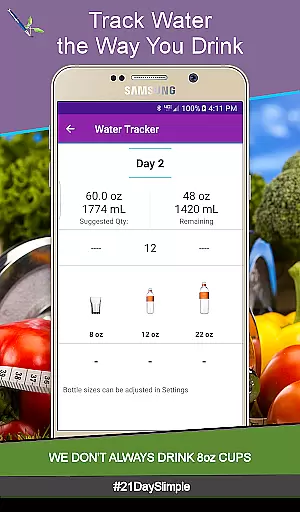
Furthermore, 21 Day Slimple provides comprehensive tracking features for weight, measurements, and water intake, empowering users to monitor their progress closely. The inclusion of before and after photos adds a visual element to progress tracking, enhancing motivation and engagement. These personalized insights not only guide users through their fitness journey but also enable them to share their achievements, fostering a supportive community environment.
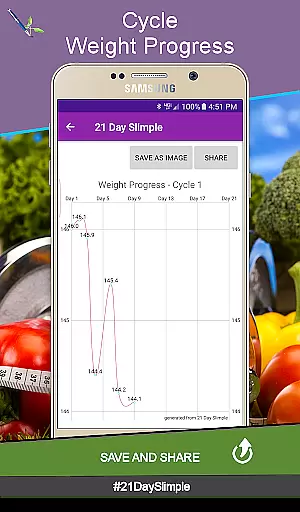
Visualizing progress is crucial for maintaining motivation and achieving fitness milestones, and the 21 Day Slimple app delivers exceptional tools for this purpose. Users can view detailed reports and charts that illustrate their advancements over time, such as Weight & Measurement reports and charts. These visual aids transform raw data into understandable and actionable insights, allowing users to celebrate small victories and stay committed to their goals.
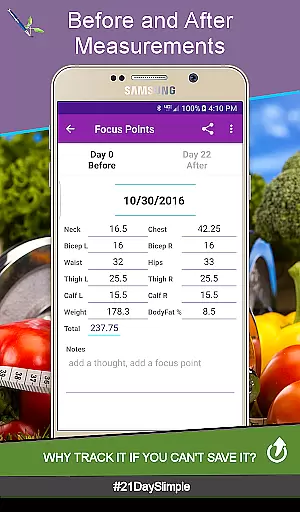
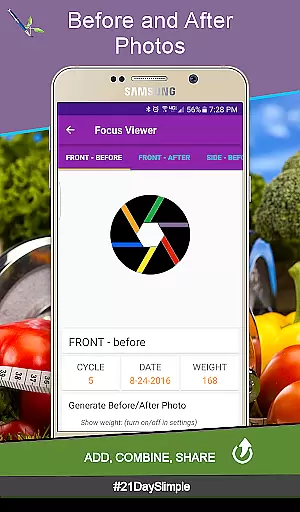
The app goes beyond basic numerical tracking by incorporating Before and After measurement tracking complete with photos. This feature enables users to witness physical transformations, providing tangible evidence of their hard work paying off. The ability to flip between these images or combine them creates a powerful narrative of personal growth and success.
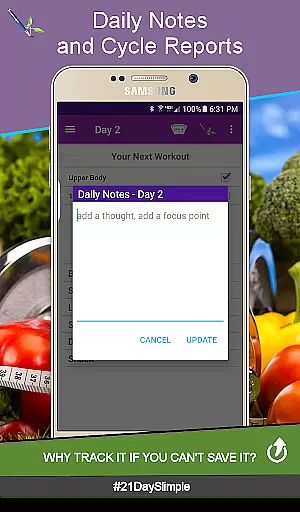
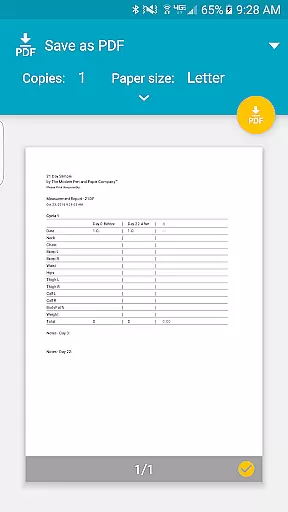
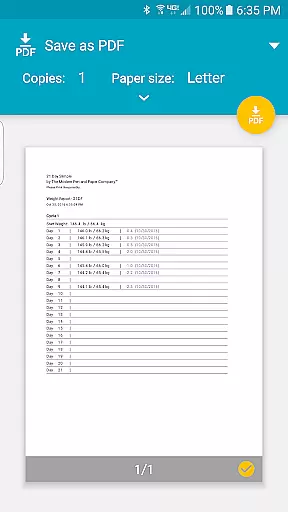
Additionally, the Cycle Weight Report consolidates all 21 days of data into one accessible PDF document, making it easy to review overall progress at a glance. Sharing these visual representations with friends or within the fitness community amplifies accountability and encouragement. By prioritizing robust progress visualization, 21 Day Slimple ensures that users remain engaged and inspired throughout their health and fitness journey.
User-friendly interface
Comprehensive tracking tools
Flexible meal planning
Detailed progress reports
Smartwatch integration
Limited to 21-day programs
No in-app purchases
Requires storage permission
Initial learning curve
Fewer social features

Transform your body and soul with DBFFitness, with a 40-day fitness journey.
 4.4
4.4
Easy reconstitution calc for mixing peptides and creating protocols
4.70
Meditation app, head space app provides calm music to help you meditate & sleep
5.00
Get alert about getting out of desired heart rate zone.
4.10
Track heart rate & HRV in 30s! Get live health insights and anomaly alerts
4.40
FitCloudPro takes care of your health every minute.
3.70
The most accurate heart rate app to monitor and track your heart rate & pulse.
4.40
Dexcom G7 Continuous Glucose Monitoring
3.70
Mood journal, habits, self-care tracker, self-love
4.90
Weight loss app: home workout for women to lose weight & burn calories.
4.80
Protect your healthy sleep
4.80
Mind on steroids - relaxation, productivity, meditation and sleep!
4.60
FODMAP, Gluten, Allergy, Vegan
4.50
Chair Workout: Women's Edition for safe, flexible, and personalized fitness.
4.40
Relax to calm sounds, white noise, music, guided meditation and bedtime stories
4.40
Monitor, analyze, track, and convert blood sugar & help you control diabetes.
4.10
HRV4Training helps you optimize goals and improve performance. No sensors needed
3.30
Measure real-time wrist & ambient temperature with your Galaxy Watch (Wear OS)
3.20
Using Recognise™ has been shown to reduce pain, and improve performance.
4.5


User Reviews