
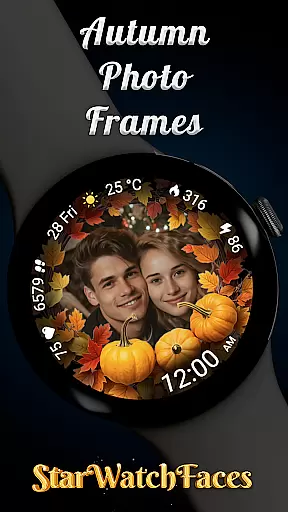
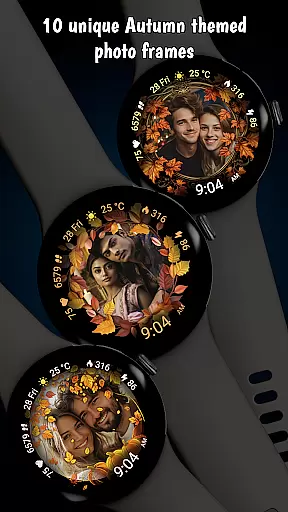

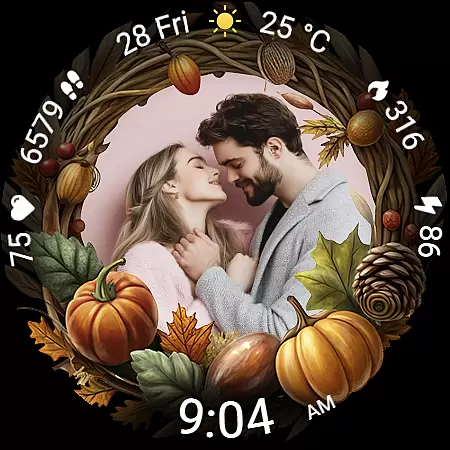
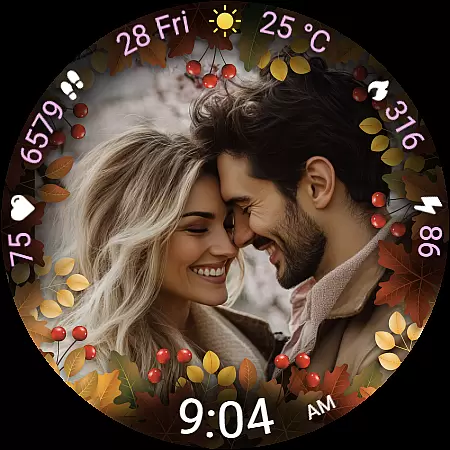
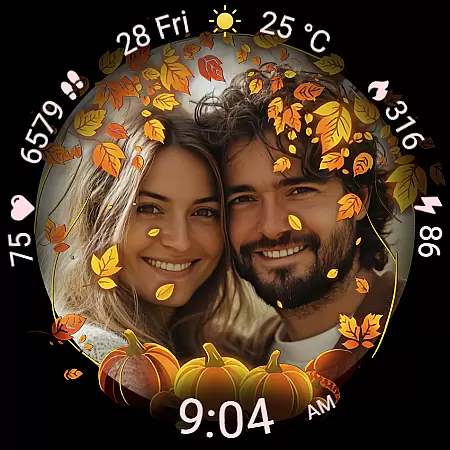
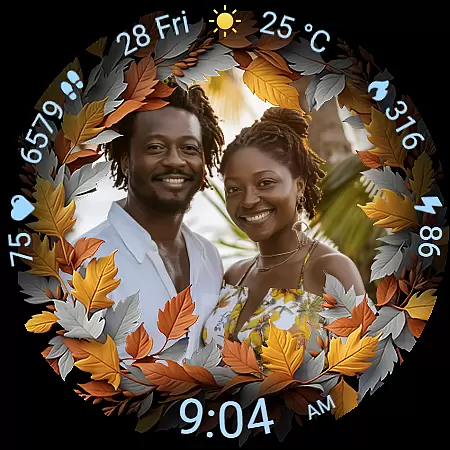
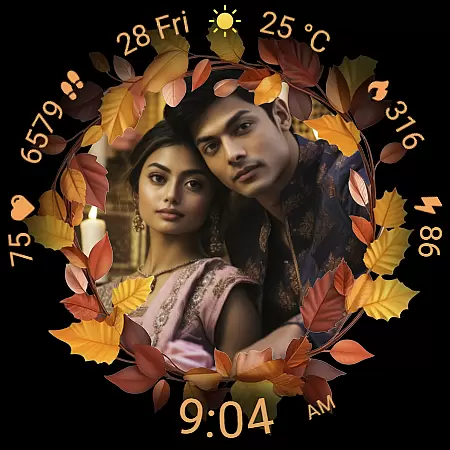
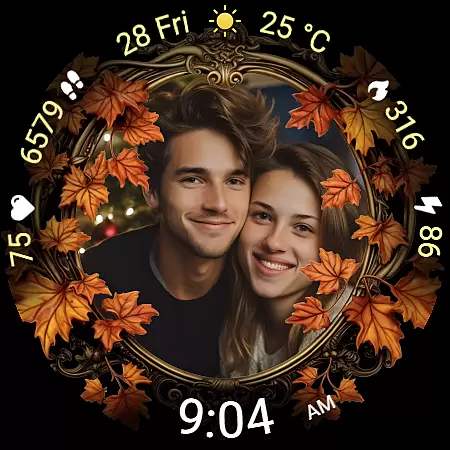
Autumn Photo Frames for WearOS is a premium lifestyle watchface that combines seasonal aesthetics with personalization. This app allows users to display cherished memories on their smartwatches through 10 beautifully designed autumn-themed photo frames, making it ideal for those who seek both style and sentimentality on their wrist.
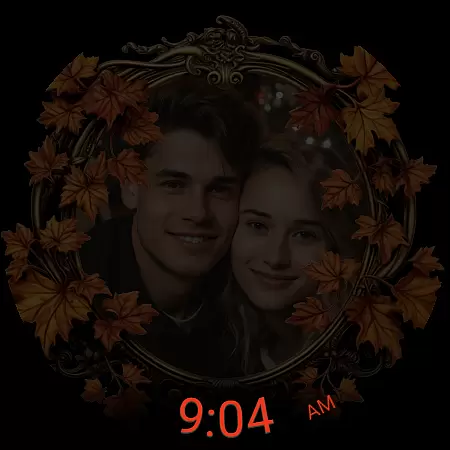
The watchface offers extensive customization options including 30 color themes, digital clock formats, health metrics like heart rate and step count, weather updates, and an Always-On Display feature. Compatible with Wear OS 6 and newer, this app transforms your smartwatch into a personal gallery while delivering essential functionality.
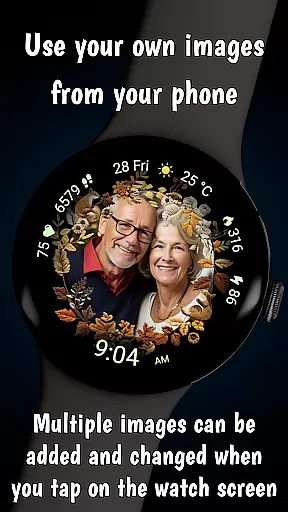
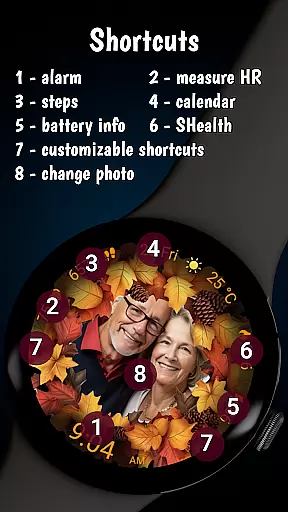
Autumn Photo Frames stands out with its unique ability to integrate personal photos into elegant autumn-themed designs. Users can upload images via the companion app and switch between multiple photos directly from the watch interface by tapping the screen center.
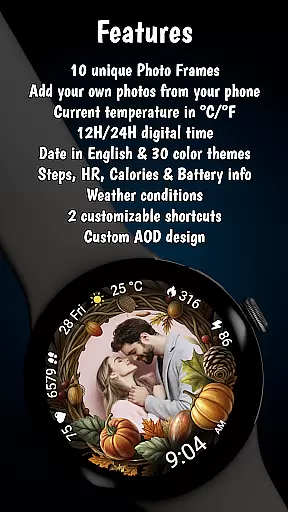
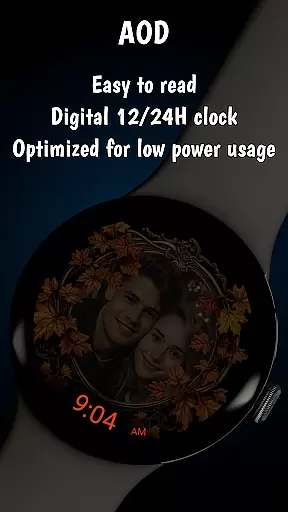
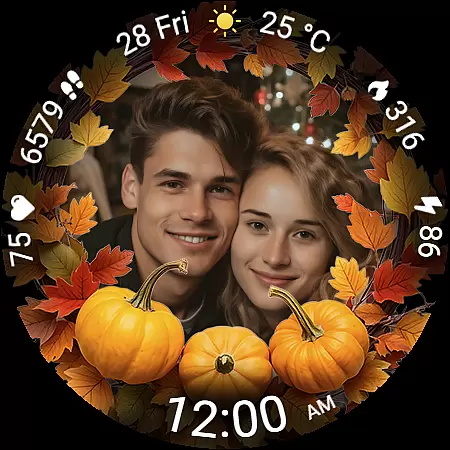
Beyond its core photo frame feature, the app provides practical tools such as a digital clock in 12h/24h format, date display, battery status indicator, real-time heart rate monitoring, step counter, calorie tracker, and weather information. With two customizable shortcuts and low-power optimization, it ensures both convenience and efficiency.
The inclusion of 30 color themes and an Always-On Display (AOD) mode further enhances usability, offering users flexibility in personalizing their experience while maintaining optimal performance throughout the day.
In today's fast-paced digital age, smartwatches have become an essential accessory for managing daily life. The Autumn Photo Frames watchface for Wear OS 6 offers a unique blend of functionality and personalization that caters to users seeking both utility and emotional connection. This application expands the lifestyle category by integrating practical smartwatch features with customizable autumn-themed aesthetics.
With 10 beautifully designed photo frames and 30 color themes, this watchface allows users to tailor their smartwatch to match their seasonal style or mood effortlessly. Whether it's family photos, travel memories, or motivational images, users can display what matters most to them. The inclusion of metrics like heart rate, step counter, calories burned, and weather information ensures that users stay informed about their health and environment while enjoying personalized visuals.
The watchface supports Wear OS 6 and newer, ensuring compatibility with a wide range of devices. By offering rich customization options alongside essential smartwatch functionalities, Autumn Photo Frames enriches the lifestyle category, providing users with a versatile tool that adapts to various personal and practical needs.
Authenticity and credibility are crucial in delivering a meaningful user experience, especially when it comes to personalized content on wearable devices. The Autumn Photo Frames watchface assures users of genuine, high-quality design through its meticulously crafted photo frames and thematic elements. Each frame is designed with seasonal colors and elegant decorative touches that capture the essence of autumn, providing an authentic aesthetic experience.
All featured couples in promotional materials are AI-generated, ensuring that marketing visuals align with ethical standards while showcasing the product's customization capabilities. Additionally, the application integrates reliable health and environmental metrics such as heart rate, step count, calorie tracking, and weather updates, which are sourced from trusted device sensors and APIs. These features not only enhance usability but also reinforce the credibility of the content provided.
By combining visually appealing designs with accurate and functional data, Autumn Photo Frames establishes itself as a credible lifestyle application that users can trust and enjoy daily.
Highly customizable
Beautiful autumn themes
Real-time health tracking
Weather integration
User-friendly interface
Limited to Wear OS
Requires companion app
Premium cost
Complex setup
Battery intensive

Get your life organized with My Agenda!
 4.30
4.30
Cute animated Thanksgiving watchface for your WearOS smartwatch
4.0
Unique Dual Colors with 6 Custom Complications for Wear OS watches!
3.40
Good magnifier app to see tiny things bigger and more clearly!
4.80
Get the news, events and savings that matter to you with AARP Now.
4.80
Earn money & gift cards when you take surveys, play games, scan receipts & more.
4.50
Made To Order Faves
4.70
Have your Tehillim with you at all times
4.70
The App can control Roborock vacuum cleaners from anywhere with rich features.
4.60
Digital smart watch face made for Wear OS.
4.70
A smart Siddur with halachic times
4.60
Crochet made easy: step-by-step tutorials, beginner patterns & projects
4.60
Colorful selection floral watch face with gyro for Wear OS
4.60
Discover your Nationality, Family Origin, and Ancestry from one selfie
4.50
Your home in your hand
3.80
Going above and beyond known spirit communication
3.60
An Eerie Musical Trigger Toy for Spirits to Play with!
3.50
The Miracle Box includes methods used by Steve Huff of Huff Paranormal.
3.20
Big bold hybrid watch face with 30 colors, 5 fonts & 5 complications.
4.0


User Reviews