
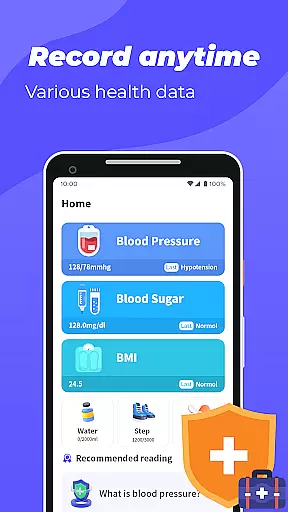
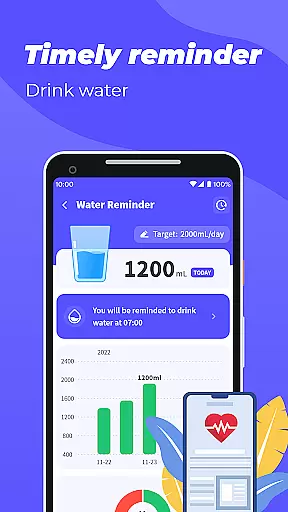
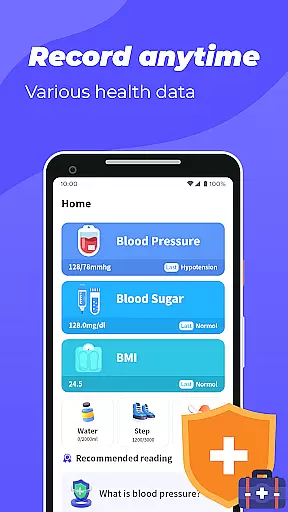
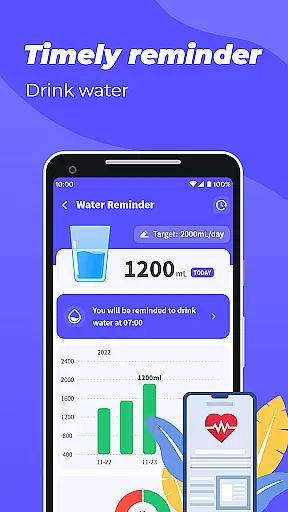
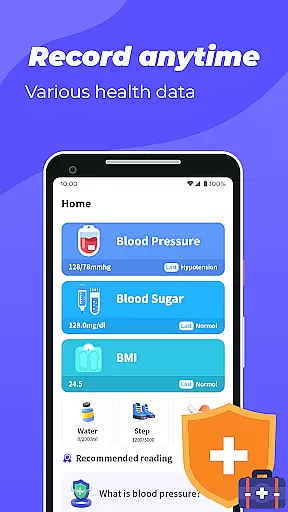
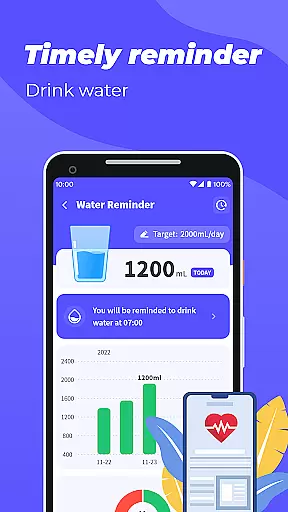
Blood Pressure App is a comprehensive health tracking tool designed to help users monitor key health metrics. The app allows you to record and track blood pressure, blood sugar levels, and BMI through an intuitive interface.
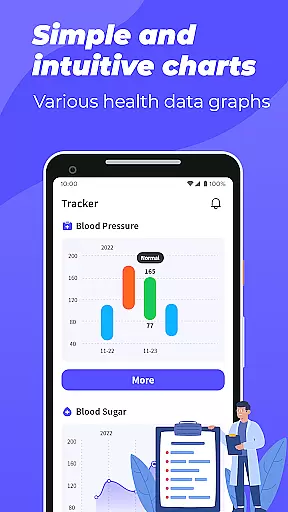
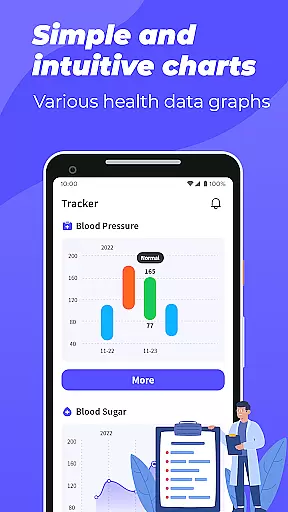
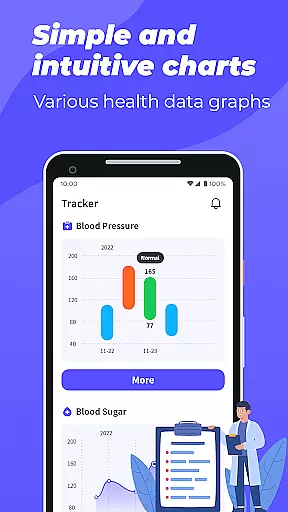
One of the standout features is its graphical representation of your health data trends over time. This makes it easier to understand fluctuations in your blood pressure and blood sugar levels. Additionally, the BMI calculator provides instant feedback on your weight status based on your height and weight inputs.
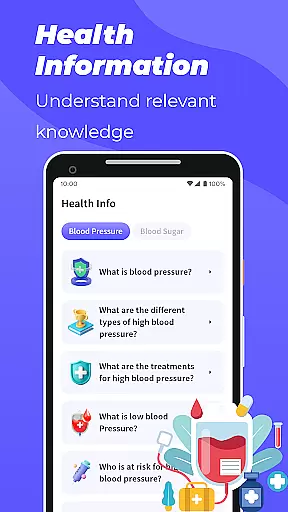
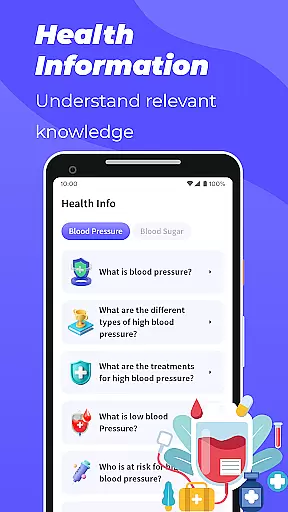
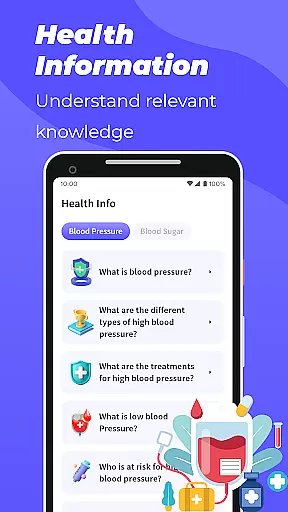
The app also includes educational content about blood pressure and blood sugar management, making it a valuable resource for those looking to improve their overall health. While not intended for medical emergencies, this app serves as an excellent daily health companion for proactive wellness management.
Blood Pressure App offers a robust set of features tailored for health-conscious individuals. First, it provides detailed tracking for blood pressure and blood sugar, presenting the data in easy-to-understand graphs that highlight trends and patterns over time.
Another notable feature is the built-in BMI calculator, which instantly evaluates whether your body mass index falls within a healthy range. By entering your height and weight, you receive immediate feedback on your physical health status.
In addition to tracking capabilities, the app offers educational resources on blood pressure and blood sugar management. These resources can enhance your understanding of how to maintain optimal health levels. With its user-friendly design and practical tools, Blood Pressure App stands out as a reliable choice for anyone focused on monitoring their health metrics regularly.
Personalized planning in health applications is crucial for tailoring individual health management strategies. Blood Pressure App offers a comprehensive approach to personalized health tracking by allowing users to record and monitor their blood pressure, blood sugar levels, and BMI.
The app provides graphical representations of your data trends over time, enabling you to understand your health metrics better. By inputting your weight and height, the app calculates your BMI, helping you determine if it falls within a healthy range.
With these personalized insights, users can make informed decisions about their lifestyle choices. The ability to visualize health data empowers individuals to take proactive steps towards improving their well-being.
Ultimately, this level of personalization ensures that users are not just passively recording numbers but are actively engaged in managing and enhancing their health outcomes.
Visualizing progress is essential for maintaining motivation and making adjustments in personal health journeys. Blood Pressure App excels in presenting users with clear graphical displays of their blood pressure and blood sugar trends.
These visual tools allow for easy interpretation of complex health data, transforming raw numbers into understandable graphs. Users can quickly identify patterns or anomalies in their readings, which is invaluable for both self-monitoring and discussions with healthcare providers.
Beyond mere data points, the app's visualization features foster a deeper connection with oneu2019s health status. Seeing tangible proof of improvement or decline can be a powerful motivator for continued health management.
In summary, the progress visualization offered by Blood Pressure App turns routine tracking into an engaging and insightful experience, encouraging sustained user engagement and healthier lifestyle choices.
User-friendly interface
Comprehensive health tracking
Graphical data representation
Educational health content
Instant BMI calculation
No direct health measurements
Not for medical emergencies
Limited professional guidance
Requires manual data entry
Premium features may cost extra

Power-lifting, weightlifting and Wendler 531 app to track your workout program.
 4.90
4.90
Binaural Beats - Fully Customizable Waves - Pure Sound - No Loops
4.50
Protect your healthy sleep
4.80
Load the bar with this barbell & plate calculator. It's leg day, not brain day!
4.70
You deserve easy access to important insurance information. Download for FREE.
4.70
Your personal BP tracking companion, focus on helping you achieve wellness goal.
4.10
Lazy home workouts with your virtual fitness coach for weight loss.
4.30
Monitor blood sugar, gain insights, and manage diabetes with ease.
3.20
Mood journal, habits, self-care tracker, self-love
4.90
a fun app full of surprises :)
4.70
Get lasting results with Chair Yoga, Wall Pilates, and Walking workouts!
4.60
Relax. Sleep Better. Feel Better.
4.50
Interval timer for High Intensity Interval Training, Tabata and Circuit Training
4.20
Get alert about getting out of desired heart rate zone.
4.10
Make sense of your health data.
3.80
Focus on BP & Health
3.80
Control your sleep in real-time wearing Garmin device
3.60
The app helps you address digestive symptoms based on the Fast Tract Diet.
3.50
Using Recognise™ has been shown to reduce pain, and improve performance.
4.3


User Reviews