
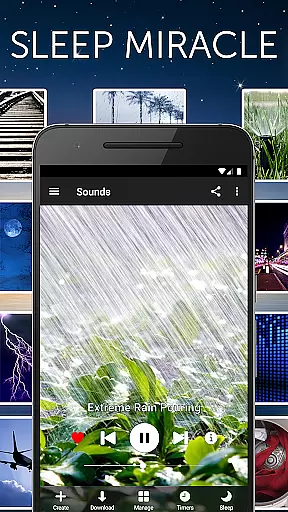


White Noise is a premier sleep aid application designed to help users achieve better rest by providing a variety of ambient sounds. This app is perfect for those who struggle with sleep disturbances or need background noise to relax during the day. With over 40 high-quality, perfectly looped sounds included, White Noise offers an extensive catalog ranging from environmental noises to mechanical hums.
The app's standout feature is its ability to mask unwanted noise interruptions, thus promoting uninterrupted sleep. Whether you're dealing with noisy neighbors, traveling, or soothing a baby, White Noise creates a peaceful auditory environment. Additionally, advanced functionalities such as sound mixing, background audio support, and chromecast compatibility make it versatile for various needs.
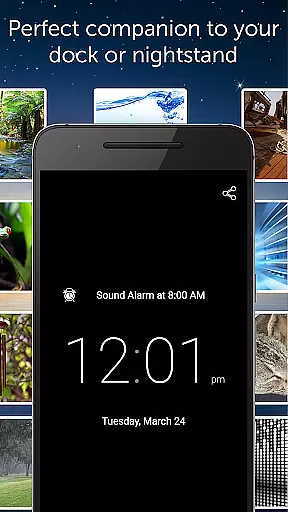
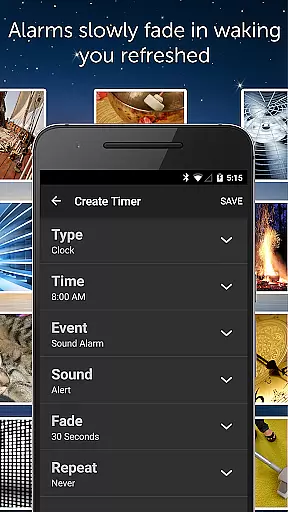
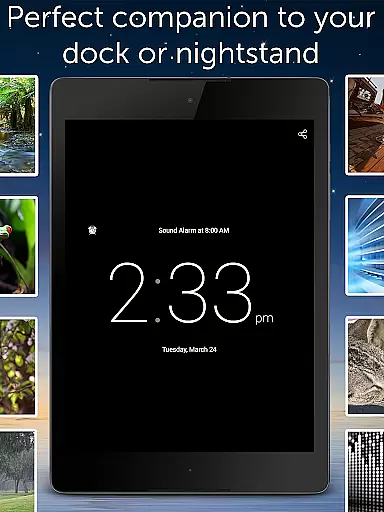
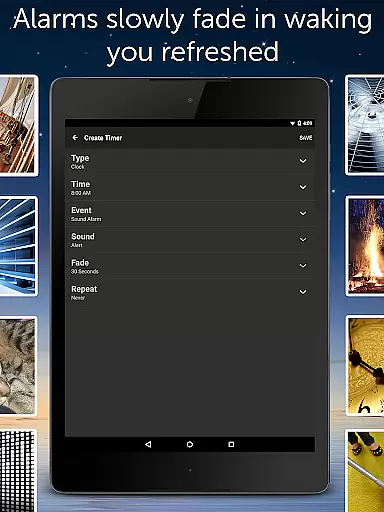
For individuals seeking enhanced relaxation and stress reduction, White Noise proves invaluable. Its scientifically-backed approach helps in reducing anxiety, pacifying crying babies, and even masking tinnitus. The full-screen digital clock and smart alarm system further augment nighttime routines, ensuring users wake up refreshed and ready for the day.
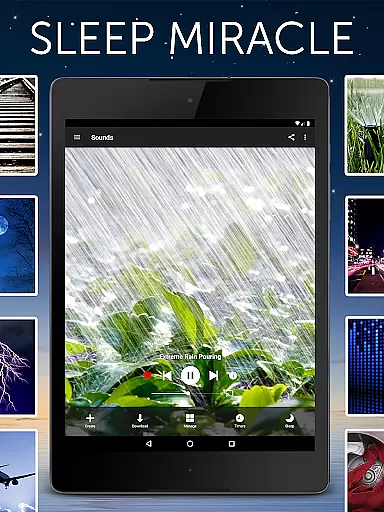
White Noise stands out due to its rich feature set tailored for optimal user experience. One of its primary features is the vast sound catalog comprising over 40 ambient sounds, including color noises, rain, ocean waves, and mechanical sounds like fans. These sounds are available offline, eliminating the need for streaming and ensuring uninterrupted playback.
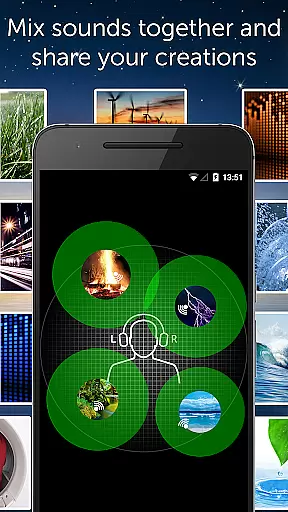
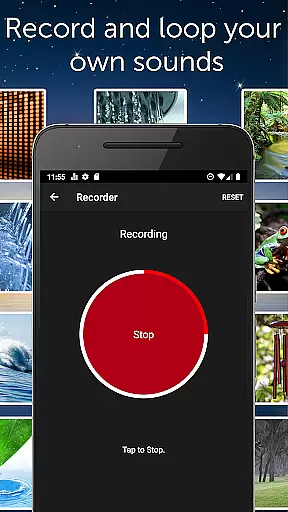
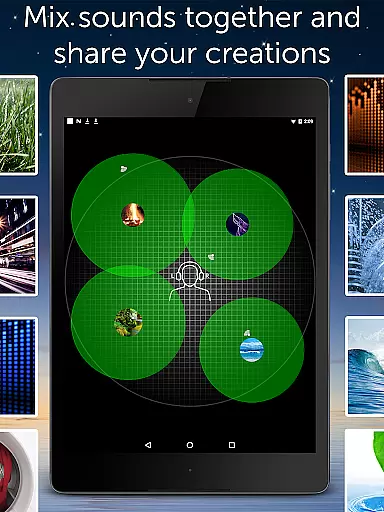
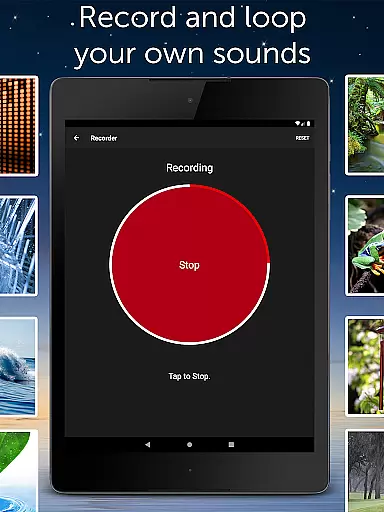
Beyond its core offerings, White Noise allows users to record and loop new sounds effortlessly. The app supports background audio, enabling multitasking without interrupting your listening experience. Advanced functionalities include creating custom soundscapes by mixing multiple sounds, adjusting volume, balance, and pitch individually. The inclusion of a full-screen digital clock and comprehensive alarm system enhances usability.
Additional highlights encompass the White Noise Market for expanding your sound library, Chromecast TV support, and an intuitive media player interface. Users can star favorite sounds for quick access and benefit from advanced settings that prevent interruptions and optimize playback. With no advertisements and thoughtful permission usage, White Noise delivers a seamless and immersive experience.
White Noise offers a personalized approach to sleep and relaxation by providing an extensive library of ambient sounds tailored to individual preferences. The app includes over 40 perfectly looped sounds, ranging from color noises to natural environmental sounds, allowing users to customize their auditory environment for optimal rest.
The application's advanced settings enable users to tweak buffer sizes, adjust sound volume, balance, and pitch, ensuring that each user can create a soundscape that best suits their personal needs. This level of customization ensures that whether you're trying to sleep, relax, or focus, White Noise can adapt to your specific situation.
With the ability to mix multiple sounds together and adjust each sound's properties within the mix, users are empowered to design complex soundscapes that cater to their unique hearing preferences and environments. This feature is particularly beneficial for those who need to block distractions or soothe headaches and migraines.
By offering a full suite of tools for creating a personalized auditory experience, White Noise helps users fall asleep faster, stay asleep longer, and wake up feeling more refreshed. This personalized planning extends to an advanced alarm system that gently wakes users, simulating a natural waking process that leaves them feeling invigorated.
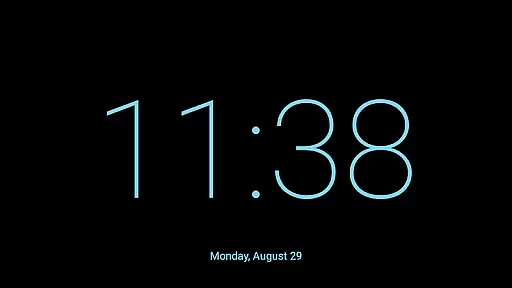
While White Noise focuses primarily on audio solutions for better sleep and relaxation, it also provides features that allow for progress visualization in achieving these goals. The appu2019s full-screen digital clock with customizable colors and brightness controls serves as a visual aid during nighttime, helping users maintain a consistent sleep schedule by providing a clear, non-intrusive time display.
Additionally, the advanced alarm and timer system not only assists with personalized planning but also visualizes progress through its fading audio feature, which mirrors the body's natural waking rhythms. Users can observe how this gradual increase in sound corresponds with their own transition from sleep to wakefulness, reinforcing positive sleep habits.
Furthermore, the ability to star favorite sounds and mixes in the sound catalog allows users to track their preferred soundscapes over time. By revisiting these favorites, users can visualize patterns in their relaxation and sleep preferences, gaining insights into what works best for them.
Through these features, White Noise enables users to see tangible evidence of their journey towards improved sleep quality and stress reduction, making progress visualization an integral part of the overall user experience.
Extensive sound library
Customizable soundscapes
Background audio support
Advanced alarm system
No advertisements
Limited free sounds
Premium version costly
Interface not modern
Occasional bugs
Heavy on storage

Your plan in your pocket 24/7
 3.00
3.00
“Overcoming pain based on EMDR” helps you to alleviate chronic pain and stress.
4.10
Relax to calm sounds, white noise, music, guided meditation and bedtime stories
4.40
Enjoy the Gluten Free living with the best app. SCAN the barcodes & SEARCH.
3.60
Mind on steroids - relaxation, productivity, meditation and sleep!
4.60
Using Recognise™ has been shown to reduce pain, and improve performance.
4.0
50 HD sounds to help you relax during the day and sleep great at night!
4.40
Measure your Pupil Distance for Eyeglasses and VR headsets in 3 quick steps.
4.70
Step Counter, track steps when you walk or run
4.70
Show your support for the development of FitNotes - Gym Workout Log
4.90
App to stop smoking slowly or now with a motivational badges and helpful tips
4.80
Binaural Beats - Fully Customizable Waves - Pure Sound - No Loops
4.50
Blood Pressure Log, HRV & Heartbeat Tracker. Pulse Checker.
4.40
Fast Body building & Weight Loss. Home Workouts with Daily Coach, No Equipment.
4.30
Walk, track, and burn calories with step counter & GPS walking tracker
4.20
Your personal BP tracking companion, focus on helping you achieve wellness goal.
4.10
Your Health Has Met Its App (℠)
3.90
Turn your steps into cash, gift cards & rewards with our step counting pedometer
3.80
HRV4Training helps you optimize goals and improve performance. No sensors needed
3.30


User Reviews