
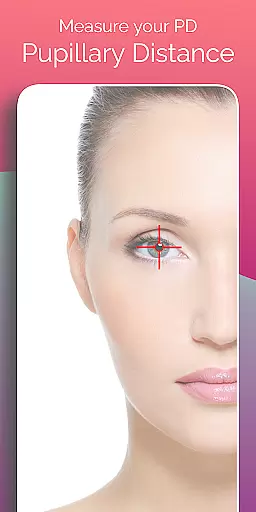
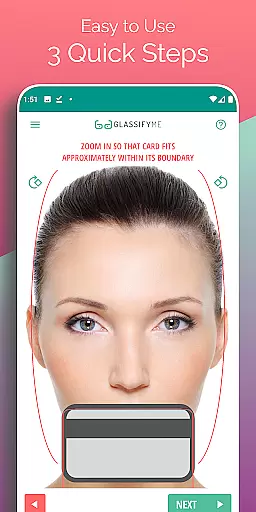
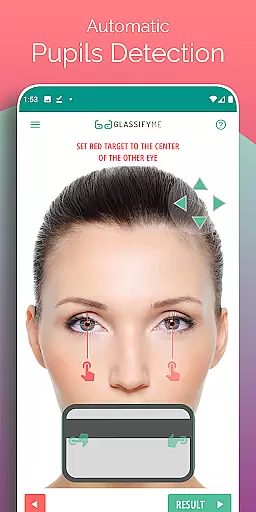

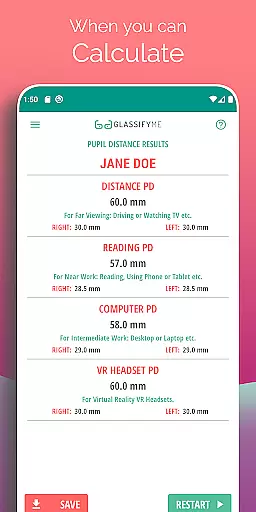
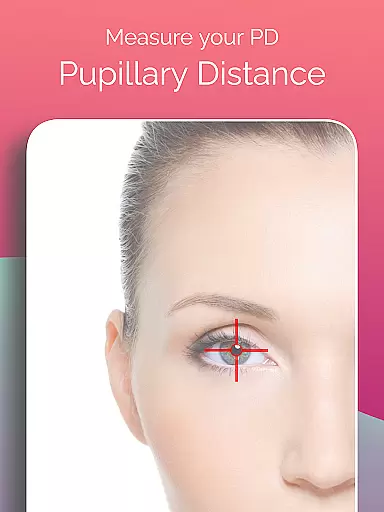
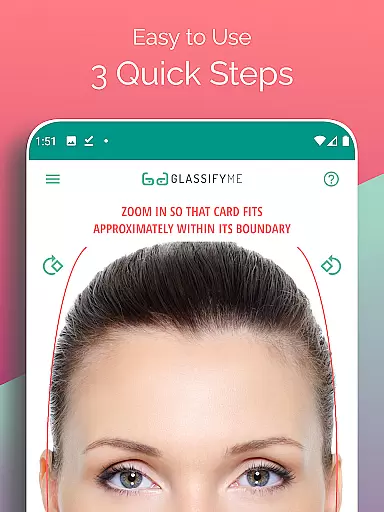
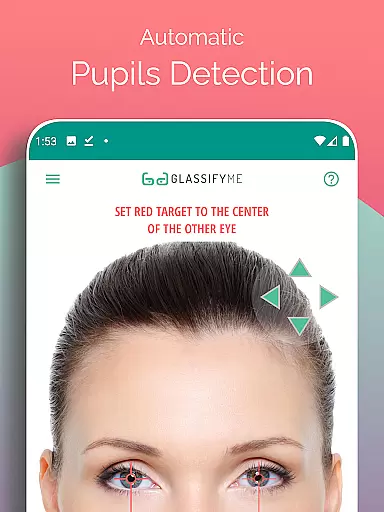
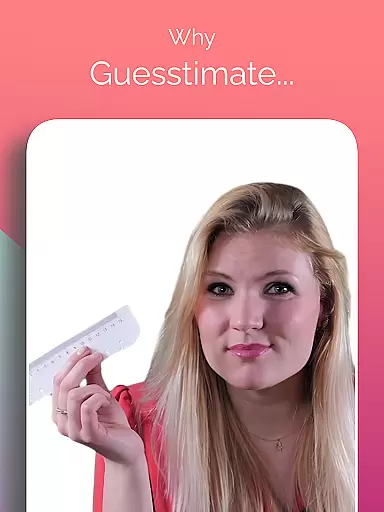
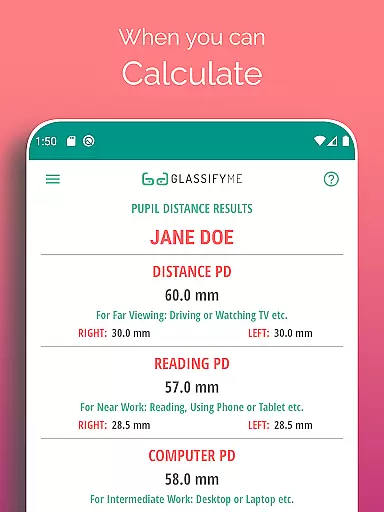
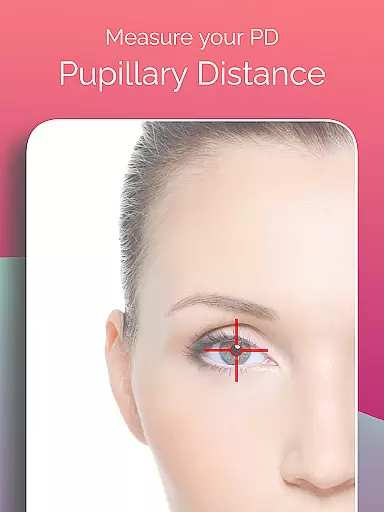
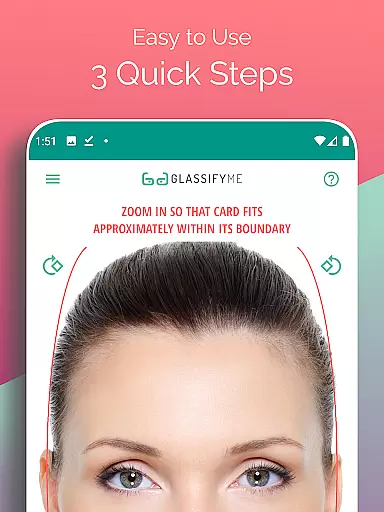
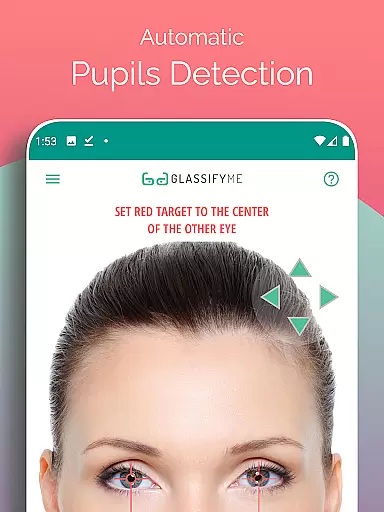
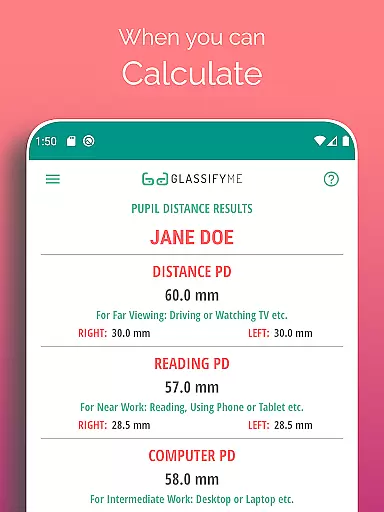
Pupil Distance PD Glasses & VR is a leading health and fitness application designed to accurately measure your Pupillary Distance (PD). This crucial measurement, essential for prescription glasses and VR headsets, is captured using advanced algorithms that automatically detect your eyes and pupils. By simply taking a picture with a standard-sized card held up for reference, users can obtain precise PD measurements in millimeters.
The app stands out through its innovative approach to eye measurement. It offers both Distance and Reading PD measurements in just three quick steps. Whether you take a selfie, have someone else take your photo, or import an image from your gallery, the app's intelligent system ensures accurate results every time. This makes it an indispensable tool for anyone requiring precise vision correction or optimal VR headset alignment.
With its user-friendly interface and reliable technology, Pupil Distance PD Glasses & VR is particularly beneficial for those who need their PD measured without visiting an optometrist. The convenience of measuring PD at home saves time and ensures that users receive proper vision assistance tailored to their specific needs.
Pupil Distance PD Glasses & VR boasts several standout features that enhance its functionality. First, the app utilizes an advanced algorithm capable of detecting eyes and pupils automatically, ensuring highly accurate pupillary distance measurements. This eliminates the guesswork often associated with manual measurements and provides users with reliable data needed for prescription glasses or VR setups.
Another notable feature is the flexibility it offers in capturing images. Users can either take a new photo directly within the app, ask a friend to take their picture, or even import existing photos from their gallery. This versatility ensures that everyone can use the app regardless of their situation or preferences. Additionally, the process only requires holding up any standard-sized card for sizing reference—no sensitive information like credit cards is necessary.
Lastly, the app includes a comprehensive tutorial available on YouTube, walking users through each step of the measurement process. These resources make it easy for anyone to understand how to use the app effectively, further enhancing its accessibility and usability across different demographics seeking precise PD measurements.
Personalized planning in the context of health and fitness apps refers to tailoring specific plans that cater to individual needs, ensuring optimal results. For Pupil Distance PD Glasses & VR, personalized planning is integral for users who require precise measurements for their prescription glasses or VR headsets.
The app employs an advanced algorithm designed to automatically detect the user's eyes and pupils, forming the basis of its personalized approach. This technology ensures that each PD measurement is customized to the unique physical attributes of the user, providing a tailored experience unmatched by one-size-fits-all solutions.
Users benefit from this feature through enhanced accuracy in measuring their Pupillary Distance (PD), which is crucial for manufacturing prescription glasses that offer proper vision correction. Additionally, those using VR headsets can enjoy an optimized visual experience, thanks to the precise alignment enabled by accurate PD measurements.
Ultimately, the personalized planning offered by PD Meter App translates into tangible value for users seeking reliable, efficient, and custom-tailored solutions for their eyewear and virtual reality needs.
Progress visualization plays a critical role in health and fitness applications by offering users clear insights into their achievements and areas for improvement. In the case of Pupil Distance PD Glasses & VR, progress visualization manifests through the presentation of precise PD measurements, allowing users to track their ocular health metrics effectively.
This app simplifies the process of measuring PD by guiding users through three quick steps, culminating in a comprehensive analysis presented visually. The automatic detection of eyes and pupils, coupled with the calculation prowess of the appu2019s algorithm, ensures that users receive not just data, but a visual understanding of their unique ocular dimensions.
For individuals relying on prescription glasses or VR headsets, having a visual representation of their PD measurement demystifies the technical aspects of these devices. It empowers them with knowledge about their eye measurements, fostering informed decisions regarding their optical and virtual gear purchases.
In summary, the progress visualization feature within PD Meter App enhances user engagement by transforming complex data into accessible visuals, thereby supporting better-informed personal health decisions.
Accurate PD measurement
User-friendly interface
Quick measurement process
Supports multiple capture methods
Comprehensive tutorial available
Requires a reference card
Limited to Android devices
Internet connection needed
Premium version costs extra
Occasional detection errors

Your plan in your pocket 24/7
 3.00
3.00
“Overcoming pain based on EMDR” helps you to alleviate chronic pain and stress.
4.10
HRV4Training helps you optimize goals and improve performance. No sensors needed
3.30
Using Recognise™ has been shown to reduce pain, and improve performance.
4.2
A brain game that moves you
4.70
Turn your steps into cash, gift cards & rewards with our step counting pedometer
3.80
FODMAP, Gluten, Allergy, Vegan
4.50
Easy to use step counter, calorie counter helps lose weight, count steps offline
4.80
Control your blood pressure, heart rate and blood sugar in a fast way.
4.00
Power-lifting, weightlifting and Wendler 531 app to track your workout program.
4.90
Show your support for the development of FitNotes - Gym Workout Log
4.90
Memory, mind & logic exercises. Puzzle games, IQ & brain test for kids & adults
4.50
Grow with self-tests and personal routine.
4.30
Your portable blood pressure tracker. Record, monitor, and analyze BP anytime.
4.30
This is an application that serves as a companion app for smart watch.
4.20
Histamine intolerance, low FODMAP diet and irritable bowel syndrome (IBS)
4.00
Find Paid Clinical Trials In Your Area
3.70
Measure real-time wrist & ambient temperature with your Galaxy Watch (Wear OS)
3.20
Sync your activities of the most popular sports tracking services
2.70


User Reviews