
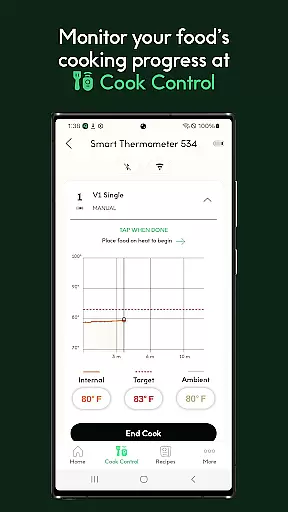
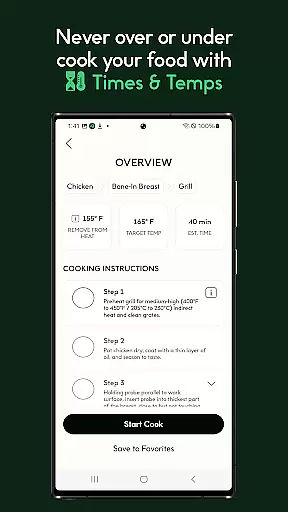
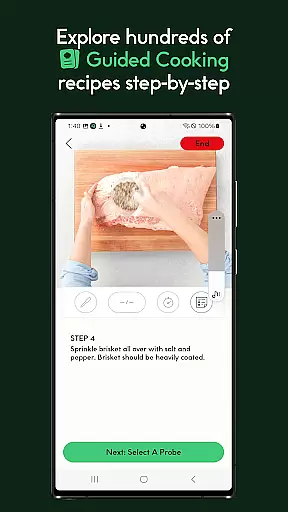
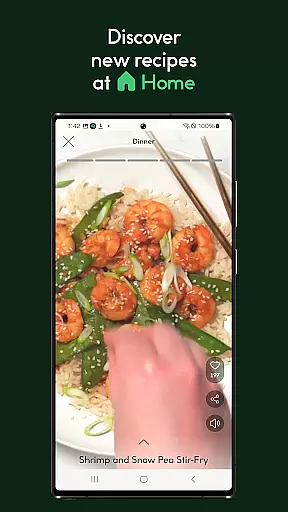
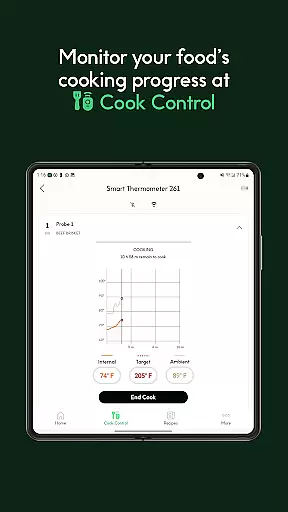
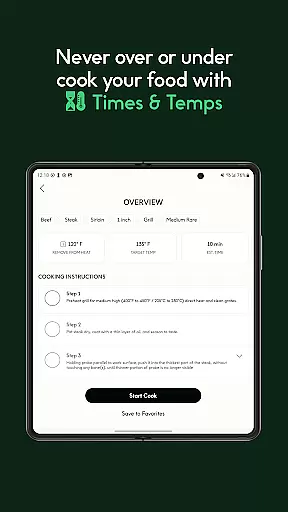
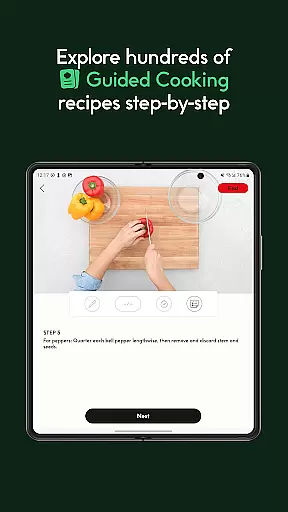
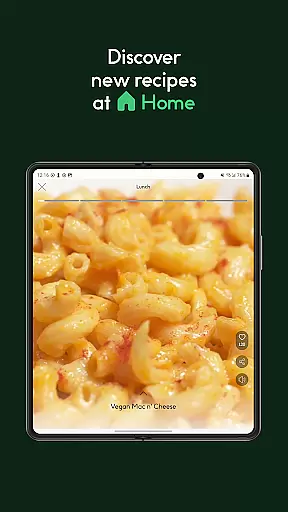
CHEF iQ® is a comprehensive culinary app designed to enhance your cooking experience through smart technology and expert guidance. The app seamlessly integrates with CHEF iQ® smart appliances, offering real-time control and monitoring for precision cooking. With thousands of pre-programmed settings and guided recipes, users can achieve professional-level results while learning new techniques.
The app also fosters a vibrant community of home cooks, allowing users to share tips, favorite recipes, and collaborate on culinary projects. Key features include integrated ingredient shopping through Instacart, automatic updates for continuous improvement, and various ways to personalize and save your cooking preferences. Whether you're a seasoned chef or kitchen novice, CHEF iQ® provides the tools and support needed to elevate your cooking skills.
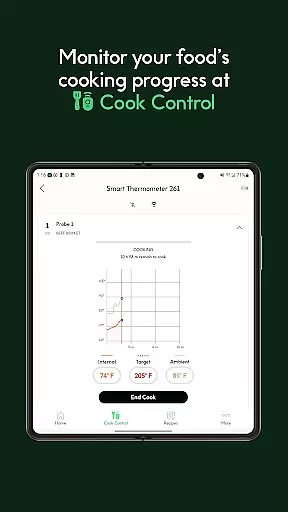
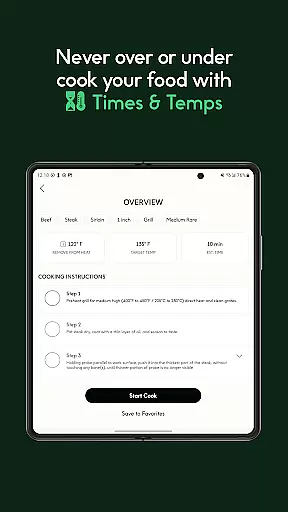
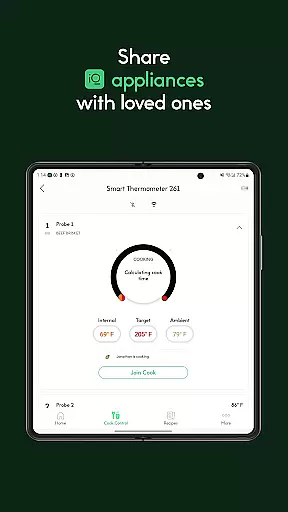
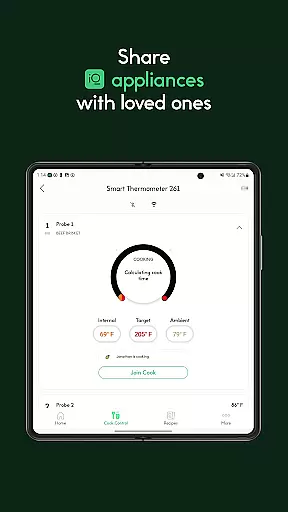
CHEF iQ® distinguishes itself through innovative smart cooking capabilities that cater to both experienced chefs and beginners. The app's real-time appliance control feature lets users monitor and adjust cooking parameters remotely, ensuring perfect results every time. Thousands of pre-set cooking configurations provide optimal times and temperatures for different dishes, taking the guesswork out of cooking.
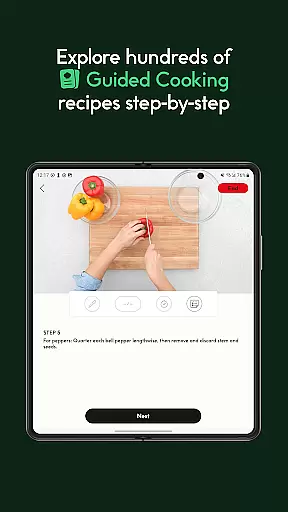
A standout feature is the guided cooking recipes section, where users can follow step-by-step instructions accompanied by professional video demonstrations. This interactive learning approach helps users master new techniques while expanding their recipe repertoire. Additional notable features include integrated ingredient delivery, customizable favorites lists, and an active community forum where users can exchange ideas and cooking tips.
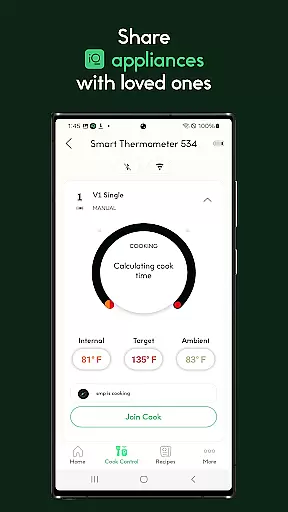
The app supports various smart appliances including the Smart Cooker, Smart Thermometer, and iQ Mini Oven, each designed to simplify complex cooking tasks. Regular over-the-air updates ensure users always have access to the latest features and improvements, making CHEF iQ® a continually evolving cooking companion.
For any culinary enthusiast using CHEF iQu00ae, the store locator feature is an essential tool that ensures you can find everything needed for your cooking adventures. This function simplifies the search for specialty ingredients and local produce, making it easier to locate stores that carry items required for specific recipes.
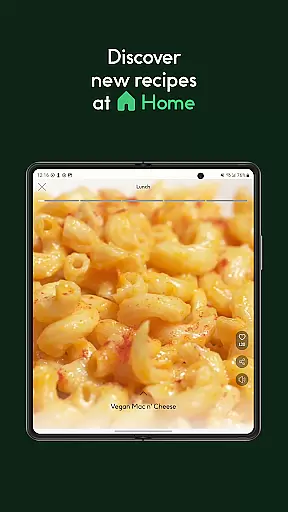
The app provides a seamless experience by integrating with its extensive recipe database. When you find a recipe of interest, the store locator helps identify nearby retailers where you can purchase necessary ingredients. This saves time and encourages experimentation with new dishes, as users are not hindered by the unavailability of ingredients.
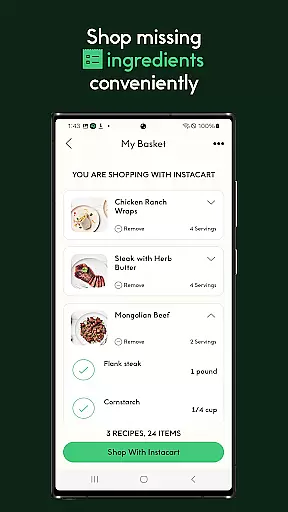
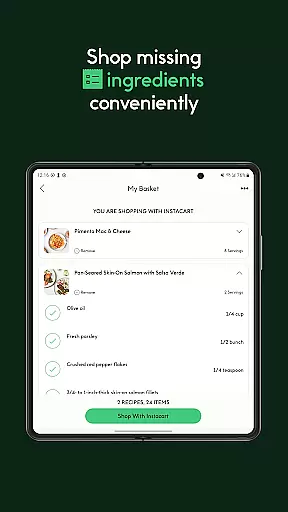
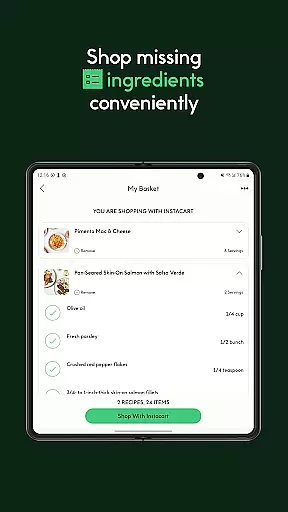
Additionally, CHEF iQu00ae partners with Instacart to facilitate swift delivery services. Should you find yourself missing a few key components for your dish, scheduling a delivery through the app is straightforward. With deliveries arriving in as little as one hour, this service guarantees that your cooking process remains uninterrupted.
Ultimately, the store locator feature enriches the user's culinary journey by bridging the gap between digital recipe exploration and the physical act of shopping. It empowers users to focus on what truly matters u2013 crafting delicious meals with confidence and ease.
CHEF iQu00ae revolutionizes the way home cooks gather ingredients with its advanced delivery service and pickup options. By integrating directly with Instacart, the app offers a streamlined solution for acquiring ingredients quickly and efficiently. This service is particularly beneficial when you discover a new recipe within the app but lack some essential components at home.
Once you've selected a recipe, the app allows you to schedule deliveries with just a few taps. The integration ensures that all necessary ingredients are delivered to your doorstep in as little as one hour. This rapid delivery service eliminates the traditional barriers associated with meal preparation, allowing users to dive into cooking without delay.
Moreover, the pickup option adds another layer of convenience for those who prefer to collect their groceries personally. Whether opting for home delivery or picking up from a local store, CHEF iQu00ae ensures that every step of the ingredient acquisition process is smooth and efficient.
This combination of delivery and pickup services enhances the overall user experience by providing flexibility and convenience. As a result, users can fully immerse themselves in the joy of cooking, knowing that they have easy access to all the ingredients needed for their culinary creations.
User-friendly interface
Real-time appliance control
Thousands of guided recipes
Integrated shopping feature
Active community support
Requires specific appliances
Limited free content
Premium subscription needed
Occasional connectivity issues
Steep learning curve

Save at the pump AND in store with deals on gas, snacks & drinks at Murphy USA.
 4.80
4.80
Get 20% Back at thousands of 4+ star restaurants when you pay using inKind
4.90
Fix bad slushies with SlushIQ tools for Ninja Slushi, Iceman, and home mixers.
4.2
Restaurant Reservations
4.90
Fresh sandwiches and boxed lunches for delivery or pickup. Plus, track rewards!
4.80
Order from local pizzerias
4.20
Simple recipes and kitchen tips for easy meal planning. Your digital cookbook.
4.60
NEW digital gift cards available in exclusive designs!
4.60
Your most rewarding experience is in the Cracker Barrel app.
4.20
Monthly Perks. Fuel Discounts. App Exclusive Deals.
4.90
Papa Johns Pizza, delivering an awesome pizza ordering experience for Android!
4.80
Mobile Ordering - Order your favorite burgers, chicken, breakfast, and desserts
4.60
Earn rewards when you order online for delivery or pickup from Sonic Drive-In.
4.60
Stashcook: Keep healthy food recipes, cooklist & weekly meal plans for any diet.
4.50
Food delivery from your favorite places. Order food, alcohol and more nearby
4.50
Order ahead, receive points with qualifying purchase & redeem available rewards.
4.50
Real ones order on the app, earn points, score deals, and skip the line.
4.40
Exclusive deals, mobile ordering & find your nearest BK® restaurant anytime
4.40
Order ahead. Earn Delicious Rewards.
3.20


User Reviews