
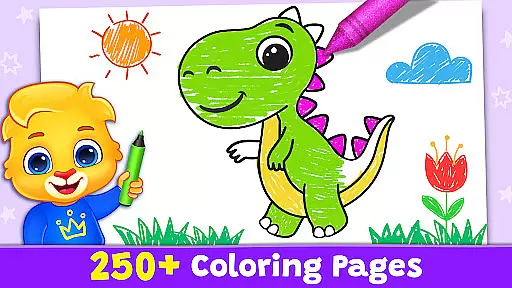
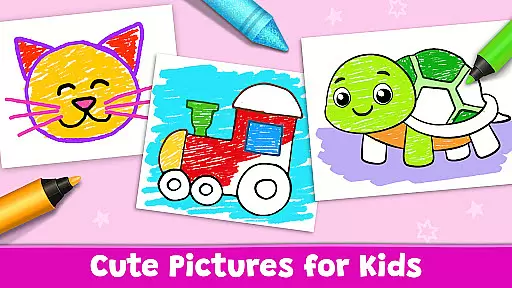
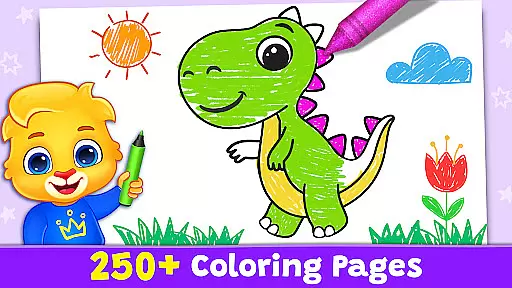
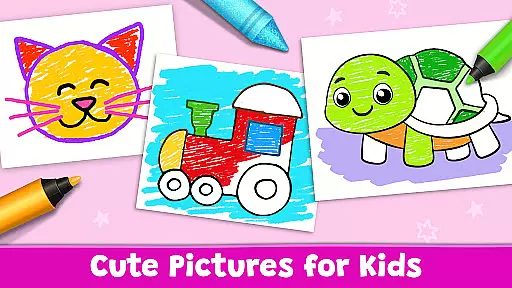
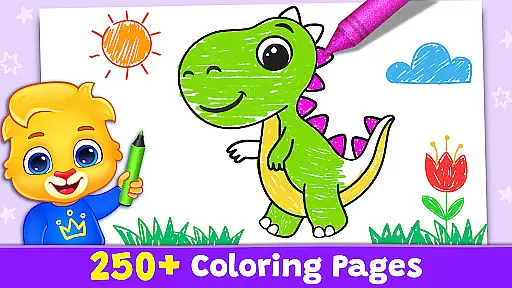
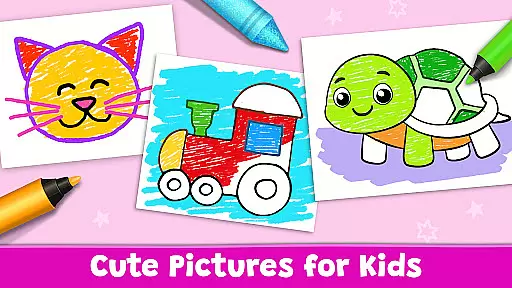
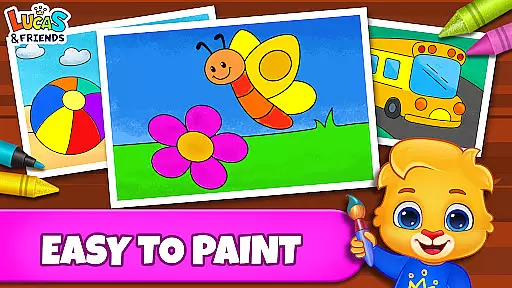

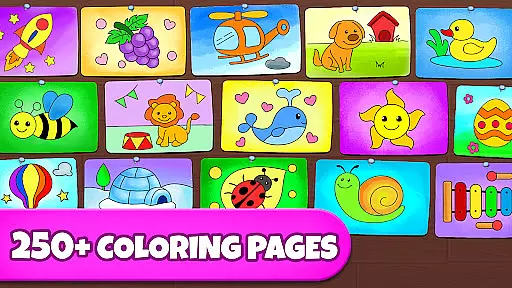
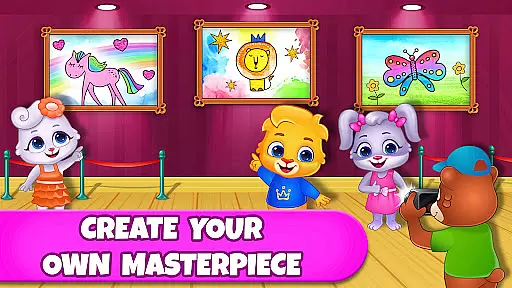
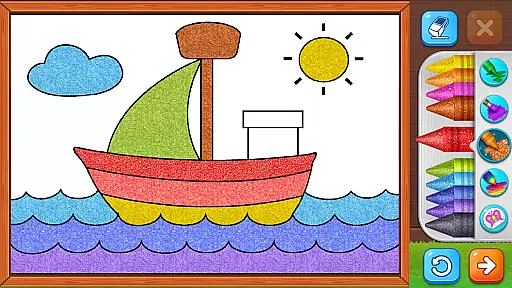
Coloring Games: Color & Paint is an educational app designed specifically for children, offering a delightful blend of creativity and learning. This free coloring book and painting app provides young users with an engaging platform to explore art through various modes such as paint by numbers, color by numbers, doodling, and free coloring. With an intuitive interface suitable even for toddlers, the app ensures that kids can independently navigate and enjoy the colorful world of drawing and painting.
The app offers multiple creative tools including Fun Paint, Color Fill, Drawing, Glow Pen, and Number Paint, each providing unique ways to create artwork. These features not only entertain but also help develop fine motor skills and color recognition in children. Parents can monitor their child's progress through customizable profiles and adjustable settings, ensuring a personalized experience tailored to each child's age and skill level.
Designed with safety in mind, Coloring Games stands out by being completely free without any ads or in-app purchases. This makes it an ideal choice for families seeking a wholesome, educational experience. Whether at home or on the go, this app provides endless hours of creative fun, making it perfect for preschoolers, toddlers, and children of all ages who want to express themselves artistically while learning valuable skills.
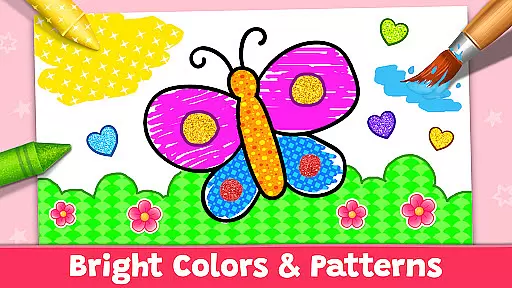
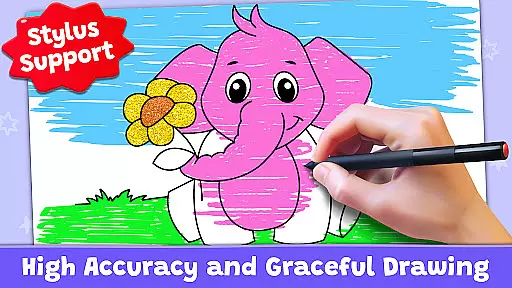
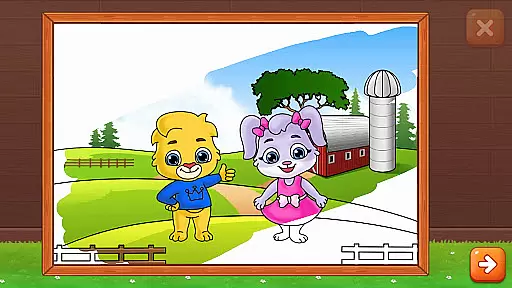
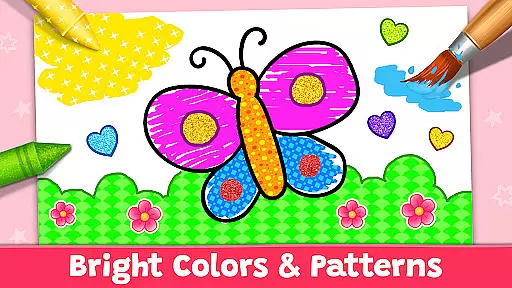
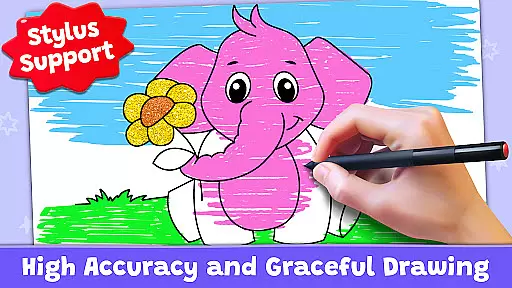
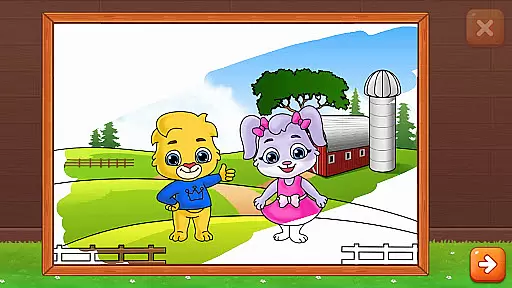
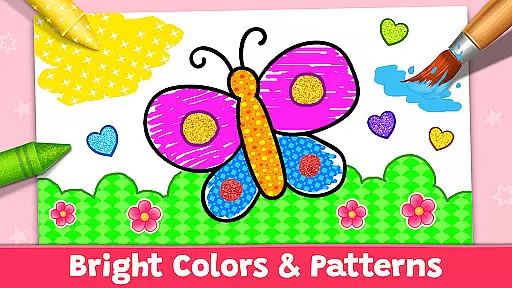
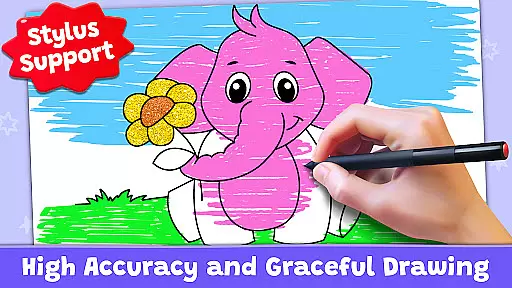
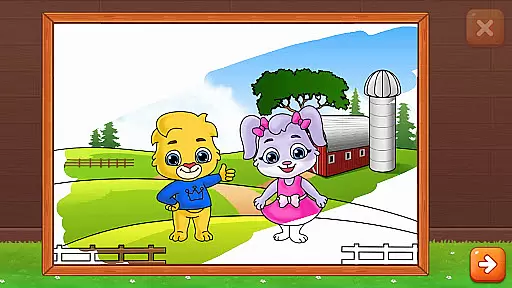
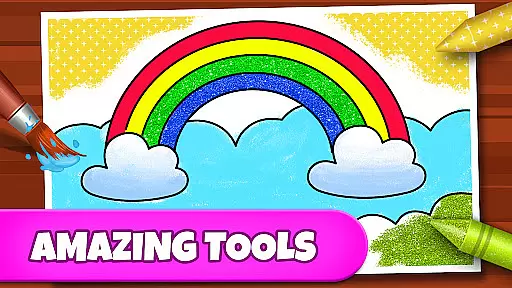
Coloring Games boasts an impressive array of features designed to maximize creativity and enjoyment for young users. The app includes several distinct modes such as Fun Paint, which allows kids to fill blank coloring pages with vibrant colors simply by tapping. Color Fill mode expands on this by offering a broader palette of colors along with additional options like stickers, glitter, crayons, and patterns, enabling more intricate designs.
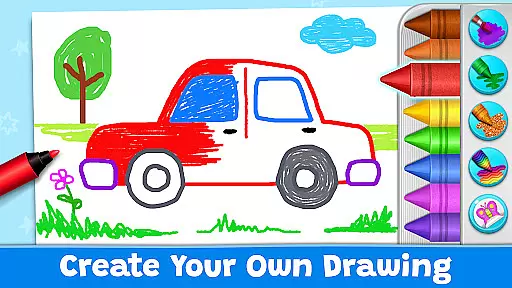
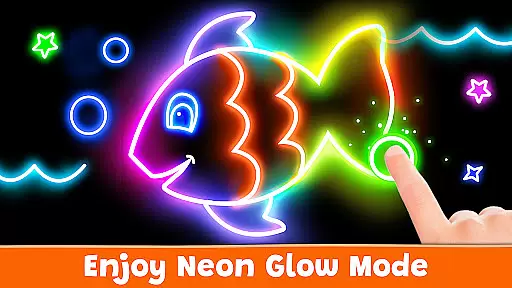
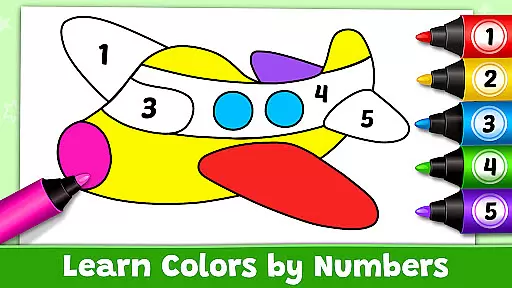
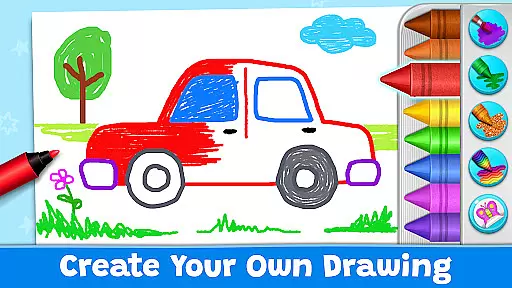
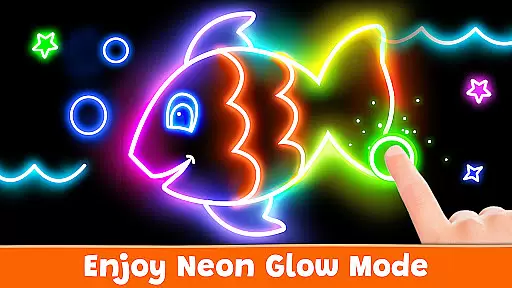
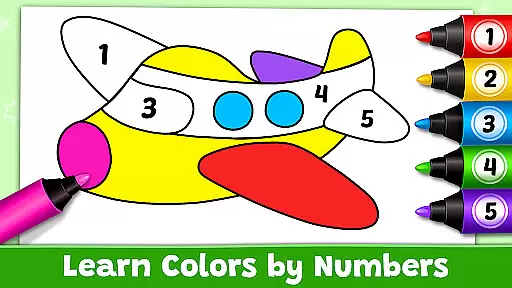
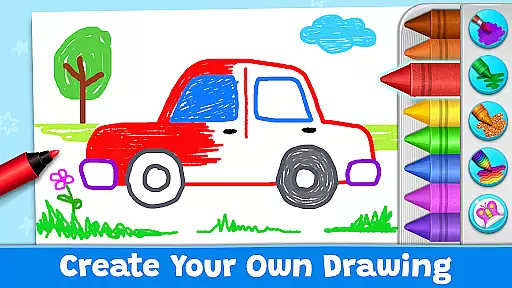
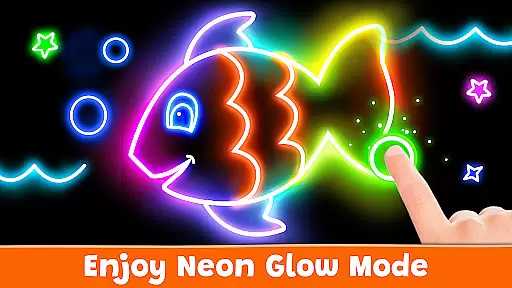
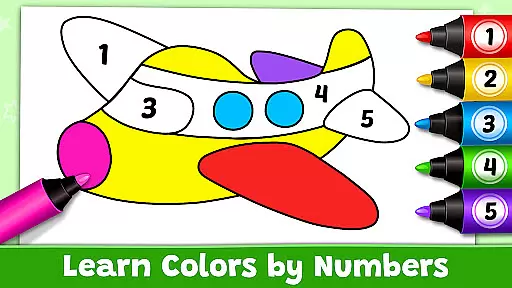
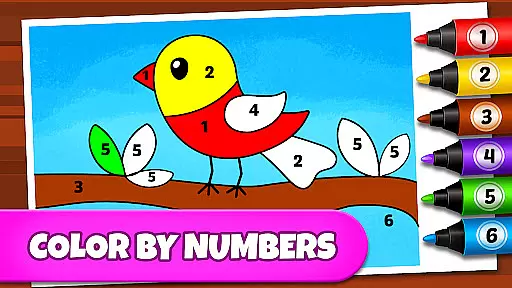
For those who prefer freehand drawing, the Drawing mode provides a blank canvas with a full spectrum of colors ready to use. Meanwhile, Glow Pen mode lets children experiment with neon colors against dark backgrounds, creating striking visual effects. Additionally, Number Paint mode challenges kids to follow number guides to complete pictures, enhancing both their cognitive skills and attention to detail.
Beyond these creative tools, Coloring Games also offers practical features for parents. Customizable user profiles allow tracking of individual children’s progress, while adjustable difficulty settings ensure the app remains challenging yet achievable as kids grow. Importantly, the absence of ads and in-app purchases guarantees a safe, uninterrupted experience, reinforcing the app's commitment to providing pure educational entertainment.
When it comes to educational apps, content authority and curriculum alignment are crucial factors that determine the app's effectiveness in teaching children. Coloring Games: Color & Paint excels in this area by providing a structured learning environment through its diverse coloring modes.
The app offers multiple modes such as paint by numbers, color by numbers, doodling, and free coloring books. These modes are not only entertaining but also designed to align with early childhood education principles. The paint-by-numbers and color-by-numbers features help children understand basic numeracy skills while engaging in creative activities.
Parents can trust that their children are learning valuable skills while having fun. The app's interface is intuitive even for toddlers, ensuring that kids of all ages can interact with the content effectively. This makes Coloring Games an ideal tool for preschoolers to develop fine motor skills and color recognition.
By combining entertainment with education, Coloring Games ensures that children remain engaged and motivated to learn. The absence of ads and in-app purchases further enhances the educational experience, making it a safe space for children to explore and learn at their own pace.
Gamification in educational apps transforms learning into an enjoyable and engaging experience. Coloring Games: Color & Paint integrates gamification seamlessly into its design, encouraging children to learn through play.
The app includes various mini-games like Fun Paint, Color Fill, Drawing, Glow Pen, and Number Paint. Each game mode adds a layer of gamified elements that captivate childrenu2019s attention and motivate them to complete tasks. For instance, the Number Paint feature uses a color-by-numbers approach, which not only entertains but also teaches numerical concepts in a playful manner.
These gamified activities are crafted to enhance cognitive development and creativity. Children can experiment with different colors and patterns, fostering their artistic abilities while learning important skills such as pattern recognition and spatial awareness.
Moreover, the app allows parents to monitor their child's progress without intrusive ads or paywalls disrupting the experience. By focusing on pure educational content, Coloring Games successfully merges fun with learning, ensuring that children achieve educational milestones while enjoying every moment of their journey.
User-friendly interface
Variety of creative modes
No ads or in-app purchases
Customizable child profiles
Safe and educational content
Limited advanced features
Basic color options
Occasional performance lags
Simple graphics
Fewer updates

Woof! The very first official Hey Duggee app for CBeebies' new favourite show.
 3.70
3.70
Imagine, build and ride your own Rollercoaster!
3.90
Math Games For Kids To Learn Addition, Subtraction, Multiplication and Division.
4.30
Where the beloved world of Peppa Pig meets the creativity of LEGO DUPLO!
4.00
Learn numbers, letters, and shapes playing toddler balloon pop games ►NoAds◄
4.60
Master your phonics letters and sounds with the Alphablocks!
3.80
Where Little Healers can Make a Big Difference!
4.00
Find the hidden Numberblocks, add them together and see what happens.
3.50
Create, design & explore Mia’s avatar game world! Dress up a dreamhouse you love
3.80
Creative beauty & fashion
4.50
Kids math games, abc games for kids 4-5 years old. Kindergarten learning games
4.50
Enjoy coloring with wide variety of 1000+ coloring games for kids & drawing game
4.50
Animal games! Adopt virtual pet dog, cat & rabbit to create your pet world!
4.10
Find Carmen - Play the classic detective game, stop VILE and find Carmen
4.10
Featuring the Numberblocks
3.60
Safe, fun, ad-free games for kids! For babies, toddlers, & kids age 2-6
3.60
Absorbing, highly visual, effective learning of multiplication, division
4.0
Join Duggee and the Squirrels as they practice their counting!
4.4
Creating emotional connections
4.5


User Reviews