
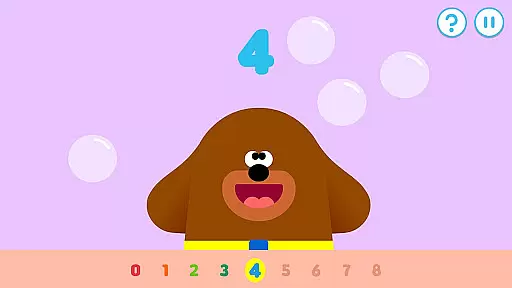
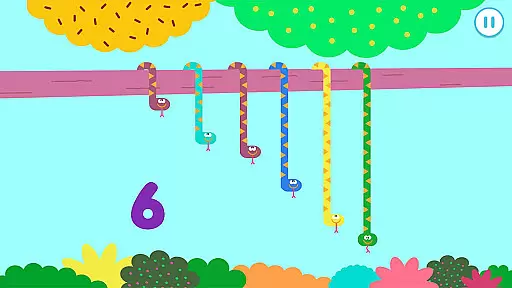
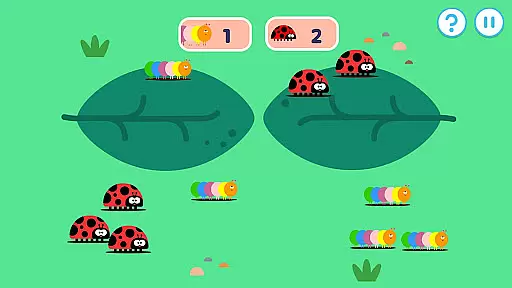
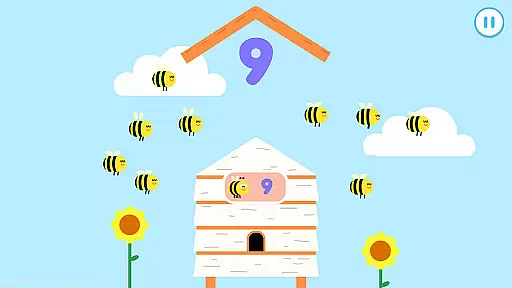
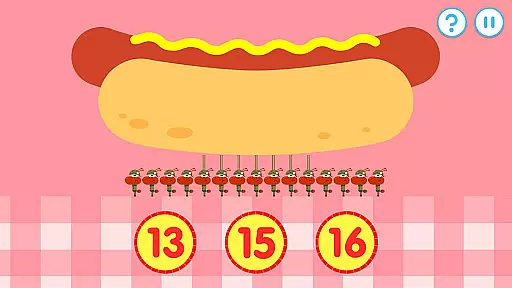
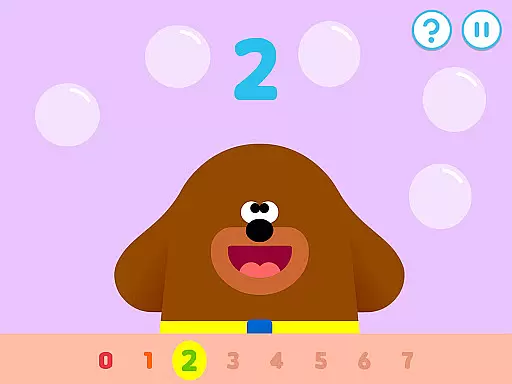
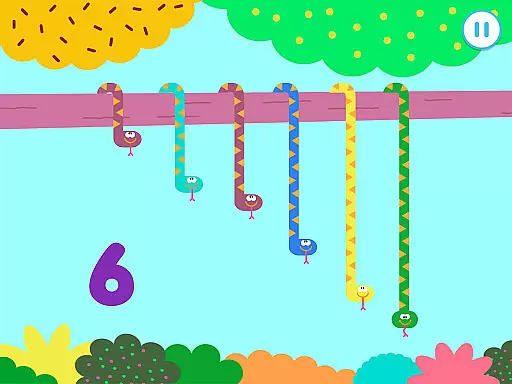
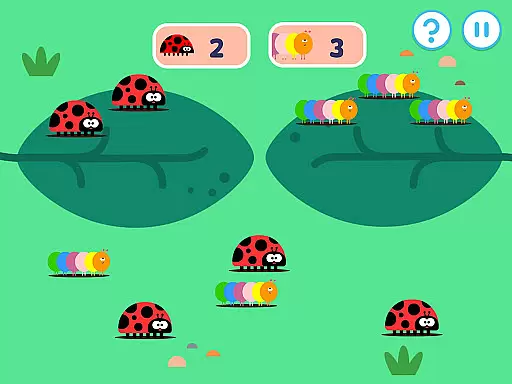
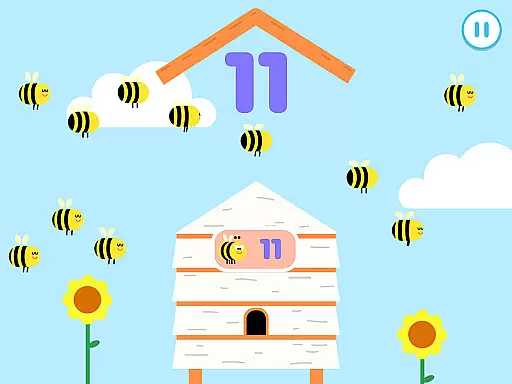
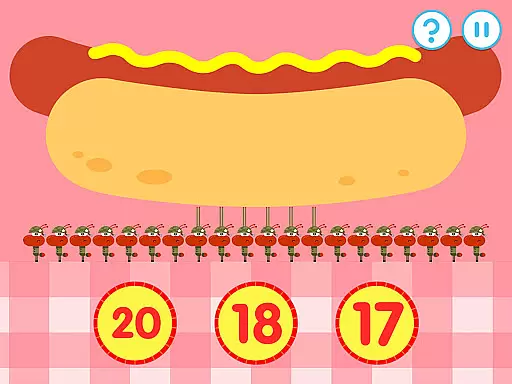
Hey Duggee: The Counting Badge is an educational app designed to make learning numbers fun for young children. Developed with Early Years Foundation Stage learning outcomes in mind, this app offers a diverse mix of engaging counting tasks that automatically adjust in difficulty, catering to Duggee fans of all ages. With nine counting tasks and four variations for each, the app provides 36 different activities that keep content fresh while ensuring longer engagement.
The app encourages player recognition of days of the week, dates, and weather, and it includes features like counting tasks chosen based on Early Years numeracy learning objectives. It is structured to cover varying abilities within the 2 to 6-year-old range, making it suitable for a broad age group. Profiles for up to three players can be saved, allowing children to pick up exactly where they left off each time they return to the app.
By playing through five activities, users earn a Gold Star, and every fourth star sees Duggee award them their Counting Badge, encouraging repeat plays. Overall, Hey Duggee: The Counting Badge offers a safe, ad-free environment for little ones to learn and have fun, ensuring sustained engagement and educational value.
Hey Duggee: The Counting Badge boasts several key features that enhance its educational value and user experience. One standout feature is the diverse set of counting tasks, each designed based on Early Years numeracy learning objectives. These tasks include activities such as tapping on tadpoles, picking groups of spiders, counting bees, sorting toucans, and more. Each task has four variations, providing a total of 36 different activities that keep the content fresh and engaging.
Another significant feature is the automatic adjustment of difficulty levels, which caters to children aged 2 to 6 years. This ensures that the app remains challenging yet achievable for users of varying skill levels. Additionally, the app includes a profile system that allows up to three players to save their progress, enabling each child to continue from where they left off. This personalized approach helps maintain interest and motivation over time.
Finally, the app incorporates a reward system where players earn Gold Stars by completing activities. Every fourth star earns them a Counting Badge, incentivizing continued use and practice. This gamification aspect not only makes learning enjoyable but also encourages regular engagement, helping children develop essential numeracy skills in a fun and interactive way.
In the realm of educational applications, content authority and curriculum alignment are paramount. Hey Duggee: The Counting Badge app is meticulously designed to align with Early Years Foundation Stage learning outcomes. This ensures that the activities presented to children are not only engaging but also pedagogically sound.
The app features a series of counting tasks that are directly tied to numeracy learning objectives for young children. These tasks are crafted to cater to the developmental stages of 2 to 6-year-olds, providing an educational framework that supports incremental learning. As children engage with diverse counting exercises, they are guided by a structure that mirrors established educational standards.
Parents and educators can be confident in the app's ability to reinforce classroom learning. With thirty-six varied counting screens, the app maintains freshness in content, which maximizes engagement and aligns with educational goals. This thoughtful design encourages consistent practice and mastery of early numeracy skills.
Gamification in learning transforms education into an interactive and enjoyable experience. Hey Duggee: The Counting Badge incorporates gamification elements that captivate young learners and motivate them to continue playing and learning. Through playful activities, children are encouraged to earn Gold Stars and ultimately achieve their Counting Badge.
The app includes profiles for up to three players, allowing each child to progress at their own pace while being motivated by game-like rewards. The badge system serves as a tangible achievement within the game, promoting a sense of accomplishment and encouraging repeat plays. This fosters a positive attitude towards learning and helps sustain interest over time.
By integrating these gamified elements with educational content, the app strikes a balance between fun and learning. Children eagerly participate in counting activities, unaware of the underlying educational value. This seamless blend of play and pedagogy exemplifies effective gamification-learning integration.
User-friendly interface
Engaging counting tasks
Automatic difficulty adjustment
Multiple player profiles
Reward system for motivation
Limited to counting skills
Requires frequent updates
No advanced math concepts
Simple graphics
Age-specific audience

 2.80
2.80
Draw shapes, mix colors, and dodge traps to defeat foes in the vibrant Art Zone!
4.1
Join the pirate math adventure!
3.60
Dress up, Makeover, and Party! Design a Wonder World!
3.90
Fun dentist game with Cocobi friends!
4.10
Kids math games, abc games for kids 4-5 years old. Kindergarten learning games
4.50
Master your phonics letters and sounds with the Alphablocks!
3.80
Endless runner fun packed with animal facts, exciting wildlife, & adventure.
4.10
Explore Fantasy Land, get to know the world and create stories!
4.30
Stack the States® 2 makes learning US geography fun!
4.50
Creative beauty & fashion
4.50
Fun game for preschoolers to learn addition, subtraction, counting and math!
4.50
Monkey Preschool Fix-It is an early learning game for ages 2 to 5.
4.40
This will quickly become your kids' favorite animals game!
4.40
Math Games For Kids To Learn Addition, Subtraction, Multiplication and Division.
4.30
Games, music, crafts and coloring with cats
4.10
Welcome to the dollhouse! Unboxing, doll games, dress up & cute pets await!
4.00
Find the hidden Numberblocks, add them together and see what happens.
3.50
Join Rus and his friends to save Pear Island!
4.4


User Reviews