

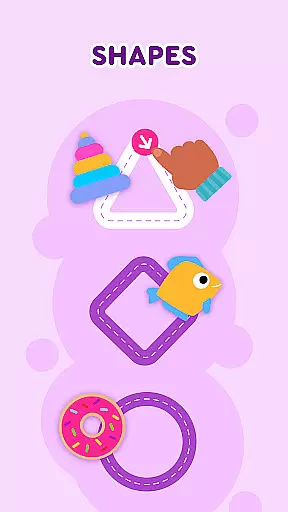
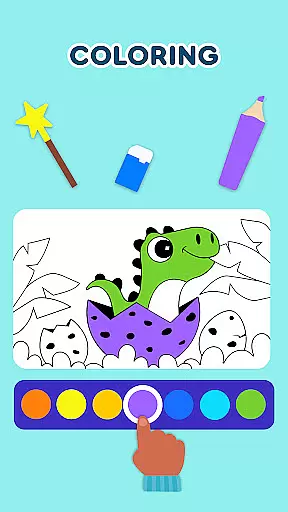

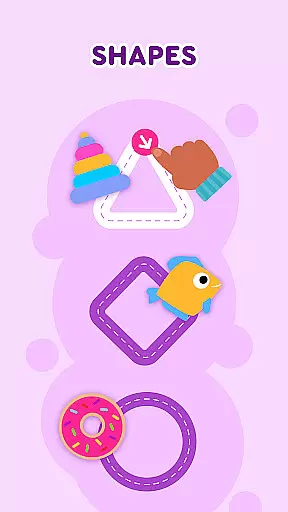
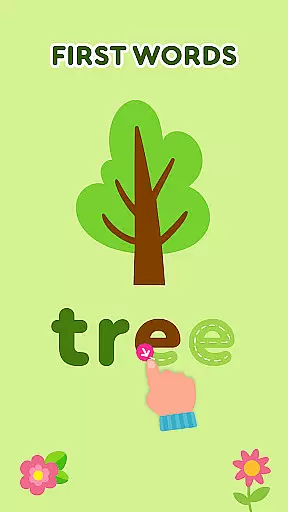
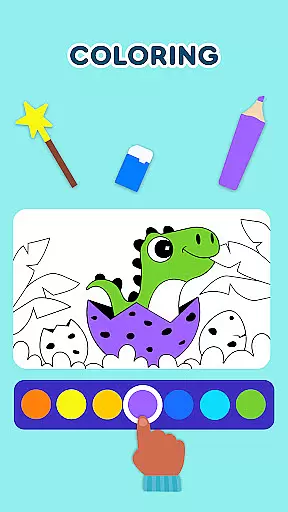
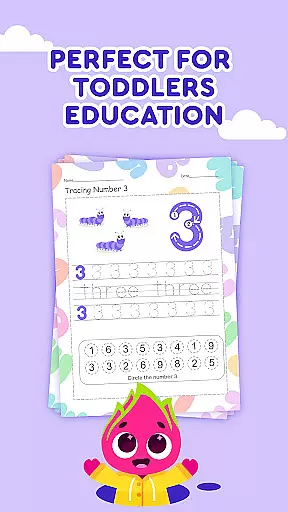

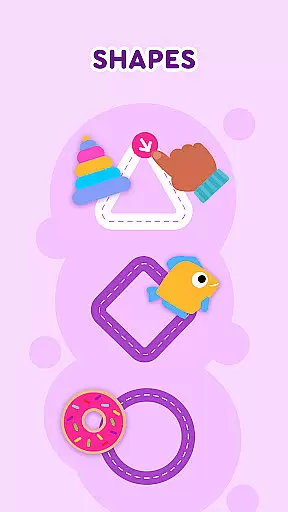
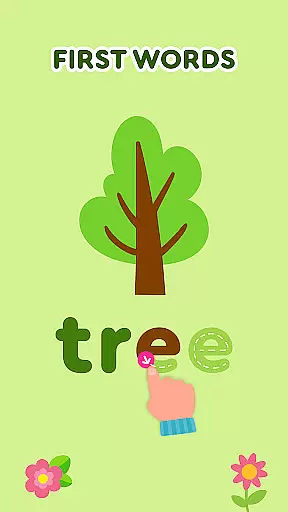
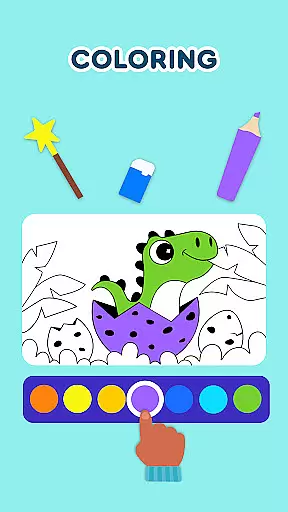
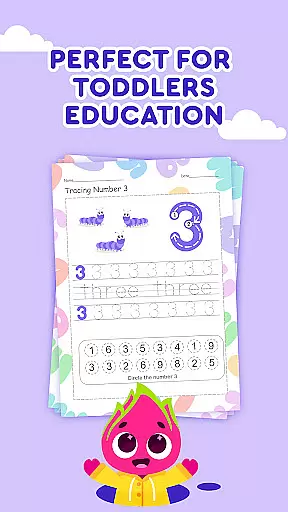

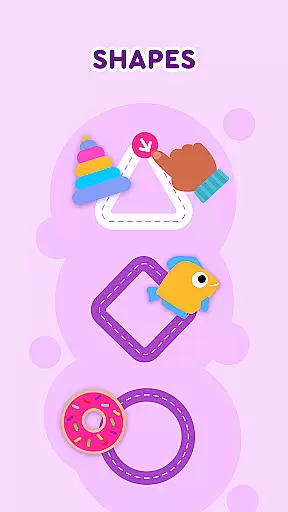
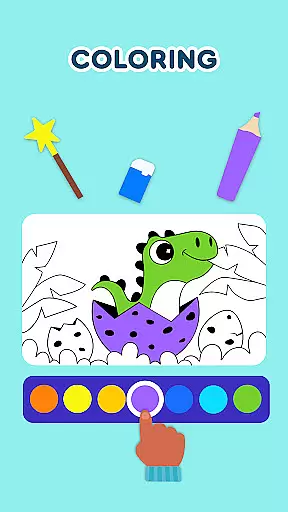
Keiki Learning Games for Kids is an educational app designed to make learning enjoyable and interactive for toddlers and preschoolers. The app offers a variety of activities including ABC games, math games, color and shape recognition, and puzzles that are crafted by child education experts. With its focus on fun and safety, it provides a 100% ad-free environment where children can sing along to educational songs and learn fundamental concepts such as letters, numbers, animals, and more.
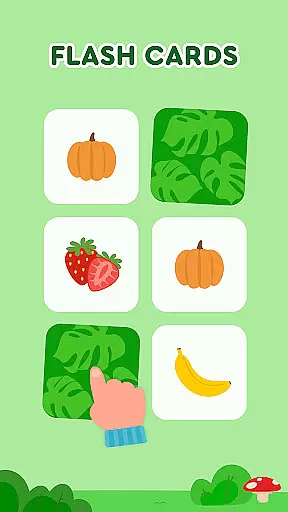
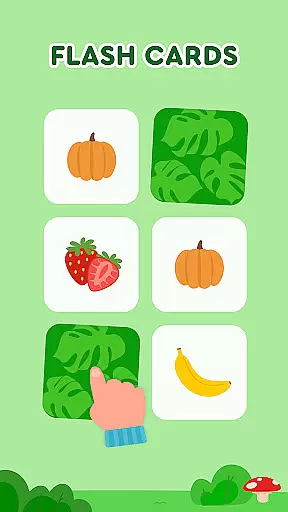
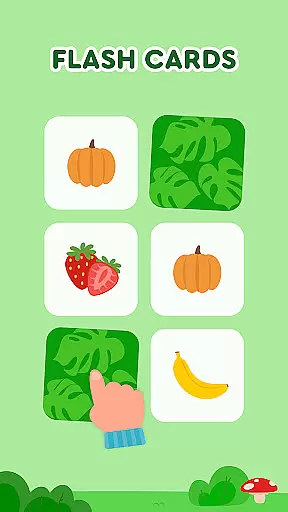
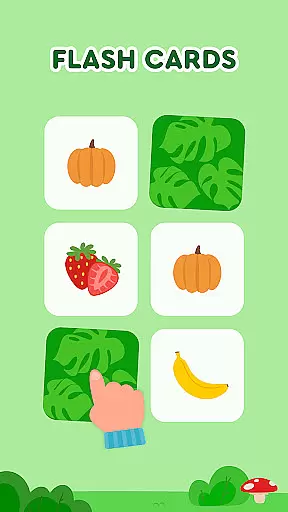
The app's comprehensive approach ensures that while kids are entertained, they're also developing essential skills like logic, attention, and motor skills through different games. For instance, the Spin & Turn puzzles help in problem-solving, while the Memory Cards game enhances memory retention. Keiki's vibrant graphics and engaging content cater to young learners' cognitive development, making it an ideal educational tool for parents and educators seeking to enrich their children's early learning journey.
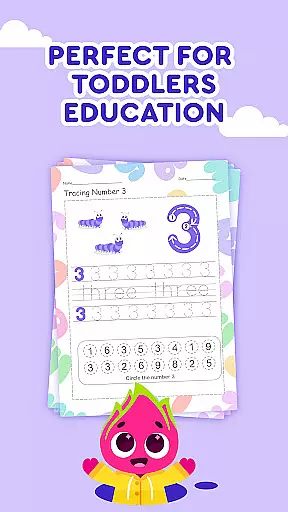
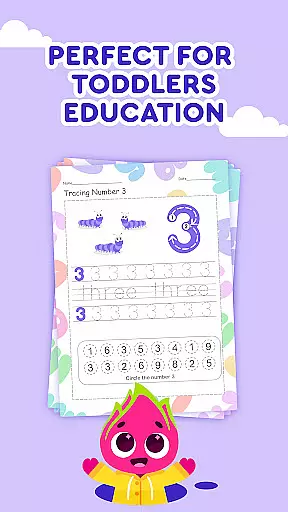
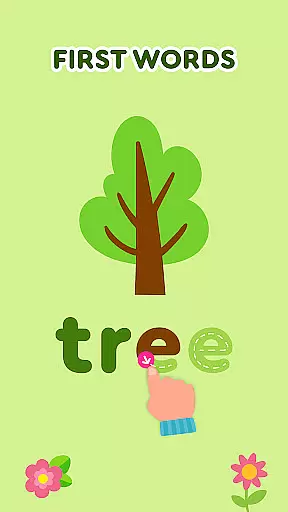
Keiki Learning Games for Kids stands out with its diverse educational content tailored for young minds. One of the key features is the collection of ABC puzzle games that train letter recognition and basic phonics, helping children understand the fundamentals of language. Additionally, the Tracing ABC Letters feature introduces writing skills, allowing kids to practice forming both uppercase and lowercase letters in an interactive manner.
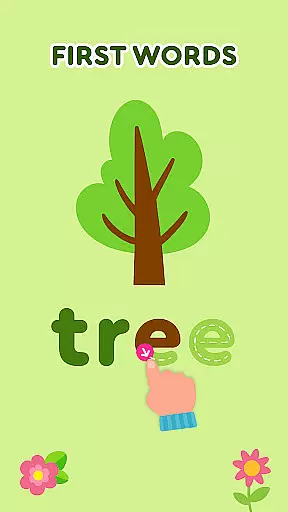
Beyond language skills, Keiki promotes cognitive development through various puzzle games and activities. The Harvest and Cooking sections teach about fruits, vegetables, and basic culinary skills, while Catch It! enhances color recognition and fine motor skills. Spelling ABC Baby Games encourage word formation, and Color Fish aids in color identification. Each feature is designed to be not only educational but also engaging, ensuring that children remain interested and invested in their learning process.
In the realm of educational gaming, content authority and curriculum alignment are paramount for ensuring that learning is both effective and credible. Keiki Learning games for Kids takes this responsibility seriously by developing its suite of educational tools under the guidance of child education experts. This ensures that every game, from ABC puzzles to math games for kids, is not only engaging but also pedagogically sound.
The application offers a diverse range of activities such as writing games for toddlers, memory cards, and spelling ABC baby games, each meticulously crafted to align with early childhood educational standards. These games cover essential topics like letters, numbers, colors, shapes, and even introduce basic concepts of phonics and object-based learning. By integrating these elements into fun and interactive formats, Keiki supports the reinforcement of fundamental skills crucial for kindergarten readiness.
Parents can feel confident in the educational value provided by Keiki's offerings. The app's carefully structured curriculum aids in the progressive development of skills, ensuring that each activity contributes meaningfully to a childu2019s learning journey. With features like tracing ABC letters and harvesting fruits and vegetables, children are not just playingu2014they're acquiring knowledge in an enjoyable way that resonates with their daily experiences.
Keiki Learning games for Kids excels in gamification-learning integration, transforming traditional educational content into captivating experiences that resonate with young learners. Through a variety of interactive games, including toddler puzzles, cooking simulations, and color fish adventures, the app seamlessly blends play with pedagogy to create an immersive learning environment.
Each game within Keiki is designed to stimulate different cognitive functions while maintaining the excitement of play. For instance, the spin & turn toddler puzzle educational games challenge childrenu2019s problem-solving abilities, while funny songs and didi cartoons keep them entertained and engaged. This dual approach ensures that children remain motivated to learn, as they associate educational achievements with positive emotions derived from gameplay.
Moreover, Keiki incorporates advanced features such as memory cards and catching colorful bugs which train attention, alertness, and fine motor skills. These activities are more than mere pastimes; they are engineered to enhance specific developmental areas critical for a child's growth. By embedding these educational objectives within entertaining contexts, Keiki successfully fosters a love for learning among its young users, making it an exemplary model of how technology can be harnessed to enrich early childhood education.
User-friendly interface
Educational content variety
Ad-free environment
Engaging animations and sounds
Expert-designed curriculum
Limited to preschool level
No multi-language support
In-app purchases available
Requires constant updates
Graphics not customizable

Draw shapes, mix colors, and dodge traps to defeat foes in the vibrant Art Zone!
 4.4
4.4
Play the fun princess party game for kids with Cocobi the little dinosaurs.
4.10
Where the beloved world of Peppa Pig meets the creativity of LEGO DUPLO!
4.00
Explore, create, and play with Hello Kitty and all her friends!
4.60
Epic battles, interactive quests and exotic pets. Learn math with Prodigy today!
4.70
Amazing toddler coloring games for 2+. Enjoy painting games
4.60
A cube building game for small (and large) builders.
4.40
Fun step-by-step drawing & coloring app to learn and create art!
4.4
Play pretend & explore at the doctor's & school in Daniel Tiger's Neighborhood.
3.30
Explore Dopples World, build your avatar life & create endless stories!
4.70
Fun game for preschoolers to learn addition, subtraction, counting and math!
4.50
Build your own BRIO railway!
4.30
Animal games! Adopt virtual pet dog, cat & rabbit to create your pet world!
4.10
Expert-designed fun interactive learning games to prep kids (2-5) for preschool.
4.00
Spark your little ones’ imagination!
3.80
Create, Style, Repeat!
3.70
Find the hidden Numberblocks, add them together and see what happens.
3.50
Help your child improve their number literacy with Numberblocks: Card Fun!
2.60
Perfect for Dino fans of all ages.Vivid illustrations.Fascinating_Facts.Narrated
4.4


User Reviews