
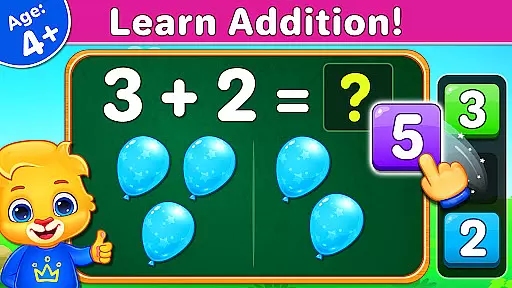
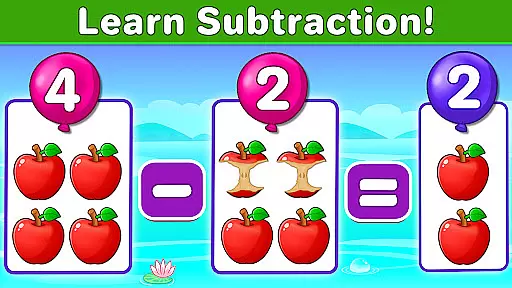
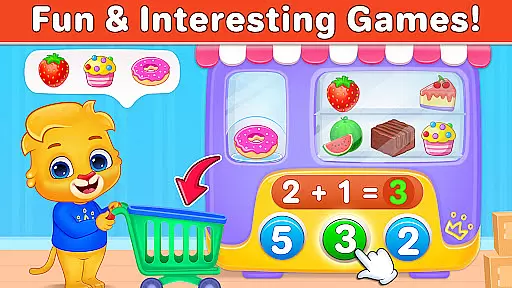
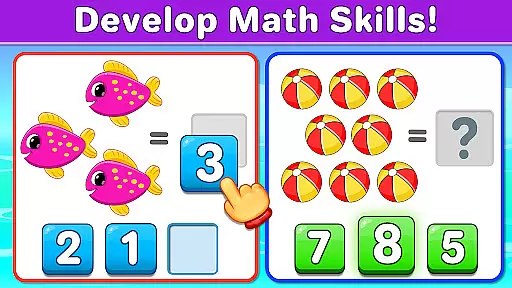
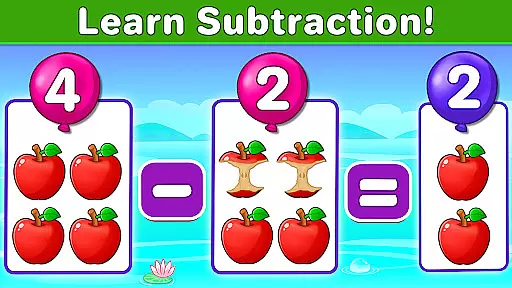
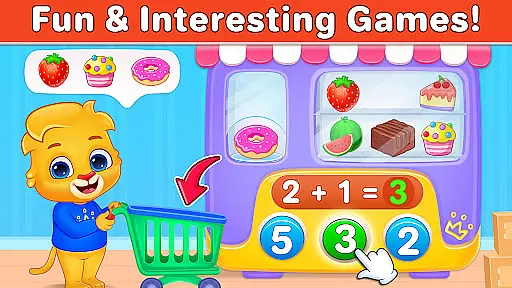
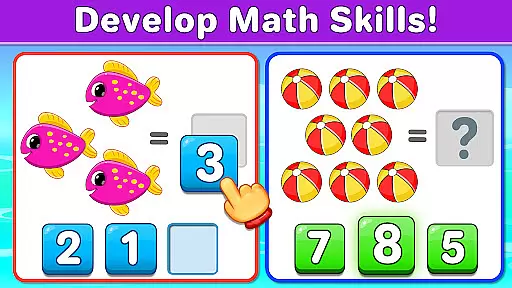
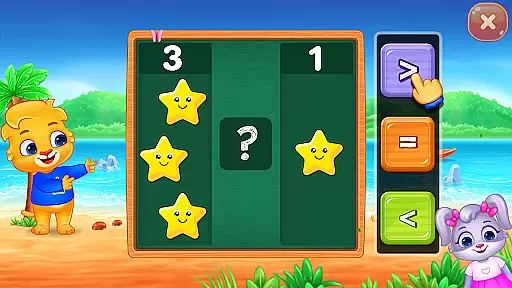
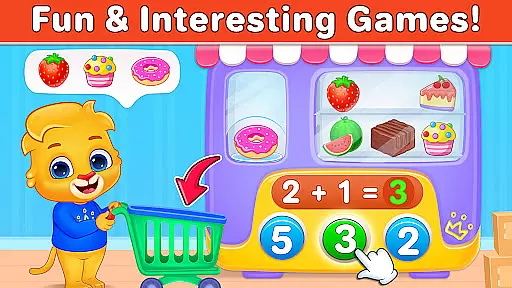
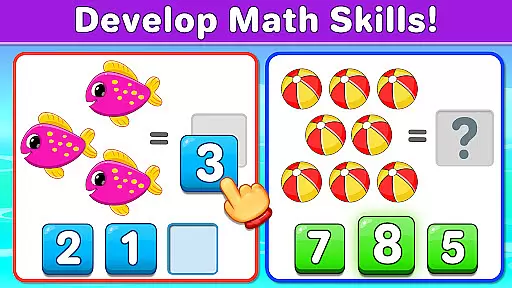
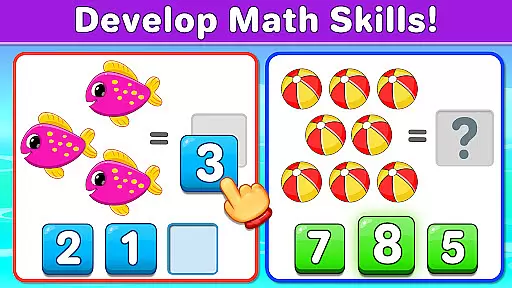
Math Kids is an educational app designed to make learning mathematics enjoyable for young children. This free learning game introduces preschoolers, kindergarteners, and toddlers to the world of numbers through engaging mini-games. The app focuses on foundational math skills such as counting, addition, and subtraction, while also incorporating elements of logical thinking and sorting.
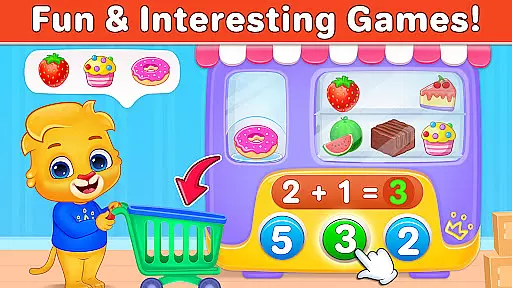
The app offers a variety of interactive puzzles that teach math concepts in a playful way. Children can practice counting objects, comparing groups, solving addition and subtraction problems, and more. Each activity is crafted to keep kids entertained while improving their math abilities. With features like customizable difficulty levels and progress reports for parents, Math Kids provides a balanced approach to early childhood education.
Designed with a child-friendly interface, Math Kids ensures that even the youngest learners can navigate the app with ease. Its vibrant visuals and rewarding sticker system motivate children to continue playing and learning. Whether at home or on the go, Math Kids serves as an excellent tool for fostering a love for math from an early age.
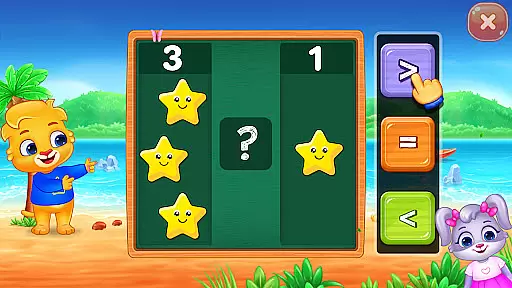
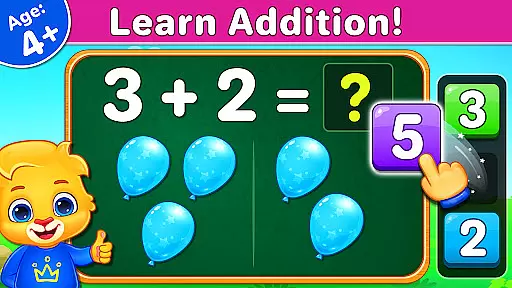
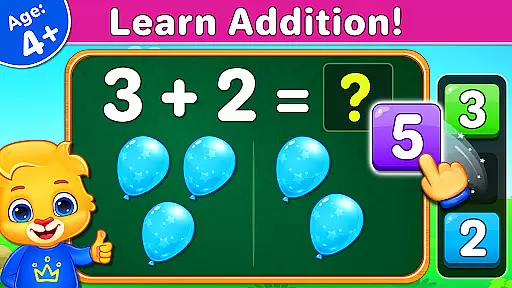
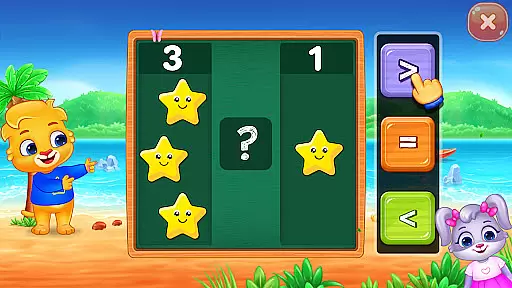
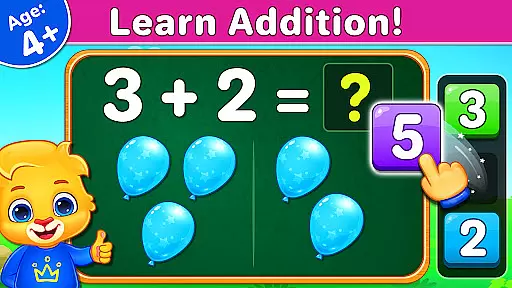
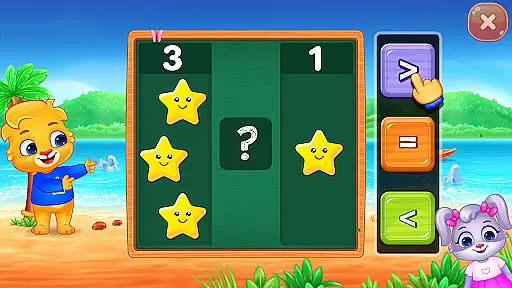
Math Kids stands out with its diverse selection of educational games tailored for young learners. The Counting game teaches basic addition by having children count objects on the screen. In Compare mode, kids enhance their numerical comparison skills by determining which group of items is larger or smaller. These activities are designed to build essential math foundations in an interactive manner.
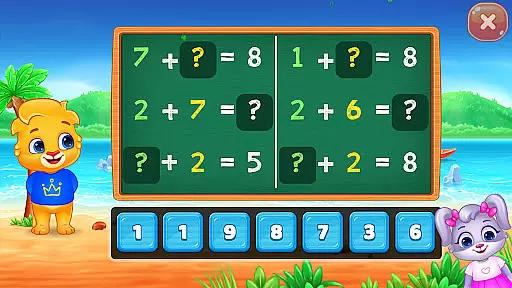
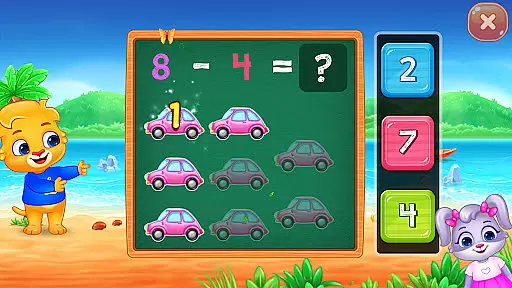
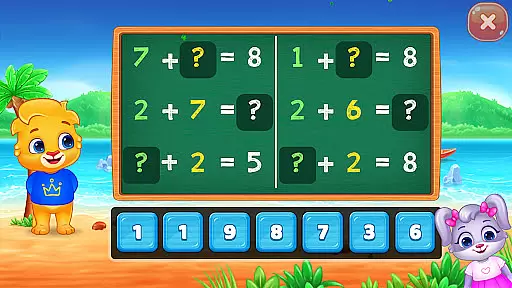
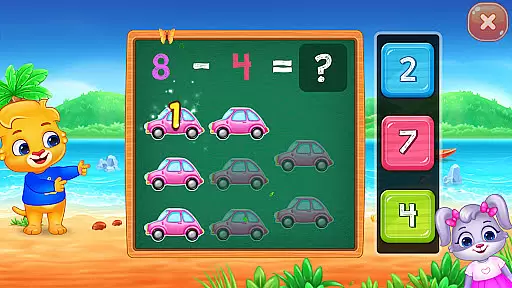
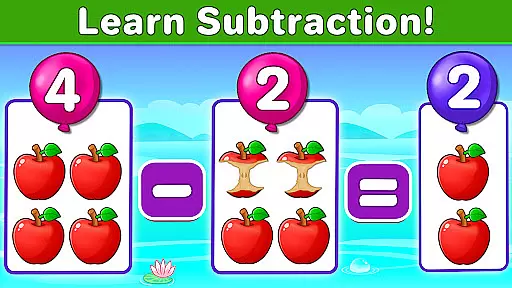
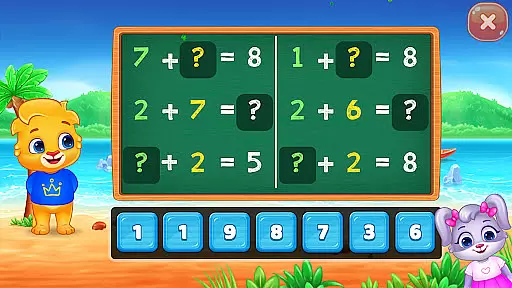
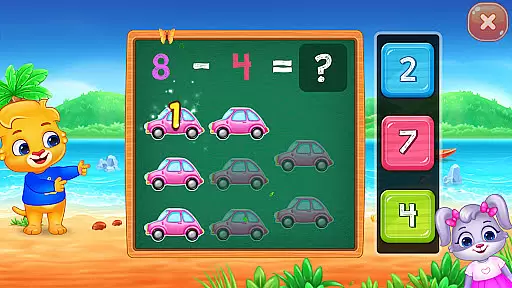
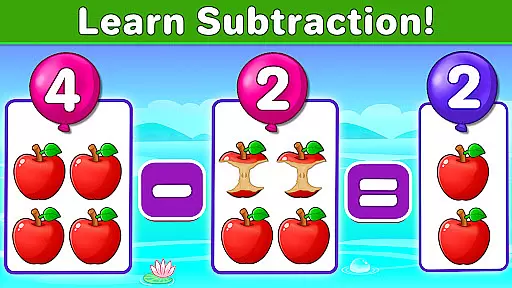
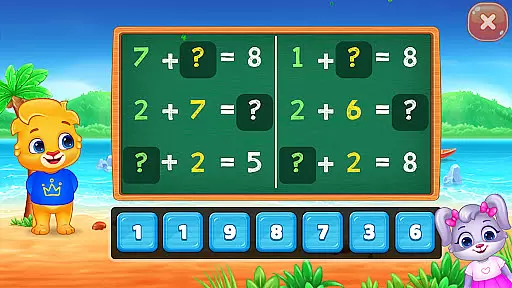
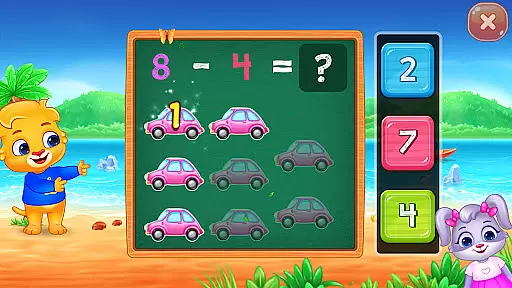
The app includes several problem-solving games such as Adding Puzzle and Subtracting Puzzle, where children drag numbers to complete equations. Adding Fun and Subtracting Fun challenge kids to count objects and identify missing numbers in math problems. For assessment purposes, Adding Quiz and Subtracting Quiz test how well children have grasped these fundamental operations. Each feature is carefully designed to reinforce learning through repetition and practice.
Parents will appreciate the app's additional monitoring tools. Adults can adjust game difficulty to match their child's skill level and review detailed report cards showing performance in previous rounds. With no in-app purchases or third-party ads, Math Kids provides a safe and uninterrupted learning environment. These thoughtful features ensure that both children and parents have a positive educational experience.
Math Kids: Math Games For Kids offers a comprehensive learning experience that aligns with early childhood educational standards. The app focuses on fundamental math concepts such as counting, addition, and subtraction, which are crucial building blocks for young learners.
Each mini-game within the app is designed to reinforce specific skills that are age-appropriate and in line with educational curricula. Activities like 'Counting,' 'Adding Puzzle,' and 'Subtracting Quiz' provide structured learning environments where children can practice and master essential math skills.
The content provided by Math Kids is authoritative and created with care, ensuring that preschoolers, kindergarteners, and 1st graders receive accurate information as they learn. This attention to detail supports their cognitive development while laying a solid foundation for future academic success.
Parents can trust that their children are engaging with material that has been thoughtfully crafted to support the early math curriculum. By integrating play with education, Math Kids ensures that children not only enjoy learning but also meet important educational milestones.
Gamification is at the heart of Math Kids: Math Games For Kids, seamlessly blending learning objectives with engaging gameplay. Through a series of interactive mini-games, children are encouraged to explore mathematical concepts in a playful setting, enhancing their understanding through active participation.
The app includes features such as earning stickers for completing tasks, which motivates children to continue playing and learning. These game-like elements create an enjoyable experience that keeps kids coming back for more, reinforcing their math skills over time without them even realizing they're studying.
Customizable difficulty settings allow parents to tailor the gaming experience to their child's current level, ensuring that the challenges remain relevant and stimulating. This personalized approach helps maintain an optimal balance between fun and learning, adapting to each child's pace and progress.
By transforming traditional math exercises into entertaining games, Math Kids effectively captures children's interest and sustains their engagement. This innovative method of teaching through gamified activities not only makes learning math more accessible but also instills a love for education that can last a lifetime.
User-friendly interface
Engaging mini-games
Educational content
Customizable settings
Completely free
Limited advanced math
No multi-language support
Simple graphics only
Basic parental controls
No offline mode

A world to build at the tip of your fingers!
 3.80
3.80
A game to memorize
4.1
Spark your little ones’ imagination!
3.80
Explore & build the cute kitty city, create fun stories & discover surprises!
4.3
Have fun learning Alef Beit
4.0
Help your child improve their number literacy with Numberblocks: Card Fun!
2.60
Endless runner fun packed with animal facts, exciting wildlife, & adventure.
4.10
Fun phonics & alphabet tracing game for toddlers, preschool & kindergarten kids!
4.60
Coloring book for kids! Learn Color, paint, neon drawing with educational games.
4.40
Enjoy coloring with wide variety of 1000+ coloring games for kids & drawing game
4.50
Stack the States® 2 makes learning US geography fun!
4.50
Explore Fantasy Land, get to know the world and create stories!
4.30
OG Trail - Lets you play the classic Oregon Trail simulation game on Android
4.20
Educational game for children about emergency and other service vehicles
3.80
Wind down, relax and snuggle up with your favourite Blocks characters.
3.30
Draw shapes, mix colors, and dodge traps to defeat foes in the vibrant Art Zone!
4.0
Absorbing, highly visual, effective learning of multiplication, division
4.0
Join Duggee and the Squirrels as they practice their counting!
4.3
Little Explorer – Garage, Kitchen and Bathroom
4.2


User Reviews