
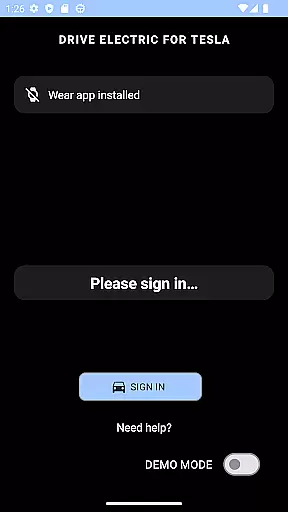
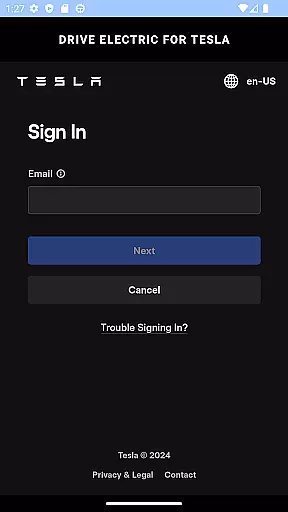
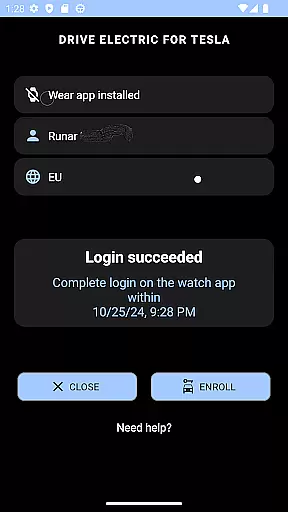
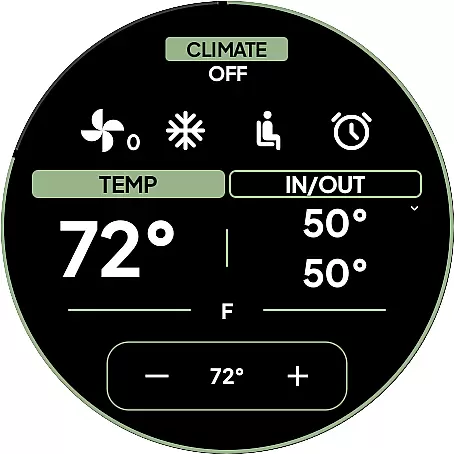
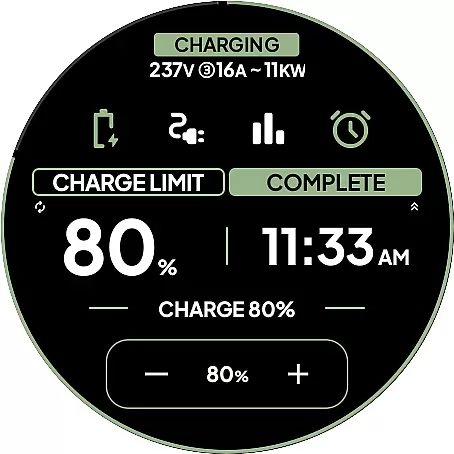
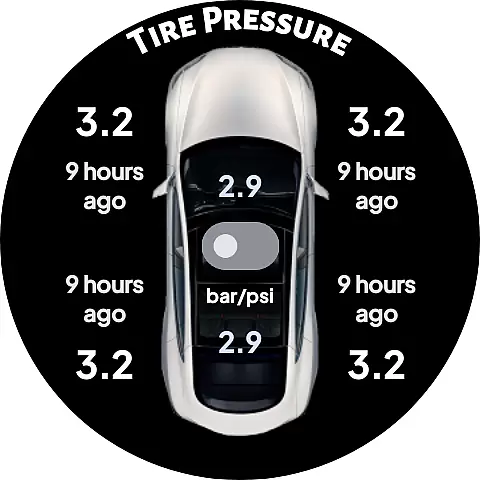
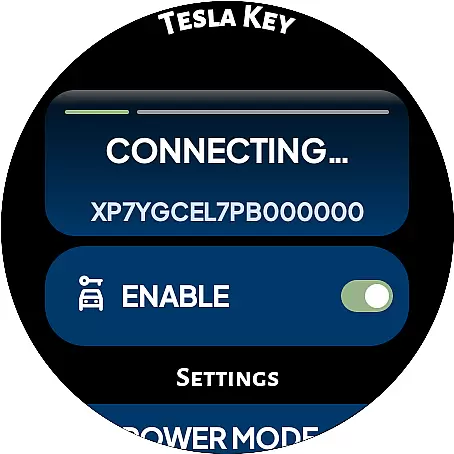
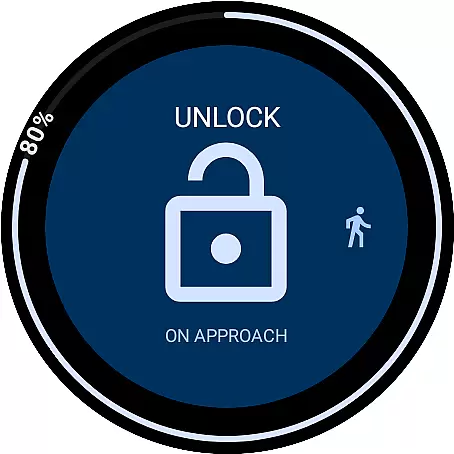
DRIVE Electric for Tesla is a cutting-edge Wear OS application that transforms your smartwatch into a powerful key for Tesla vehicles. By integrating NFC, Bluetooth, and internet connectivity, the app allows users to interact with their cars without needing a phone nearby. This functionality provides an efficient way to unlock, drive, and send commands to your Tesla directly from your wrist.
The app supports both modern Tesla models equipped with NFC and Bluetooth LE as well as older models through a premium subscription plan. With features like quick access tiles, battery level complications, and on-approach commands, it enhances convenience and accessibility. Whether unlocking the car, checking battery status, or finding your vehicle in a parking lot, DRIVE Electric ensures seamless interaction between your smartwatch and Tesla.
This app is particularly useful for Tesla owners who value hands-free convenience and tech integration. It eliminates the need to carry additional keys or phones while offering advanced security options like PIN code access. The app's direct communication with Tesla servers ensures privacy and reliability, making it a valuable tool for modern electric vehicle owners.
DRIVE Electric for Tesla offers a comprehensive set of features designed to maximize convenience and control over your Tesla vehicle. One of its standout capabilities is the support for both NFC and Bluetooth access, allowing users to unlock and drive their cars simply by being near them. For added flexibility, a remote access feature is available through a monthly subscription, catering especially to older Tesla models without BLE hardware.
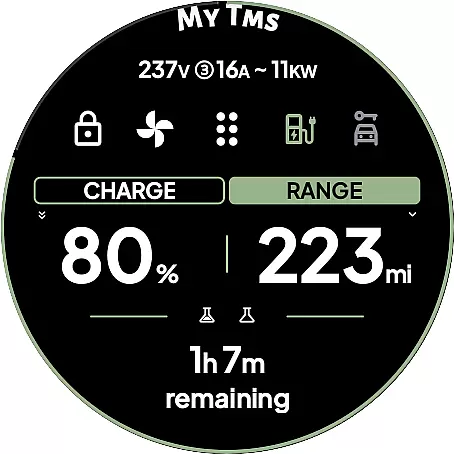
The app includes six customizable tiles for quick command execution, such as locking/unlocking doors or opening the trunk. A unique watch complication displays the vehicle's battery level and charging time, keeping you informed at a glance. The innovative On Approach feature lets users delay commands until they reach their car, perfect for situations like carrying groceries. Additional functionalities include compass and map views for locating your parked vehicle and optional PIN code access for enhanced security.
All communications between the app and Tesla are secure, with no credentials stored or proxied through third-party servers. This ensures that your data remains private and protected. Whether using the app's demo mode to explore features or pairing it as a key card for tap-to-unlock functionality, DRIVE Electric delivers a reliable and intuitive experience tailored specifically for Tesla owners.
DRIVE Electric for Tesla offers a comprehensive lifestyle solution by integrating advanced connectivity features into Wear OS smartwatches. This app transforms your smartwatch into a reliable key, eliminating the need to carry your phone around.
The app supports both NFC and Bluetooth access, enabling users to unlock, drive, or send commands over BLE when near their Tesla vehicle. It also provides remote access through a monthly subscription, ensuring that users can interact with their vehicles even from a distance. This feature is particularly beneficial for those who value convenience and modern technology in their daily lives.
In addition to its core functionalities, DRIVE Electric for Tesla includes six different tiles for quick access to commands and a watch complication displaying the battery level. These features enhance user experience by providing instant access to essential vehicle information and controls directly from the wrist.
By covering various aspects of vehicle interaction, from unlocking and driving to finding the car's location, this app ensures a seamless integration of Tesla ownership into the user's lifestyle. The inclusion of security measures like optional PIN code access further solidifies its position as a comprehensive lifestyle management tool.
DRIVE Electric for Tesla maintains content authenticity by ensuring that all communications between the app and the vehicle occur directly without any third-party server interference. This direct communication guarantees that users' credentials are never seen or stored by the app, enhancing trust and credibility.
The app strictly uses Tesla's official APIs and servers, ensuring that all features and commands are authentic and reliable. Users can confidently use functionalities such as pairing the app as a key card, tapping the B-pillar to lock/unlock, and accessing vehicle controls via tiles or complications.
Furthermore, DRIVE Electric for Tesla provides clear instructions and disclaimers, reinforcing its commitment to transparency. For instance, it advises users about upcoming changes in Tesla's API access policies and emphasizes the importance of keeping the official phone app available at all times.
With detailed FAQs and support documentation, the app demonstrates expert credibility by guiding users through setup processes and offering insights into compatibility and usage tips. This dedication to providing accurate and trustworthy information establishes DRIVE Electric for Tesla as a credible tool for Tesla owners.
Fast and reliable key
Secure communication
Comprehensive feature set
Convenient on-approach commands
Customizable tiles
Premium subscription required
Limited to compatible watches
No Tizen OS support
Dependent on Tesla APIs
Location permission needed

Design and brew great homebrewing beer, mead, cider and wine recipes on the go!
 3.60
3.60
Designed to delight, impress and energize your festive spirit every single day
4.4
View over 160,000 line dance stepsheets from the CopperKnob website.
3.30
Discover the "To Be a Christian" App: Your Guide to Deepening Faith!
5.00
Smart & Healthy Living
4.60
A smart Siddur with halachic times
4.50
The cutest Autumn watchface featuring the adorable Mr. Squirrel
4.0
A unique and customizable watch face which rotates its layout every minute.
4.80
Redecor your home with Home AI interior design, room planner and home designer.
4.50
Retro animated weather with hourly forecast Watch Face for Wear OS
4.60
The App can control Roborock vacuum cleaners from anywhere with rich features.
4.60
Cute Adorable Animals now on your wrist with our Wear OS watch face!
4.40
Subwoofer school’s in session! You’ve now enrolled into KICKER U.
3.80
Paranormal EVP, Ghost Box, Spirit box, ITC, Haunted, Spirit communication device
3.70
Unique informative Dial with Live Moon Phase at a glance!
3.60
BILT interactive 3D instructions help you get the job done right
3.50
An Eerie Musical Trigger Toy for Spirits to Play with!
3.50
A watch face with transparency and fluid visuals inspired by liquid glass design
4.0
A daily quote for success
4.4


User Reviews