
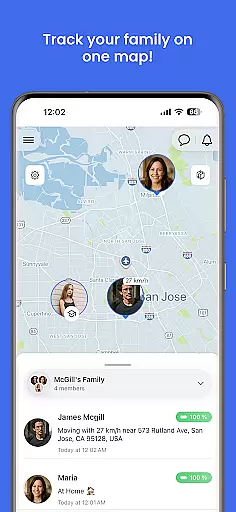
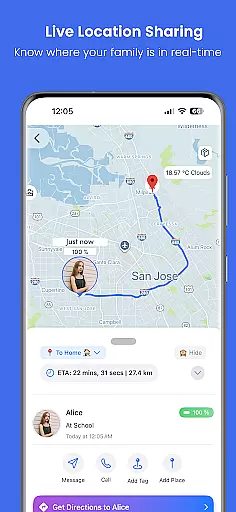
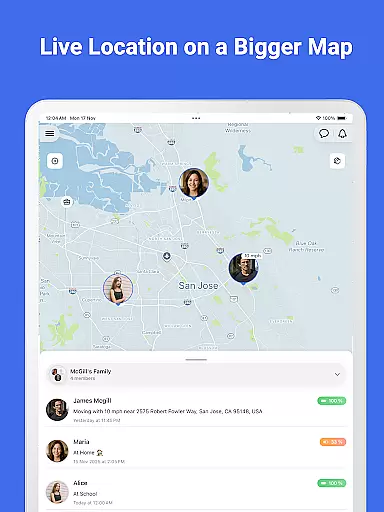

Family Nest is a secure child GPS tracker designed exclusively for parents and legal guardians to monitor their children's real-time location, driving safety, and travel history. Using advanced GPS technology, the app provides precise location tracking, ensuring peace of mind for guardians who want to keep their kids safe and connected at all times.
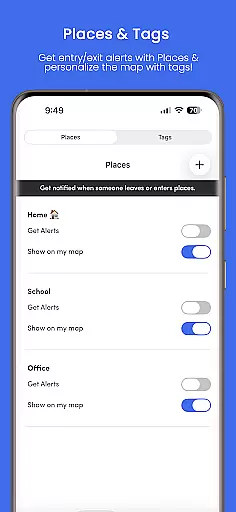
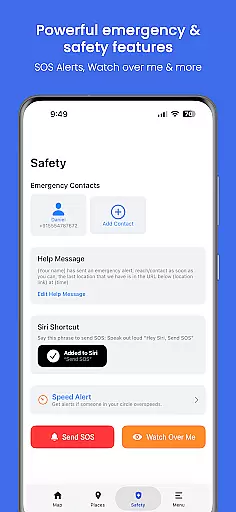
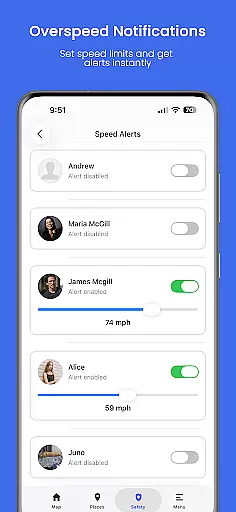
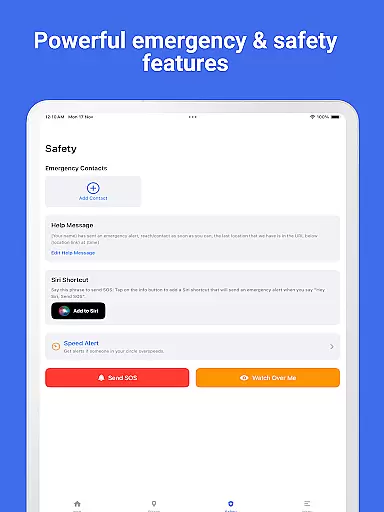
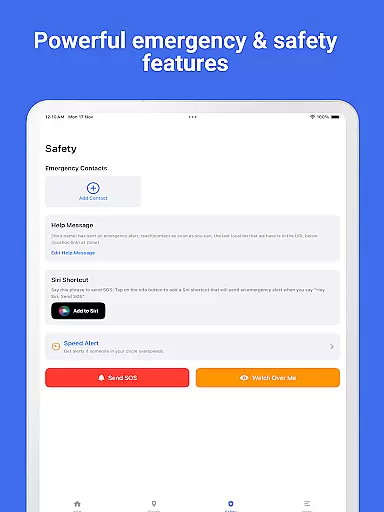
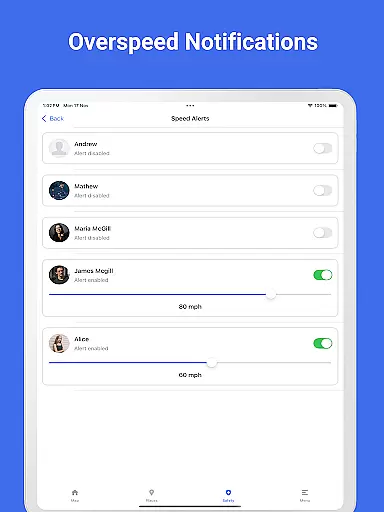
The app offers powerful tools tailored for daily parenting needs, including private Nests (formerly Circles) for organizing children, entry/exit alerts for safe zones, trip history with detailed route patterns, and overspeeding notifications. Additionally, Family Nest includes an SOS emergency alert button and detects fake GPS usage, making it a comprehensive solution for ethical, family-focused monitoring.
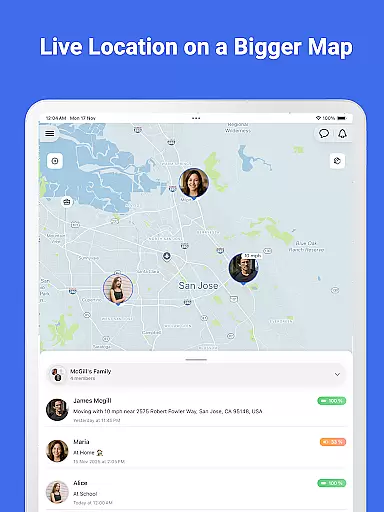
Family Nest stands out with its robust feature set tailored specifically for parental use. The app tracks children’s live location in real-time with high GPS accuracy, allowing parents to stay informed about their whereabouts. It also supports the creation of private Nests, enabling users to group and organize multiple children efficiently while managing their locations seamlessly.
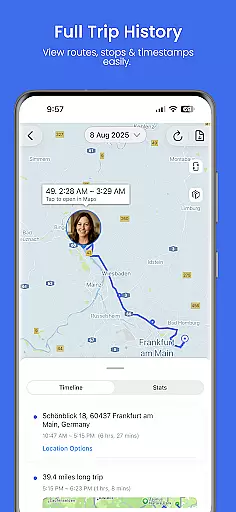
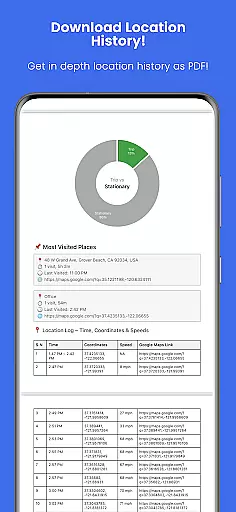
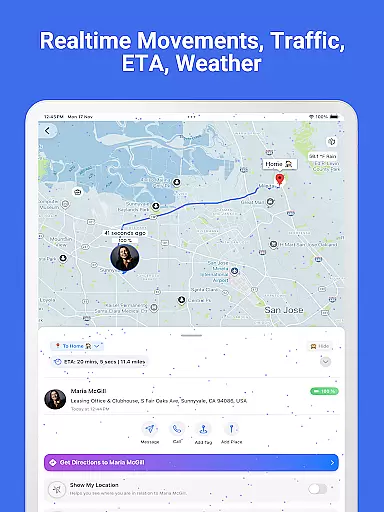
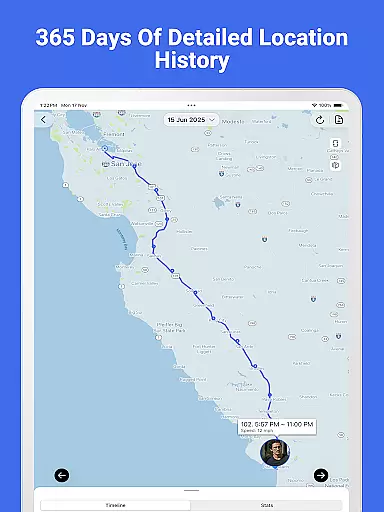
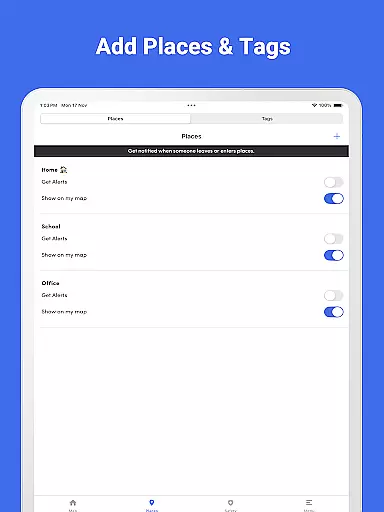
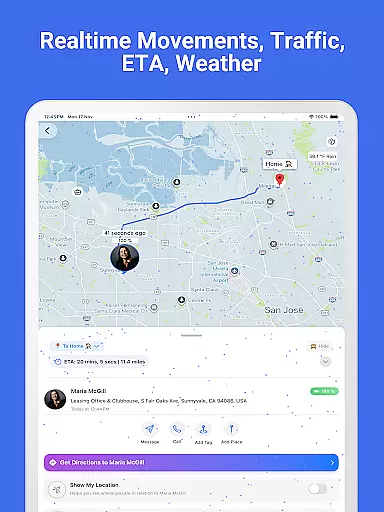
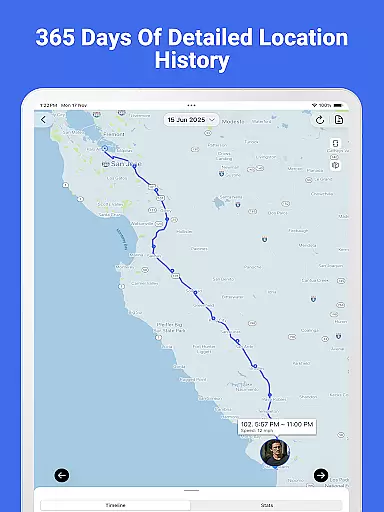
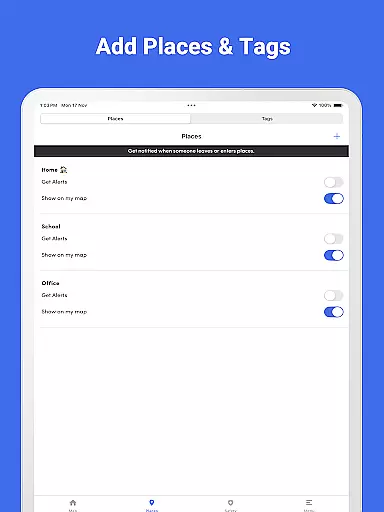
Parents can receive instant alerts when their child enters or leaves predefined safe zones, view detailed trip histories including stops and routes, and export this data as PDF reports. Additional features include overspeeding notifications, detection of mocked locations, and real-time traffic updates. With no ads or hidden data tracking, Family Nest prioritizes user privacy and ensures a secure environment for families.
Family Nest provides a reliable and credible solution for parents seeking to monitor their children's safety. The app is built exclusively for parental use, ensuring that all features are designed with the needs of guardians in mind.
With precise GPS technology, parents can track their child's real-time location, receive entry and exit alerts for safe zones, and view detailed trip histories. These features are supported by real-time traffic updates and overspeeding notifications, which enhance the app's reliability as a child safety tool.
The app complies with Google Playu2019s policies for location tracking and child safety, reinforcing its credibility. Family Nest also offers expert-validated tools such as geofencing and SOS emergency alerts, giving parents peace of mind while ensuring ethical and lawful use.
By focusing on privacy protection and offering both free and premium plans, Family Nest establishes itself as a trusted partner in daily parenting, validated by experts in child safety and technology.
Growth tracking in Family Nest goes beyond basic location monitoring, providing accurate data that helps parents understand their child's daily movements and habits. The app uses high-precision GPS to ensure that location data is reliable and actionable.
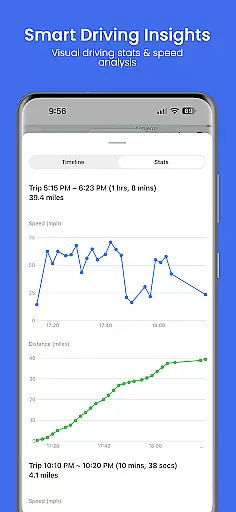
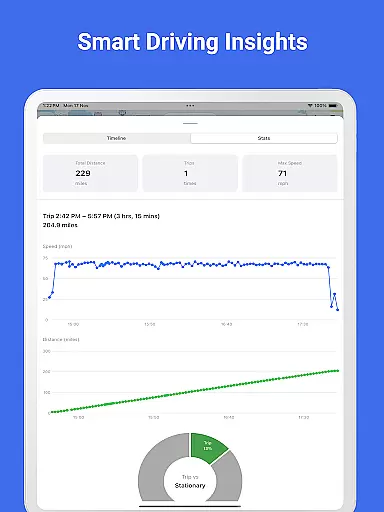
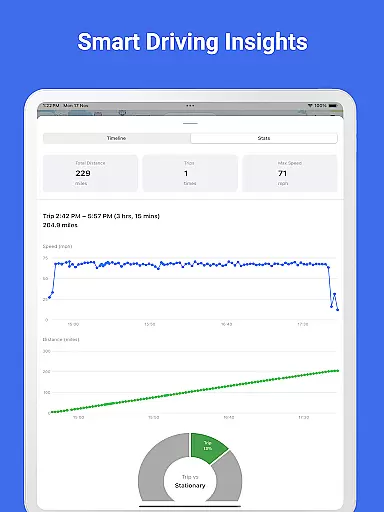
Parents can access detailed reports, including speed and distance graphs, which offer insights into their child's travel patterns. This feature allows guardians to identify behavioral trends and address potential safety concerns proactively.
Additionally, the app detects fake GPS or mocked locations, ensuring the accuracy of the data provided. With up to 30 days of location history available in the premium plan, parents can review comprehensive PDF reports that contribute to more informed decision-making.
Family Nest's commitment to accuracy and transparency makes it an essential tool for growth tracking, helping parents maintain a safe environment for their children as they grow.
Real-time GPS tracking
Private Nests organization
Safe zone alerts
Overspeeding notifications
No ads or data selling
Limited to parental use
Premium features require subscription
Dependent on device GPS
Requires constant internet
Not for adult tracking

All-In-One Pregnancy Tracker, Your Baby's Milestones, Growth Stages & Parenting
 4.70
4.70
With BabyCam you can monitor your baby using your mobile phone, tablet, PC or TV
4.40
Family GPS locator app — child location tracker. GPS kids tracker, family safety
4.70
Learn according to the age of your child and consult with other moms.
4.20
Affirmations | Stories | Bible
4.10
Kids story books for children. Baby reading books with audio for pre-k toddlers
4.70
The 10 development leaps of your baby | newborn milestones & leap days tracker
4.10
All-In-One Pregnancy Tracker, Your Baby's Milestones, Growth Stages & Parenting.
4.90
Monitor screen time and build healthy habits with Family Safety
3.90
Introduce real food to baby with First Foods® Database, baby led weaning BLW
4.80
FamilyAlbum helps you share, save, and remember your child's special moments.
4.80
Live Location, Alerts & 2-Way Voice for Kids and Adults with Special Needs
4.60
Block apps, set screen time limits, and customize usage schedules
4.50
Keep track of your stored breastmilk
4.40
Cherish every beat - capture your baby's heart sounds with our app
4.30
Keep Your Family Safe with Pollog Family Assistants
4.10
Little loved one's monitoring, Sleep tracking and Parenting content.
3.80
Discover fun videos, kids songs, bedtime stories and games
3.60
SemLog aims to raise awareness among families and their children
3.40


User Reviews