
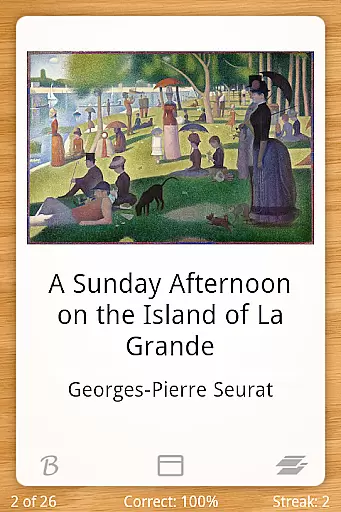
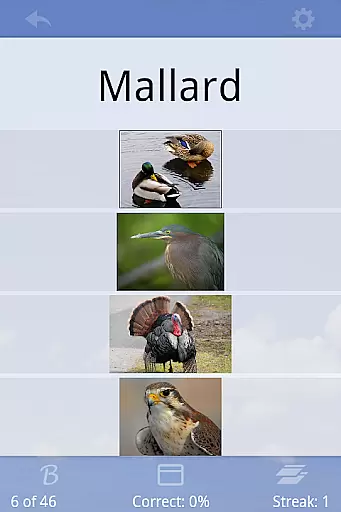
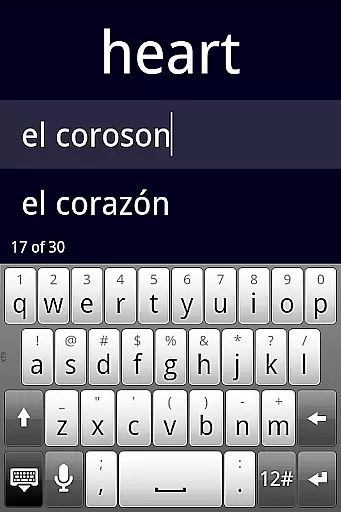
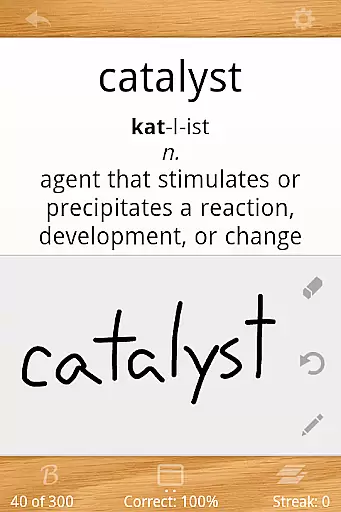
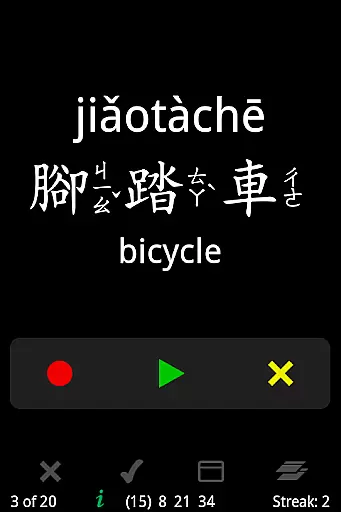
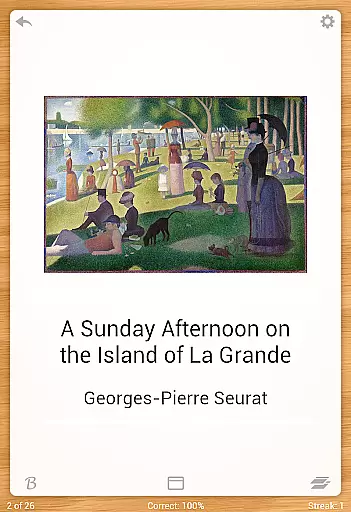
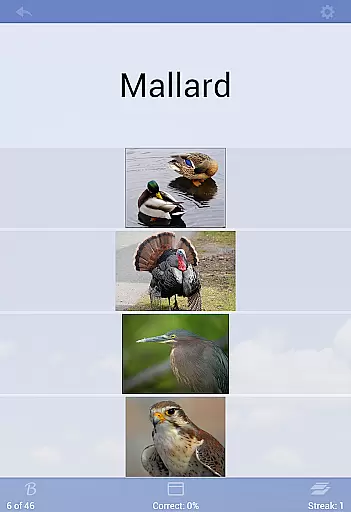
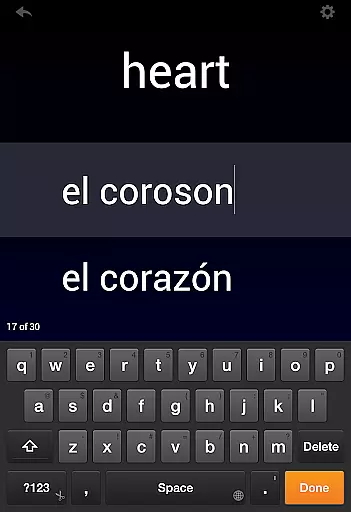
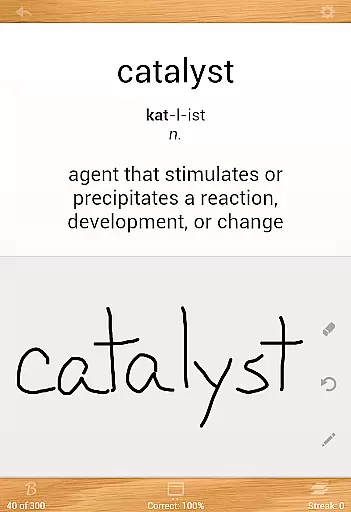
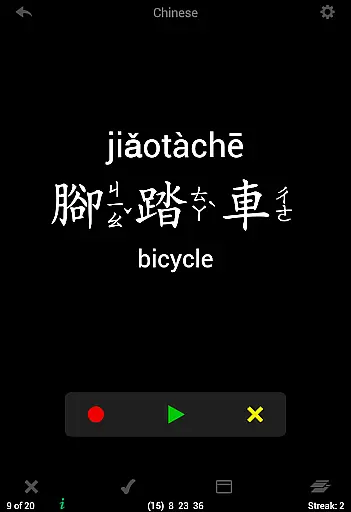
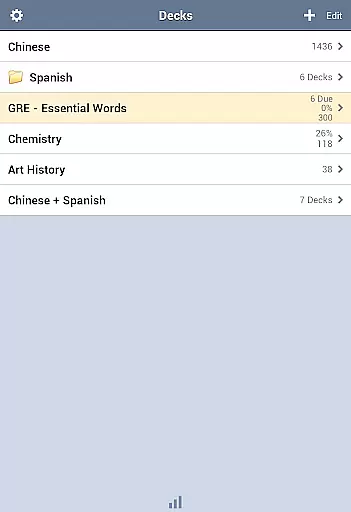
Flashcards Deluxe is a comprehensive flashcard app designed for effective learning. The app offers two intelligent study modes - Leitner and Spaced Repetition - which prioritize cards based on user performance, ensuring efficient study sessions. With support for 18 languages through offline text-to-speech functionality, users can create multi-sided cards incorporating images and sounds.
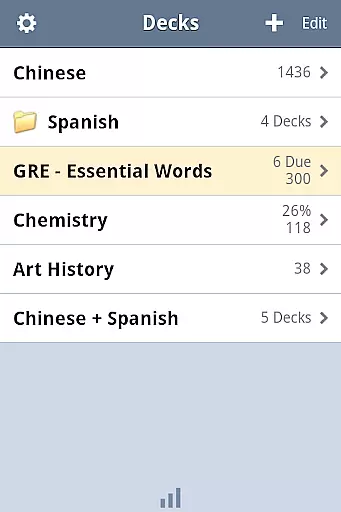
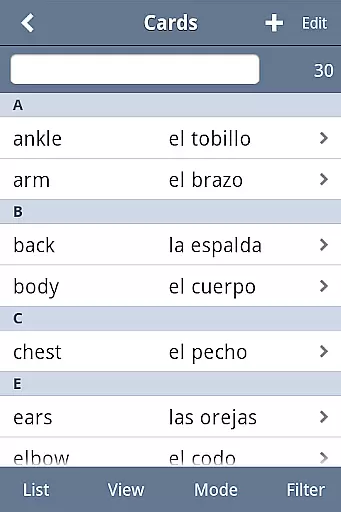
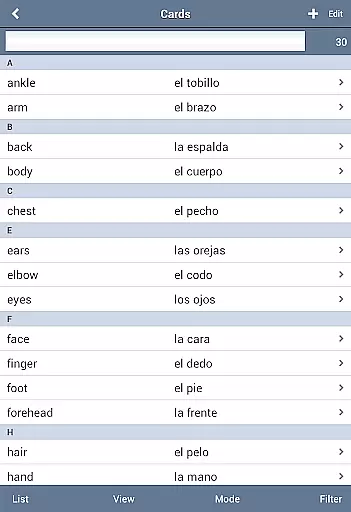
The app allows organization of decks into folders, combining multiple decks for study, and categorizing cards for better management. It includes advanced features like spelling tests, searchable card listings, and adjustable response levels to indicate mastery. Users can customize the interface with various themes and color options while enjoying a streamlined experience through swipe navigation and full-screen mode.
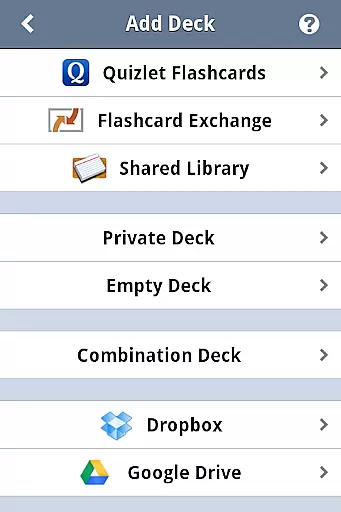
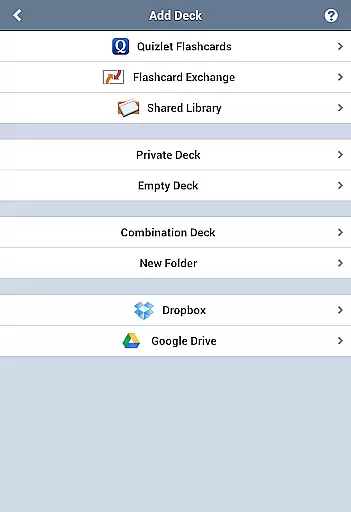
Ideal for students and educators, Flashcards Deluxe facilitates learning across various subjects and is suitable for all education levels. Its Dropbox and Google Drive integration ensures seamless backup and access across devices, making it an indispensable tool for modern learners.
Flashcards Deluxe stands out with its robust feature set tailored for diverse learning needs. The app's Leitner and Spaced Repetition study modes use sophisticated algorithms to optimize learning by focusing on areas that need improvement. These adaptive techniques ensure users spend more time on challenging content, enhancing retention.
One of the app's key strengths is its multimedia support. Users can incorporate images, zoom into visuals, and include audio clips that automatically repeat. The offline text-to-speech capability in 18 languages makes it accessible globally. Additionally, the app supports 1 to 5 sided cards, multiple choice quizzes, and spelling tests, providing varied methods to reinforce learning.
Usability is further enhanced through customizable navigation, finger-drawing for self-grading, and slideshow mode for presentations. Advanced users will appreciate the ability to import large card sets (up to 10,000+), organize them into folders, and back up data to their computer. The clean interface, combined with features like automatic card disabling upon mastery and browse mode for unrestricted navigation, creates an exceptional learning experience.
Flashcards Deluxe ensures content accuracy through its robust creation tools and reliable sources. The app allows users to either create their own flashcards or download pre-made decks from the Shared Library, which includes contributions from a wide community of learners and educators.
The inclusion of text-to-speech in 18 languages, without the need for an internet connection, guarantees that pronunciation guides are both accurate and accessible. This feature is particularly beneficial for language learners who require precise phonetic guidance.
With support for Dropbox and Google Drive, users can seamlessly sync their study materials across devices, ensuring that all content remains up-to-date and consistent. This synchronization capability enhances the reliability of the information being studied.
Furthermore, the app's developer provides excellent customer support, promptly addressing any questions or concerns regarding content accuracy. Users can reach out via the website's public forum or email, ensuring that any inaccuracies are quickly resolved.
Flashcards Deluxe offers personalized learning paths through its advanced study modes, including Leitner and Spaced Repetition techniques. These modes adapt to individual performance, focusing more on areas where the user struggles, thereby optimizing the learning process.
The app supports multiple response levels such as Wrong, I kind of know, and I know really well, allowing users to tailor their learning experience based on their confidence levels. This nuanced approach helps in creating a customized study plan that evolves with the learneru2019s progress.
Users can organize decks into folders and combine them for studying, enabling a structured yet flexible learning environment. This organization feature allows learners to tackle subjects in a manner that best suits their personal study habits and goals.
Additionally, the ability to include pictures and sounds in flashcards caters to different learning styles, making the educational journey more engaging and effective. With these comprehensive customization options, Flashcards Deluxe empowers users to craft their unique learning paths.
User-friendly interface
Advanced study modes
Offline functionality
Multimedia integration
Cloud backup support
Premium price point
Complex for beginners
Limited free version
Occasional bugs
Heavy storage use

Turn scrolling hours into improving your knowledge, communication, intelligence
 4.50
4.50
A 2024 digital study guide for the Expert Infantryman and Expert Soldier's Badge
4.3
An aviator’s preparation, study and test tool for FAA Knowledge Exams.
3.90
Bebefinn and Baby Shark educational, animated videos & games for kids
3.40
Dinosaurs coloring book game. Drawing and painting dinos.
4.50
Perform physics experiments with your phone. (by the RWTH Aachen University)
4.70
Study for your 608 certification.
4.50
Memorize anything efficiently with AnkiDroid! Many pre-built decks available.
4.80
Learn to pass DMV permit tests. Driver license practice test 2025.
4.60
Guitar chord finder, analyzer, smartly visualized theory, progressions, quizzes.
4.70
Stack the Countries makes learning world geography fun!
4.50
Learn math, step-by-step
4.30
Astronomy Guide To Night Sky
4.30
The "Go To" app for Airmen studying for promotion to SSgt and TSgt
4.30
Explore numbers the Starfall way!
4.00
Your guide to thousands of satellites and spacecraft in orbit around Earth!
3.90
Our most popular app series returns, better than ever!
3.90
MONOPOLY JUNIOR brings Hasbro's classic the board game to life.
3.00
Animals pop up and make sounds—learn names and noises in Peekaboo Barn!
4.0


User Reviews