
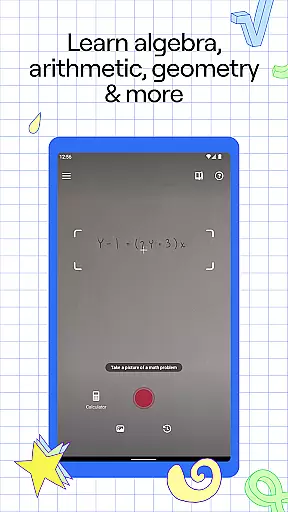
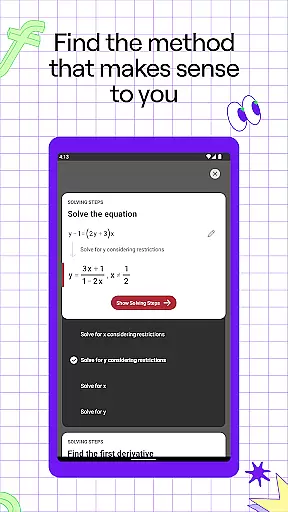
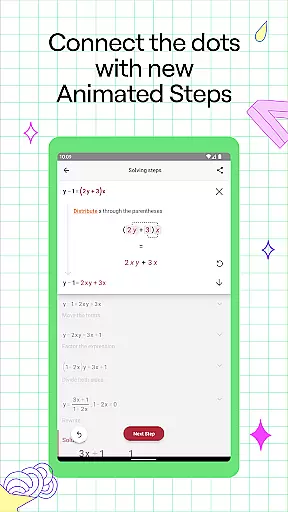
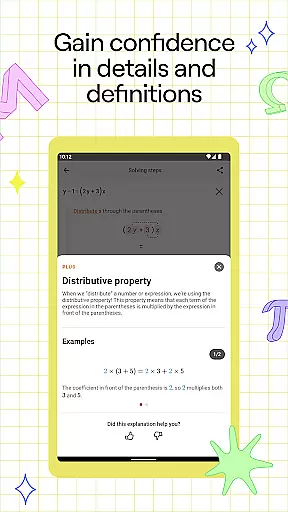
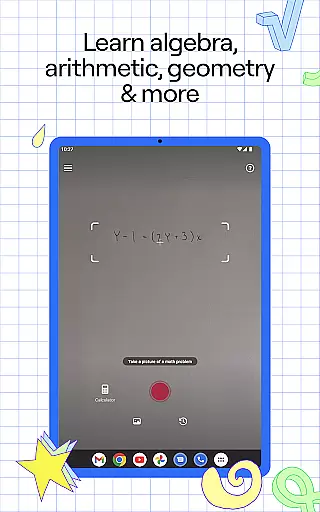
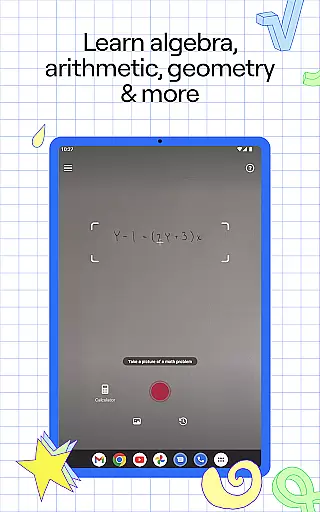
Photomath is an innovative educational app designed to assist students in learning and mastering mathematics. The app's core functionality lies in its ability to scan and solve math problems using a smartphone camera, providing step-by-step explanations and accurate solutions. Whether you're tackling basic arithmetic or advanced calculus, Photomath breaks down each problem into manageable steps, ensuring a deep understanding of the underlying concepts.
Beyond simply delivering answers, Photomath emphasizes the learning process through detailed explanations and animated tutorials. The app supports various mathematical disciplines including algebra, geometry, trigonometry, and calculus. Its unique features like interactive graphs, multiple solution methods, and an advanced scientific calculator make it an indispensable tool for students at all levels. With Photomath, learners can study at their own pace while receiving instant feedback and support, effectively creating a personalized 24/7 virtual tutoring experience.
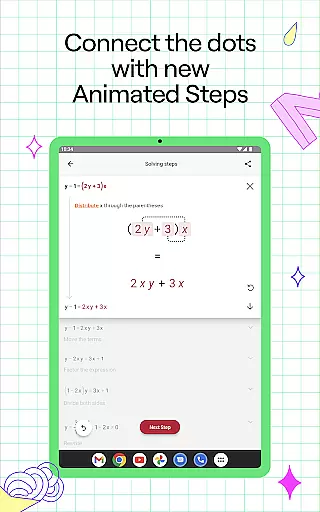
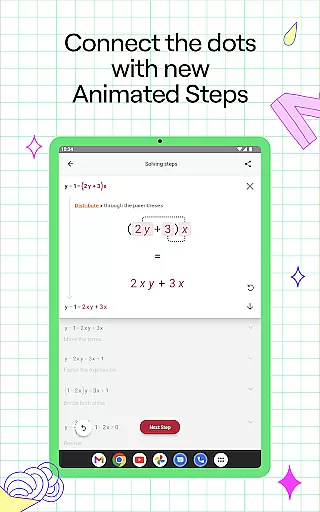
Photomath distinguishes itself through several remarkable features that enhance the learning experience. The app's step-by-step explanation system provides comprehensive breakdowns of each math problem, helping users understand not just the solution but also the reasoning behind each step. These explanations are developed by a team of expert mathematicians and former math teachers, ensuring educational accuracy and effectiveness.
The app's capabilities extend beyond standard problem-solving. Photomath Plus offers custom animated tutorials and detailed textbook solutions, while its word problem instructions help users tackle complex verbal math challenges. The interactive graph feature allows students to visualize mathematical functions, and the video learning component provides alternative explanations for difficult concepts. Additionally, the app's support for multiple solution methods caters to different learning styles, making it an exceptionally versatile educational tool.
Photomath's impact extends beyond individual learning - it serves as a valuable resource for students who lack access to personal tutors. The app's availability across various platforms and its multilingual support ensure that learners worldwide can benefit from its educational content. This universal accessibility, combined with its sophisticated mathematical capabilities, makes Photomath an essential companion for anyone seeking to improve their mathematical skills.
Photomath stands out in the education category by providing highly accurate and authoritative math content. The app is designed to assist learners from basic arithmetic to advanced calculus, ensuring that each solution is not only correct but also aligns with educational standards.
The step-by-step explanations are crafted by a team of mathematicians and former math teachers, which guarantees that the methods used are both rigorous and pedagogically sound. This expert-developed approach ensures that users are learning math the right way, which is crucial for their academic success.
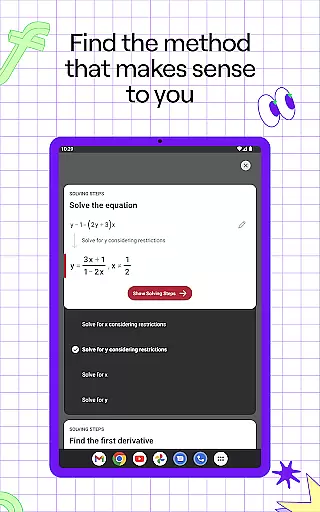
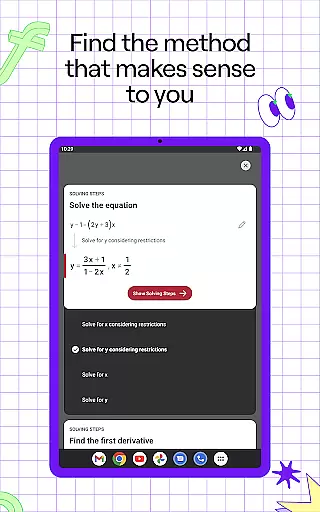
For complex problems, Photomath offers multiple solution methods, allowing students to explore different approaches to solving a problem. This feature enhances understanding and provides a deeper insight into mathematical concepts, reinforcing the 'what,' 'why,' and 'how' of each step.
With billions of problems solved, Photomath has proven its reliability as a tool for learning math. Its vast database covers a wide range of topics including algebra, trigonometry, and calculus, making it an indispensable resource for students at any level.
Photomath excels in offering personalized learning paths tailored to individual needs. The app's ability to provide instant support acts like a 24/7 virtual tutor, accommodating learners whether they are checking homework or stuck on a problem late at night.
Through interactive graphs and video learning, Photomath makes abstract concepts more tangible. These tools help visualize mathematical relationships and processes, catering to various learning styles and preferences. As a result, students can grasp complex ideas at their own pace and comfort.
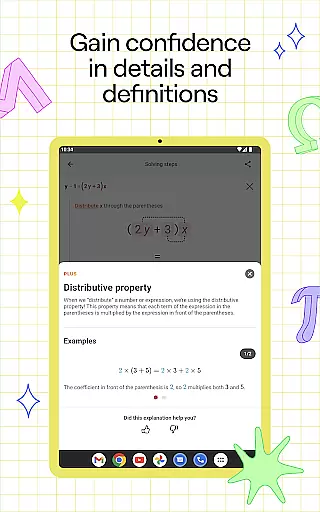
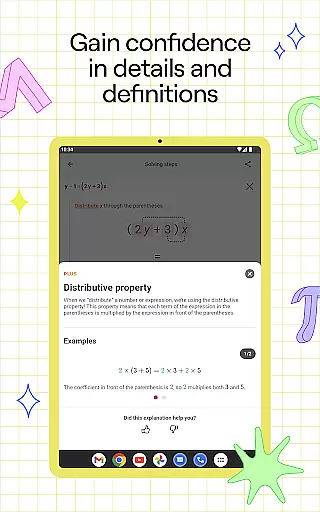
Photomath Plus takes personalization further by offering custom Animated Tutorials and detailed Textbook Solutions. These features allow users to dive deeper into subjects and explore diverse ways to enhance their understanding, making learning more engaging and effective.
By breaking down problems into bite-sized steps and providing self-paced learning options, Photomath ensures that every student can progress confidently. This tailored approach helps reduce the guesswork and stress often associated with learning math, empowering students to achieve their educational goals.
Step-by-step guidance
Wide math coverage
Instant problem solving
Expert-developed content
24/7 virtual support
Premium subscription cost
Requires stable internet
Advanced features locked
Occasional OCR errors
Device compatibility issues

2026 DVSA Driving Theory Test revision with Hazard Perception + Highway Code
 4.60
4.60
Latest TLC Practice Questions! Multiple languages available!
4.50
Pickleball guide complete with illustrated Pickleball drills and helpful info
4.5
Monkey Preschool Lunchbox: 7 exciting educational games for your preschooler.
4.30
A collection of favorite stories from Daniel Tiger's Neighborhood
2.00
Stack the Countries makes learning world geography fun!
4.50
Courses, certificates, degrees
4.50
Train, track, and reward potty training using Potty with Pull-Ups® ft. Disney®
4.70
Fun, personalized math learning games that adapt to your child’s needs.
4.40
Dinosaurs coloring book game. Drawing and painting dinos.
4.50
The Fighter Verses Bible memory system helps you memorize God's Word.
4.50
Astronomy Guide to the Night Sky
4.40
Skelly is a fully poseable, anatomically correct reference skeleton for artists.
4.10
An animated storybook app to help ease your child through toilet training.
3.70
Make your own game and world. Draw and animate characters
3.70
A must-have app for mastering Japanese verb/adjective conjugations.
3.60
MONOPOLY JUNIOR brings Hasbro's classic the board game to life.
3.00
Test prep for Indiana students
4.5
Learn and joke with the Silly Turkey!
4.3


User Reviews