
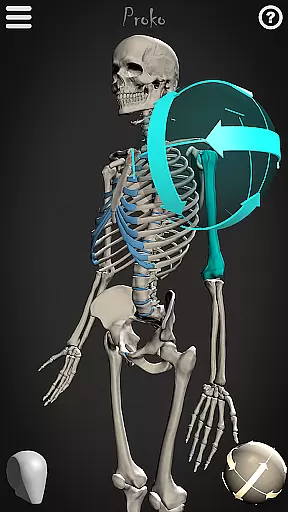
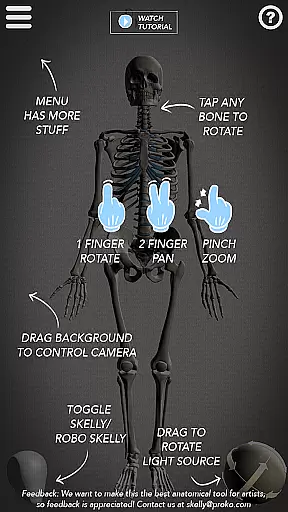
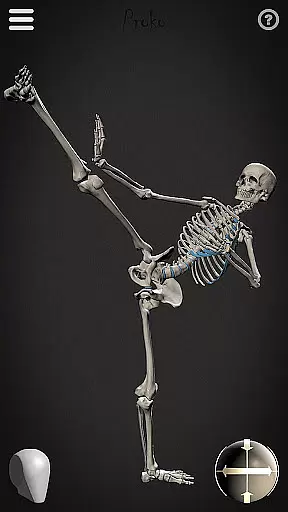
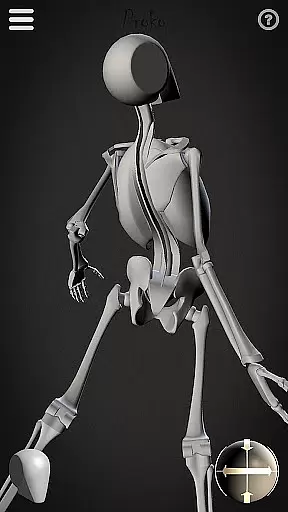
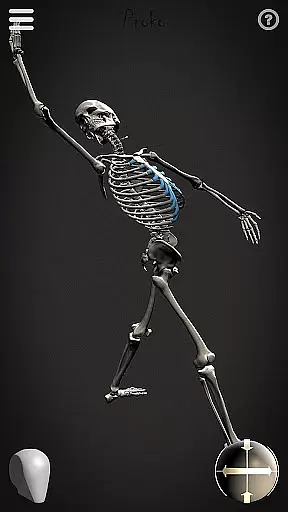
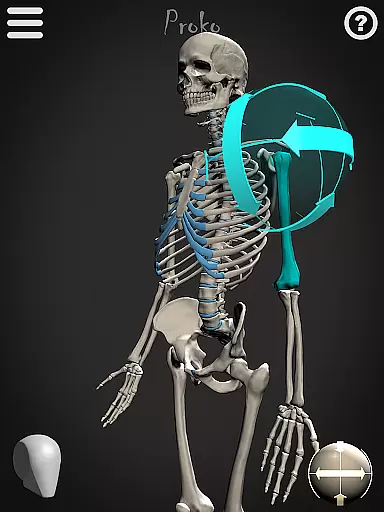
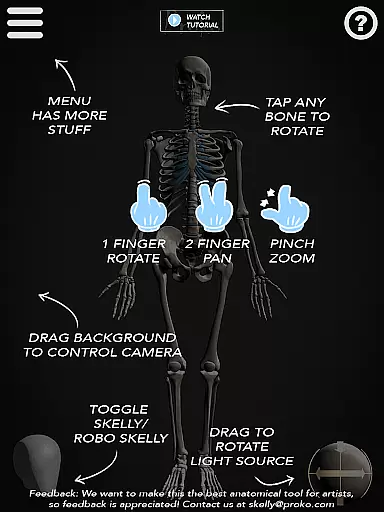
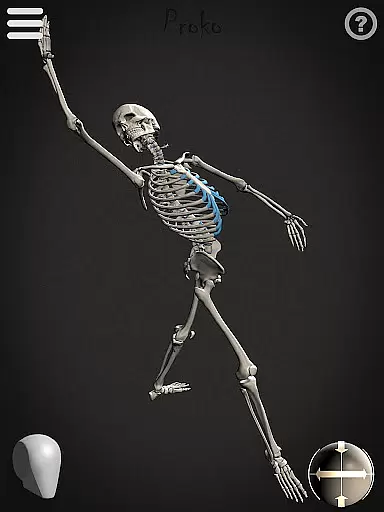
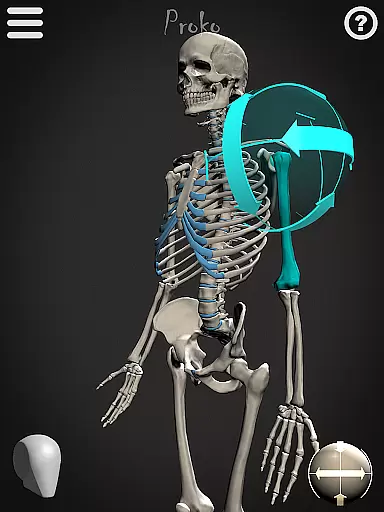

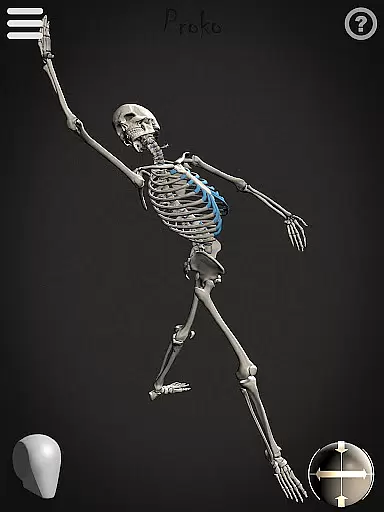
Skelly is an innovative educational app designed specifically for artists and art students who want to master human anatomy. This fully poseable, anatomically correct reference skeleton serves as a portable artistic tool that can be accessed anytime, anywhere. The app eliminates the need for physical models or questionable internet searches by providing both detailed and simplified skeleton versions.
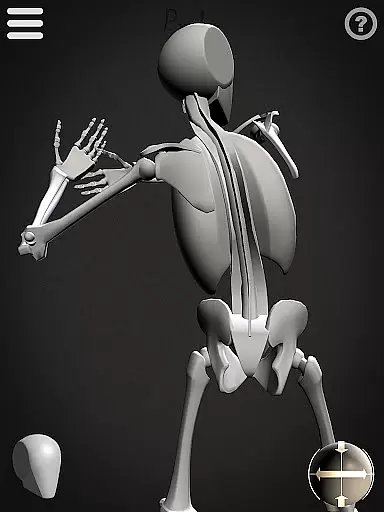
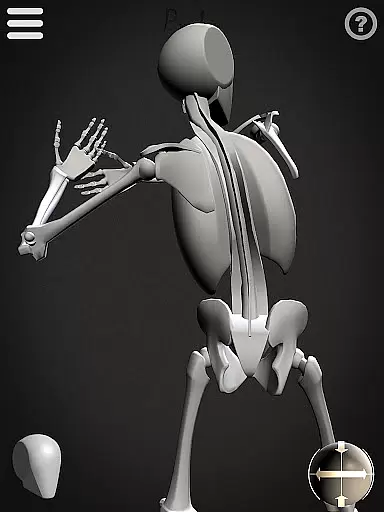
The app's standout feature is its dual skeleton system - the realistic 'Anatomical Skelly' and the simplified 'Robo-Skelly.' These models are carefully crafted based on established anatomical proportions, including those developed by Dr. Paul Richer and Andrew Loomis. Users can manipulate these skeletons through various poses and angles, making it perfect for studying anatomy while creating artwork across multiple mediums.
Skelly proves invaluable for artists working in various fields such as illustration, animation, comics, and storyboarding. The app helps maintain anatomical accuracy in artwork without requiring physical models or compromising personal privacy through internet searches.
Skelly offers an impressive array of features that cater to both professional artists and students. The app includes two distinct skeleton models - the detailed Anatomical Skelly and the simplified Robo-Skelly - each designed with precise anatomical proportions. The skeleton's design follows established artistic standards, including Dr. Paul Richer's proportional theories and Andrew Loomis' head construction method.
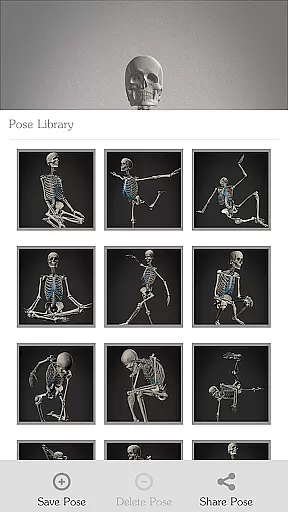
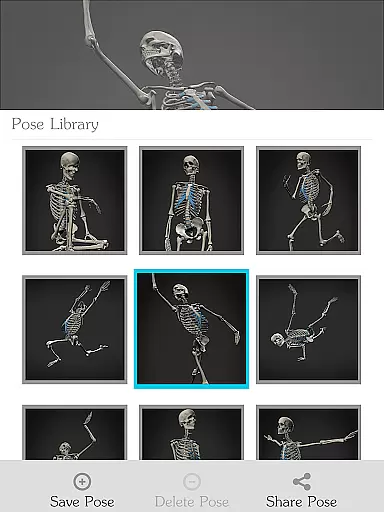
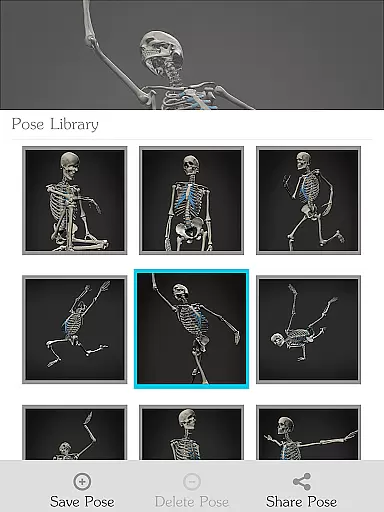
The app's functionality extends beyond basic posing capabilities. Artists can utilize the comprehensive Pose Library to save custom poses and access pre-made positions. The movable camera and adjustable light source allow users to study their subjects from any angle under different lighting conditions. Additionally, the background can be switched between light and dark modes to suit individual preferences.
What sets Skelly apart is its ability to maintain anatomical integrity while offering creative freedom. The app enables users to reset to a neutral 'Anatomical Pose' instantly, ensuring accurate reference points during artistic exploration. This combination of technical accuracy and creative flexibility makes Skelly an essential tool for mastering figure drawing and anatomy studies.
Skelly provides an anatomically correct skeleton model, ensuring that artists and students have access to accurate and authoritative content for their studies. This level of precision is crucial when learning human anatomy, as it allows users to understand the skeletal structure in detail without the need for physical models or live subjects.
The app's reference to Dr. Paul Richer's teachings on proportions and Andrew Loomis's 'Loomis Head' methodology adds another layer of credibility. These renowned sources are trusted within the artistic and medical communities, which means that Skelly can be used with confidence by those looking to create anatomically precise artwork.
By offering both a detailed skeleton and a simplified version known as 'Robo-Skelly,' the application caters to different learning styles and preferences. Users can choose between these options based on their current project requirements or personal comfort, thus enhancing their educational experience while maintaining high standards of content accuracy.
With Skelly, learners have the ability to personalize their study sessions through various features designed to enhance individual learning paths. The fully poseable nature of the skeleton allows users to manipulate the model into any position they require, catering to specific learning objectives or artistic projects.
The Pose Library feature further supports personalized education by enabling users to save their own poses and select from pre-made ones. This flexibility encourages experimentation and adaptation, allowing artists to focus on particular areas of interest or difficulty without being constrained by fixed reference materials.
Additionally, adjustable lighting and movable camera functions contribute to a customizable learning environment. Artists can simulate different studio settings or explore how light interacts with bone structure from multiple angles, all within the app. Such tools empower users to tailor their exploration of human anatomy according to their unique creative vision and educational needs.
User-friendly interface
Accurate anatomy reference
Portable art tool
Customizable poses
Multiple viewing options
Limited advanced features
No 3D printing support
Basic animation tools
Occasional lag
Subscription required

Watch and Play Elmo's World!
 4.00
4.00
AR planetarium app that brings the solar system to you via XREAL Glasses.
4.5
Turns you phone or tablet into TI graphing calculator (ROM required).
4.20
Learn Words Daily in Just Minutes - Boost Your Language Skills Fast!
4.60
Discover Your Place in the Universe
4.70
The FE Clock is a way to track sun & moon around the circle of the earth.
4.30
An aviator’s preparation, study and test tool for FAA Knowledge Exams.
4.00
Learn to pass DMV permit tests. Driver license practice test 2025.
4.60
Plant identifier: Identify plants, trees, weeds, flowers. Disease diagnosis.
4.30
Experience the sky, planet earth and the solar system like never before
4.90
Childcare Management App: Daily sheets, sign in-out, billing and learning tools
4.70
An easy to use yet powerful and full-featured flashcard study app.
4.50
Latest TLC Practice Questions! Multiple languages available!
4.50
Astronomy Guide to the Night Sky
4.40
Pass your FAA written with flying colors - Study Buddy can help.
4.30
scanner body part for fun Prank friends realistic scan effects
3.00
Your best partner for learning Japanese words. Based on a best-selling textbook.
2.90
Study the questions most likely to be asked during the Oral & Practical Exams.
2.80
Animals pop up and make sounds—learn names and noises in Peekaboo Barn!
4.1


User Reviews