
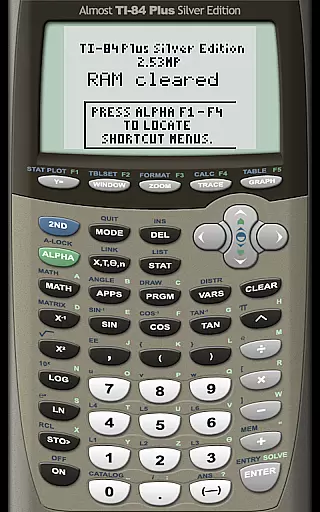
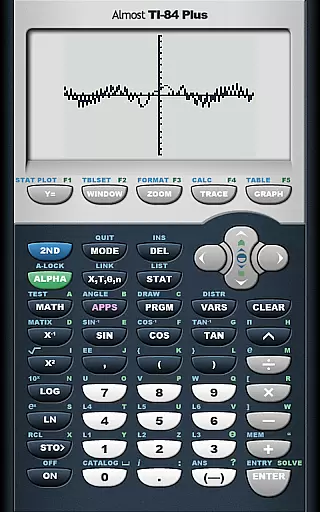
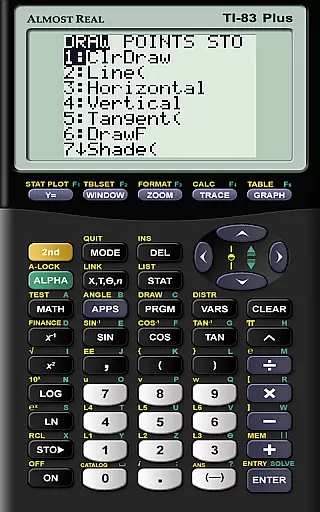
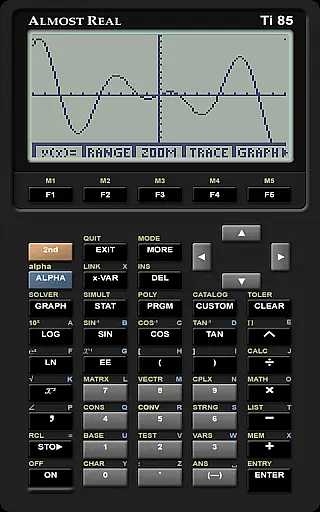
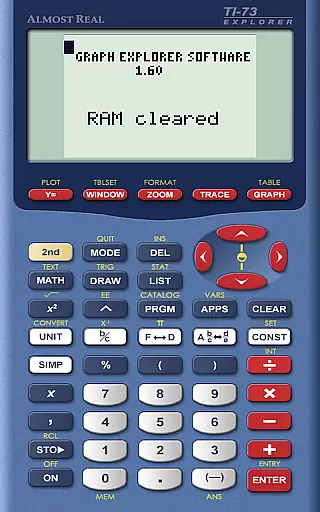
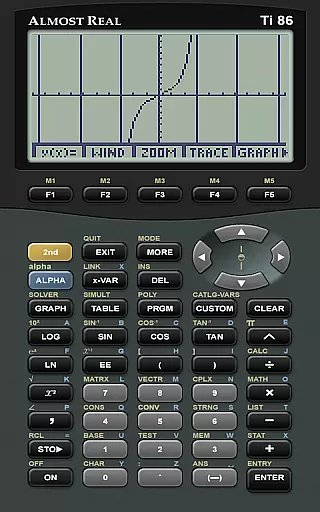
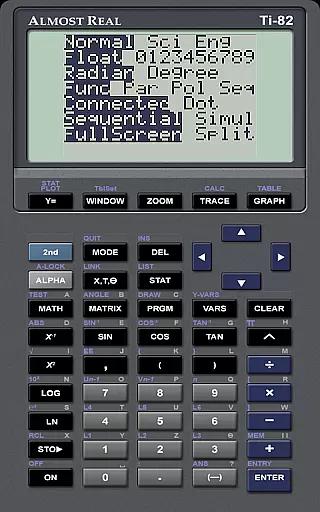
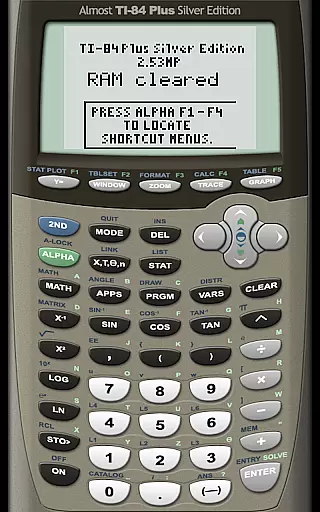
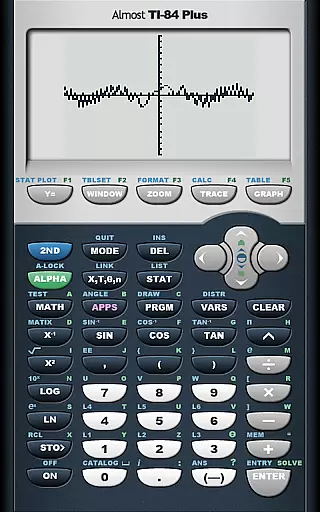
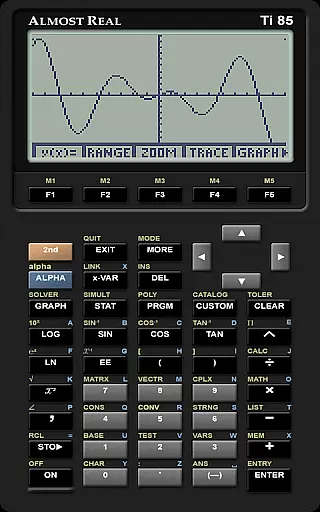
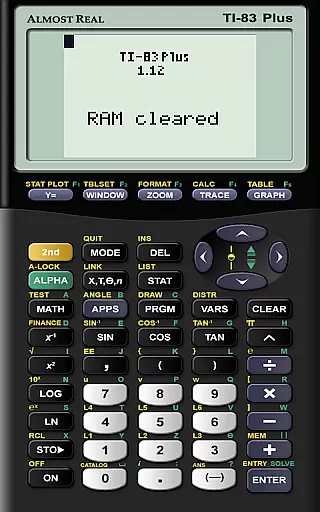
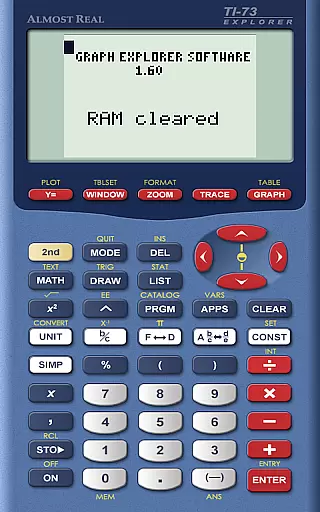
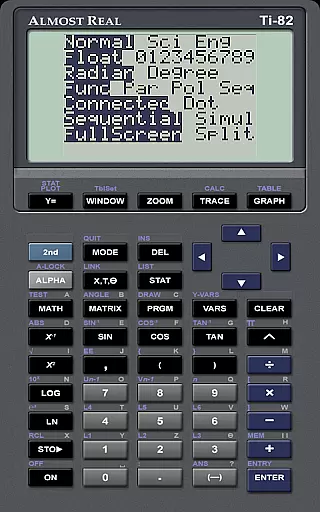
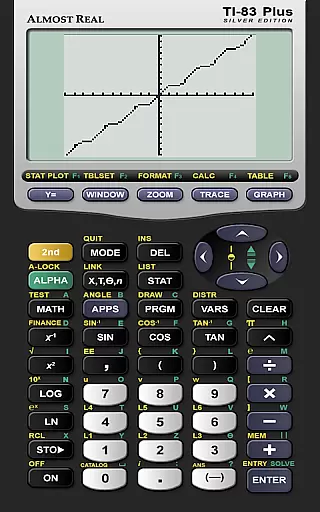
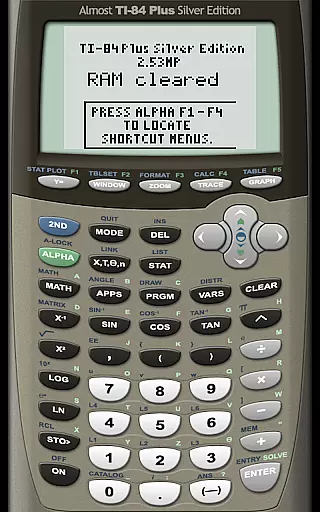
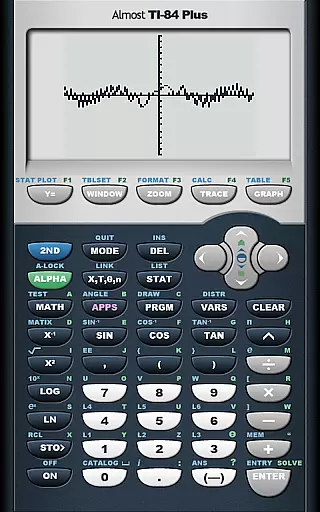
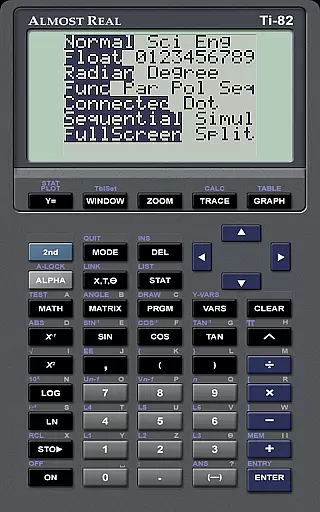
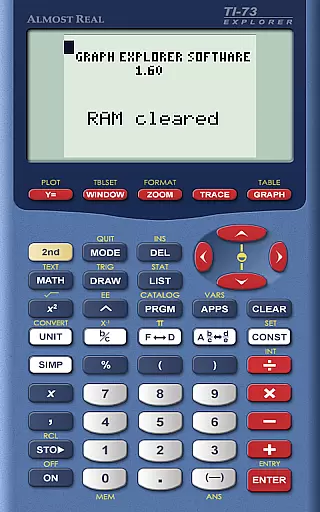
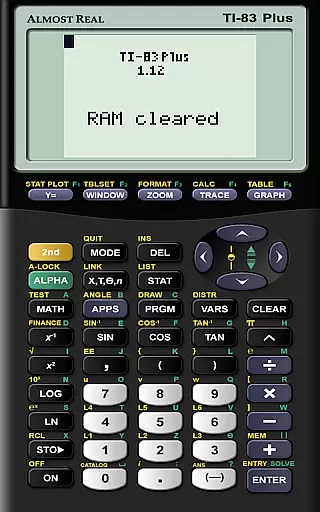
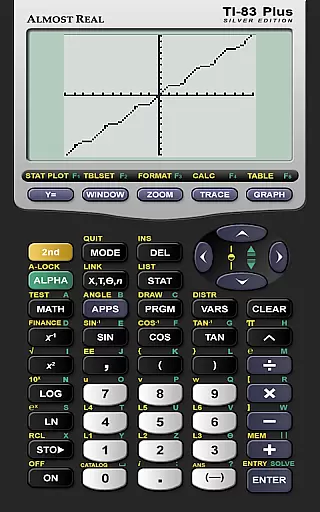
AlmostTI is an advanced educational application that transforms your Android device into a fully functional Texas Instruments graphing calculator. This app meticulously emulates a range of TI calculators including the TI-84+, TI-83+, and TI-82 among others, making it an invaluable tool for students and educators alike. With its ability to save calculations and switch between tasks, AlmostTI offers both flexibility and convenience in mathematical problem-solving.
The app's emulation capabilities extend to tablets, providing users with a larger interactive interface that enhances the learning experience. Whether you are tackling complex algebraic equations or performing statistical analyses, AlmostTI ensures accuracy and efficiency. Its compatibility with various calculator models makes it adaptable to different educational levels and requirements.
By integrating the functionalities of multiple TI calculators into one platform, AlmostTI streamlines the learning process while maintaining the integrity of traditional calculator operations. This makes it particularly useful in classroom settings where students can explore mathematical concepts without the need for physical calculators.
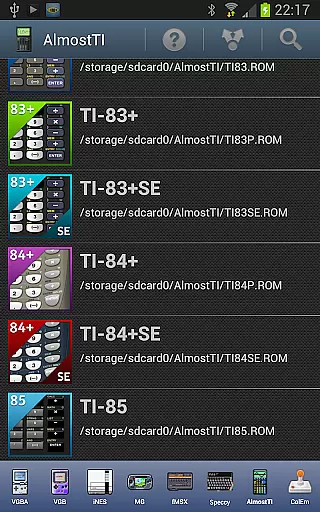
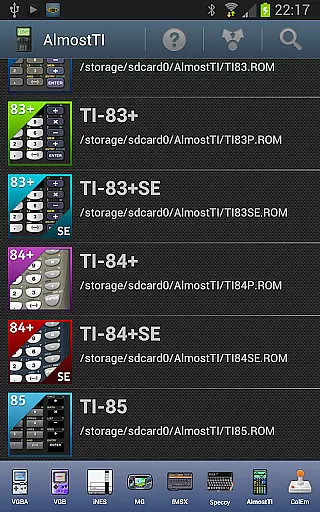
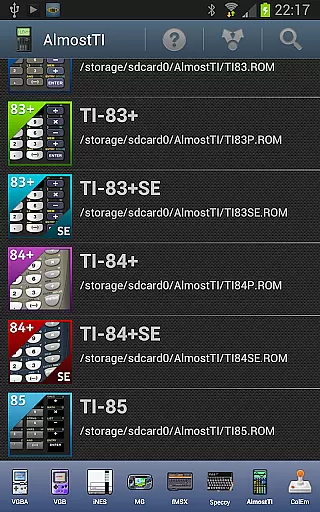
AlmostTI stands out with its comprehensive emulation of multiple Texas Instruments calculator models, each replicated with precision to ensure authentic functionality. The app supports a wide array of models such as the TI-84+, TI-83+, TI-82, and more, catering to diverse educational needs. Users can seamlessly switch between these emulated devices, depending on their specific calculation requirements.
A notable feature of AlmostTI is its capability to save progress at any point, allowing users to store and retrieve various calculation states. This function is particularly beneficial for tackling lengthy mathematical problems or when multitasking between different assignments. Additionally, the app's support for custom ROM files enables personalized configurations based on individual preferences or educational standards.
Designed with user experience in mind, AlmostTI provides extensive resources for setup and troubleshooting. From detailed guides on ROM dumping to dedicated discussion groups, the app ensures that users can maximize its potential with minimal hassle. These features collectively enhance the app's usability and reliability as an educational tool.
When it comes to educational tools like AlmostTI, content accuracy is paramount. This app provides a faithful emulation of Texas Instruments graphing calculators, including models TI-84+, TI-83, and more. The precision in replicating the calculator's operations ensures that students and educators can rely on the outcomes for their mathematical computations.
The app strictly adheres to the functionalities of the original calculators, which speaks volumes about its commitment to authoritative content. Users must provide their calculator's ROM to ensure legal compliance and authenticity of the system's operations. This approach underlines the importance of using genuine software to maintain the integrity of educational material.
By emulating a range of Texas Instruments calculators, AlmostTI offers an extensive set of mathematical tools. These are crucial for coursework in mathematics, engineering, and science. The accuracy provided by these emulations allows users to perform complex calculations with confidence.
Moreover, the ability to save calculations at any point and retrieve them later adds to the practicality and reliability of the app as an educational aid. Students can pick up exactly where they left off, ensuring continuity in their learning process. This feature enhances the app's value as a teaching and learning instrument that respects the user's time and progress.
AlmostTI supports personalized learning paths by allowing users to emulate different Texas Instruments calculators. Depending on the user's level of expertise or the specific requirements of their coursework, they can choose the most appropriate calculator model to work with. This flexibility caters to individual learning curves and academic needs.
The app enables learners to import their own calculator's ROM, paving the way for a customized experience that aligns with their personal or institutional calculators. By doing so, users engage with an interface and functionality set that they are already familiar with or need to practice for their studies.
Additionally, the capability to save and switch between previously saved tasks encourages self-paced learning. Users can tackle various mathematical problems at their speed, revisiting complex equations as needed. This aspect of AlmostTI fosters an adaptive learning environment tailored to each student's unique journey.
For those seeking further assistance, AlmostTI provides resources such as its homepage and discussion groups. These platforms offer guidance and peer support, enhancing the personalized learning experience. As a result, learners can address specific challenges they encounter while using the emulator for their educational pursuits.
User-friendly interface
Wide range of emulated models
Flexible saving options
Comprehensive support resources
Enhanced tablet functionality
Requires external ROM files
Initial setup can be complex
Limited offline help
Potential compatibility issues
No built-in calculator ROMs

Study the questions most likely to be asked during the Oral & Practical Exams.
 2.80
2.80
Bebefinn and Baby Shark educational, animated videos & games for kids
3.40
Guitar chord finder, analyzer, smartly visualized theory, progressions, quizzes.
4.70
Prepare for the BCBA / BCaBA exam. Study ABA with the ABA Wizard app.
4.60
Master note reading with StaffWars….
4.00
THE ESTABLISHED "GO TO" ARMY BOARD PREPARATION APP!
4.30
An aviator’s preparation, study and test tool for FAA Knowledge Exams.
4.30
Stargazing Guide App. Stars and constellations map. Solar system planets finder.
4.60
Professional Award-Winning Astronomy Star Map App With Telescope Control
4.40
The best way to study for your amateur radio license exam.
4.90
Childcare Management App: Daily sheets, sign in-out, billing and learning tools
4.70
Learn & Speak New Languages
4.70
An easy to use yet powerful and full-featured flashcard study app.
4.50
Intuitive Transformer Lab - By a Lineman, For Linemen & Apprentices
4.50
Astronomy Guide to the Night Sky
4.40
Learn math, step-by-step
4.30
A magical world of fun, building, and learning with Mickey Mouse and more!
4.20
Learn to make peaceful contact with extraterrestrial civilizations
4.10
Break Language Barriers with AI—Learn Language Anytime, Anywhere!
4.00


User Reviews