
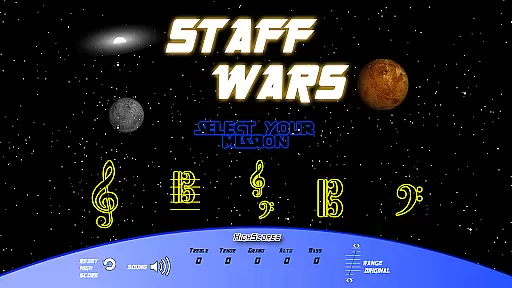
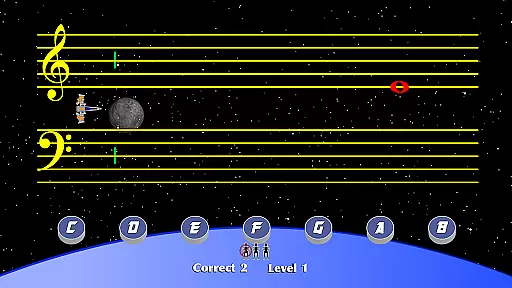
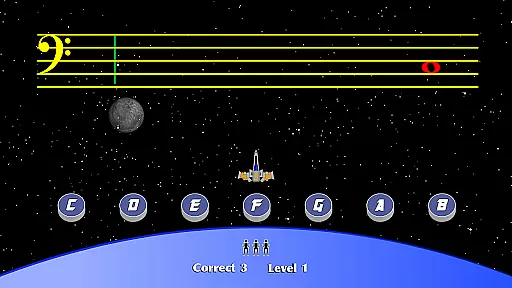

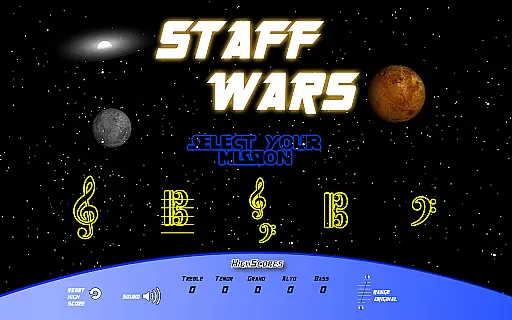
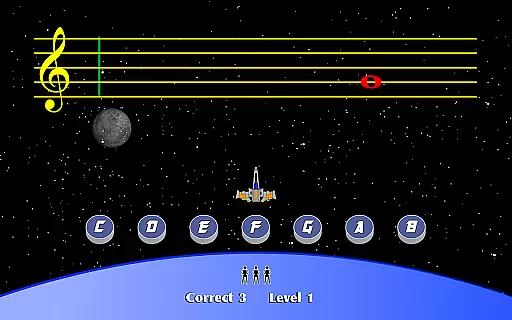
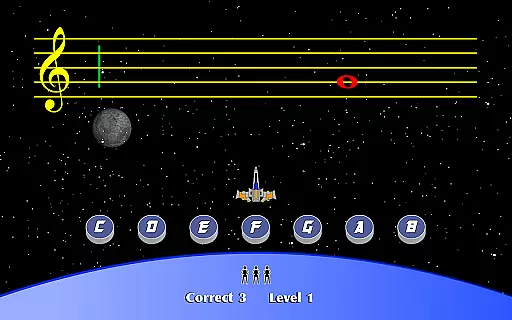
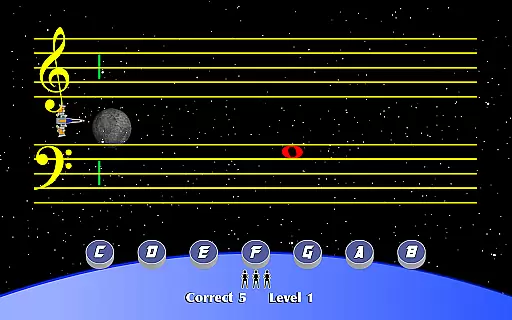
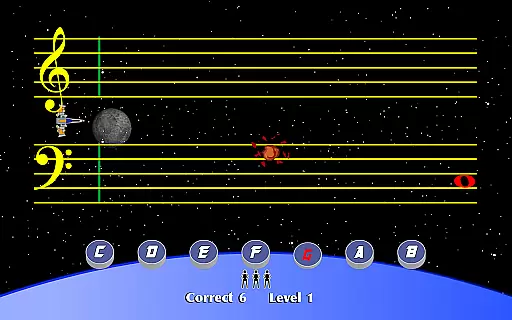
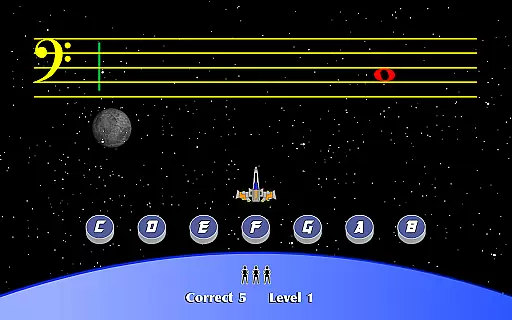
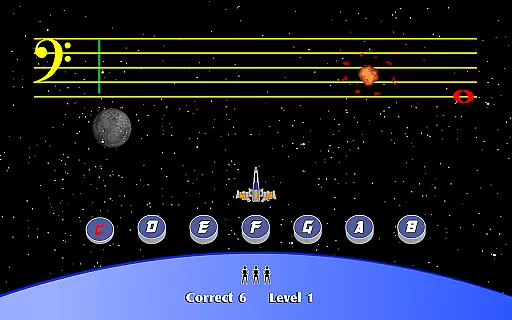
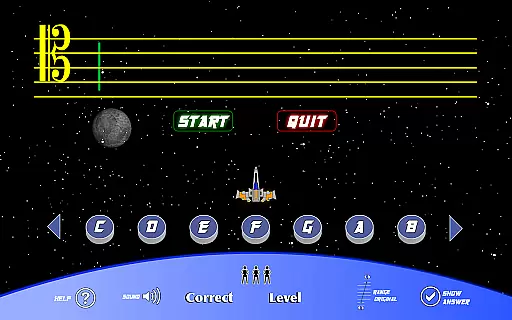
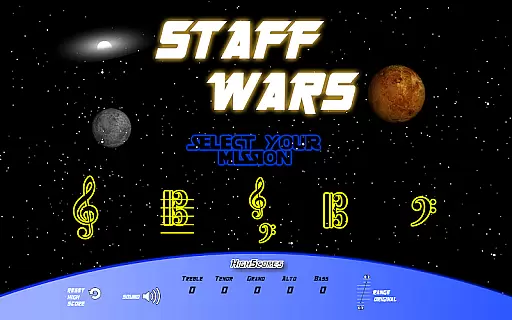
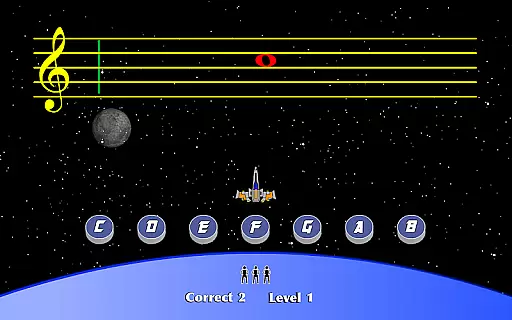
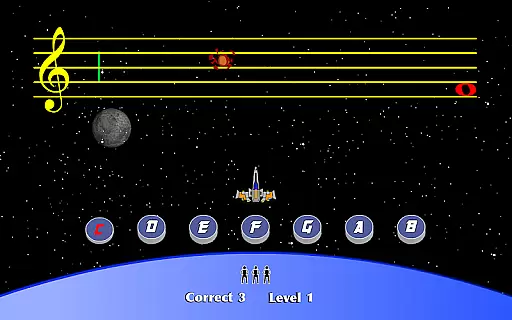
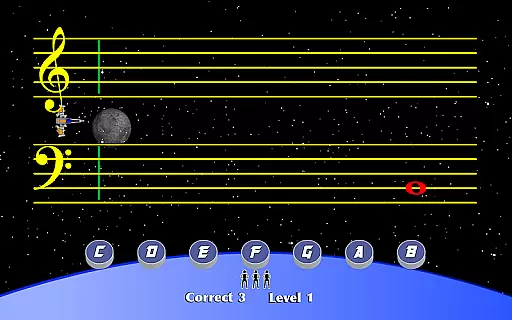
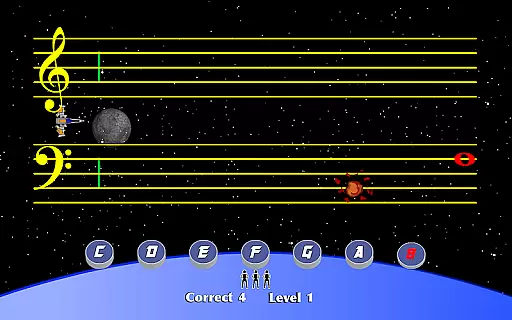
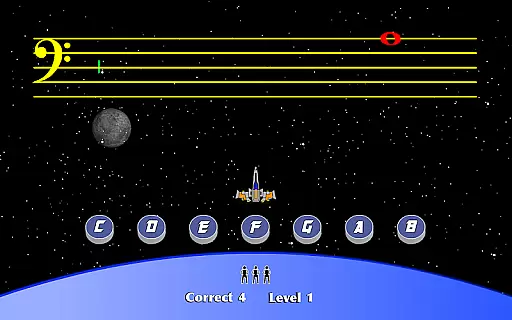
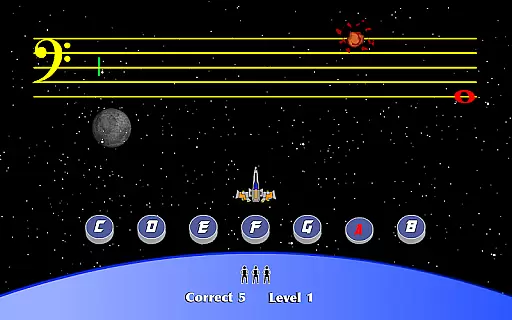
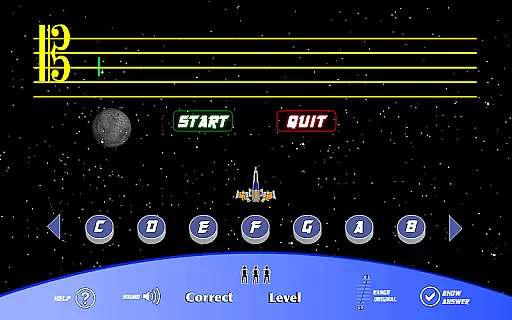
StaffWars is an educational game specifically designed to help musicians at beginner and intermediate levels master the note names across various staff clefs. The app focuses on treble, alto, bass, tenor, and grand staff clefs, providing a comprehensive learning experience.
With interactive gameplay, StaffWars makes the process of learning music theory engaging and fun. Users can practice identifying notes in different clefs, which is essential for reading sheet music proficiently. This app is ideal for students, educators, and anyone looking to improve their musical skills.
The application's value lies in its ability to transform a traditionally tedious task into an enjoyable activity. By gamifying the learning process, StaffWars ensures that users remain motivated and engaged while mastering the fundamentals of music notation.
StaffWars offers a variety of features that cater to the needs of those learning music theory. One of its standout features is the inclusion of multiple clefs - treble, alto, bass, tenor, and grand staff - allowing users to practice and become proficient in all areas.
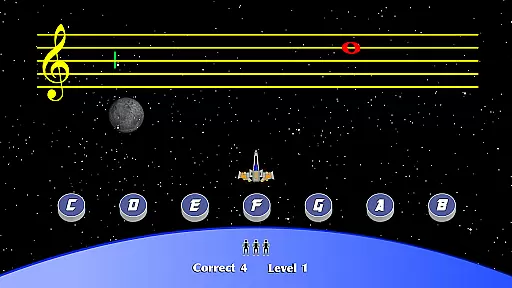
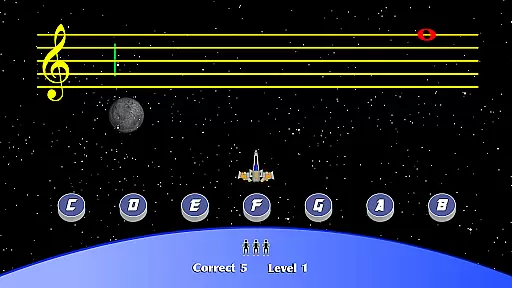
The app provides interactive exercises where users can test their knowledge in a gamified environment. Each exercise is designed to reinforce learning through repetition and instant feedback, ensuring that users understand the material thoroughly.
Another notable feature is the app's tracking system, which monitors progress and highlights areas that need improvement. This personalized approach helps users focus on their weak points, making the learning process more efficient and effective.
StaffWars provides meticulously verified content that ensures musicians learn the correct note names across various clefs. The app's data is curated by music education experts, guaranteeing a reliable learning resource for users.
Each note and staff representation in StaffWars is designed to adhere strictly to music theory standards. This dedication to precision makes it an essential tool for both beginners and intermediate learners aiming to master treble, alto, bass, tenor, and grand staff clefs.
By focusing on accuracy, StaffWars builds trust with its users, allowing them to progress confidently in their musical journey. The authoritative content reassures learners that they are acquiring skills based on credible information.
StaffWars offers tailored learning experiences by adapting to the user's progress and skill level. This personalization allows musicians to focus on areas where they need the most practice, enhancing their proficiency efficiently.
The app intelligently adjusts the difficulty of exercises based on the user's performance, ensuring a balanced challenge. This adaptive approach keeps learners engaged and motivated as they advance through different levels of complexity.
With personalized learning paths, StaffWars not only caters to individual needs but also optimizes the learning process. Users can track their improvement over time, gaining insights into their strengths and areas for further development.
User-friendly interface
Comprehensive clef coverage
Engaging gameplay mechanics
Instant feedback on exercises
Progress tracking system
Limited to note recognition
No advanced theory lessons
Basic visual design
In-app purchases available
Occasional performance issues

Build math skills in: addition, subtraction, multiplication and division.
 4.10
4.10
THE MOST COMPREHENSIVE JUMPMASTER STUDY RESOURCE AVAILABLE.
3.40
Your best partner for learning Japanese words. Based on a best-selling textbook.
2.80
Animals pop up and make sounds—learn names and noises in Peekaboo Barn!
4.3
Hasbro’s classic CANDY LAND game is now a gorgeous interactive storybook app.
2.30
Professional Award-Winning Astronomy Star Map App With Telescope Control
4.40
Learn Japanese in an immersive educational game set in Japan!
4.90
Your Arts+Culture Guide
4.00
Train, track, and reward potty training using Potty with Pull-Ups® ft. Disney®
4.70
Explore myths and gods across cultures with in-depth insights and stories.
5.00
Pass your FAA written with flying colors - Study Buddy can help.
4.30
Astronomy app ? Discover the universe scope, explore solar system model in 3D.
4.20
Turns you phone or tablet into TI graphing calculator (ROM required).
4.20
For medical training - Visualize complex vein maps and structures in real-time.
4.10
Watch and Play Elmo's World!
4.00
An aviator’s preparation, study and test tool for FAA Knowledge Exams.
3.90
Our most popular app series returns, better than ever!
3.90
scanner body part for fun Prank friends realistic scan effects
3.00
Your best partner for learning Japanese words. Based on a best-selling textbook.
2.90


User Reviews