
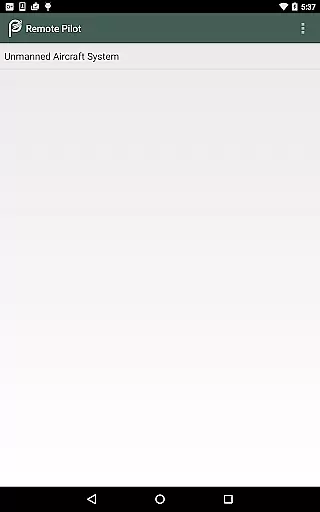
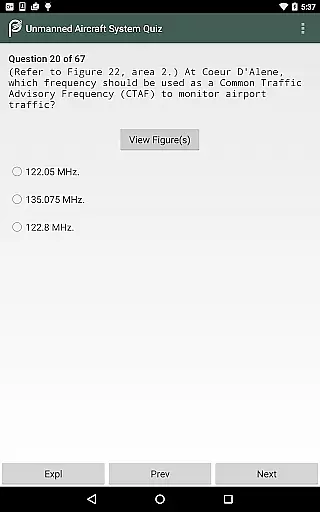
Prepware Remote Pilot is a comprehensive educational tool designed specifically for individuals preparing to take the FAA Knowledge Exam for Remote Pilots. This app offers nearly 300 sample questions with detailed answers and explanations, allowing users to study by subject or simulate a real exam experience through practice tests. Compatible with both Android phones and tablets, it provides an efficient mobile solution for pilots and drone operators.
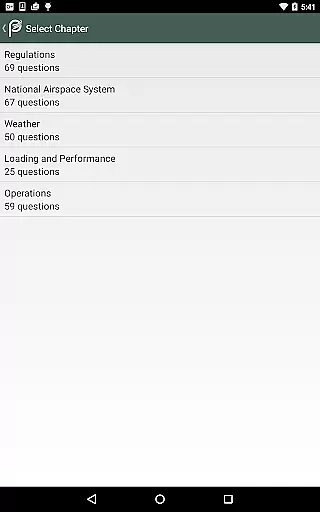
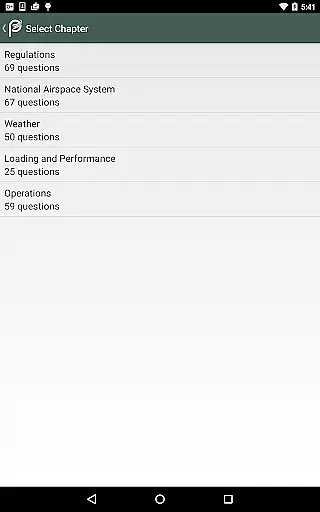
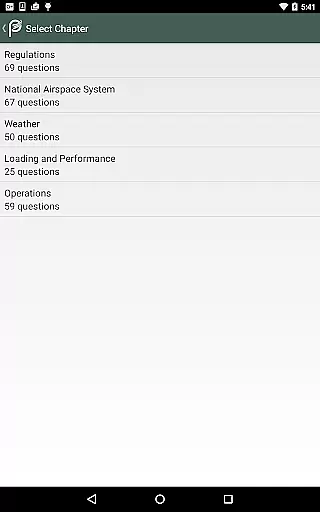
The application covers essential subjects including Regulations, National Airspace System, Weather, Loading and Performance, and Operations. Each topic includes instructional texts, illustrations, and multiple-choice questions that are crucial for understanding commercial unmanned aircraft operations. The app's organization promotes better comprehension and aids in recall, making it an ideal study guide for those aiming to earn their Remote Pilot Certificate.
With its offline functionality, Prepware Remote Pilot ensures that users can access all materials without an internet connection. This feature, combined with expertly organized test materials and explanations for both correct and incorrect answers, makes the app an invaluable resource for anyone involved in drone operations, from beginners to experienced pilots looking to expand their knowledge base.
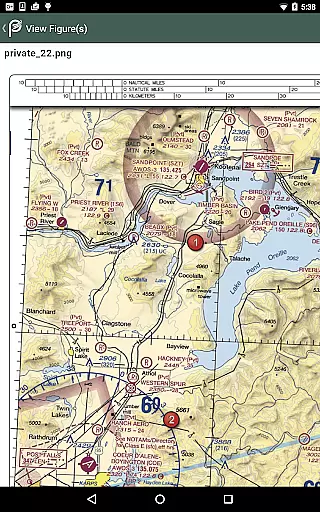
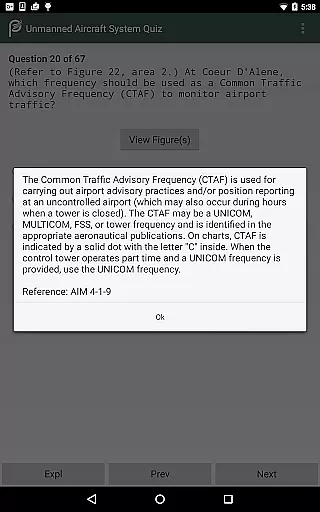
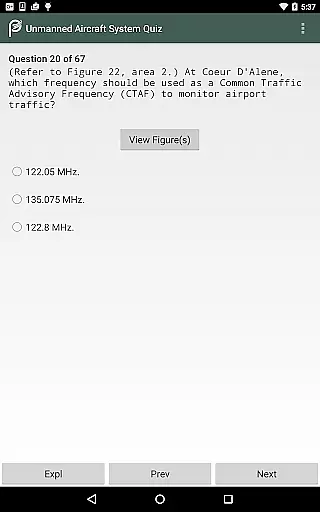
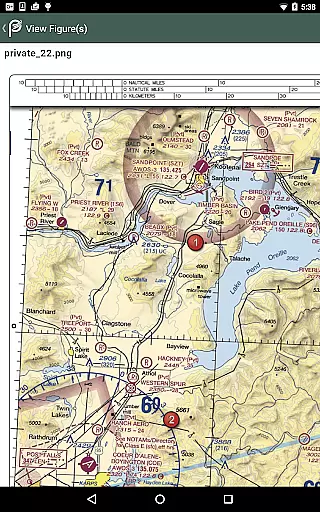
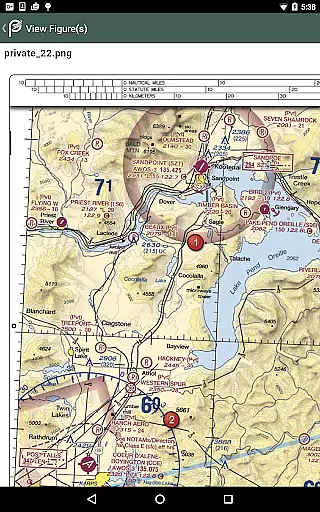
One of the standout features of Prepware Remote Pilot is its extensive question bank, which includes nearly 300 questions complete with thorough explanations. These questions are designed to cover all necessary topics such as Regulations, National Airspace System, Weather, and more, ensuring comprehensive preparation for the FAA Knowledge Exam. The inclusion of instructional texts and illustrations further enhances the learning experience by providing visual aids and detailed breakdowns of complex concepts.
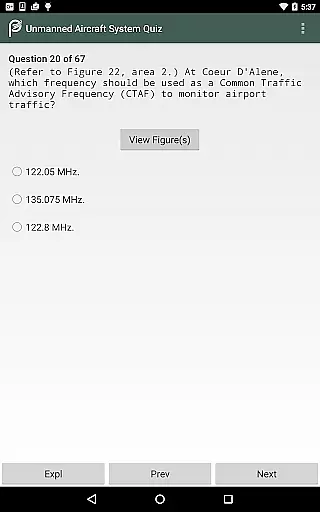
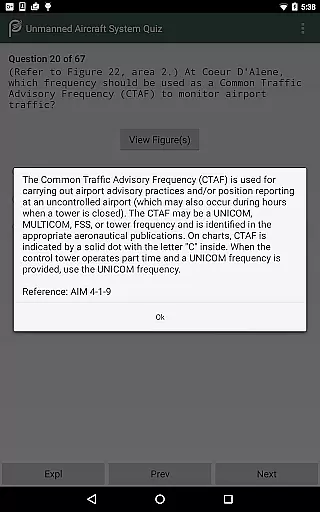
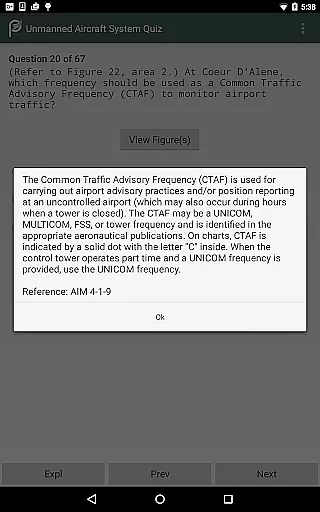
The app also excels in its practical approach to exam preparation. Users can take practice tests that mimic the actual FAA exam format, allowing them to become familiar with the types of questions they will encounter. After completing a test, users receive a graded evaluation along with explanations for each answer, helping them understand their mistakes and improve over time. This methodical approach not only prepares users for the exam but also deepens their overall understanding of unmanned aircraft systems.
Another significant advantage is the app's offline capability. All content is fully downloadable, meaning users can study anytime, anywhere, without needing an internet connection. This feature is particularly beneficial for those who may not always have reliable internet access. Additionally, the app is brought to you by Aviation Supplies & Academics (ASA), a trusted name in aviation training, ensuring high-quality and accurate information tailored specifically for aspiring remote pilots.
When preparing for the FAA Knowledge Exam, having access to accurate and authoritative content is crucial. Prepware Remote Pilot ensures that all its study materials are meticulously curated by aviation experts. The app includes nearly 300 sample questions with detailed explanations, each designed to reflect the actual exam's standards.
The instructional texts and illustrations provided in the app are crafted based on the latest FAA regulations and guidelines. This guarantees that users receive up-to-date information that aligns with current industry practices. Additionally, every question comes with correct answers and thorough explanations for both correct and incorrect options, enhancing the learning experience.
By using this app, pilots and drone operators can be confident in the reliability of the content they are studying. The comprehensive coverage of subjects such as Regulations, National Airspace System, Weather, Loading and Performance, and Operations ensures that users gain a well-rounded understanding necessary for passing the exam and operating safely in the field.
One of the standout features of Prepware Remote Pilot is its ability to offer personalized learning paths tailored to individual needs. Users can choose to study by subject, allowing them to focus on areas where they need the most improvement. This targeted approach helps in efficient knowledge acquisition and retention.
The app also provides the option to take true-to-form practice tests, which simulate the actual FAA Knowledge Exam environment. After completing these tests, users receive detailed feedback and grades, highlighting their strengths and weaknesses. This enables learners to adjust their study strategies accordingly and concentrate on weak points.
Furthermore, the app supports self-paced learning, making it suitable for various types of users, from beginners to experienced pilots. With no internet connection required, users have the flexibility to study anytime and anywhere, ensuring consistent progress towards earning their Remote Pilot Certificate.
Comprehensive question bank
Offline functionality
Expertly organized content
Detailed explanations
Trusted publisher
Limited to Android devices
No iOS version available
Interface could be improved
Occasional updates needed
Premium price tag

Watch and Play Elmo's World!
 4.00
4.00
Turn scrolling hours into improving your knowledge, communication, intelligence
4.50
2026 DVSA Driving Theory Test revision with Hazard Perception + Highway Code
4.60
Designed for Calculator 84 users
4.20
Master the NRP with 700+ questions, rationales, and updated NREMT scenarios.
3.00
Our most popular app series returns, better than ever!
3.90
Hasbro’s classic CANDY LAND game is now a gorgeous interactive storybook app.
2.30
Snap a dog photo to identify its breed instantly. Fast, accurate and easy to use
3.40
Cool math games & learn to read activities- loved by kids, approved by teachers.
4.50
Learning the ancient Viking language made simple
4.70
Perform physics experiments with your phone. (by the RWTH Aachen University)
4.70
Discover Your Place in the Universe
4.70
A fast and fun way to learn guitar - works with any guitar.
4.60
Intuitive Transformer Lab - By a Lineman, For Linemen & Apprentices
4.50
Learn math, step-by-step
4.30
The "Go To" app for Airmen studying for promotion to SSgt and TSgt
4.30
Build math skills in: addition, subtraction, multiplication and division.
4.10
Explore numbers the Starfall way!
4.00
Master note reading with StaffWars….
4.00


User Reviews