
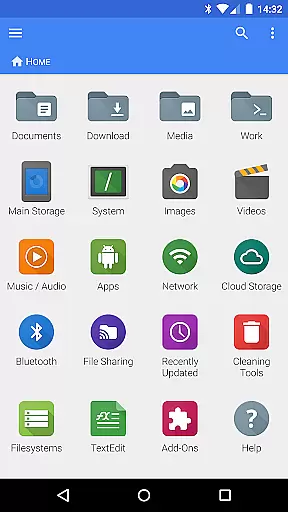
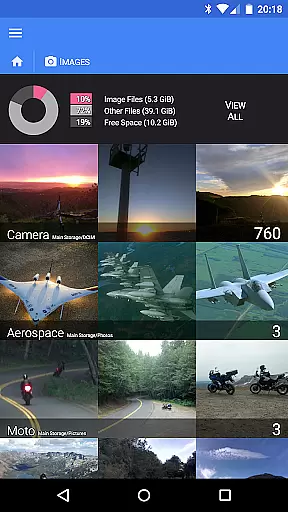
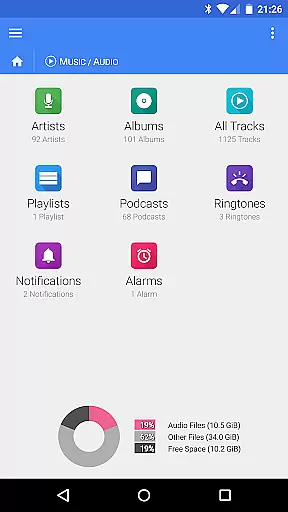
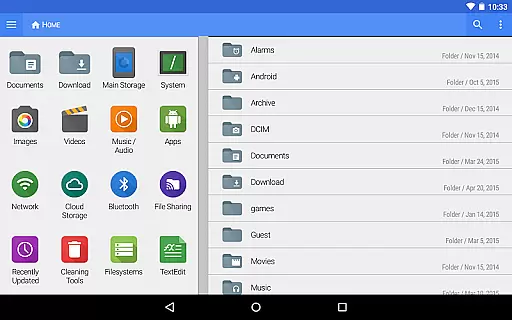
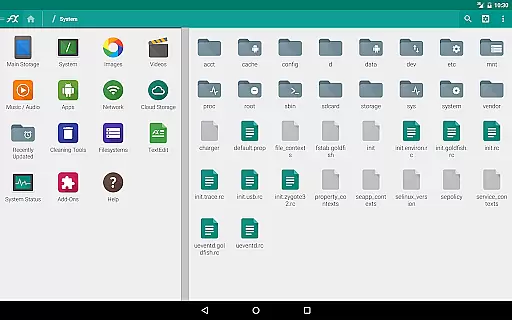
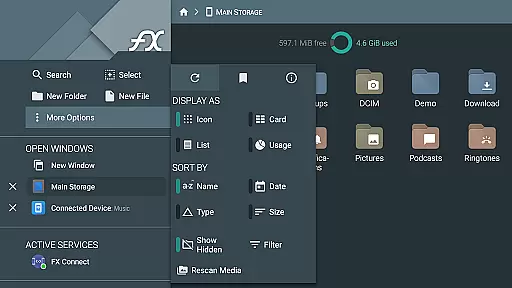


FX File Explorer is a comprehensive file management tool designed for business users who need advanced capabilities beyond basic file handling. The app offers AES-encrypted zip file creation and extraction, allowing secure browsing of contents without decryption. It also provides extensive media management features including image, video, and audio collection organization.
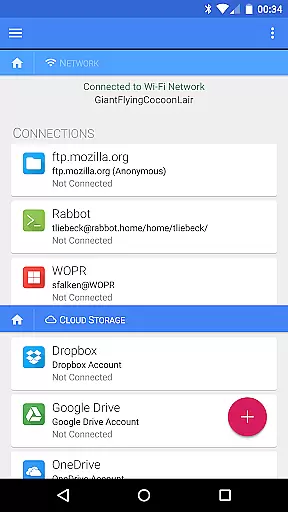
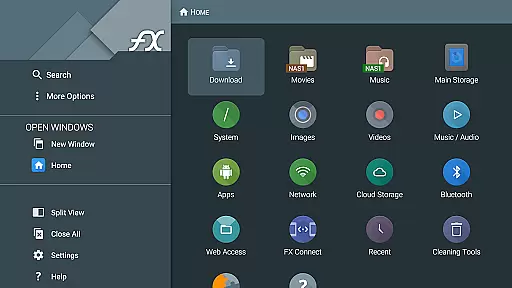
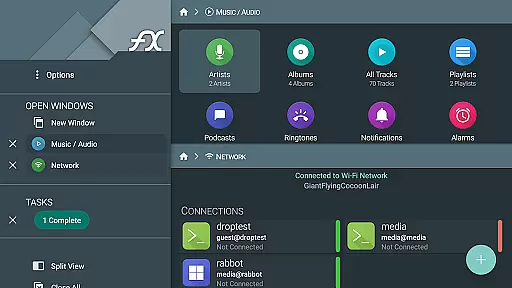
Network and cloud capabilities are where FX File Explorer truly shines. Users can transfer files between devices using FX Connect, manage files via web browser with FX Web Access, and access various cloud storage services like Google Drive, Dropbox, and more. The app supports multiple network protocols including SMB, FTP, SSH, and WebDAV, making it an essential tool for managing enterprise-level file systems.
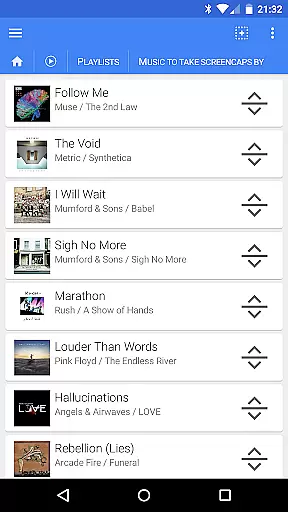
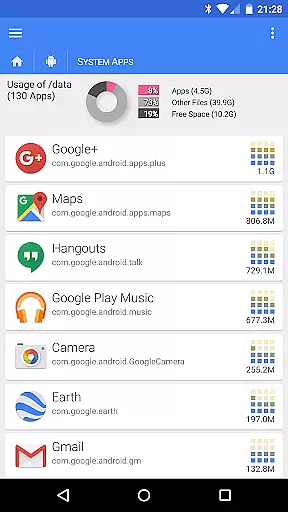
FX File Explorer stands out with its robust feature set tailored for power users. The app allows detailed management of installed applications and media files, with playlist rearrangement through drag-and-drop functionality. Its network capabilities include Windows networking support, multiple FTP options, and local network discovery for SMB shares.
Cloud integration is seamless, supporting major providers while enabling media streaming directly to player apps. The encrypted keyring ensures security when handling sensitive passwords. Additionally, the app can convert Google Drive files into various formats including Microsoft Office and PDF, providing versatile document management solutions for business environments.
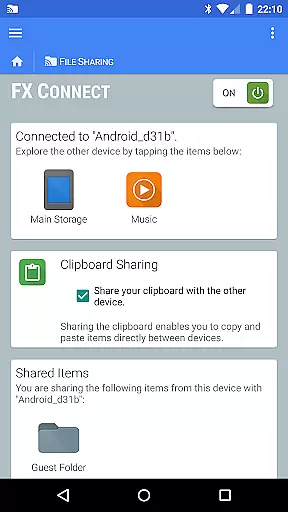
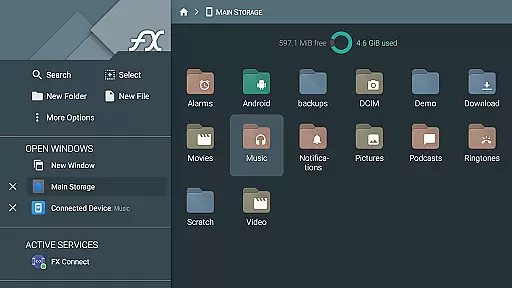
FX File Explorer offers robust collaborative work features that are essential for team environments. The application supports network and cloud capabilities, allowing users to transfer files and media between devices directly through FX Connect. This feature is particularly useful in collaborative settings where quick and secure file sharing is needed.
In addition to direct file transfers, FX Web Access enables users to manage their files and media from a computer's web browser. This facilitates seamless collaboration by providing an interface familiar to many users, thus enhancing productivity. Team members can easily access shared resources without needing to be physically present with the device.
The app also supports various network protocols such as Windows networking (SMB), FTP, SSH FTP, and WebDAV. These protocols ensure that teams can collaborate efficiently regardless of their physical location. By integrating with cloud storage services like Google Drive, Dropbox, and others, FX File Explorer ensures that all team members have access to the latest files and documents, promoting real-time collaboration.
Task management within FX File Explorer is comprehensive, offering users tools to organize and prioritize their work effectively. One standout feature is the ability to create and extract AES-128 and AES-256 encrypted zip files. This functionality not only helps in securing sensitive data but also aids in organizing large volumes of files into manageable archives.
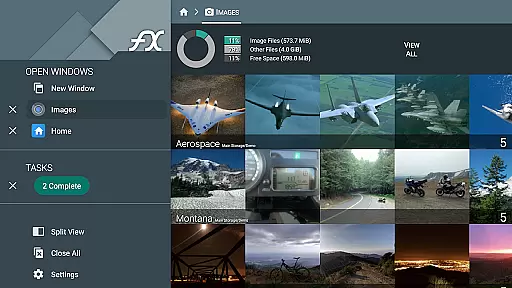
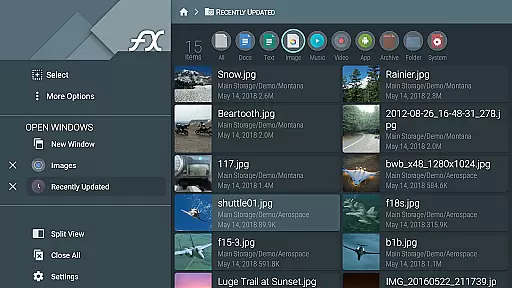
The app provides extensive media management capabilities, allowing users to browse and manage installed applications, image collections, and audio files. Users can rearrange playlists with drag-and-drop functionality, making it easier to manage multimedia tasks efficiently. These features contribute to a streamlined task management process, ensuring that users can focus on their core responsibilities without being bogged down by disorganized files.
Moreover, FX File Explorer includes advanced network and cloud capabilities that enhance task management. With support for streaming video and audio media files from various sources, including SMB, FTP, and cloud storage services, users can access necessary media files without delay. This ensures that tasks dependent on media resources are completed promptly, improving overall productivity.
Advanced encryption
Wide protocol support
Comprehensive cloud integration
Secure keyring system
Media streaming capability
Complex for beginners
Separate license required
No standalone functionality
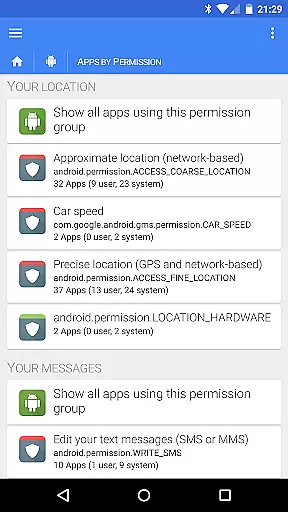
Extensive permissions needed
Interface may feel dated

GoTo Mobile is a simple & secure calling, messaging & meetings solution
 4.80
4.80
All Your Gig Work. One App.
4.30
Convert Your Lovable.dev Website into a Mobile App Instantly!
4.2
Get your benefits on-the-go.
3.80
Finance, Investing, Stocks, Trading and Stock news
4.60
Drive and earn extra money
4.50
Find jobs near you and temp work in minutes, from your phone.
4.50
Access to Paylocity, empowering employees with information they need 24/7.
4.70
On the go? Take FedEx with you.
4.00 4.70
4.70
Recover what matters — quickly and easily.
4.70
We help people get jobs
4.70
Your employer must have UKG Ready software configured for Mobile.
4.60
Paychex Flex - Save Time and Stay Connected
4.60
Deliver and earn money
4.30
Build a store in minutes with our full suite of AI tools. Start for free!
4.20
Smarter career moves start here. AI job alerts, insights & the right tools.
4.20
The Penny Puss app with DG penny finder
4.10
Find flexible, hourly jobs hiring near you in restaurant, retail & hospitality!
4.00


User Reviews