
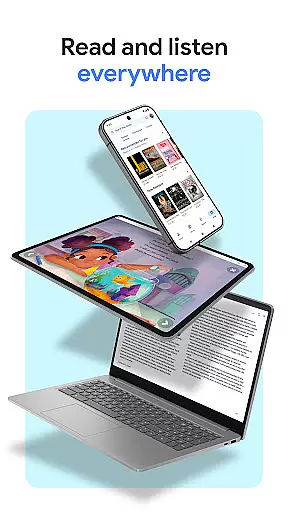
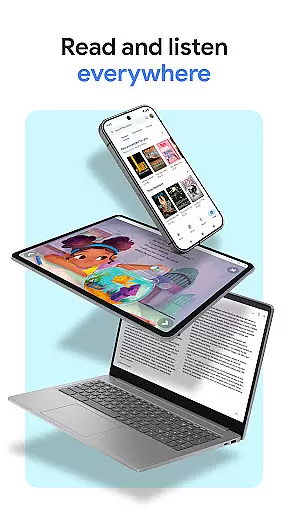
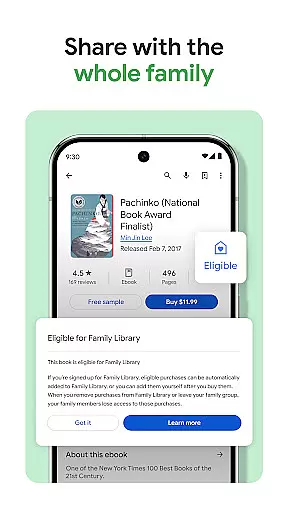
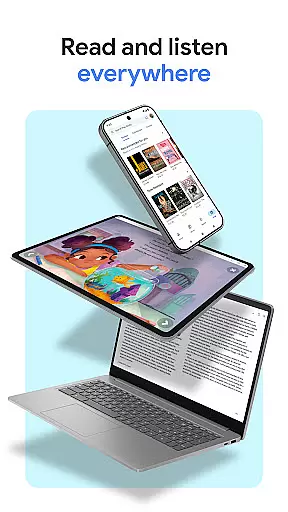
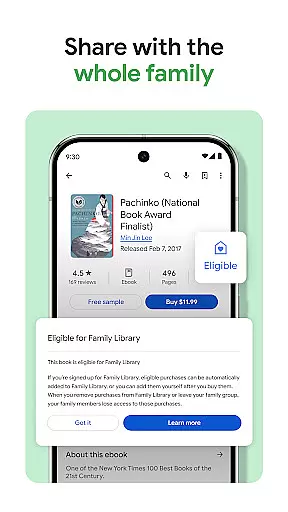
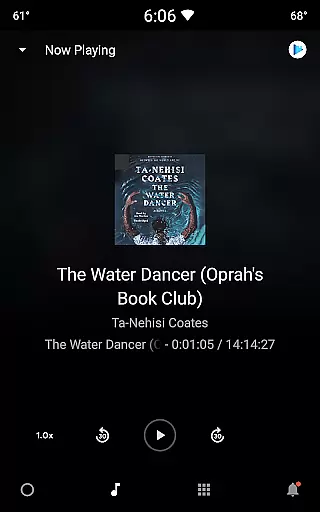
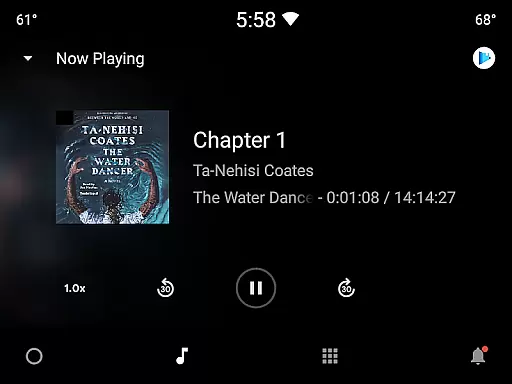
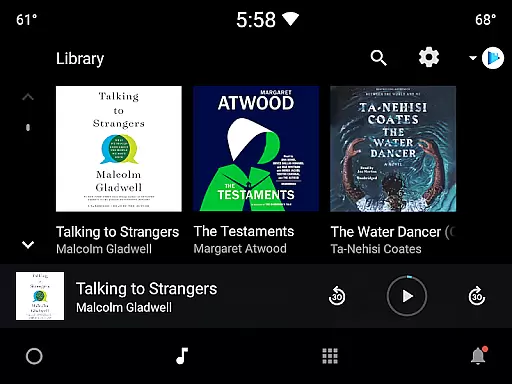
Google Play Books & Audiobooks is a comprehensive reading app that offers millions of ebooks, audiobooks, comics, and manga. It allows users to access their library from any device, including phones, tablets, computers, and even in-car systems via Android Auto. The app supports offline downloads, making it convenient for users to read anytime, anywhere.
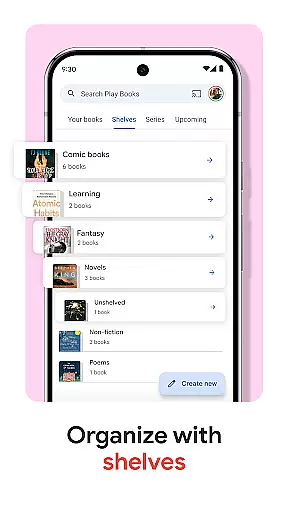
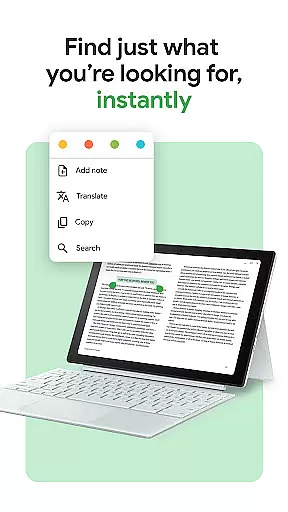
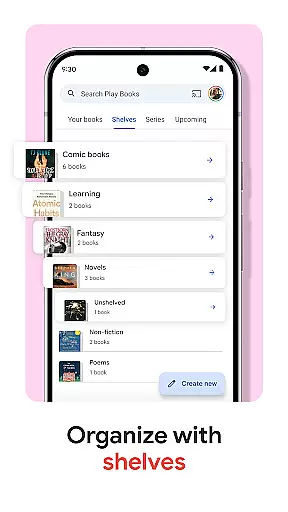
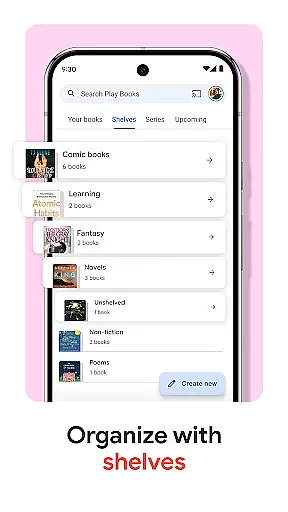
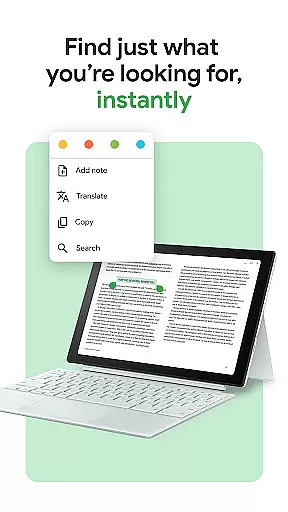
One standout feature is the ability to organize books using custom shelves, allowing personalized categorization by genre, author, or theme. Additionally, the app provides smart note-taking capabilities that sync with Google Drive, enabling easy sharing and collaboration. With options like hands-free audiobook control through Google Assistant and customizable reading settings, Google Play Books ensures an adaptable and immersive reading experience tailored to individual preferences.
This app is ideal for avid readers who want a versatile platform to manage and enjoy various types of content. Whether commuting, traveling, or relaxing at home, users can seamlessly switch between different formats and devices, enhancing their overall reading journey.
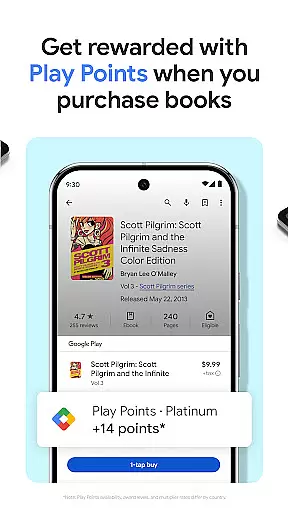
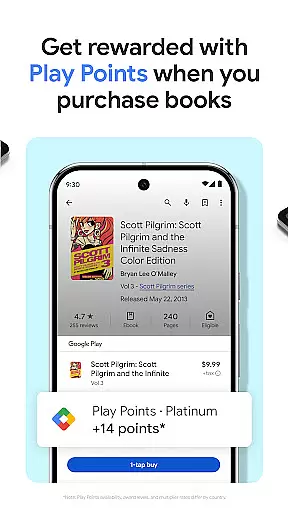
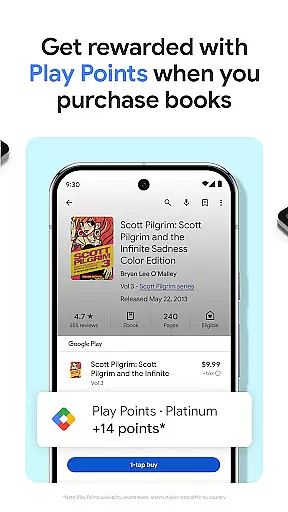
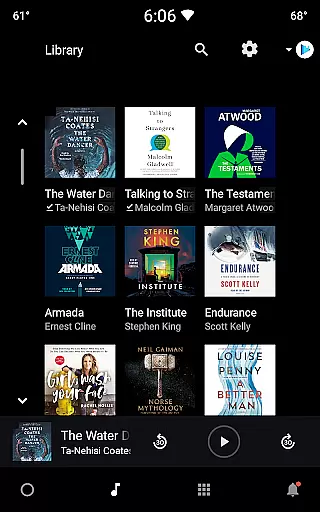
Google Play Books & Audiobooks boasts a variety of features designed to enrich the reading experience. Users can earn Google Play Points on book purchases, although availability and reward levels vary by country. The app's organizational tools include customizable shelves, which help users efficiently manage their digital libraries according to personal categories such as genre or author.
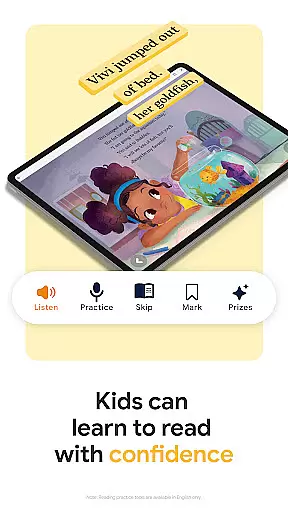
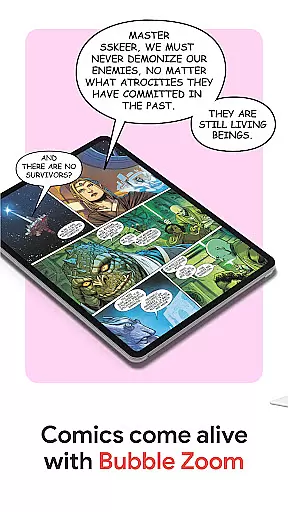
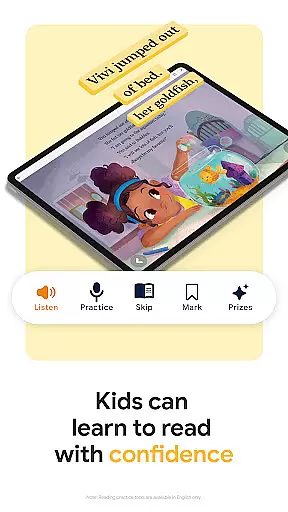
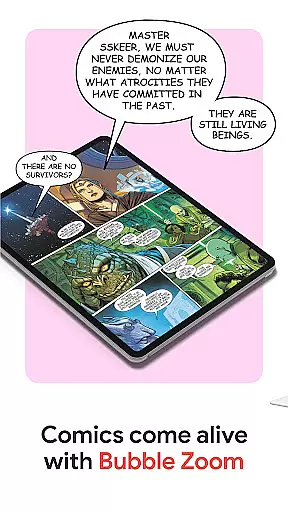
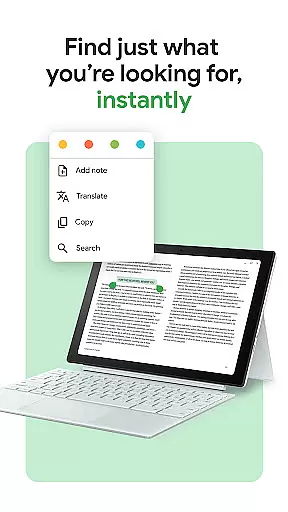
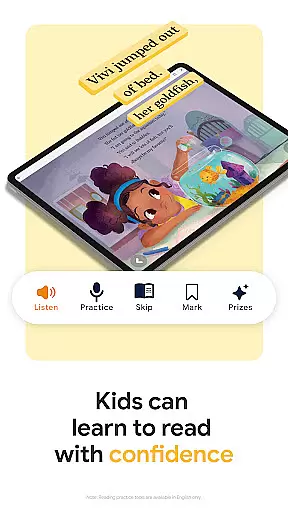
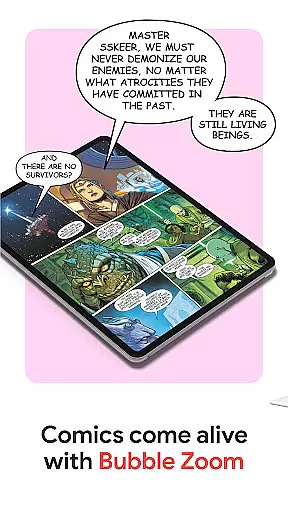
Smart notes functionality allows readers to jot down thoughts that automatically sync with Google Drive, facilitating easy sharing and collaboration. For younger audiences, kid-friendly reading tools provide features like word definitions and audiobook listening, albeit currently limited to English. Comic enthusiasts will appreciate Bubble Zoom, which enhances the visual storytelling experience for comics and manga.
Additional highlights include preview samples for informed purchasing decisions, voice-controlled audiobook playback via Google Assistant, and extensive customization options for font, text size, and brightness adjustments. These features collectively ensure a dynamic and user-centric approach to digital reading.
Google Play Books offers an extensive e-book library with millions of titles across various genres and categories. This vast collection ensures that readers of all interests can find books that suit their preferences. The platform partners with reputable publishers and authors to provide users with a diverse selection of reading materials.
Copyright authenticity is a crucial aspect of Google Play Books' offering. Each book in the library is legally licensed, ensuring that users have access to legitimate content. This commitment to copyright compliance not only protects the rights of authors and publishers but also guarantees readers receive high-quality, authorized versions of their favorite books.
The app's robust library includes bestsellers, classic literature, academic texts, and niche publications. Users can explore new releases or discover hidden gems across different subjects. With regular updates and additions to the catalog, Google Play Books maintains a fresh and relevant collection that caters to evolving reader interests.
Furthermore, the platform's strict adherence to copyright laws and partnerships with trusted content providers ensures that readers can enjoy their digital books without concerns about pirated or unauthorized copies. This dedication to authenticity enhances the overall reading experience and supports the publishing industry's growth.
Google Play Books demonstrates exceptional format compatibility, supporting various file types to accommodate different user needs. The platform accepts popular formats such as EPUB, PDF, and its proprietary Google Books format. This versatility allows users to import and read documents from multiple sources within a single application.
The app's compatibility extends beyond just reading formats. Users can download books for offline reading in optimized formats that maintain consistent quality across devices. Whether accessing content on smartphones, tablets, or computers, readers can expect uniform presentation and functionality.
Additionally, Google Play Books offers flexible export options for notes and highlights. Readers can save their annotations in easily shareable formats that integrate seamlessly with other productivity tools. This feature enhances collaboration and knowledge sharing among students, researchers, and professionals.
The platform's adaptive formatting ensures optimal viewing experiences regardless of device or screen size. Readers can customize text display settings while maintaining format integrity. This combination of broad format support and customizable viewing options makes Google Play Books a versatile solution for digital reading needs.
User-friendly interface
Extensive content library
Offline reading support
Customizable shelves
Cross-device synchronization
Limited free content
Points system varies
No subscription model
Kids tools in English only
Regional restrictions apply

Essential Technical Rescue Field Operations Guide 6, the Industry Standard Guide
 4.20
4.20
Words spoken by native English speakers and full definitions.
4.60
Master AKC Rally signs with in-depth hints, diagrams, and expert guidance.
4.50
Improve your vocabulary and grammar with the 15 biggest Oxford Dictionaries.
4.30
Personalized Chat with Bible
4.80
“It is fun to have fun, but you have to know how!”
4.40
8 Dr. Seuss short stories in 1 app!
4.70
Fast loot guide for ARC Raiders. Simple tips, stats, maps, and item details.
4.4
Read the Quran in Arabic alongside its translation, with color coded Tajweed.
4.50
What’s that bird? Just answer 5 questions, snap a photo, or record its song!
4.90
The Original Tropical Freshwater Aquarium Fish And Plant Care Guide
4.80
Read and study the Bible and other content in over 1,000 languages.
4.80
Liturgy of the Hours totally off-line
4.80
Enjoy daily devotionals, Bible verses, audio courses, and more.
4.80
Contains the 365 daily readings and everything other thing needed for catholics
4.70
Bible Spiritual Companion
4.40
Cute bedtime story for kids
4.30
KJV Bible works offline with Audio, Hebrew & Greek lexicon (concordance) & more!
4.20
Read Trending Romance Stories
4.00


User Reviews