
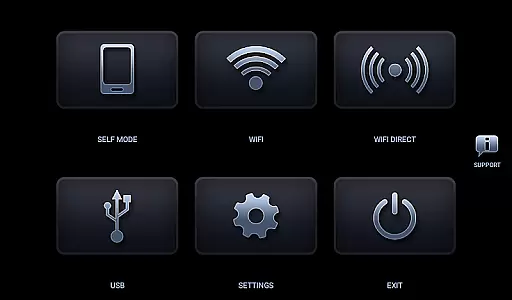
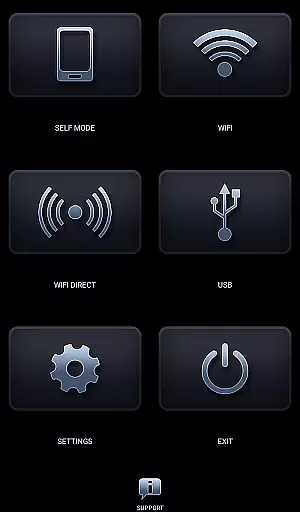
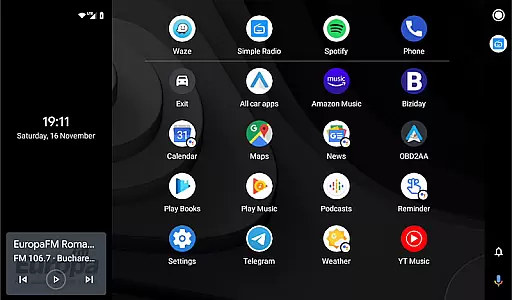
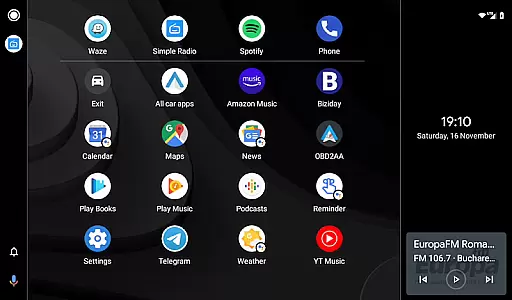
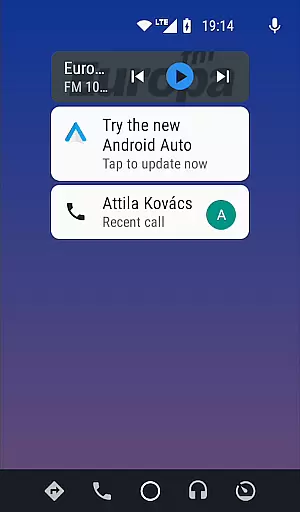
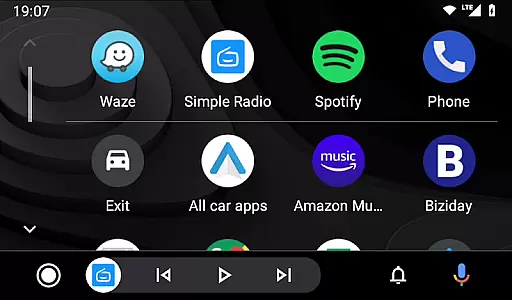

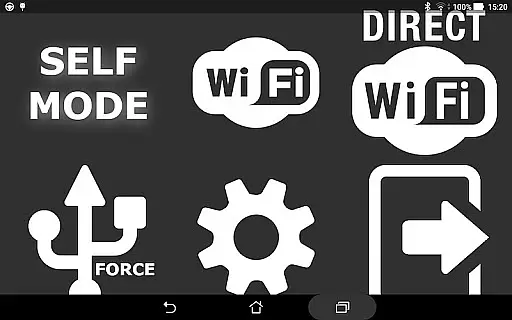
Headunit Reloaded Emulator HUR is a specialized application designed to emulate Android Auto on compatible head units. This app allows users to transform their in-car entertainment system into an advanced Android Auto interface, providing seamless access to navigation, music, and other smartphone features while driving.
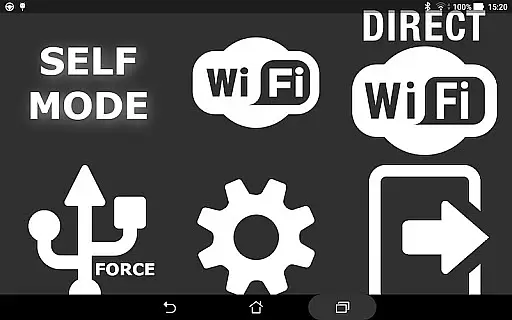
The application supports multiple connection modes including USB, WiFi, and Self-mode for direct device usage. With compatibility across various hardware brands like Joying, Eonon, and Xtrons, it delivers a versatile solution for car system integration. The app's ability to work with different Android versions ensures broad usability across various devices.
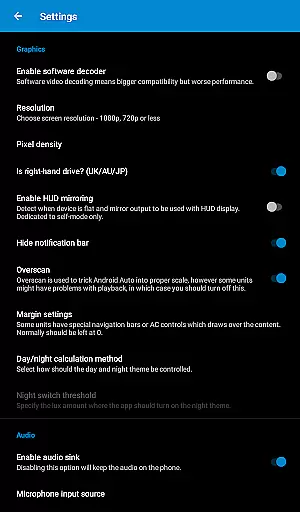
By enabling features such as video playback during drive and software decoding options, Headunit Reloaded Emulator HUR addresses common usability challenges in automotive environments. Its comprehensive FAQ and support resources provide users with necessary troubleshooting guidance, making it a reliable choice for enhancing in-car technology experience.
Headunit Reloaded Emulator HUR offers multiple operational modes including USB connection with OTG support, WiFi connectivity through companion apps, and Self-mode for direct device execution. The application automatically detects connected devices and prompts default app selection, streamlining the setup process for users.
The app's compatibility extends to various Android-powered head units from manufacturers including Joying, Xtrons, and PX series devices. It incorporates essential features such as Bluetooth pairing, hotspot functionality, and automatic launch capabilities through WiFi Launcher integration. These technical implementations ensure stable connections between mobile devices and car systems.
Advanced configuration options include software decoding settings, hardware key support, and intent handling capabilities. The application maintains active community support through XDA Developers forum presence, providing users with extensive documentation and troubleshooting resources. Regular updates and responsive developer support contribute to the app's reliability and user satisfaction.
Map accuracy is a crucial feature for any navigation app, and Headunit Reloaded Emulator HUR excels in this area. The application provides precise mapping data that is essential for users who rely on accurate location tracking while driving.
The app supports a wide range of Android-powered head units including Joying, Eonon, Grom Vline, Xtrons, PX5 and PX3 units, ensuring comprehensive coverage across different devices. This compatibility allows the app to deliver reliable map information tailored to each specific device's capabilities.
Users benefit from regularly updated map data which ensures they have access to the latest road changes and points of interest. This commitment to accuracy helps drivers make informed decisions about their routes, ultimately enhancing safety and efficiency during travel.
Route planning is an integral part of the Headunit Reloaded Emulator HUR experience, offering users multiple options for navigating from one point to another. With its advanced algorithms, the app calculates optimal paths based on real-time traffic conditions and user preferences.
In addition to providing alternative routes, the app also considers factors such as road closures or construction delays when suggesting directions. Users can trust that they will receive timely updates if there are any changes along their planned route, allowing them to adjust accordingly without hassle.
This functionality not only saves time but also reduces stress by giving drivers confidence in knowing exactly where they need to go. Whether commuting daily or embarking on long journeys, having dependable route guidance enhances overall driving satisfaction with Headunit Reloaded Emulator HUR.
User-friendly interface
Multiple connection options
Wide device compatibility
Active community support
Regular updates
Requires technical knowledge
Device compatibility issues
Occasional connection problems
Limited customer support
Complex setup process

This app is military GPS coordinate systems helper. (MGRS, UTM & DMS Maps)
 4.80
4.80
CamSam PLUS - The speed and red light camera warning system!
4.40
All of NHSA's trail information at your fingertips for the 2025-2026 season
4.0
Get directions, Maps, GPS navigation & GPS Maps using GPS App
4.10
Navigate via GPS Maps of GPS Voice Navigation, driving directions to find routes
3.60
Bolt is a ride-hailing app for requesting fast, safe, and affordable transport
4.80
ParkWhiz, an Arrive Mobility brand, part of the Arrive Network
4.30
GPS navigation offers route finder, compass, translator, currency converter, etc
4.30
Track friends in real-time and explore worldwide live cameras.
4.60
Get there with the Waymo Driver — The World’s Most Experienced Driver™
4.90
Park in Chicago, NYC, Boston, SF, Houston & more!
4.70
GPX Viewer PRO shows tracks, routes and waypoints from gpx and kml files.
4.60
Voice GPS with driving directions, offline maps navigation GPS for safe travel
4.50
Plan routes, share locations, and set custom alert zones
4.40
Find radar maps, GPS coordinates, altitude, offline maps, location, travel route
4.40
Simple & easy to use a compass app. Get accurate directions.
4.20
Find routes fast with GPS Maps, GPS Navigation & driving directions.
4.10
Off-Roading Navigation App With Trails, Public Lands, & Private Property Info
3.30
Fully offline 1:50k New Zealand topographical map North Island
4.4


User Reviews