
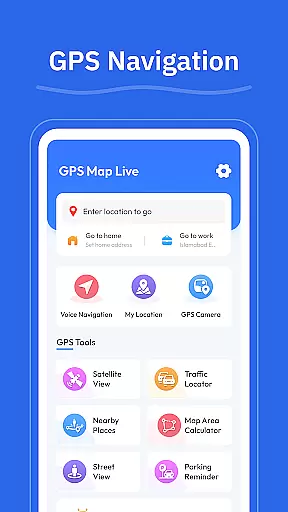
GPS - Maps, Driving Directions is a reliable navigation app designed for travelers exploring the United States. This app provides smooth GPS maps, clear driving directions, and helpful location tools to ensure seamless navigation on highways, interstates, and local roads. Whether commuting daily or embarking on long road trips, users can rely on its turn-by-turn voice guidance and real-time GPS tracking to reach their destinations efficiently.
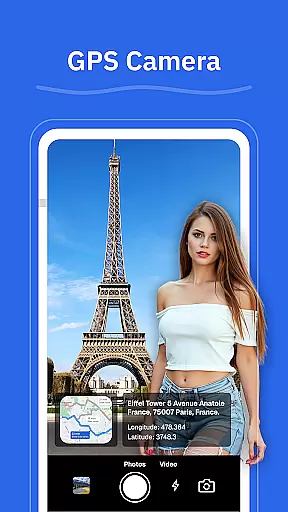
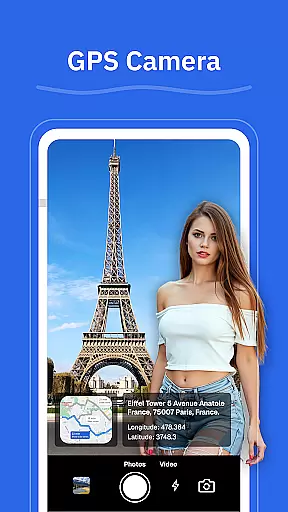
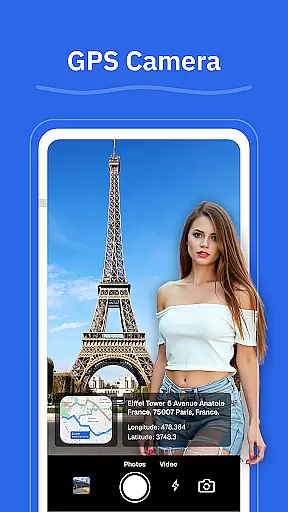
With features like route optimization based on current road conditions, street view functionality, and geo-tagged photos via the GPS camera, this app enhances travel experiences across the country. Additionally, it helps locate nearby amenities such as gas stations, restaurants, and ATMs, making it an essential companion for drivers.
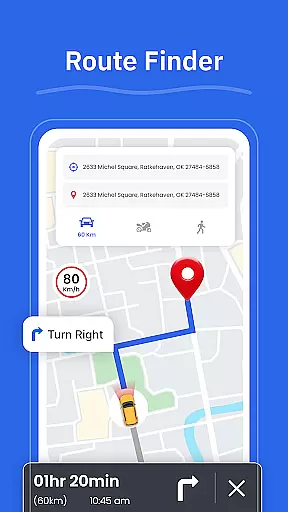
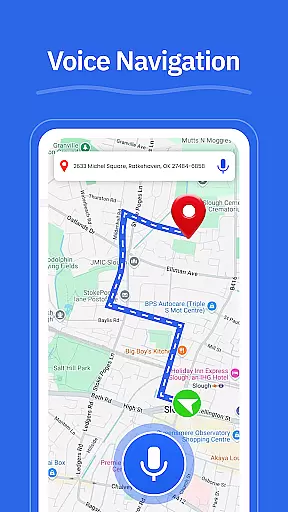
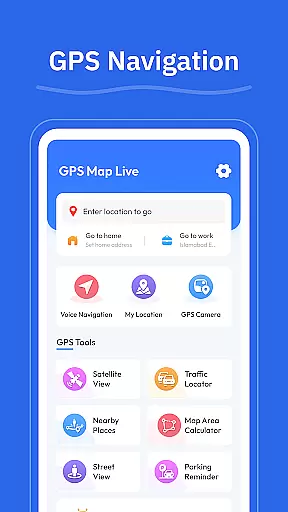
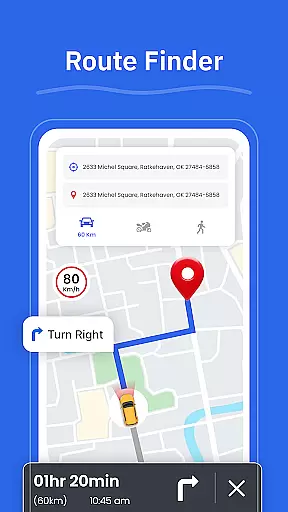
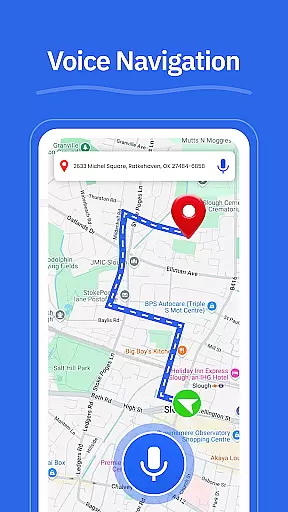
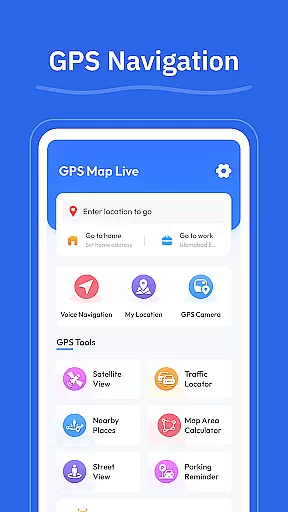
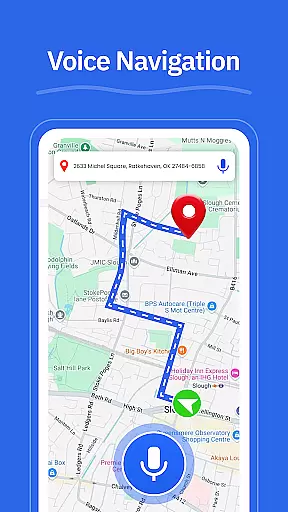
GPS - Maps, Driving Directions offers a variety of advanced features tailored for modern travelers. The app's turn-by-turn voice guidance ensures hands-free navigation, allowing drivers to focus on the road while receiving clear instructions. Its route finder optimizes journeys by analyzing real-time traffic data, ensuring users take the fastest or most convenient paths available.
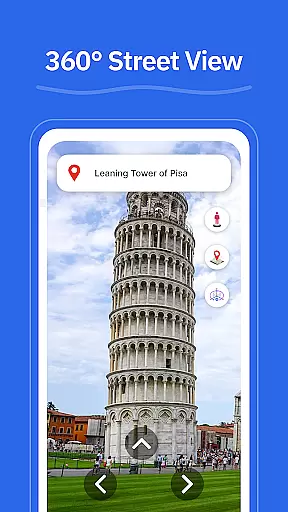
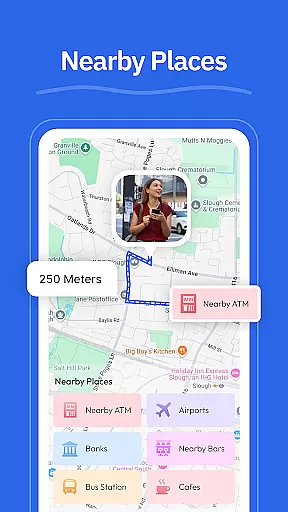
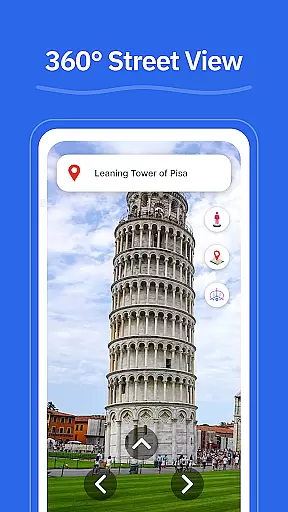
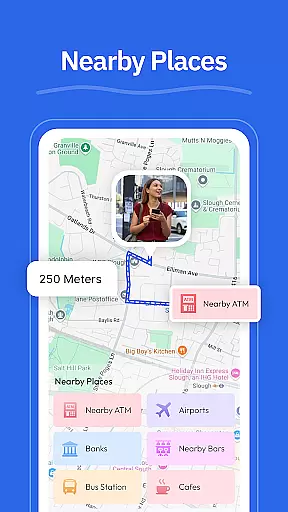
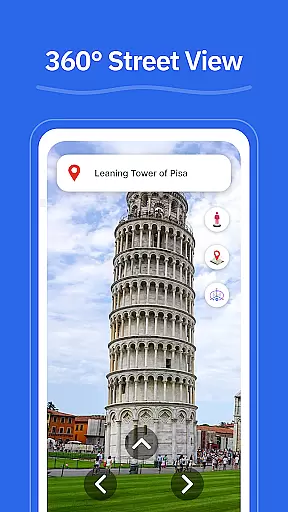
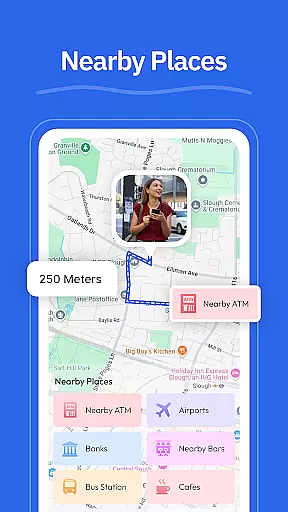
Other notable features include the street view option, which lets users preview neighborhoods and landmarks before traveling, and the GPS camera that saves locations with geo-tagged photos. The "Nearby Places" tool simplifies finding essential services like gas stations, EV chargers, and restaurants. With real-time GPS tracking through the "My Location" feature, users can always stay aware of their current position, enhancing both safety and convenience during travels.
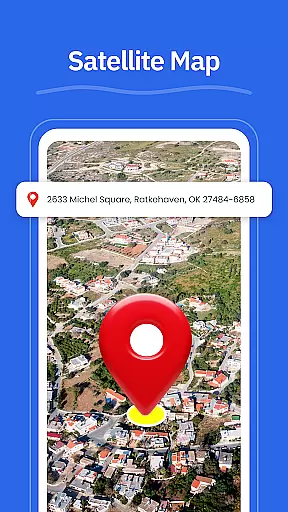
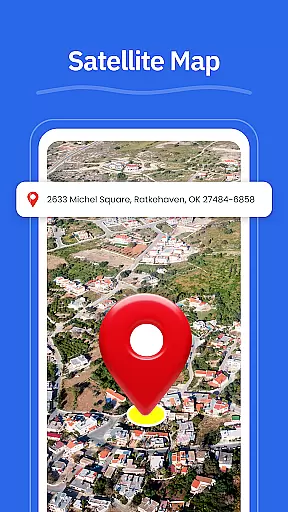
Map accuracy is a critical feature for any navigation app, and GPS u2013 Maps, Driving Directions excels in this area. The app provides precise location tracking and real-time updates to ensure users always have the most accurate map data available. This level of accuracy is essential for both urban and rural navigation.
The application employs advanced GPS technology that works seamlessly across highways, interstates, and local roads. Whether you're driving through busy city streets or planning a cross-country trip, the app's clean interface displays your position with remarkable precision. This ensures that users can move around confidently without worrying about outdated or incorrect map information.
Additionally, GPS u2013 Maps, Driving Directions offers a street view feature, allowing users to check areas, neighborhoods, and landmarks before they arrive. This not only enhances the overall navigation experience but also helps in making informed decisions about route choices. With reliable map accuracy, users can trust the app for all their travel needs.
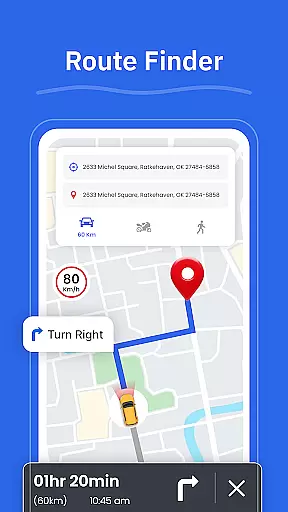
Effective route planning is vital for efficient travel, and GPS u2013 Maps, Driving Directions offers robust tools to help users choose the best routes based on current road conditions. The app's route finder feature analyzes traffic patterns and suggests optimal paths, saving time and reducing stress during commutes or road trips.
Users benefit from turn-by-turn voice guidance, which allows for hands-free driving while following the planned route. Clear directions are provided for highways, interstates, and city roads, ensuring that drivers can focus on the road ahead without distractions. This feature is particularly useful in unfamiliar areas where quick decision-making is crucial.
Moreover, the app includes a nearby places function, helping users locate essential services such as gas stations, restaurants, ATMs, EV chargers, and pharmacies along their route. By integrating these practical tools into its route planning system, GPS u2013 Maps, Driving Directions enhances the overall travel experience, making every journey smoother and more enjoyable.
User-friendly interface
Accurate GPS tracking
Turn-by-turn guidance
Real-time updates
Comprehensive POI database
Limited offline support
High battery consumption
Occasional lag
Few customization options
Ads in free version

Explore the world with Live Satellite View, 3D Maps, GPS Navigation & Earth Map.
 2.90
2.90
Offline maps for phone and smart watch: topographic maps, satellite images...
3.30
Your guide to the recreational opportunities of the Bureau of Land Management!
3.40
CamSam PLUS - The speed and red light camera warning system!
4.40
TACNAV-X: Precision MGRS navigation, built specifically for the military.
4.00
Find EV & Tesla charging stations with PlugShare
4.70
Ride CTA, Metra & Pace: Manage your fares, buy Metra tickets, get arrivals.
3.00
Explore Live Earth Map with 3D World Map & locate cites, mountains real time.
3.80
Gas Station & Fuel Rewards Points
3.70
Truck Safe GPS Navigation & Maps: Parking, Fuel, Diesel, Weight Station
4.80
Navigate confidently with our precise Digital Compass app & Direction Compass!
4.70
Explore with GPS Navigation with GPS offline, voice GPS, speed camera radar
4.60
Plan routes, share locations, and set custom alert zones
4.40
Use GPS maps or search by property owner, address or parcel to view parcel data
4.30
Route schedules, maps, and real-time tracking of MTA buses in New York City.
4.20
Number locator, real connection map
4.10
Use GPS Maps and GPS Voice Navigation to find your way and get directions
4.10
Navigation, weather, offline maps & tools for smarter, safer travel planning.
4.00
Turn your tablet or Android powered unit into a full blow Android Auto headunit.
2.30


User Reviews