
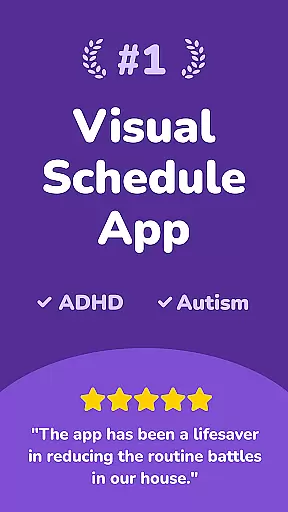
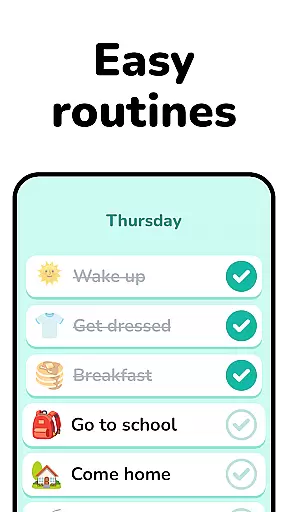

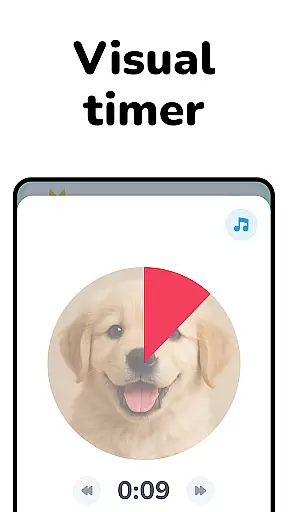
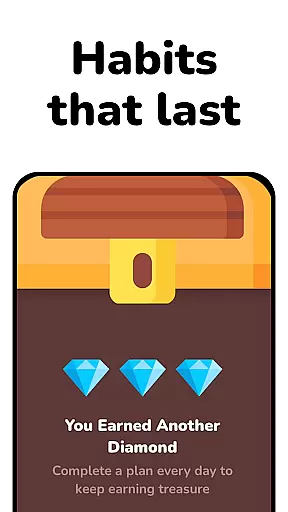

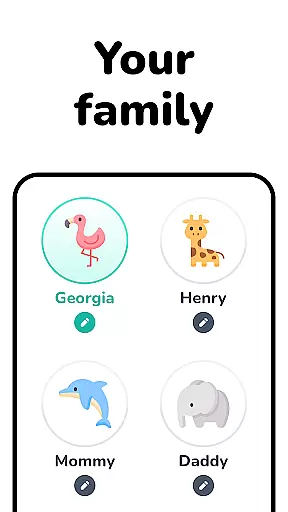
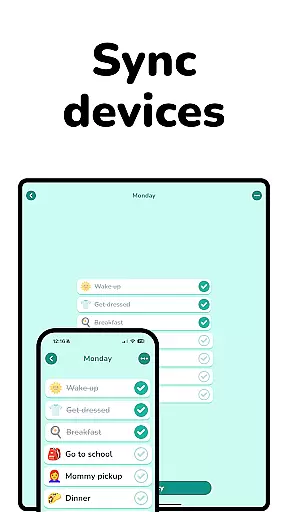
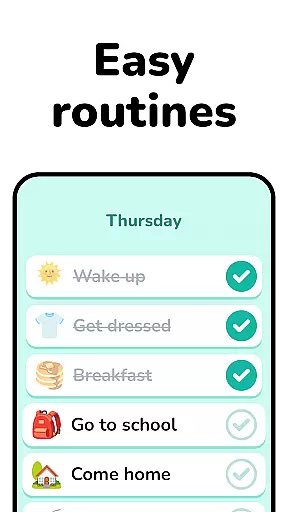

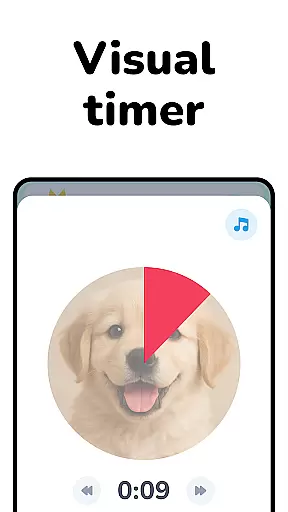
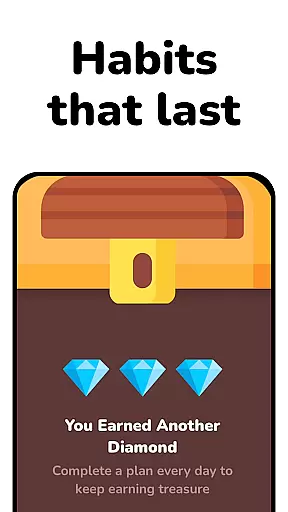

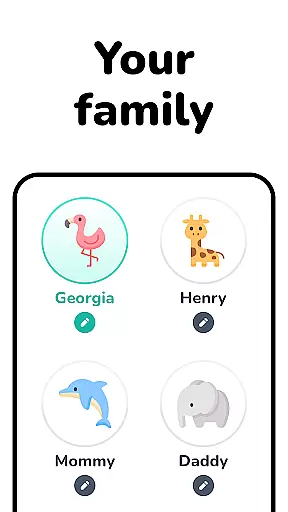
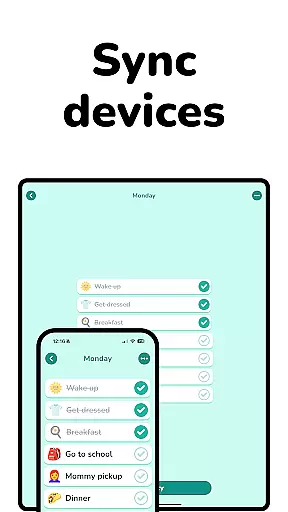
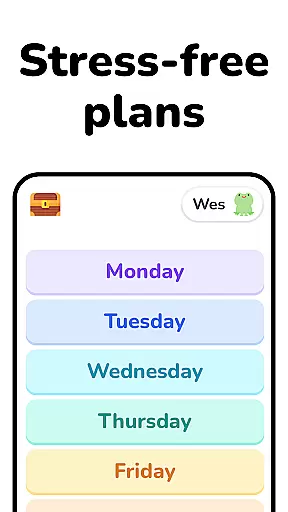
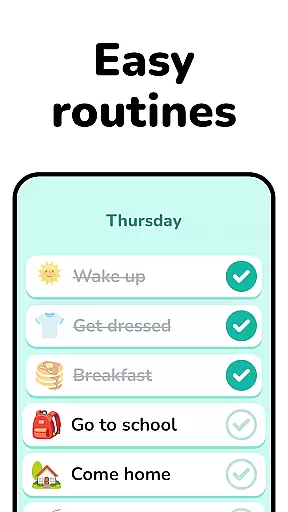

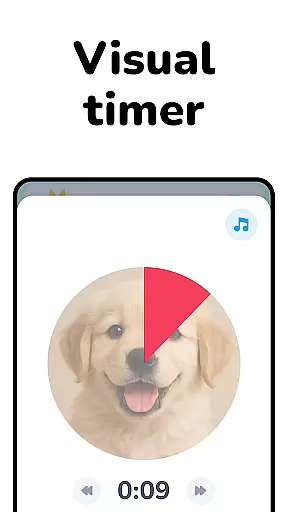
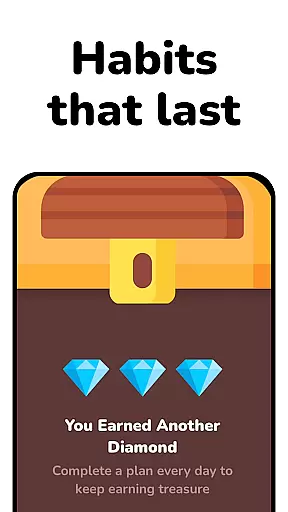

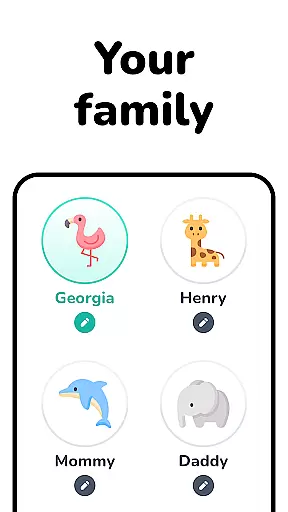
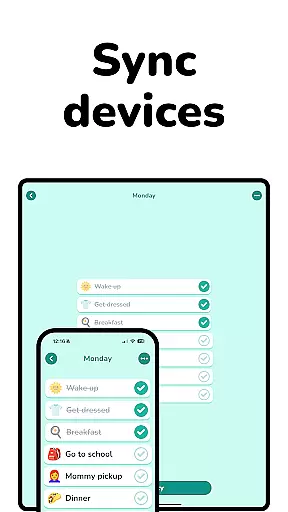
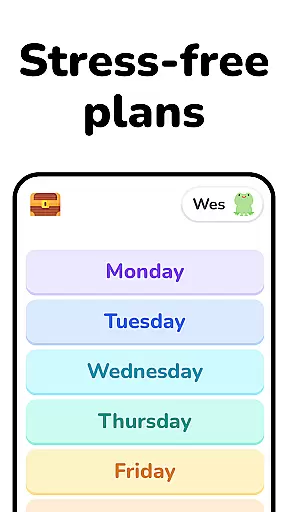
Lil Planner is a parenting app designed to help create visual schedules for children in a fun and engaging way. The app focuses on increasing focus, building good habits, reducing anxiety, and preventing meltdowns through its easy-to-use interface.
With features tailored for toddlers, preschoolers, and neurodivergent children, Lil Planner ensures that everything is big, easy to read, and simple to use. It also caters to older kids and adults who prefer visual learning methods, making it versatile for various age groups and needs.
The app offers several key features including the ability to increase focus and build good habits by creating structured daily routines. Its design is optimized for ease of use with large, readable text and intuitive controls.
Lil Planner incorporates elements of fun to engage both parents and children, helping them make plans together. This feature is particularly beneficial for families with ADHD, autistic, or neurodivergent children, as well as those who struggle with transitions.
When it comes to parenting tools, the credibility of the content is paramount. Lil Planner has been designed with input from both parents and developmental experts to ensure that its features genuinely support family needs. The app focuses on creating visual schedules that are not only easy to use but also grounded in techniques that help children, including those with ADHD, autism, or other neurodivergent conditions, build essential life skills.
The app's foundation in real-world family experiences adds another layer of authenticity. Originally created for their own household, the developers behind Lil Planner have ensured that every feature serves a practical purpose. This personal touch ensures that the strategies suggested by the app are realistic and achievable within busy family routines.
Parents can trust Lil Planner to provide reliable guidance because it emphasizes evidence-based practices such as increasing focus, reducing anxiety, and easing transitions. These methods are widely recognized by educators and therapists as effective ways to foster independence and emotional regulation in children. By incorporating these principles into an engaging format, Lil Planner bridges the gap between professional advice and everyday parenting.
Growth tracking is an essential aspect of understanding a childu2019s development, and Lil Planner excels in this area by offering precise tools tailored specifically for young learners. The app allows parents to monitor behavioral changes and improvements over time through consistent use of visual schedules. Each schedule acts as a data point, helping caregivers identify patterns related to focus, habit-building, and emotional responses.
What sets Lil Planner apart is its ability to adapt to individual needs while maintaining accurate records. For example, if a child struggles with transitions, the app provides clear visual cues that gradually help them adjust. Over time, parents can observe measurable progress in how their child handles new activities or shifts in routine. This kind of structured feedback empowers families to celebrate small victories while addressing ongoing challenges.
Additionally, Lil Planner supports older kids and visual learners who benefit from organized planning. Its intuitive design ensures that users of all ages can engage with the system effectively. Whether tracking daily tasks or long-term goals, the app delivers scientifically-backed insights that make growth monitoring both meaningful and actionable for the entire family.
User-friendly interface
Engaging visuals
Supports habit formation
Reduces child anxiety
Suitable for all ages
Limited advanced features
Requires parental guidance
No multi-device sync
Premium content costs
Occasional bugs

Free symptom & med tracker with expert-reviewed tips.
 4.30
4.30
Educational resource for parents to inspire creativity in their children.
4.00
All-in-one pregnancy app, contraction timer, kick counter & due date calculator
4.40
Pregnancy and baby formula tips for moms, plus Enfamil coupons & cash back
4.10
Fun Ideas for Parents
4.70
Live Location, Alerts & 2-Way Voice for Kids and Adults with Special Needs
4.60
GPS tracker app: Simple GPS phone tracker for fast family location tracking
4.60
App/Game blocker & GPS tracker
4.50
Monitor screen time and build healthy habits with Family Safety
3.90
3D Baby size, Fruit comparisons, Smart Checklist, Trending Names & Training.
4.90
Track baby’s development & growth week by week with BabyCenter’s pregnancy app!
4.90
Pinardin - Smart Parental Control, Online Safety & GPS Tracking!
4.80
Sleep better with white noise app! Discover rain sounds, fan noise and more.
4.70
Block apps, set screen time limits, and customize usage schedules
4.50
Join over 1MM parents & professionals who've used OFW to navigate co-parenting
4.40
GeoLog - Real-Time Location Tracker
4.40
Speech Therapy Exercises For All!
4.40
Learn according to the age of your child and consult with other moms.
4.20
A Coloring for the Whole Family! Discover the Joy of Family Love Through Colors!
3.60


User Reviews