
Mahjong Helper & Calculator is an essential tool for both novice and experienced Mahjong players. This app simplifies the complex tasks of scoring hands and managing payments between players, making your Mahjong experience smoother and more enjoyable. It supports multiple scoring systems including European Classical, Hong Kong, Japanese Modern, and Chinese Official rules.
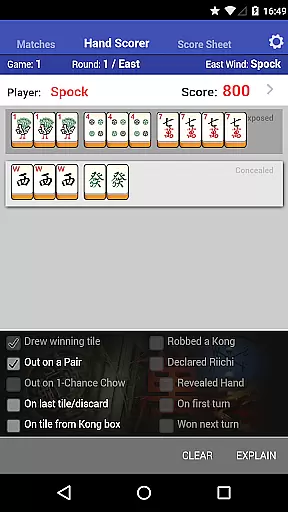
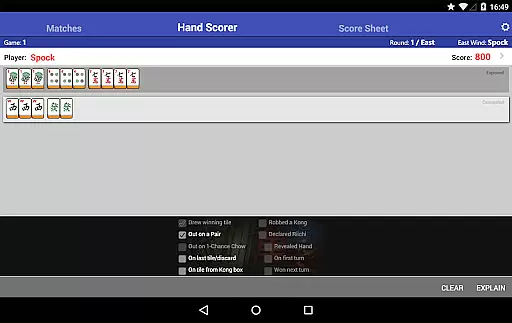
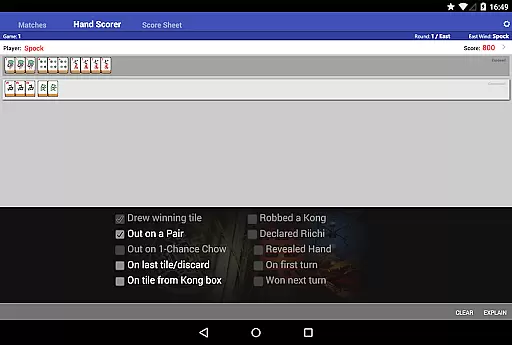
With its intuitive interface featuring beautiful, easy-to-read tiles, users can effortlessly calculate scores using the Hand Scorer/Calculator. The app also allows players to maintain a history of their matches and experiment with different scoring methods. Whether you're playing a casual game or participating in competitive tournaments, Mahjong Helper ensures accurate scorekeeping and seamless payment tracking.
The app's ability to share matches across devices adds another layer of convenience, allowing all players to keep records and contribute to scoring from their own Android or iOS devices. This feature requires a data connection but enhances collaborative gameplay significantly.
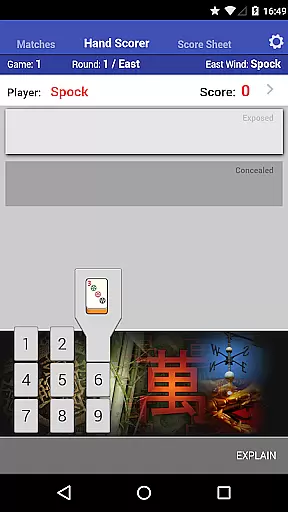
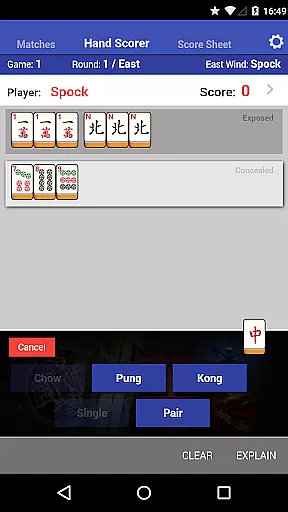
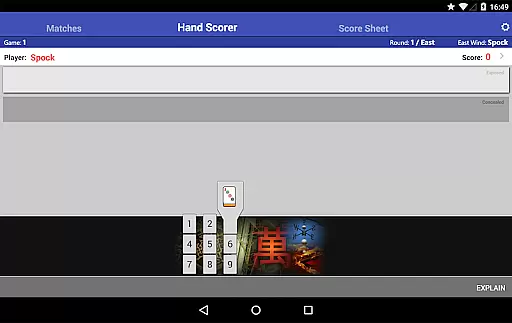
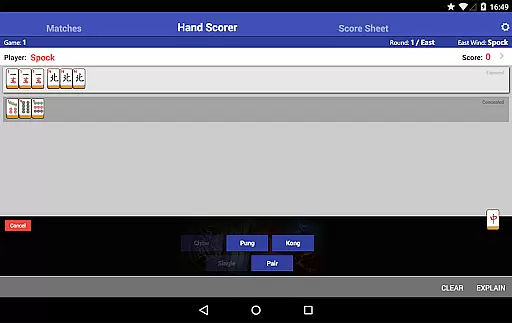
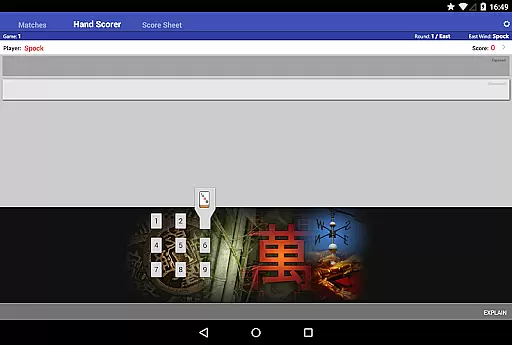
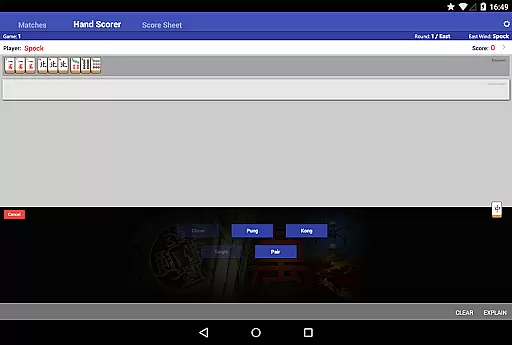
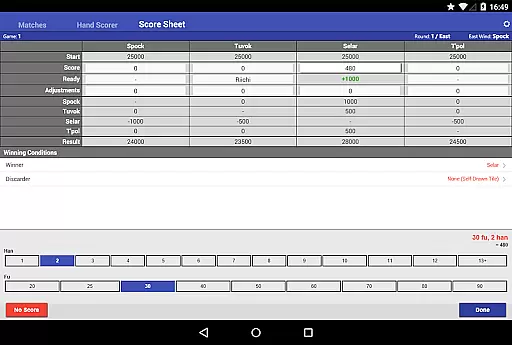
Mahjong Helper & Calculator boasts a variety of features designed to enhance your gaming experience. One standout feature is the Hand Scorer/Calculator, which includes an intuitive tile/set-type selector. Players can press, slide, and release to choose tiles, streamlining the scoring process. The app supports various scoring systems such as European Classical, Hong Kong, Japanese Modern with Dora tiles and Red Fives, and Chinese Official MCR/Competition rules.
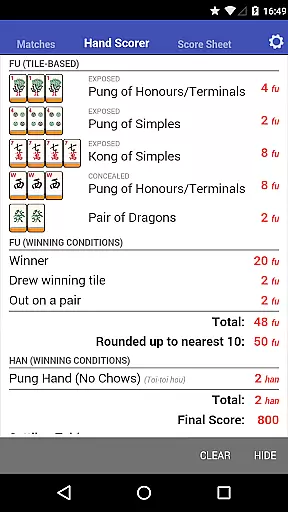
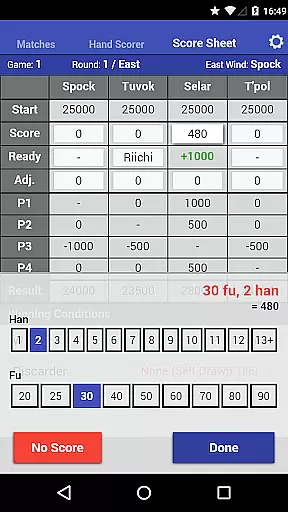
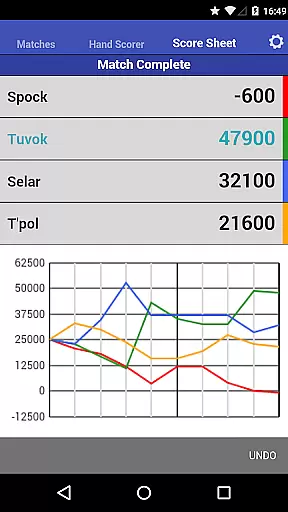
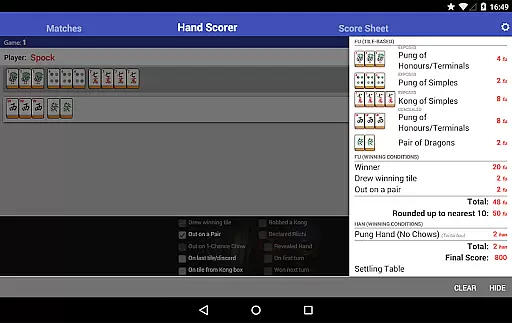
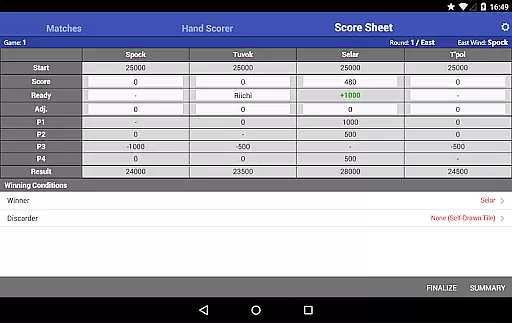
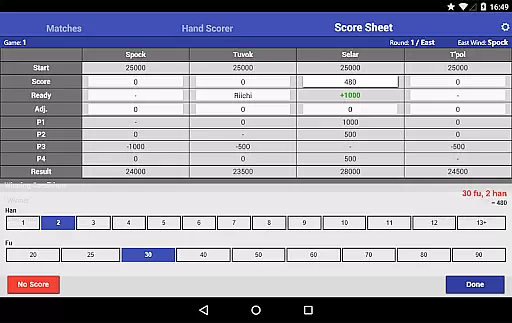
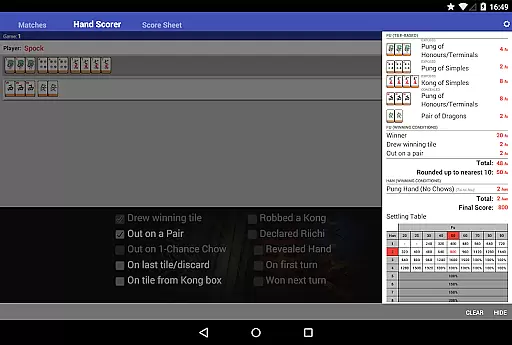
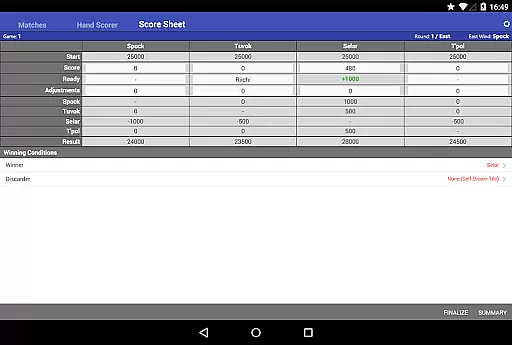
In addition to supporting 4, 3, and 2 player scoring modes, the app allows users to send scores directly from the Hand Scorer to the Score Sheet or enter them manually. The Score Sheet not only calculates payments between players but also supports 'Ready' declarations and counters specific to Japanese Mahjong. A detailed 'Scoring' panel shows how scores are calculated, aiding those learning the game or verifying results.
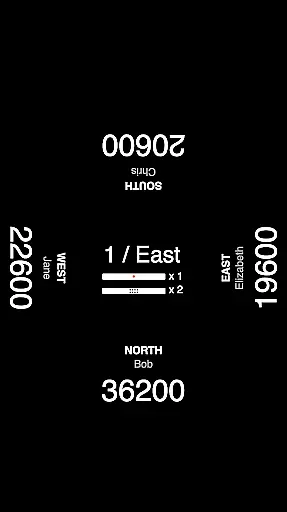
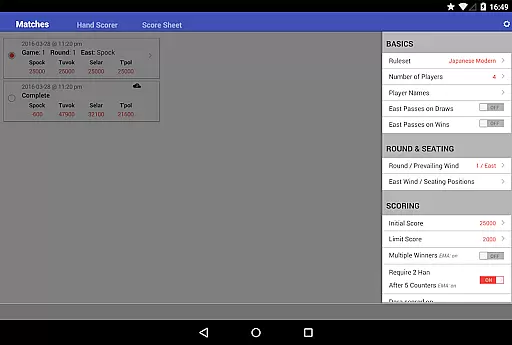
Other notable features include seat rotation options between rounds, maintaining fixed positions throughout a session, and sharing matches across devices. These functionalities ensure that every player can keep track of the match and contribute to scoring seamlessly, provided there's a data connection available.
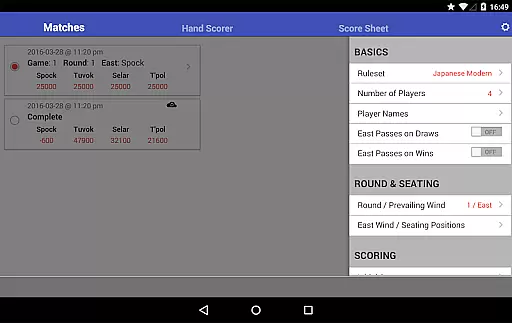
Mahjong Helper & Calculator offers a diverse range of content that caters to both beginners and experienced Mahjong players. The app supports multiple scoring systems including European Classical, Hong Kong, Japanese Modern / EMF Riichi, and Chinese Official (MCR / Competition), ensuring that players from different regions can enjoy the game according to their local rules.
The application is regularly updated with new features and improvements, keeping the content fresh and relevant. With options for 4, 3, and 2 player scoring modes, users can experiment with different game setups, enhancing their playing experience. This flexibility in game modes adds an element of variety that keeps players engaged and eager to explore more possibilities within the app.
Additionally, Mahjong Helper includes beautiful, easy-to-read tiles and an intuitive tile/set-type selector, making it accessible and appealing to a wide audience. Players can easily navigate through the app's interface, which contributes to a seamless user experience. The visual appeal combined with functional design ensures that users have access to quality content that is both enjoyable and practical.
User engagement is a key strength of Mahjong Helper & Calculator, as it provides tools that encourage longer play sessions and repeated use. One standout feature is the Hand Scorer / Calculator, which simplifies the complex task of scoring hands. This tool not only makes the process easier but also allows users to learn how scores are calculated through the 'Scoring' panel, thus educating them about the game while they play.
The Score Sheet function further enhances user engagement by calculating payments between players and supporting 'Ready' declarations and counters in Japanese Mahjong. By streamlining these aspects of gameplay, the app reduces downtime and keeps players focused on the game itself. As a result, users are likely to spend more time within the app during each session, increasing overall engagement duration.
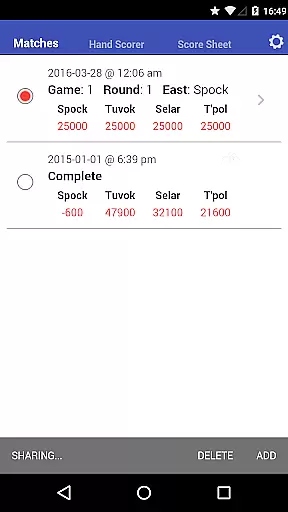
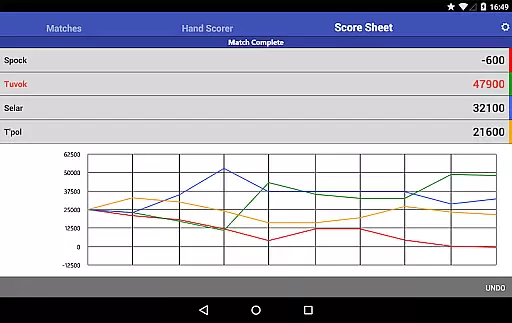
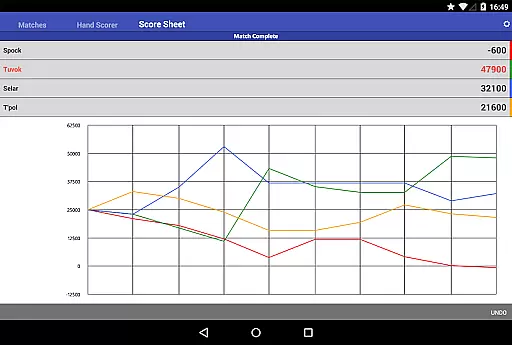
Moreover, Mahjong Helper offers the ability to keep a history of matches played and share matches across devices, allowing other players to keep a record and contribute to scoring from their own devices. This social aspect fosters a sense of community among users and encourages them to return to the app, boosting retention rates. With these engaging features, Mahjong Helper & Calculator successfully maintains user interest over time.
User-friendly interface
Supports multiple scoring systems
Intuitive tile selection
Accurate payment calculations
Cross-device match sharing
Requires data connection for some features
Limited offline functionality
Interface may overwhelm beginners
No AI opponent option
Premium features might require purchase

Air Horn - Siren Sounds Prank, Fun way to wake up your Friends and Family
 4.5
4.5
Journey to the world’s oldest rainforest and meet its Indigenous Custodians.
4.4
Stream Online TV - Watch Live IPTV Playlist & Channel with Built-In Player
4.50
Watch short films, dramas, reels, series and movies anytime on Micro Drama.
4.60
Direct access to the most complete Guitar Tab Archive in Spanish: LaCuerda.net
4.60
Stream live TV shows, sports, news, movies & more - all without cable.
3.00
Premium version to enjoy your favorite anime
4.60
VR 360 Cinema Player is the ultimate VR player for playing videos on mobile
3.50
Create your Songs. Cover Maker with any Voice, Song Generator
3.30
5 funny and lovely ponies waiting for you to style them!
4.80
The OFFICIAL PeeWee Purpdrank Soundboard!
4.80
Scan sets, track your builds, and enjoy intuitive digital instructions.
4.70
Tarot & Oracle Card Readings
4.50
Underrated short-drama gems that hit hard and keep your heart hooked.
4.50
Series,Películas y Telenovelas
4.50
Create melty bead designs by numbers, photos or your imagination
4.40
Explore the unknown!
3.00
Disney Stickers: Zootopia 2
4.0
Collaboration with popular VTubers
4.2


User Reviews