
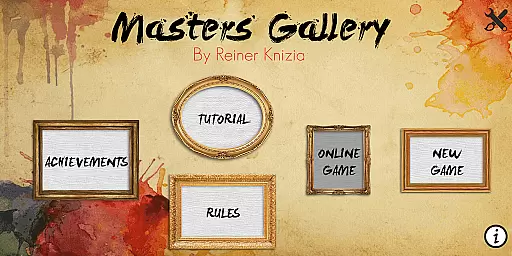
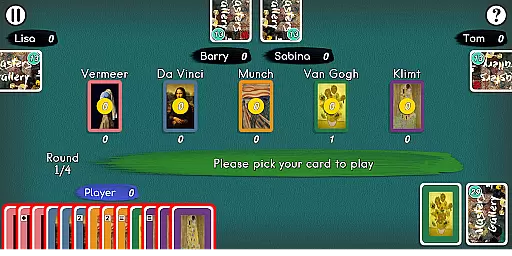
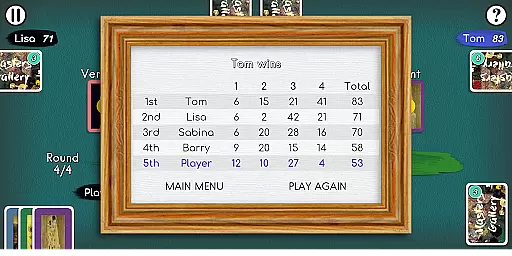
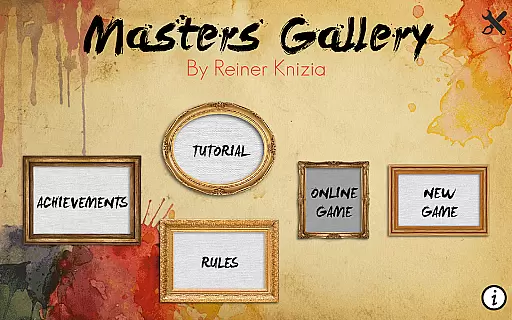
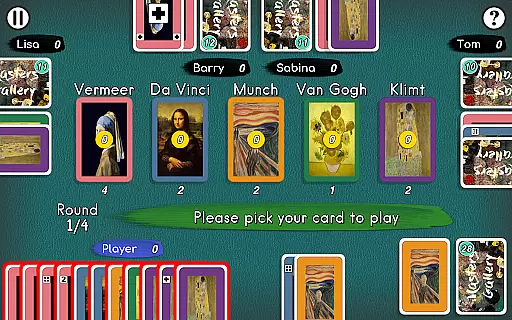
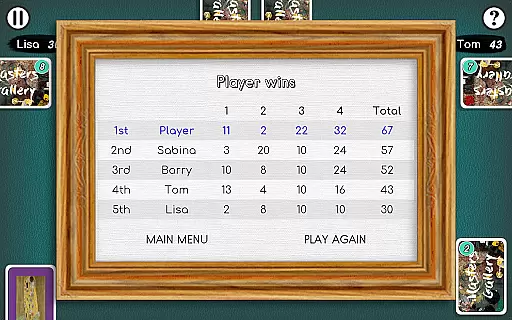
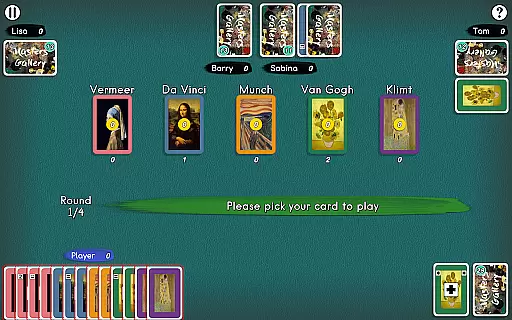
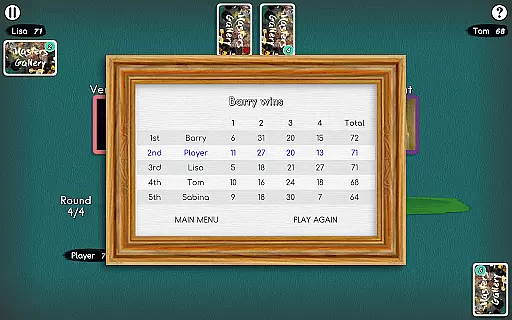
Masters Gallery is the official digital adaptation of Reiner Knizia's classic card game, also known as Modern Art The Card Game. As a collector and gallery owner, you will buy and promote works of art, increasing their value and that of the artist, with the goal of becoming the richest among your rivals. Played over four rounds with 2-5 players, this strategic game challenges you to decide when to play your cards for maximum value while managing risks.
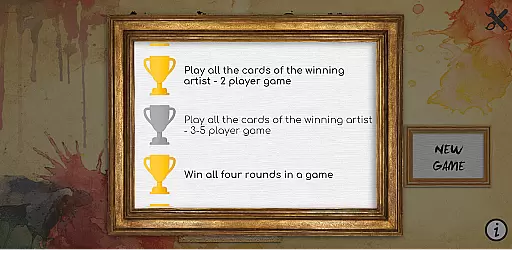
The game features interactive tutorials for newcomers, multiple AI difficulty levels, customizable card colors for accessibility, and adjustable game speeds for experienced players. With in-game achievements and bonuses on certain cards, Masters Gallery offers both depth and replayability, making it an engaging experience for card game enthusiasts.
Masters Gallery stands out with its interactive tutorial mode, which helps both new players and returning fans quickly grasp the game mechanics. The inclusion of multiple computer skill levels ensures that even seasoned players will find a challenge, while the ability to configure card colors caters to colorblind players, enhancing accessibility.
Additionally, the game offers various speed settings, allowing faster play once you're familiar with the rules. In-game achievements provide extra motivation to keep playing, while bonus cards add strategic depth. These features combine to create a rich and rewarding card gaming experience that remains engaging across repeated plays.
In Masters Gallery, the fairness of Random Number Generation (RNG) is crucial for maintaining a balanced and competitive gameplay experience. As players engage in strategic card play to increase artist popularity, the assurance that outcomes are not skewed by biased algorithms is essential.
The game employs certified RNG mechanisms to ensure all players have an equal opportunity to succeed. This certification process involves rigorous testing and validation, guaranteeing that every card played contributes to the game's progression without any undue advantage.
Players benefit from this commitment to fairness as it enhances the integrity of the competition. Knowing that each move is determined by unbiased chance allows users to focus on their strategies rather than questioning the legitimacy of the results.
This dedication to RNG fairness ensures that whether you're a newcomer or a seasoned player, your experience with Masters Gallery remains equitable and enjoyable, fostering a community where skill and strategy prevail over luck.
Control fluidity and input latency are vital components in delivering a seamless user experience in Masters Gallery. As players navigate through rounds, quick and responsive controls allow them to execute their strategies without delay, keeping the pace of the game lively and engaging.
The application is optimized to minimize input lag, ensuring that every action taken by the player is immediately reflected in the game state. This responsiveness is particularly important during critical moments when timing can influence the outcome of a round.
By prioritizing control fluidity, Masters Gallery offers a smooth interface that caters to both casual gamers who prefer relaxed sessions and competitive players seeking fast-paced challenges. The intuitive design reduces learning time, allowing users to concentrate on mastering their tactics.
Ultimately, the emphasis on minimizing input latency elevates the overall gaming experience, making each session feel dynamic and rewarding. Players can fully immerse themselves in promoting artists and scoring points without being hindered by sluggish controls.
Engaging gameplay
Interactive tutorial
Customizable card colors
Multiple AI levels
Achievements system
Known bugs in older versions
Limited player count
No offline multiplayer
Occasional UI issues
Steep learning curve

Addictive Classic Solitaire of 2025! Relax with classic and fun card games now!
 4.90
4.90
The Conquian made with 100% Mexican talent.
4.40
Cloud, Rain, Fog, Ice, Fire Magic Puzzle Card Game
4.2
Collect and play the original CCG on Arena. Magic is now on your phone!
4.10
Enjoy Fun and Relaxing Classic Spades Card Game with Friends!
4.90
Build a dice pool to purify Astrea's corruption and save the Star System.
4.10
A game of apocalypse and yearning. Experiment. Die. Ascend.
4.60
Classic Rummy 500 with large cards, smart AI, and smooth, clean gameplay.
4.80
Cozy Thanksgiving moments plus relaxing offline solitaire games.
4.60
Special Klondike Edition
5.00
Riichi Mahjong - A fun, strategic variant of the classic multiplayer game!
4.80
Relax, strategize, and enjoy endless card fun with vintage solitaire.
4.70
Enjoy the fun and classic Card game Phase 10 with your friends and family!
4.70
Train your brain with relaxing classic solitaire game and have endless fun!
4.70
FreeCell Solitaire Card Game: Play Classic Solitaire Card Game from MobilityWare
4.50
A fresh take on traditional solitaire card games
4.50
Solitaire Collection Pro: Klondike, Spider, FreeCell, Pyramid, No Wifi Needed!
4.30
Word-building meets deck-building in the unique game Paperback Vol. 2
3.30
Sinister solitaire. Four cards, one fate.
4.2


User Reviews