
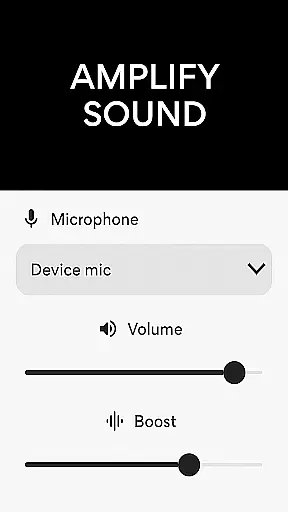
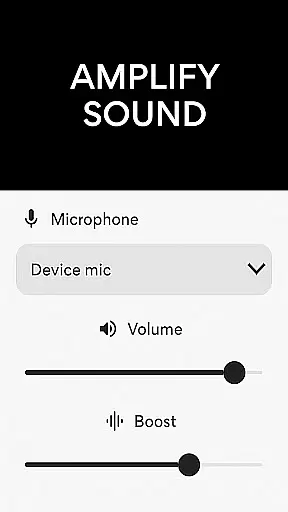
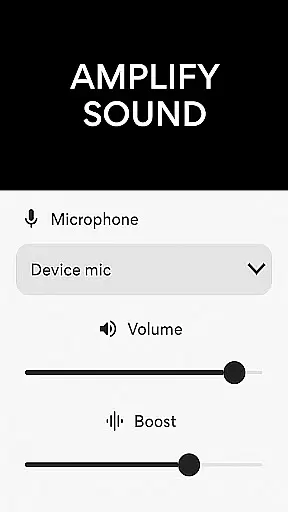
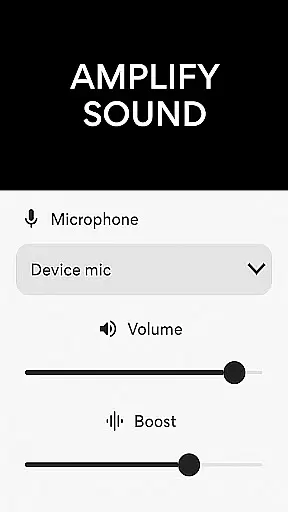
Microphone Amplifier is a specialized audio enhancement application designed for the Medical category, particularly beneficial for users requiring sound amplification as a hearing aid solution. The app transforms an Android device into a powerful megaphone voice amplifier, providing clear and loud audio output in various scenarios such as presentations, assemblies, or personal use.
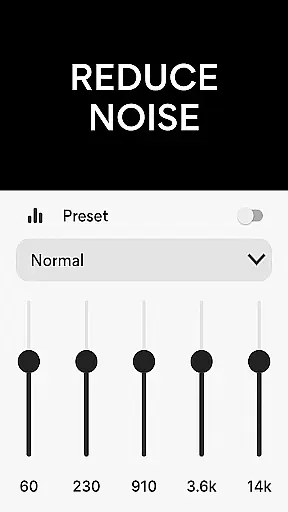
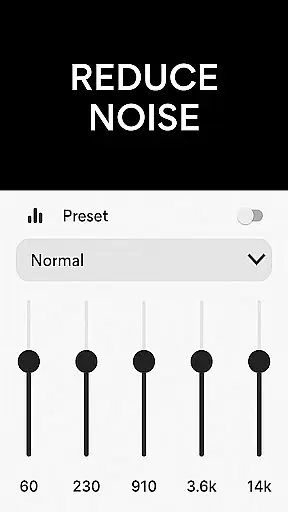
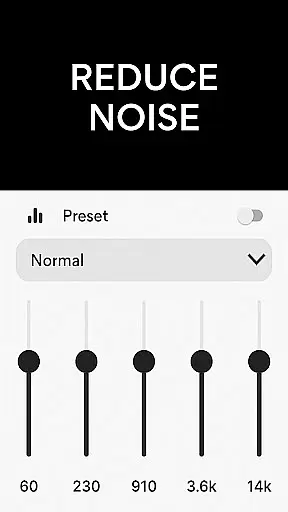
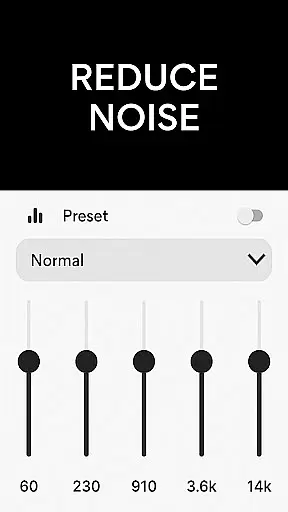
This Bluetooth Microphone app offers multiple features including noise reduction, echo cancellation, and customizable sound frequencies. These functionalities ensure crystal-clear audio quality while allowing users to tailor their listening experience according to specific needs. Whether you're looking to amplify your surroundings or capture important audio details, this app serves as a complete sound amplifier listening device.
The practical applications of Microphone Amplifier extend beyond casual use; it's especially valuable in medical settings where clear communication is crucial. By enhancing sound clarity and reducing background disturbances, the app ensures that every spoken word is distinctly audible, making it an essential tool for healthcare professionals and patients alike.
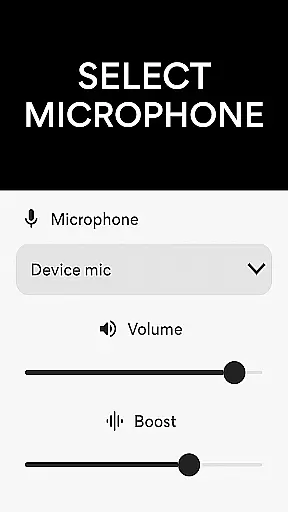
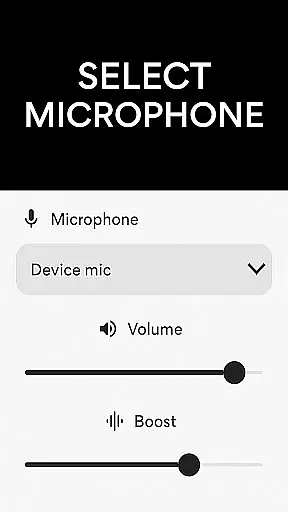
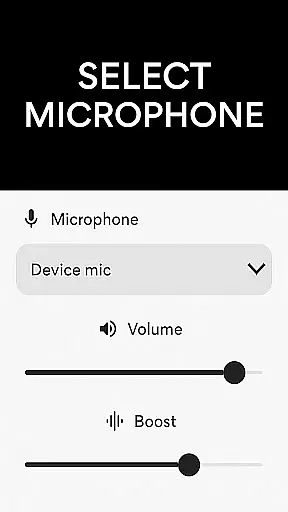
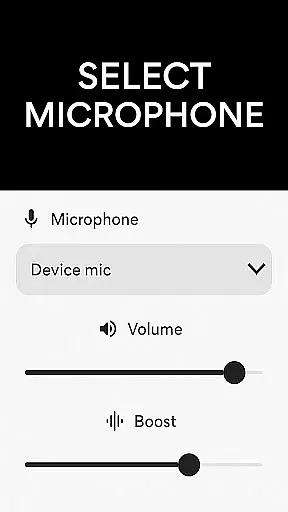
Microphone Amplifier stands out with its comprehensive suite of audio-enhancing features tailored to improve sound quality significantly. One of its primary capabilities is the Audio Amplifier Hearing Aid App function, which supports different microphone sources such as phone mic, headset mic, or Bluetooth mic, offering flexibility based on user preference and environment.
In addition to versatile mic support, the app includes advanced sound processing technologies like Noise Reduction and Echo Cancellation. These features work together to eliminate unwanted background sounds and minimize echo effects, resulting in sharper and more refined audio output. Users can also customize sound frequencies using the Sound Amplifier Listening Device feature, ensuring personalized audio experiences that cater to individual hearing requirements.
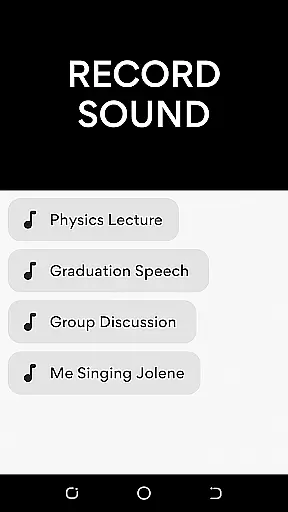
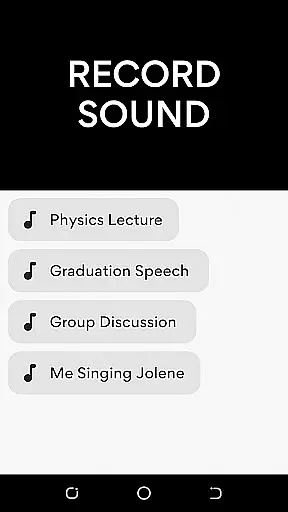
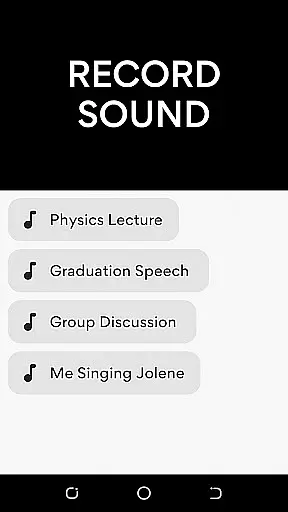
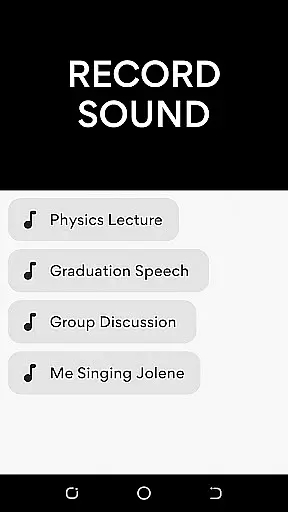
Another notable feature is the integrated MP3 Recorder, which allows effortless audio capturing through the Amplify Sound Voice Recorder functionality. This makes the app not only a tool for real-time sound amplification but also a reliable device for recording high-quality audio content. With Mic To Speaker Sound Enhancer capability, users can wirelessly connect their devices and enjoy amplified sound anywhere they go, making it an indispensable companion for both professional and personal audio needs.
In the medical field, ensuring the credibility of content is crucial for user trust and safety. The Microphone Amplifier app positions itself as more than just a sound amplifier; it offers features akin to a hearing aid, which makes the authenticity of its medical claims paramount.
The app provides functionalities such as noise reduction and echo cancellation, which are essential for users with hearing difficulties. These features have been designed to enhance sound clarity and ensure that the audio output is not only louder but also clearer. This attention to detail suggests that the app's development was informed by expert knowledge in audiology.
Moreover, the inclusion of customizable sound frequencies allows users to tailor their listening experience according to their specific needs. Such personalization is often the result of extensive research and testing, indicating that the app may have undergone expert review to optimize its performance for various hearing conditions.
For users seeking an audio amplifier that doubles as a hearing aid, the credibility of the Microphone Amplifier's medical content can provide assurance that they are using a tool that respects the nuances of hearing health.
Teleconsultation has become an integral part of healthcare delivery, allowing patients to receive medical advice remotely. While the Microphone Amplifier app does not offer teleconsultation services directly, its features can significantly enhance the quality of remote medical consultations.
With the ability to choose between different microphone sources, including phone mic, headset mic, or Bluetooth mic, users can ensure that their voice is transmitted clearly during teleconsultations. Clear audio transmission is vital for effective communication between healthcare providers and patients, reducing misunderstandings and improving diagnostic accuracy.
The app's noise reduction and echo cancellation capabilities further contribute to high-quality teleconsultations. By minimizing background noise and echoes, both parties can focus on the conversation without audio distractions, leading to more productive and efficient consultations.
Additionally, the MP3 recorder feature allows users to capture important medical advice or instructions given during a teleconsultation. This ensures that users can revisit the information later, which is particularly useful for patients who need to follow detailed treatment plans or medication schedules.
User-friendly interface
Customizable sound settings
Effective noise reduction
Wireless connectivity options
Versatile microphone support
May drain battery quickly
Requires Bluetooth for best results
Limited free features
Occasional audio glitches
Subscription fees apply

We’ve made it easy for Oscar members to get care on the go.
 4.30
4.30
World's largest contact lens store
4.60
The MDLIVE app makes connecting with a doctor fast, easy, and convenient.
4.60
Molina Members: My Molina. Manage your health anytime, anywhere!
4.30
ECG modules improve rhythm ID. ACLS is a simulator for cardiac arrest scenarios.
4.0
Internal medicine literature at your fingertips.
4.50
700 questions, 2 full exams, Predictive Scoring—your key to NREMT success!
3.90
Hear far away sounds, conversations, TV and surrounding sounds more clearly.
4.70
Secure video appointments
4.50
Pelvic Floor Muscle Exercises
4.80
Amplify surrounding sounds, conversations, TV or lectures for louder hearing.
4.70
Save up to 80% on your pharmacy prescriptions & medications with free Rx coupons
4.70
Identify pills, search different drugs, get drug information and much more!
4.50
Check and Track your Blood Pressure & Heart Rate.
4.50
Download OctaApp for easy access to your plasma donation info
4.40
Manage your health care in one easy place
4.40
Your pocket guide to following The Monash University Low FODMAP diet.
4.20
Good for You. Great for Life.
4.00
A rapid reference for prehospital providers caring for pediatric patients.
4.1


User Reviews