
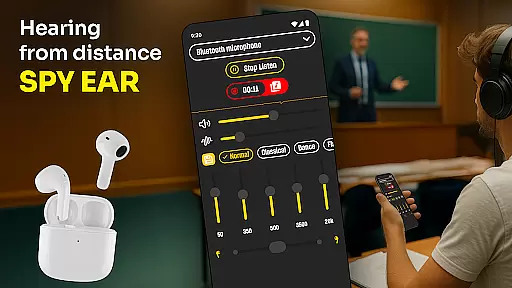
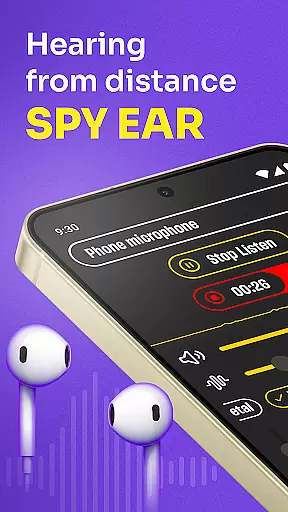
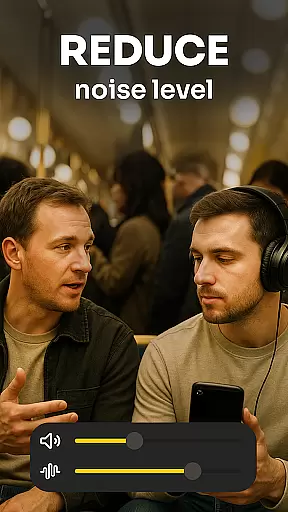
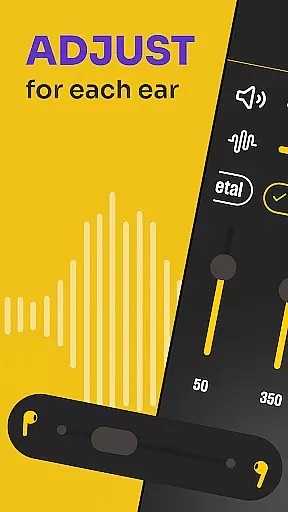
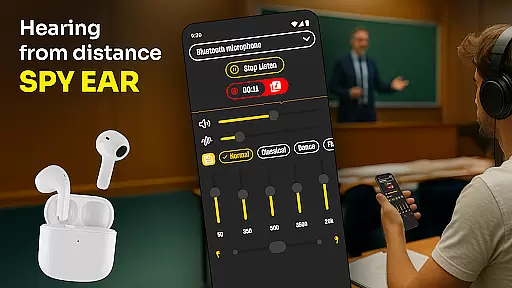
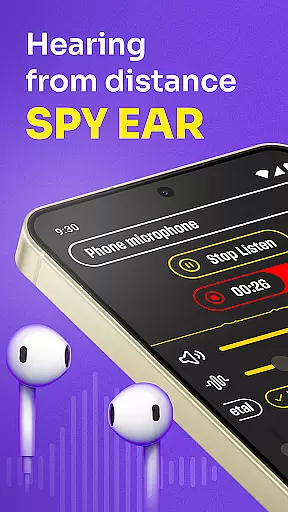
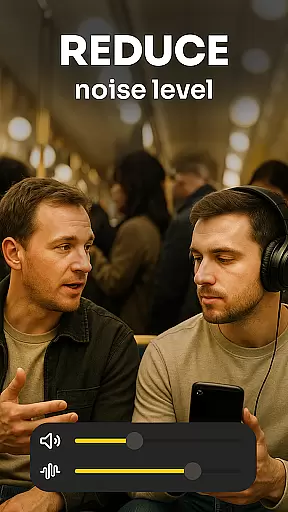
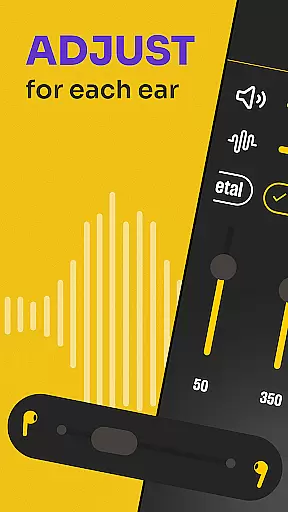
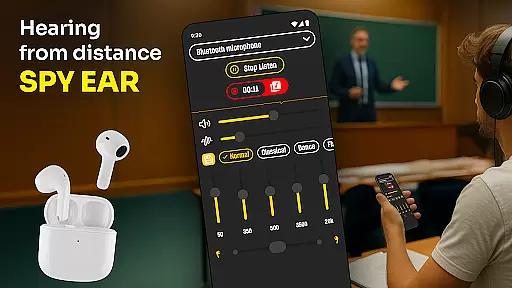
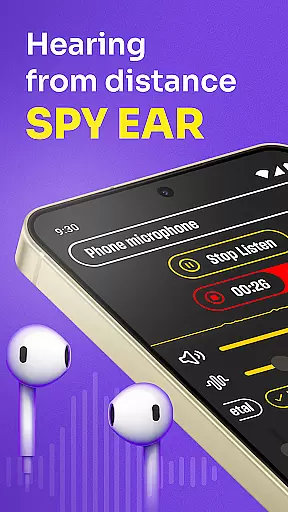
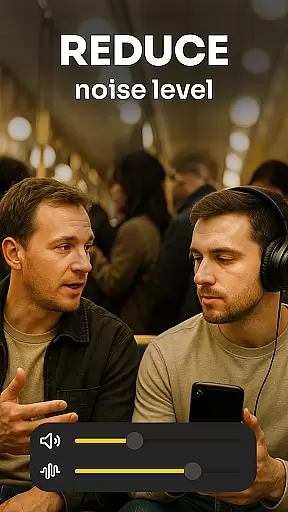
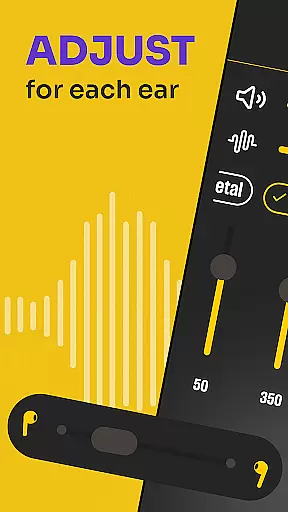
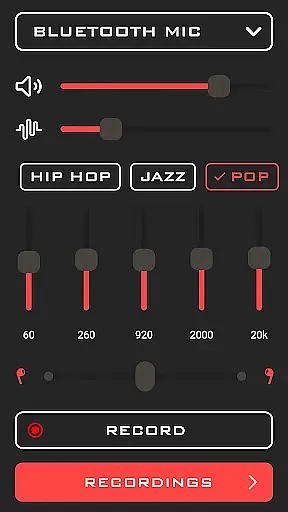
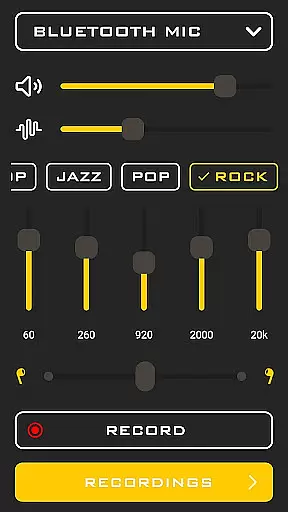
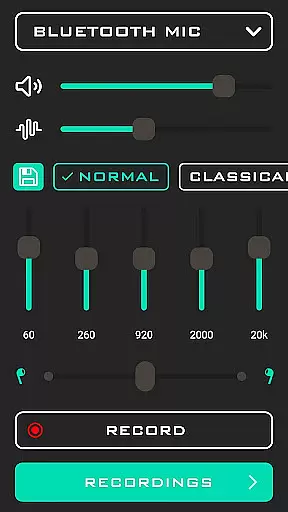
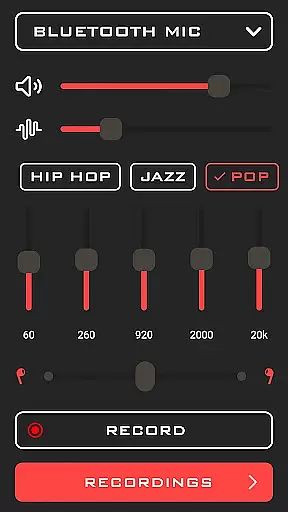
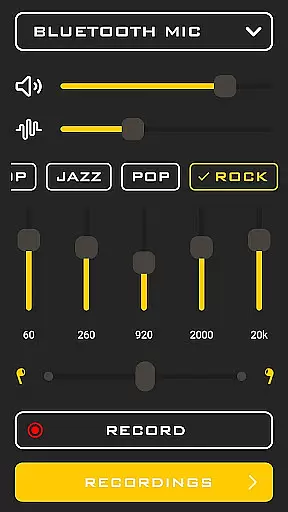
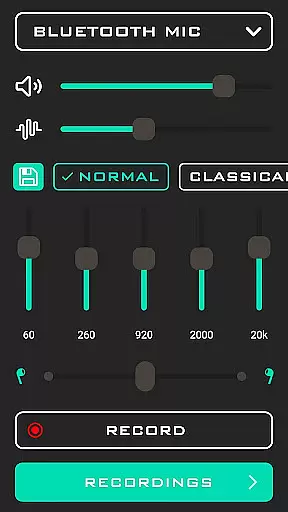
Hearing from Distance is a cutting-edge mobile application designed to transform your smartphone into a powerful hearing aid. This app amplifies sounds and enhances audio clarity, making it an ideal tool for individuals with mild to moderate hearing loss. It streams distant sound directly to your Bluetooth headphones or earbuds, ensuring you don't miss out on important conversations.
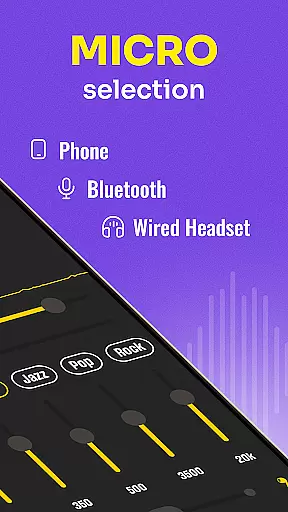
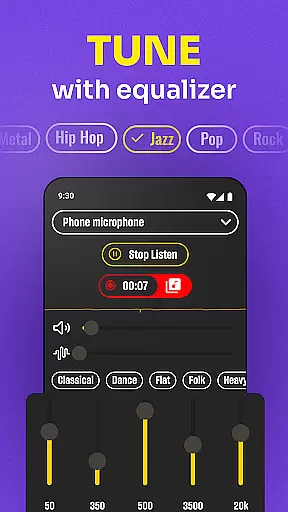
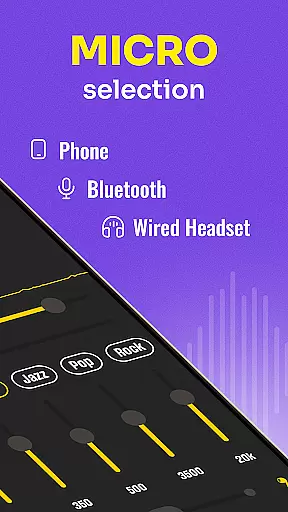
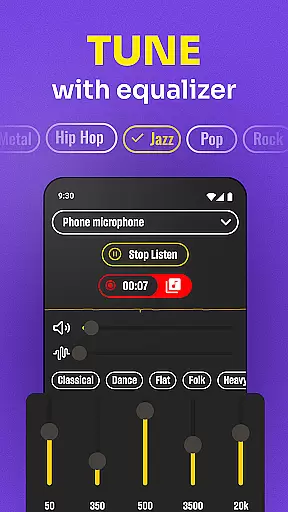
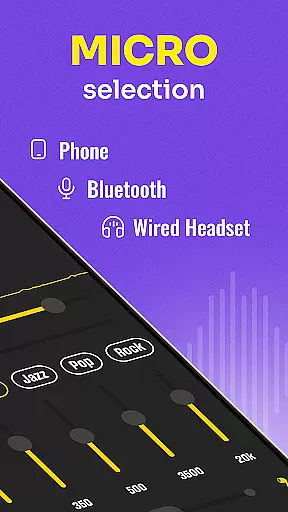
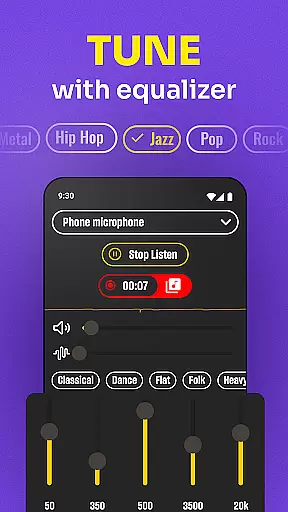
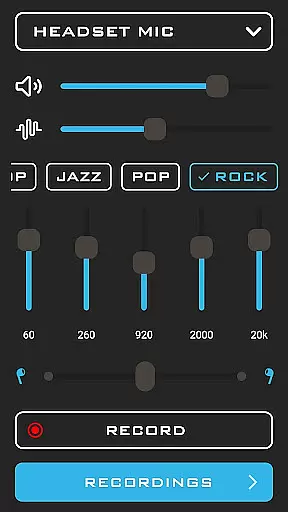
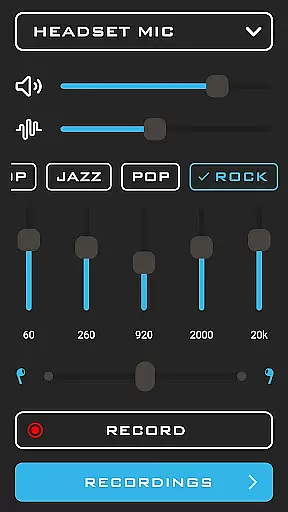
The app offers versatile features such as the ability to switch between your phone's mic or the headset mic for optimal listening. Whether you're in a crowded restaurant, attending a lecture, or participating in a meeting, Hearing from Distance filters out background noise, allowing voices to come through clearer. With its user-friendly interface, this app provides a seamless experience for anyone looking to improve their auditory perception in various environments.
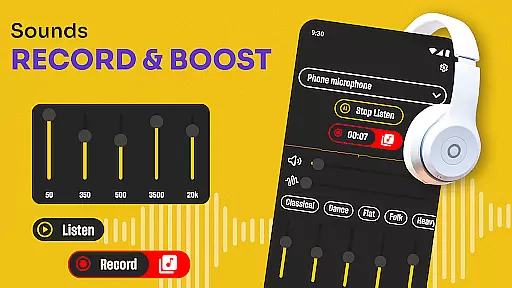
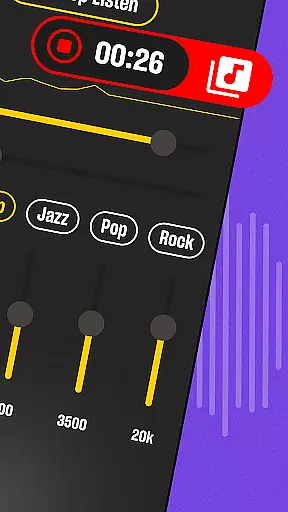
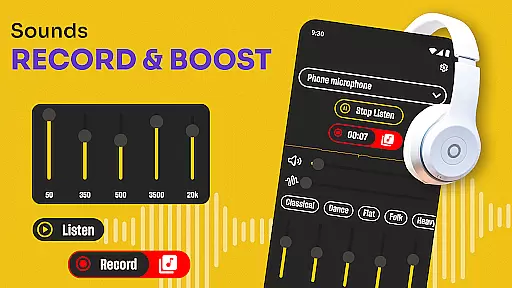
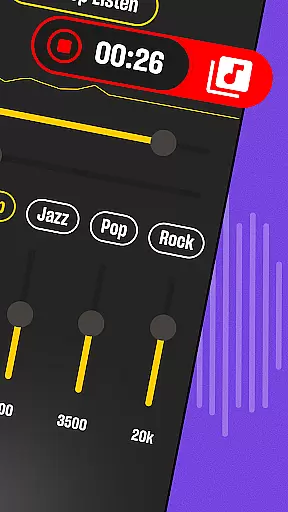
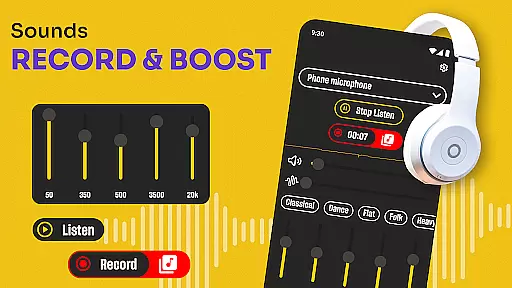
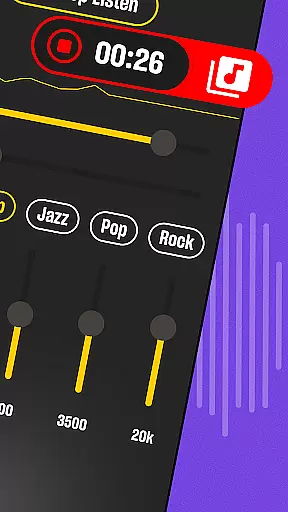
Hearing from Distance stands out due to its innovative features tailored to assist users in different listening scenarios. One of its key functionalities is the Ear Spy: Hearing Amplifier mode, which picks up whispers and far-away chatter, making it perfect for eavesdropping on distant conversations. The app also includes a recording feature, allowing users to capture important moments like meetings, lectures, and interviews for later review.
Another remarkable aspect is the Sound Amplifier: Spy Hearing App, which discreetly boosts volume levels without drawing attention. The Mic Amplifier: Hear Boost adjusts sound levels dynamically, providing a personalized listening experience. Additionally, the app supports real-time audio amplification, making it easier to follow conversations in noisy environments. These features collectively ensure that users can rely on Hearing from Distance for both casual and professional auditory needs.
In the medical app category, content credibility is paramount for user trust and safety. Hearing From Distance positions itself as more than just a listening device; it offers features akin to a hearing aid, which makes its credibility crucial. The app provides real-time audio amplification and noise filtering, which are essential for users with mild to moderate hearing loss.
The app's description highlights several functionalities that mimic professional hearing aids, such as background noise reduction and automatic sound level adjustments. These features have been designed to assist users in various environments, from crowded spaces to quiet settings, ensuring they catch every word spoken. Such capabilities suggest that the app has undergone rigorous testing and expert validation to ensure it meets the needs of those requiring auditory assistance.
For users, this means they can rely on Hearing From Distance to provide clear and accurate sound amplification, enhancing their ability to participate in conversations and public events without missing important details. This reliability is vital for users who depend on such technologies daily.
Moreover, the app includes a recording feature, allowing users to save important spoken content like meetings or lectures. This functionality not only underscores the app's versatility but also its commitment to aiding users in educational and professional settings. With these expert-reviewed features, Hearing From Distance establishes itself as a credible tool in the medical app landscape.
Teleconsultation has become an integral part of modern healthcare, especially for remote diagnostics and consultations. While Hearing From Distance does not offer traditional teleconsultation services, its ability to function as a remote hearing solution provides unique value in virtual healthcare scenarios. Users can leverage the app to enhance their hearing during teleconsultations, ensuring they don't miss critical advice or information from healthcare providers.
The app supports streaming distant sounds directly to Bluetooth headphones or earbuds, making it easier for users to hear and understand spoken content during virtual appointments. This feature is particularly beneficial for individuals with hearing impairments, as it ensures clearer communication between patients and healthcare professionals. By offering multiple microphone options and real-time sound adjustments, the app creates a seamless listening experience even in less-than-ideal audio environments.
Additionally, the recording feature allows users to document consultations, providing a valuable resource for reviewing medical advice or sharing insights with family members or caregivers. This capability enhances the overall quality of teleconsultations by ensuring users have access to accurate and complete information post-appointment.
While not a direct telemedicine platform, Hearing From Distance significantly improves the quality of remote healthcare interactions by addressing hearing-related challenges. Its sophisticated audio processing and user-friendly design make it an essential companion for anyone seeking better hearing support during virtual medical consultations.
Enhances hearing ability
User-friendly interface
Real-time sound amplification
Effective noise filtering
Versatile usage scenarios
Requires Bluetooth device
Drains battery quickly
Limited without headphones
Occasional connectivity issues
Not suitable for severe hearing loss

Patient Health Portal
 4.20
4.20
Care Simplified by MyChart
3.40
The Better Pharmacy Experience
4.90
Your donation experience just got smoother; Donor Hub is your go-to place.
4.70
Take on apraxia and aphasia with a powerful video-driven speech therapy app.
4.60
PPP provides quick offline access to over 350 field treatment protocols.
4.60
The doctor will see you now
4.70
Tap & save. Coupons that fit in your pocket. Find low prices on prescriptions.
4.80
Get Rx fast at the pharmacy, schedule health care, and shop ExtraCare savings.
3.30
Pelvic Floor Muscle Exercises
4.80
The MDLIVE app makes connecting with a doctor fast, easy, and convenient.
4.60
Check and Track your Blood Pressure & Heart Rate.
4.50
The official DSM-5-TR® app
4.50
Personalized hearing experience and health data tracking
4.50
Molina Members: My Molina. Manage your health anytime, anywhere!
4.30
A rapid reference for healthcare professionals caring for pediatric patients.
4.30
An easy way to earn money donating plasma. Book a visit, sit back, and get paid.
3.80
HealtheLife lets you easily manage your health online.
3.20
A rapid reference for prehospital providers caring for pediatric patients.
4.5


User Reviews