
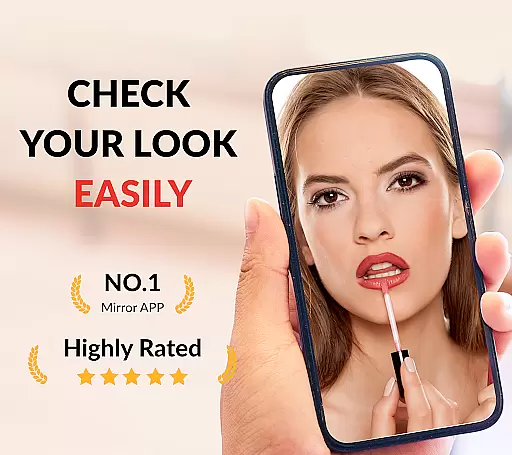


Mirror App is a versatile beauty tool designed for Android users who need a reliable virtual mirror anytime, anywhere. This app transforms your phone into a high-definition makeup mirror with adjustable light settings, making it perfect for both everyday grooming and professional makeup application.
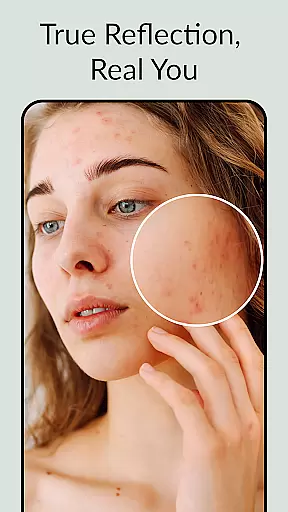
With its true reflection feature, Mirror App eliminates the distortion often found in front cameras, offering a real mirror experience without filters. The app also includes practical functionalities such as zoom control, brightness adjustment, and image freezing, which allows users to save and review specific moments in detail.
Whether you're at home, in the office, or traveling, this app ensures you always have access to a pocket-sized mirror that works seamlessly even in dim environments. Its intuitive design and customizable options make it an essential companion for maintaining your appearance on the go.
Mirror App stands out with its comprehensive set of features tailored for beauty enthusiasts. One of its key highlights is the full-screen mirroring capability, which provides a clear, undistorted view of your reflection. Unlike traditional camera apps, this app offers a true mirror experience, ensuring what you see is exactly how you look.
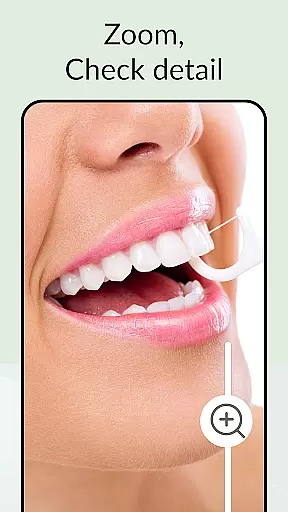
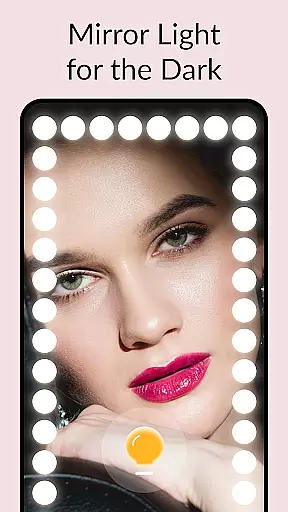
The app's light mirror functionality is another standout feature. With just one tap, users can activate LED mirror lights that work perfectly even in low-light conditions. You can customize the light shapes and intensity through the app's settings, creating the ideal lighting for any situation. Additionally, the mirror zoom and brightness control allow for precision adjustments, helping you focus on specific details like lipstick or eyeliner application.
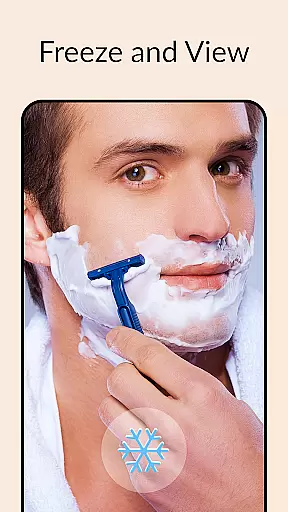
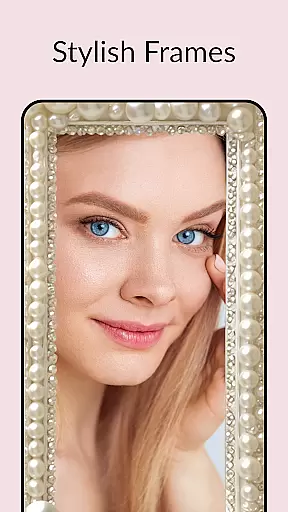
Another innovative aspect is the image freeze feature, which lets you capture and save a still image for closer inspection later. This function is particularly useful when doing intricate makeup or checking small details. The app also offers various stylish mirror frames, giving users the option to personalize their experience while enjoying the practical benefits of a magnifying mirror.
When it comes to beauty and personal care, having access to detailed product information is crucial for making informed decisions. The Mirror App offers an extensive product database that goes beyond basic details. This comprehensive repository includes in-depth descriptions, ingredient lists, usage instructions, and user reviews.
The app's database covers a wide range of beauty products, from everyday skincare items to specialized makeup tools. Each entry is meticulously curated to ensure accuracy and relevance. Users can search for specific products or browse through categories to discover new items that match their preferences.
One of the key benefits of this robust database is its ability to help users identify products that suit their unique needs. Whether you're looking for hypoallergenic options or vegan-friendly alternatives, the app provides filters and sorting options to narrow down choices quickly.
By leveraging this detailed product information, users can maintain a consistent and effective beauty routine while also exploring new products with confidence. The database's depth ensures that every user can find exactly what they need to enhance their personal care regimen.
In today's digital age, personalized experiences are becoming increasingly important, especially in the realm of beauty and self-care. The Mirror App excels in delivering precise personalization through its advanced recommendation algorithms. These algorithms analyze user preferences, past interactions, and specific requirements to suggest products and routines tailored to individual needs.
The app's personalization engine takes into account various factors such as skin type, hair texture, and even seasonal changes to provide relevant suggestions. For instance, during winter months, it might recommend more hydrating products to combat dryness. This level of customization ensures that users receive recommendations that are not only personalized but also timely and practical.
Moreover, the Mirror App continuously learns from user feedback and behavior, refining its suggestions over time. As users interact with the appu2014whether by rating products or updating their profilesu2014the system adapts to offer even more accurate recommendations. This dynamic approach keeps the suggestions fresh and aligned with evolving user needs.
Ultimately, the precision of personalization in the Mirror App empowers users to make better choices about their beauty routines. By providing tailored advice and product suggestions, the app helps users achieve their desired look while maintaining optimal skin and hair health.
User-friendly interface
True mirror reflection
Customizable light settings
Full screen display
Image freeze functionality
Requires good device lighting
Consumes battery quickly
Limited offline features
No voice command support
Ads in free version

Shop Smarter, Dress Better, and Shine Brighter!
 4.10
4.10
Seasonal color palettes for shopping clothes and makeup products with confidence
4.20
Selfiechat Filters for amazing photos with Funny face filters
4.60
True mirror app with zoom, LED light, for makeup & shaving anywhere!
4.20
Wacky mirror filter, waves effect & wavy effect to make your own funny videos.
4.60
Edit Your Photos and Videos with Beauty Filters & Get Makeup Artist Tutorials
3.60
Beauty camera & Selfie camera for perfect selfie with filter, sticker, makeup
4.70
Download Today
4.40
Never run out of your go-to beauty & get 5% off with auto-replenish deliveries!
4.00
Photo enhancer 360, image enhancement, restore old photos, colorize photo ai
4.70
Try interesting trending filters allows you switch to a cute girl
4.70
Manage your daily skin care beauty regimen & track your skin's progress.
4.70
Beauty Camera - Selfie Camera with sweet selfie, makeup, filter, sticker, editor
4.50
Winter picture editor: Christmas stickers, frames for photos & Christmas cards.
4.40
Professional HD Camera App: Capture Bright HD Selfie & Record Stunning Moments
4.40
Make beautiful Hairstyles for girls with your own hands in little bit of time
4.00
Design your nails, manicure and pedicure with nail paint art and nail idea app
3.90
Color haircut changer style on
3.30
Your future self face age old or young from camera selfie into beautify videos
4.2


User Reviews