
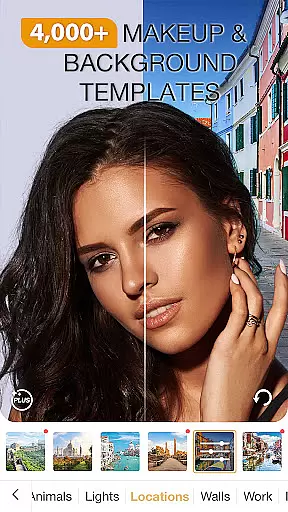
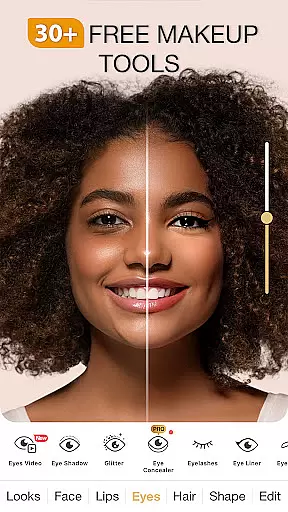
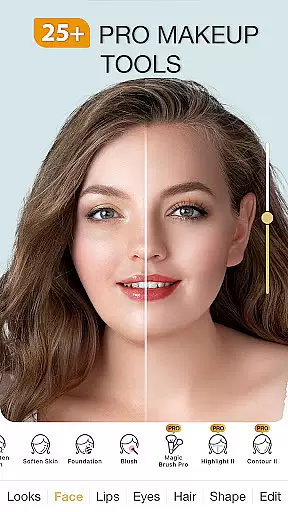
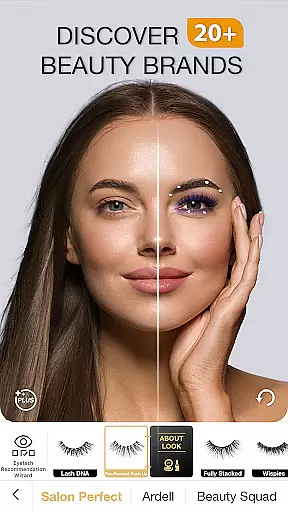
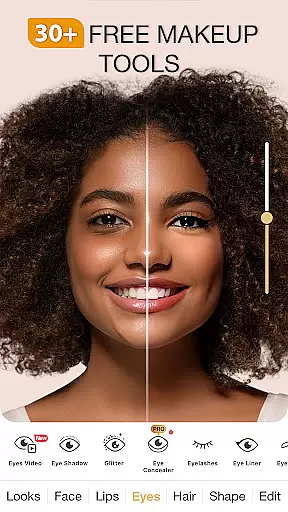
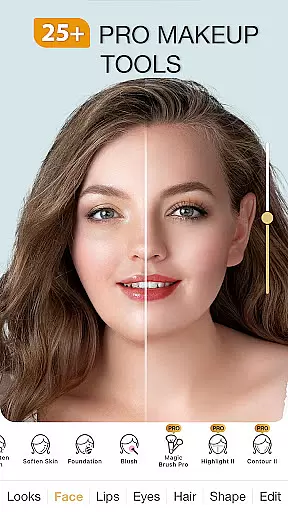
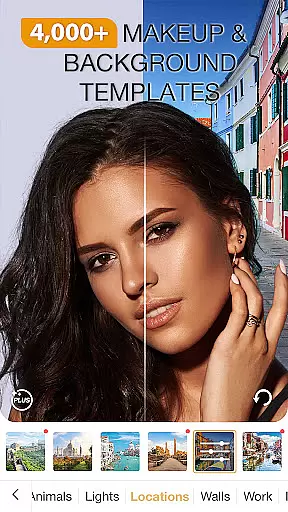
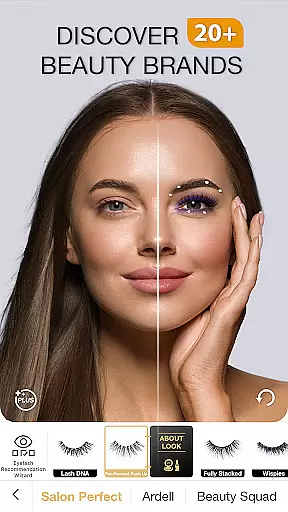
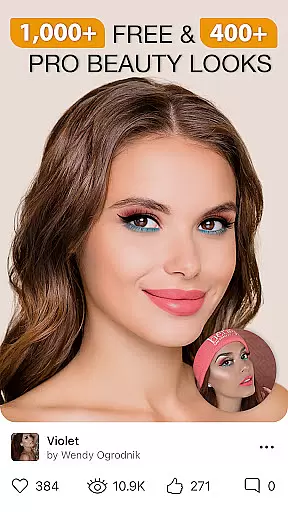
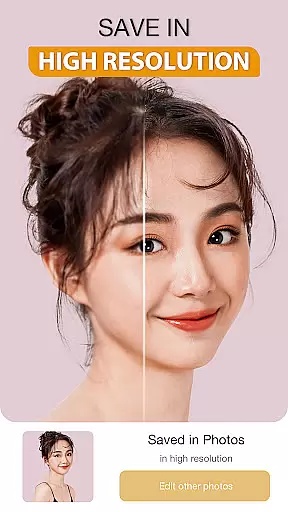
Perfect365 is a leading virtual makeup and beauty editor app that allows users to try on various makeup looks, enhance their selfies, and retouch photos with ease. Designed for beauty enthusiasts, this app provides an all-in-one solution for applying makeup virtually, experimenting with new styles, and achieving professional-grade photo edits.
The app stands out with its advanced face detection technology, which ensures precise makeup placement, and its vast library of customizable beauty tools. Whether you're looking to experiment with bold lipstick shades or achieve a natural no-makeup look, Perfect365 offers thousands of options curated by professional makeup artists. Additionally, the app's frequent updates keep users aligned with the latest beauty trends, making it an essential tool for fashion-forward individuals.
Perfect365 is ideal for anyone who enjoys expressing themselves through makeup or wants to preview looks before committing to them in real life. With features like blemish removal, teeth whitening, and skin brightening, it empowers users to create flawless images while offering tutorials and tips from industry experts.
Perfect365 boasts a comprehensive suite of features designed to elevate your beauty editing experience. One standout feature is its Beauty Camera, which captures high-quality selfies directly within the app and applies instant enhancements using filters and effects tailored to individual preferences.
In addition to its camera capabilities, the app includes over 3000 pre-set 'Hotstyles'—one-tap makeovers created by expert makeup artists. Users can further customize these styles with the Pro Color Palette, enabling unlimited color combinations for a personalized touch. The app also incorporates subtle touch-up tools such as blemish removers, skin brighteners, and teeth whiteners, ensuring every detail is perfected.
Another key highlight is its integration with social media platforms, allowing seamless sharing of edited photos without watermarks. Moreover, Perfect365 provides daily updates on beauty trends, video tutorials, and product recommendations, creating an engaging ecosystem for users to refine their skills and stay informed about the latest innovations in the beauty world.
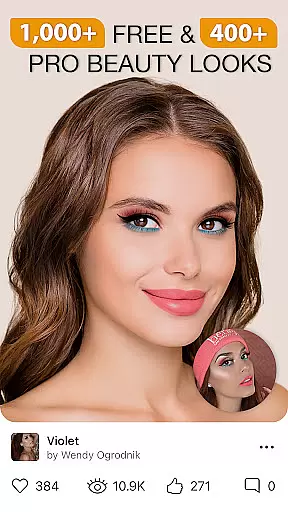
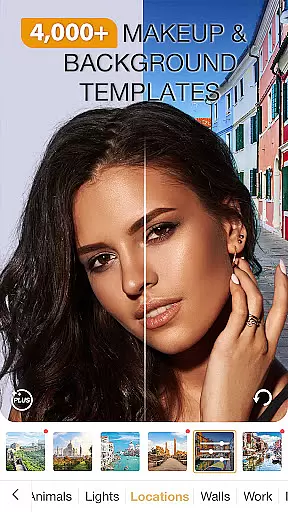
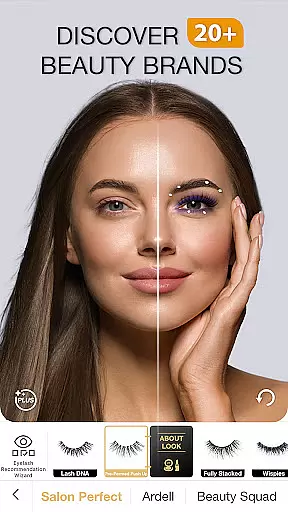
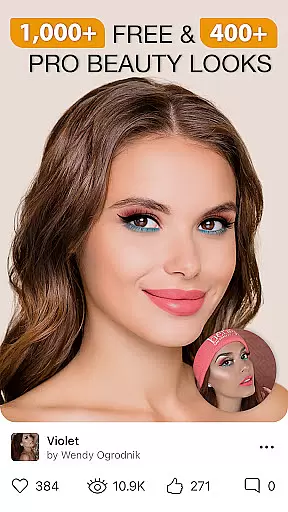
When it comes to beauty applications, having a comprehensive product database is essential for delivering value to users. Perfect365 Makeup Photo Editor offers an extensive collection of virtual makeup products and tools that cater to a wide range of preferences and styles. The app includes thousands of curated looks designed by professional makeup artists, ensuring that users have access to high-quality, realistic options.
The level of detail within the product database allows users to experiment with various cosmetics, from bold lipsticks to subtle eye shadows, all within a virtual environment. This vast selection not only enhances user engagement but also provides practical benefits, such as trying out new hair colors before visiting a salon. With regular updates and new styles added weekly, Perfect365 ensures its offerings remain current with the latest trends in the beauty industry.
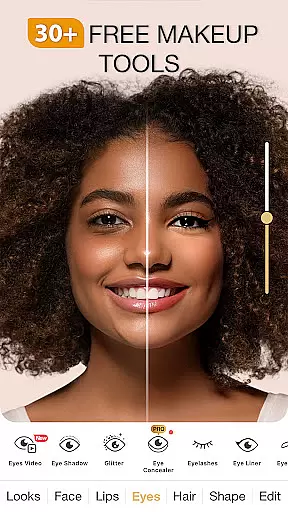
Users can customize their virtual makeovers with precision, thanks to features like the Pro Color Palette, which enables unlimited color combinations. This attention to detail empowers users to create personalized looks that suit their unique tastes. Overall, the depth of the product database in Perfect365 significantly enriches the user experience, making it a go-to choice for anyone interested in exploring diverse beauty options.
Personalization is at the heart of the Perfect365 Makeup Photo Editor experience, allowing users to tailor their virtual makeovers with remarkable accuracy. The app leverages advanced face detection technology to ensure that makeup effects are applied flawlessly every time. This cutting-edge feature analyzes facial structures to deliver precise makeup placement, enhancing the authenticity of each virtual look.
In addition to accurate makeup application, Perfect365 offers a variety of customization options that cater to individual preferences. Users can choose from over 3000 pre-set Hotstyles, which provide one-tap makeovers, or delve deeper into customization with tools like the Pro Color Palette. This flexibility enables users to experiment with different styles, whether they prefer a natural no-makeup glow or high-glam transformations.
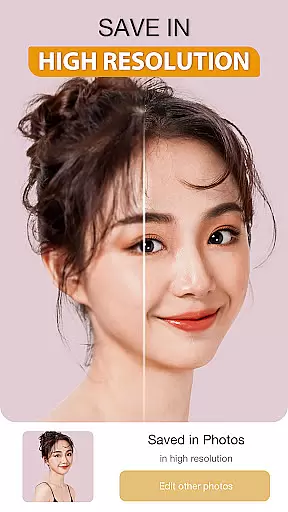
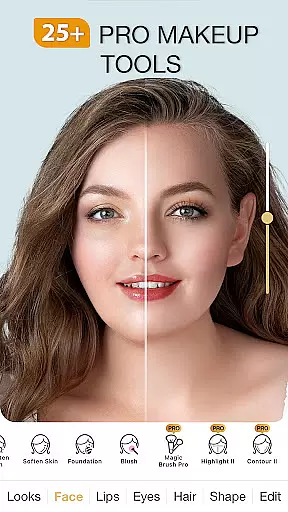
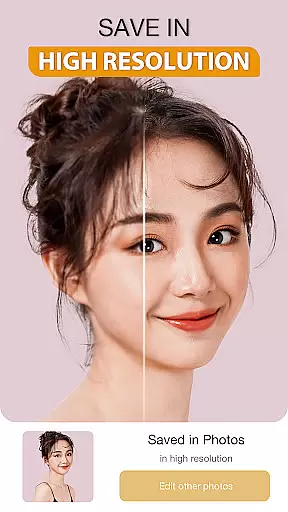
The app's personalization capabilities extend beyond makeup, incorporating skin-enhancing features such as blemish removal, teeth whitening, and skin brightening. These tools work together to create a polished final result that reflects each user's unique beauty. By combining sophisticated algorithms with user-friendly interfaces, Perfect365 delivers a personalized beauty experience that resonates with a broad audience, empowering users to express themselves confidently through virtual makeup experimentation.
User-friendly interface
Advanced face detection
Versatile customization options
Frequent style updates
Social media integration
Premium features require subscription
Some tools may overwhelm beginners
Occasional performance lags
Limited offline functionality
Ads in free version

Color haircut changer style on
 3.30
3.30
Design unique tattoos and preview them on your body image using Tattoo Maker App
3.30
Change your hairstyle and color instantly with AI-powered virtual makeovers.
3.90
Salon appointment booking and scheduling software for beauty pros and barbers.
4.80
AI Stylist, Try On Millions Of Clothes In Any Brand & Style, AI Clothes Changer
4.70
This barber game allows you to create and design hair styles on diverse people
3.80
DSLR Hd camera capture high quality 4k hd picture with filters and blur editor
4.50
Beauty for every eye, lip & face. Earn rewards, play games, connect with others.
4.30
Snap stunning selfies with AI from the Sweet Beauty Camera editor
4.10
Use your phone as a makeup mirror, shaving mirror. Magnifying mirror with light!
4.80
Beauty camera & Selfie camera for perfect selfie with filter, sticker, makeup
4.70
The ultimate beauty membership
4.70
HD Camera, Selfie Camera, Camera filters, is a fully featured 4K camera
4.60
A tool that brings skin care and technology together at your fingertips.
4.50
Beauty camera to take nature selfie with photo filter. Photo makeup face editor.
4.50
Download Today
4.40
Try on different hairstyles and hair colors, glasses and jackets | Cartoon face
4.10
Enhance Your Look with Face Analysis, Hair Style Changer, Beauty Score, Rating
3.90
Create, design and dress up your own beautiful characters in cute fashion styles
3.50


User Reviews