
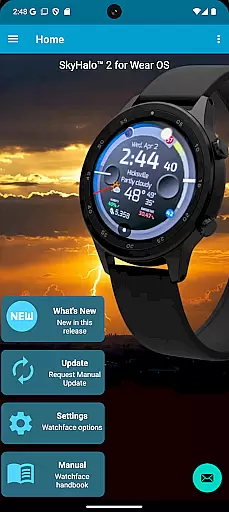
SkyHalo 2 Weather is a premier weather forecasting app designed specifically for Wear OS 5+ smartwatches. It offers an extensive range of features including ten different forecast sources, continuous forecasts up to 48 hours, and detailed daily predictions extending up to 10 days. The app provides critical information such as weather alerts, rain and snow forecasts, barometric pressure, wind conditions, and sun/moon rise and set times.
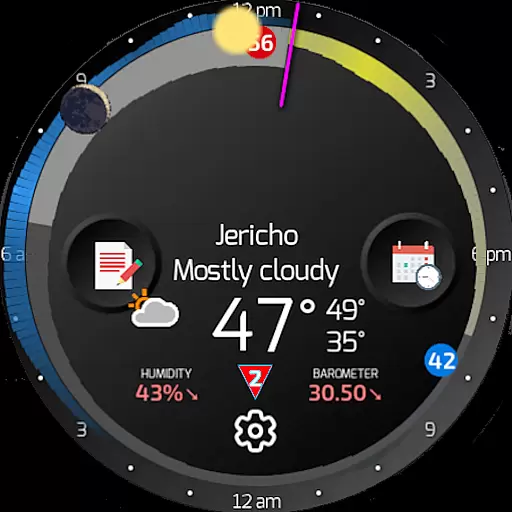
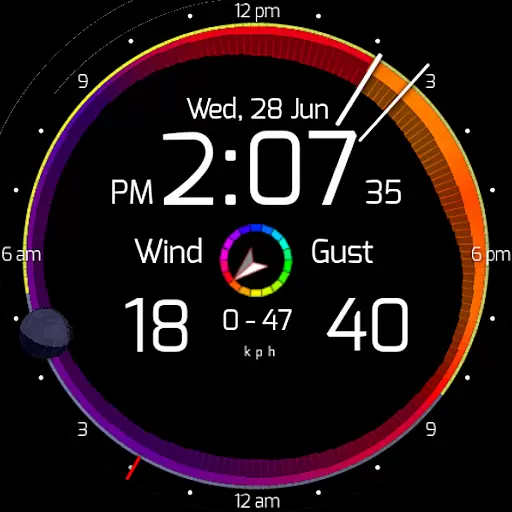
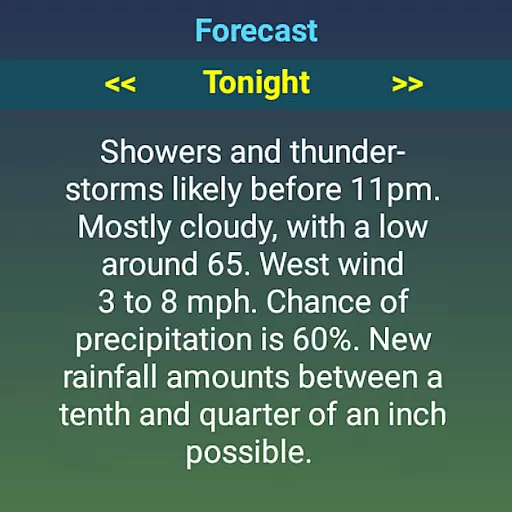
One of the standout features of SkyHalo 2 Weather is its intuitive graphical representation of weather data through halos on the watch face. These halos provide immediate insights into temperature, cloudiness, and precipitation at a glance. Additionally, users can access detailed weather advisories, making it an indispensable tool for staying informed about severe weather conditions.
Ideal for tech-savvy individuals who need quick and reliable weather updates on their smartwatches, SkyHalo 2 Weather transforms your wearable device into a comprehensive weather station, ensuring you are always prepared for whatever the day may bring.
SkyHalo 2 Weather stands out with its rich feature set tailored for weather enthusiasts. The app allows users to choose from ten global weather forecast sources, ensuring accurate and localized weather data. Continuous forecasts extend up to 48 hours, while detailed daily and hourly forecasts cover up to 10 days and 72 hours respectively.
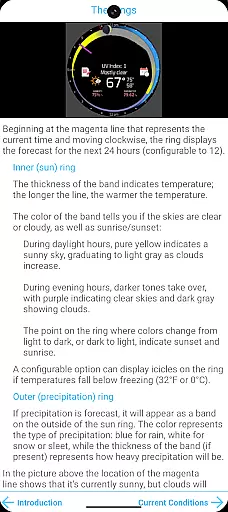
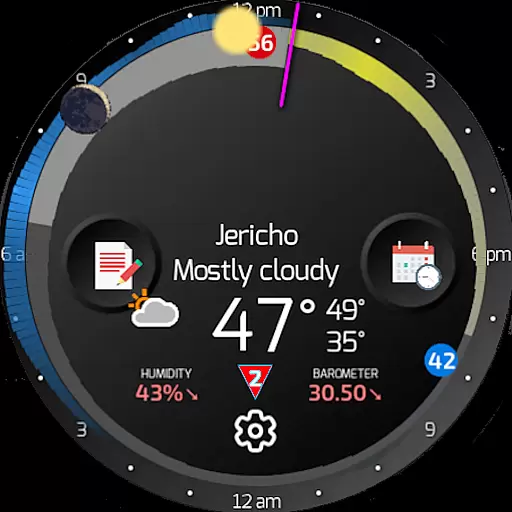
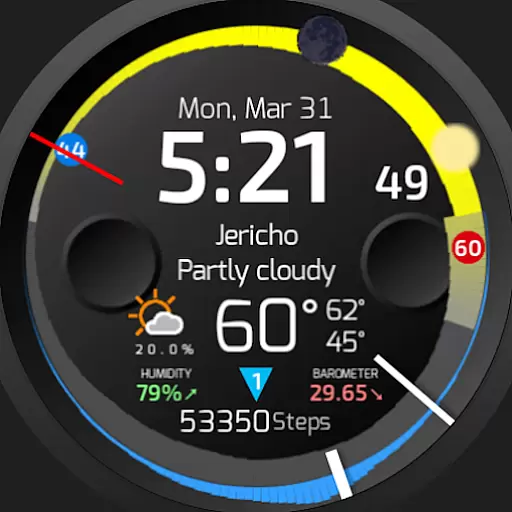
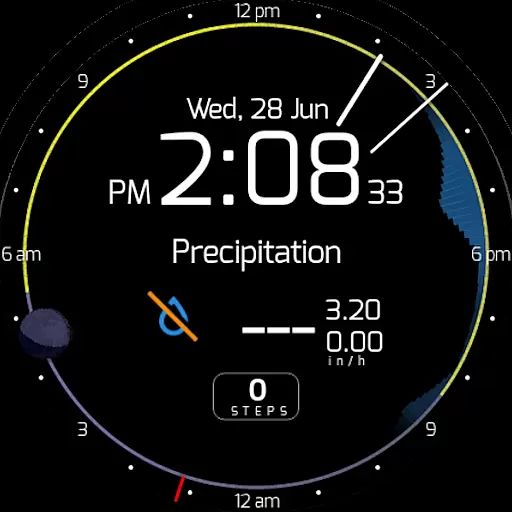
The app's unique halo system graphically presents temperature, cloudiness, and precipitation forecasts in an easy-to-understand format. Temperature is indicated by the thickness of the ring, sky conditions by color variations, and precipitation by an outer halo. This innovative approach enables users to quickly interpret complex weather data.
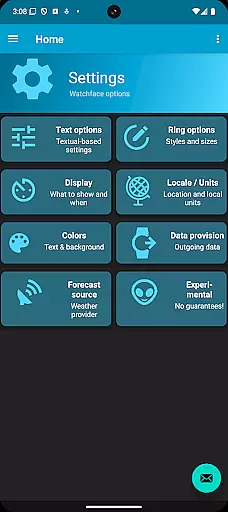
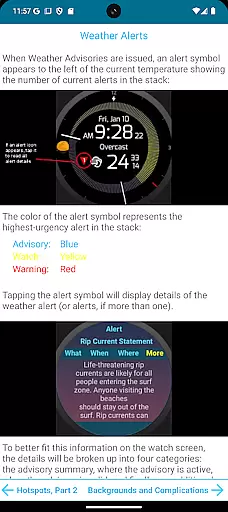
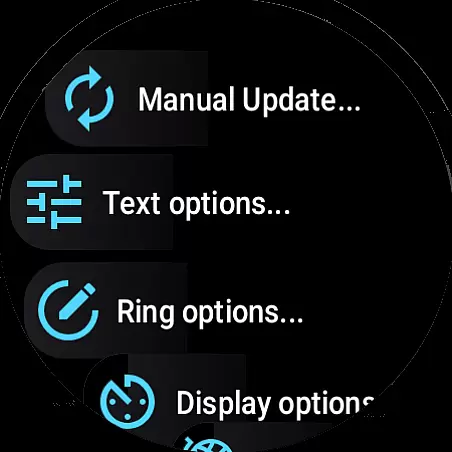
Additional features include moon phase tracking, weather alerts, and multiple configurable options such as weather service source, temperature formats, and display units. Users can also customize their experience with various text and background settings, making SkyHalo 2 Weather both versatile and user-friendly.
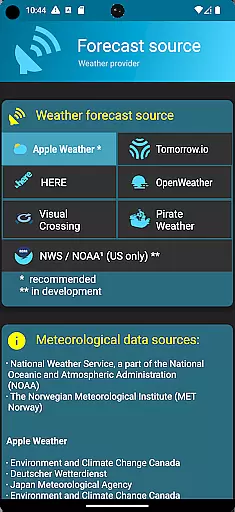
Forecast accuracy and data credibility are crucial for any weather application, and SkyHalo 2 Weather excels in these areas. The app offers users a choice of ten global forecast sources, including well-known services like Apple Weather, Google Weather, OpenWeather, and Open-Meteo. This diversity ensures that users can select the most reliable source for their location.
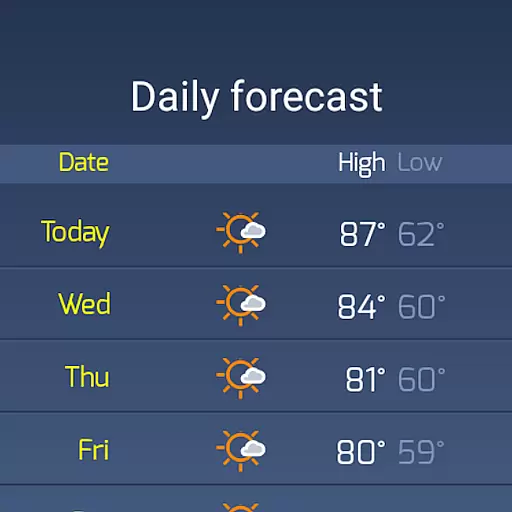
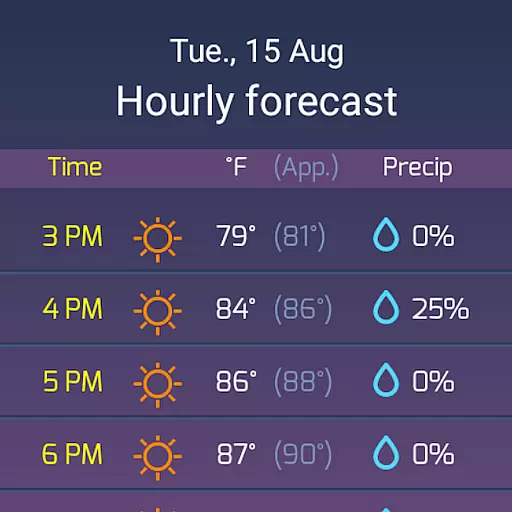
The application provides continuous forecasts up to 48 hours, daily forecasts for up to 10 days, and hourly forecasts extending to 72 hours. Such comprehensive coverage allows users to plan their activities with confidence, knowing they have access to accurate and timely weather information. Additionally, the inclusion of weather alerts on a global scale enhances user safety by keeping them informed about severe weather conditions.
SkyHalo 2 Weather's unique graphical representation of weather data through halos around the clock face makes it easy for users to interpret complex information at a glance. Temperature, cloudiness, rain, and snow forecasts are visually represented, allowing users to quickly understand current and upcoming weather patterns. This intuitive design not only improves the user experience but also reinforces the credibility of the data presented.
SkyHalo 2 Weather stands out with its extensive temporal and spatial forecast range, providing users with detailed weather predictions that span both time and geography. With forecasts available for up to 10 days in advance and hourly updates for up to 72 hours, the app ensures that users are always prepared for what the weather holds.
The spatial aspect is equally impressive, as the app supports multiple global weather sources. Users can choose from various providers to get localized and accurate forecasts tailored to their specific region. Whether you're in a major city or a remote area, SkyHalo 2 Weather delivers precise information relevant to your location.
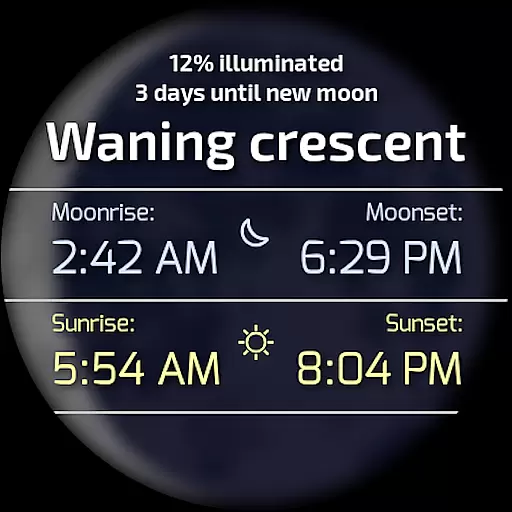
In addition to traditional weather metrics, the app includes advanced features such as barometer readings, wind displays, and sun/moon rise/set times. These elements contribute to a holistic understanding of environmental conditions, empowering users to make informed decisions based on both immediate and long-term weather trends. By tapping different sections of the watch face, users can access additional details like temperature highs and lows, wind speed, and precipitation types, further enhancing the utility of the temporal and spatial data provided.
Comprehensive weather data
Intuitive graphical interface
Multiple forecast sources
Detailed weather alerts
Highly customizable settings
Requires separate watchface download
Complex initial setup
Limited free features
Premium subscription needed
Heavy battery usage

Live Weather Forecast app with acu weather radar, weather alert & weather widget
 4.80
4.80
Live Alabama weather from James Spann—forecasts, radar, alerts, Spanncams.
4.70
Road weather, live radar, wind, snow, and conditions along your driving route.
4.70
Storm Radar, Alerts & Live Weather Forecasts Right on Your Home Screen
3.70
72-hour weather & daily forecasts with extreme weather alerts
4.60
My Aurora Forecast Pro is the app for the Northern Lights and Aurora Borealis.
4.70
A professional, comprehensive and accurate weather forecast app
4.90
Weather channel forecasts weather daily & hourly, local and national air quality
4.70
Live NOAA weather app to track storm, rain, wind, lightning & real local updates
4.20
Accurate weather forecast, daily weather changes are easy to grasp
4.90
Weather - Local weather forecast, weather daily & hourly, weather radar
4.80
Live local weather updates: various widgets & radar maps & hourly forecast.
4.70
View weather widget and map. Wind direction and speed. Tides times and waves
4.70
Your ultimate app for real-time weather information!
4.70
Live weather forecast for your everyday life
4.60
Industry leading whitetail movement predictor & hunting app.
4.60
Local forecast, alerts, rain, snow and wind radar, air quality & weather widget
4.60
Weather watch face for Wear OS 5+
4.10
Determine Best Hunting Times for any date, any location.
2.50


User Reviews