
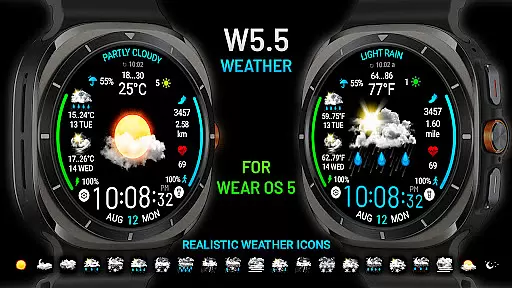
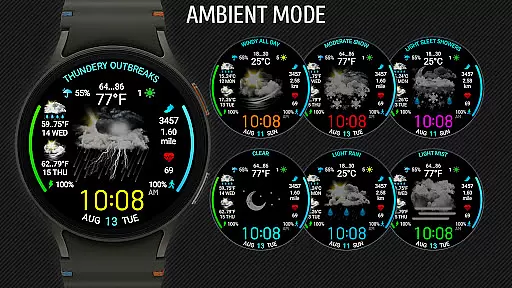
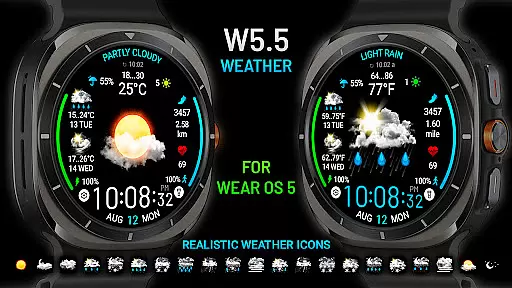
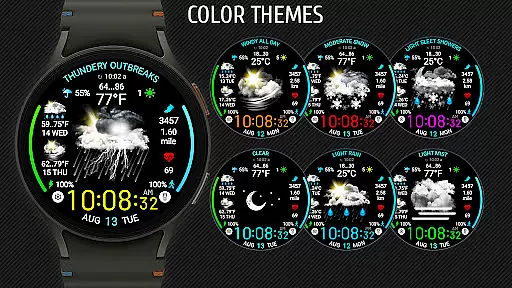
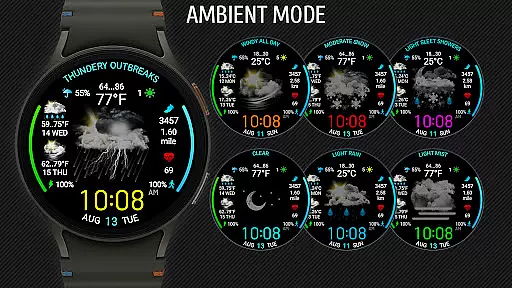
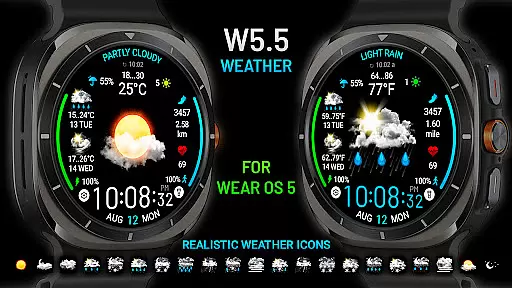
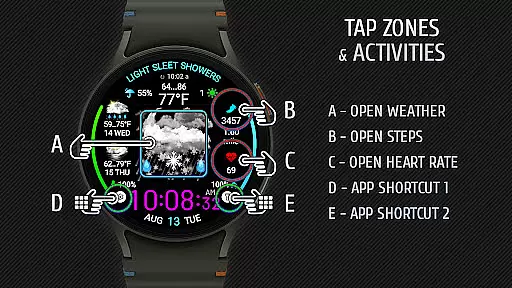
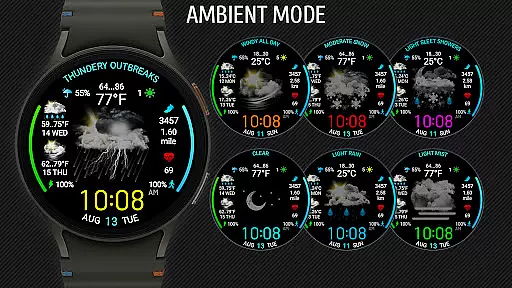
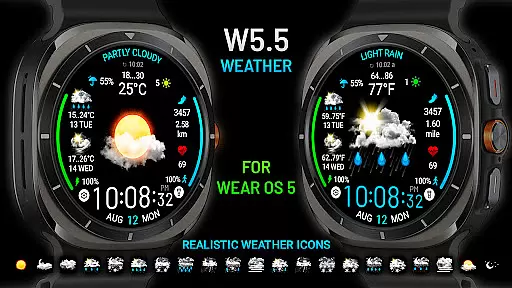
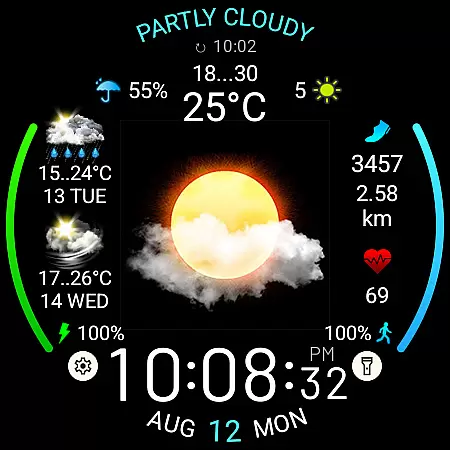
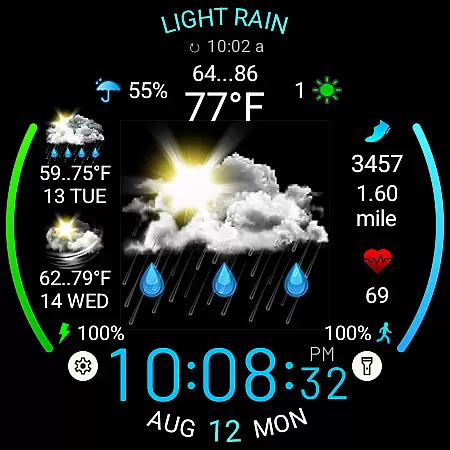
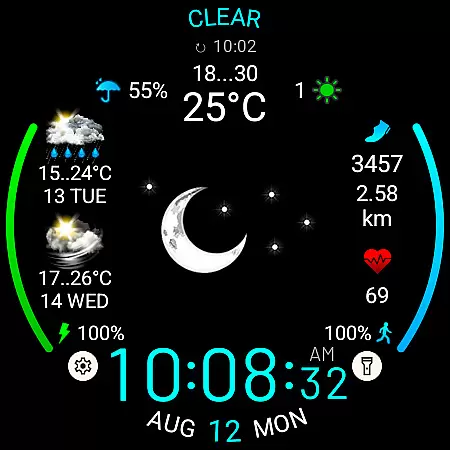
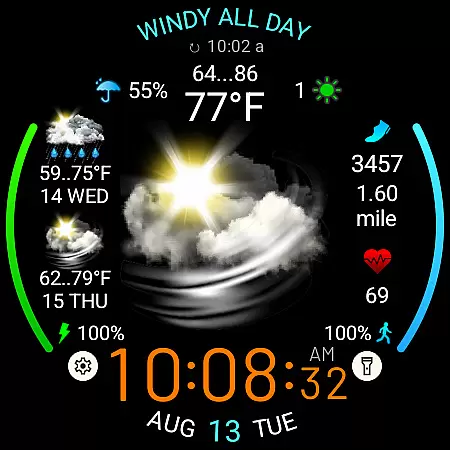
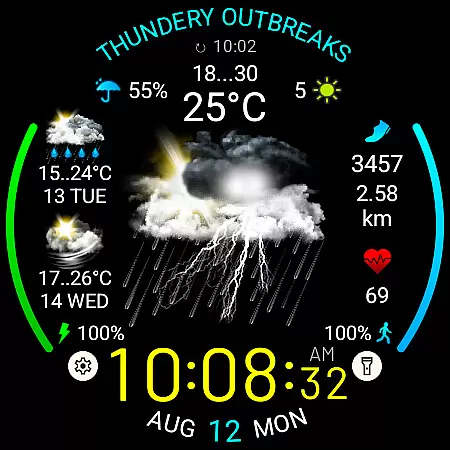
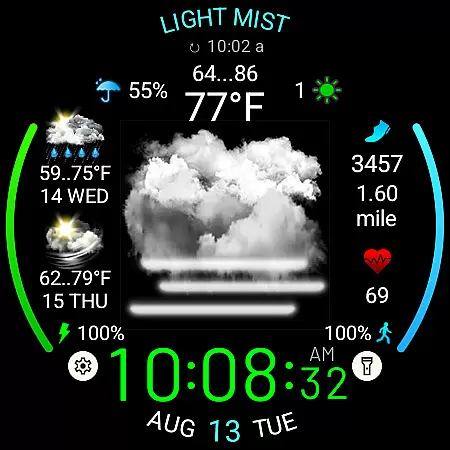
Weather Watch Face W5.5 is a specialized watch face designed for Wear OS 5+ devices, including the latest Galaxy Watch and Pixel Watch models. It features large realistic weather icons that display current weather conditions, digital time, precipitation probability, UV index, and a 2-day forecast.
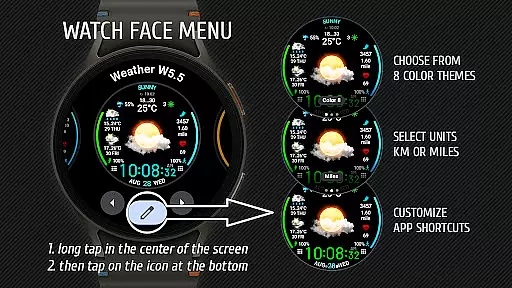
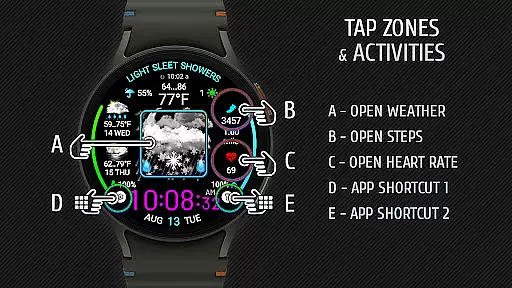
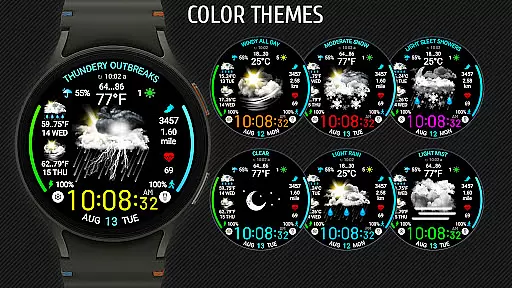
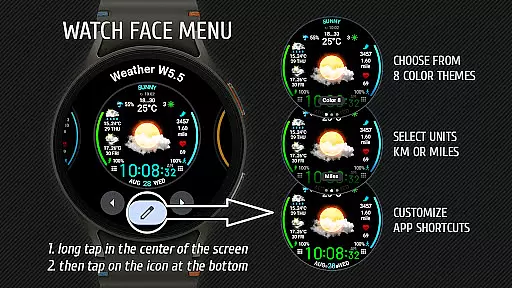
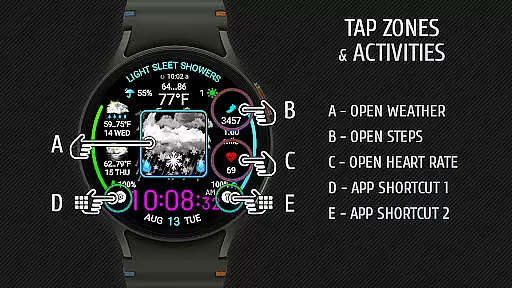
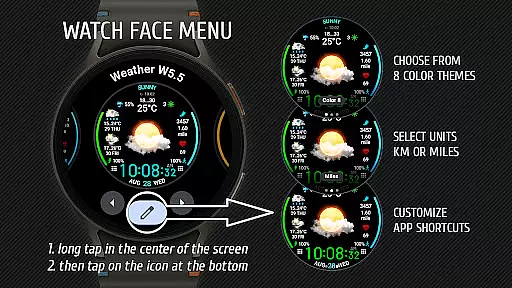
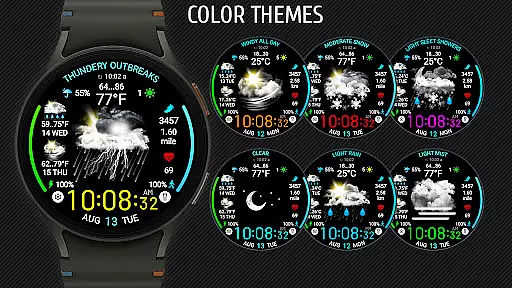
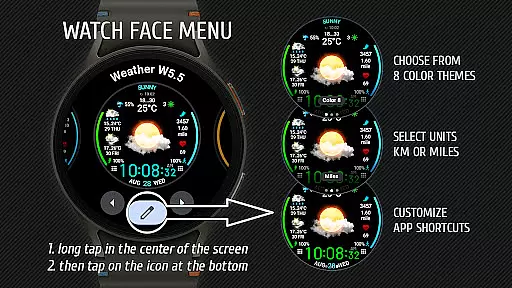
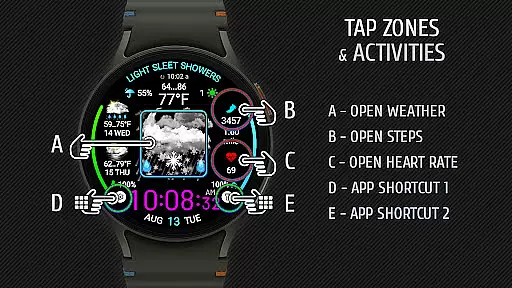
In addition to weather details, the watch face tracks health metrics like heart rate, steps, and distance traveled. Users can customize their experience by selecting from 8 color themes, choosing distance units (km or miles), and setting up app shortcuts directly on the interface.
This application is ideal for users who want both style and functionality on their smartwatch, providing quick access to essential information at a glance while maintaining an attractive design optimized for newer devices.
Weather Watch Face W5.5 offers several standout features that enhance its usability. The watch face supports 15 different weather conditions displayed through large, realistic icons, ensuring clarity and precision in conveying weather updates. It also integrates seamlessly with system weather sources like The Weather Channel for accurate forecasts.
Customization options are abundant, allowing users to personalize their watch face with various color themes and app shortcuts. Health tracking features such as heart rate, step count, and distance traveled provide additional utility beyond just weather updates.
The application's compatibility with Wear OS 5+ ensures it runs smoothly on the latest devices, offering an optimized experience specifically tailored for Galaxy Watch and Pixel Watch users. This focus on modern hardware guarantees better performance and visual appeal.
Forecast accuracy is crucial for any weather application, and Weather watch face W5.5 excels in this area by providing precise weather data tailored for Wear OS 5+ devices. The app sources its weather forecast from The Weather Channel, ensuring users receive reliable and up-to-date information directly on their smartwatches.
The integration with a trusted weather source guarantees that the displayed weather conditions, such as current weather, precipitation probability, UV index, and a 2-day forecast, are both accurate and credible. This level of precision allows users to make informed decisions based on real-time weather updates.
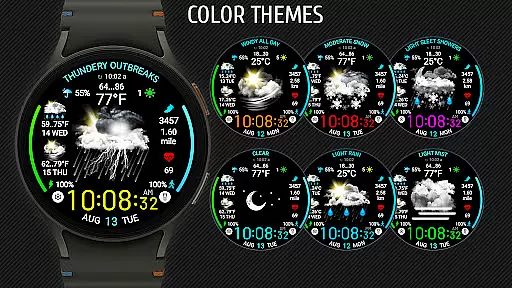
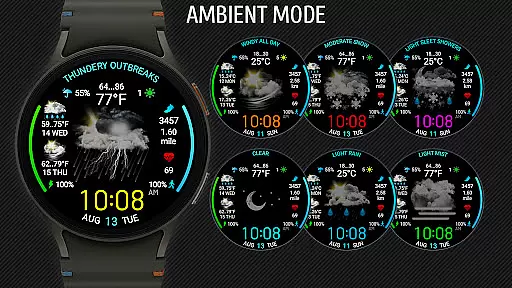
By offering 15 different realistic weather icons, the watch face ensures that users can quickly interpret the forecast at a glance. These large, vivid icons represent various weather conditions, enhancing user experience through clear visual communication.
Weather watch face W5.5 offers an extensive temporal and spatial forecast range, making it a versatile tool for users who need detailed weather insights. The app provides not only the current weather but also a comprehensive 2-day forecast, allowing users to plan their activities accordingly.
In addition to the time-based forecasts, the watch face displays critical metrics like UV index and precipitation probability. These features enable users to prepare for specific weather conditions they may encounter throughout the day, regardless of their location.
Designed exclusively for the latest Galaxy Watch and Pixel Watch models, the app optimizes its performance on Wear OS 5+ (API 34+). This ensures that users benefit from the most advanced forecasting capabilities available, maintaining high standards of accuracy across different geographic locations.
Realistic weather icons
Customizable color themes
Health tracking integration
Optimized for new devices
Two-day weather forecast
Not compatible with older OS
Limited device support
No standalone weather data
Premium feel may deter some
Requires third-party setup

Ultimate weather forecast + moon phase for Wear OS 5+ (Pixel, Galaxy, et al.)
 4.70
4.70
A tool that provides real-time and 5-day weather info.
4.4
Hourly and daily weather forecast, current condition, temperature, UV and more!
4.70
The reliable and trusted global air quality, wildfire, pollen, PM2.5 forecast
4.70
View weather widget and map. Wind direction and speed. Tides times and waves
4.70
72-hour weather & daily forecasts with extreme weather alerts
4.60
Your Reliable Weather Companion
4.10
Weather Forecast, Trending News, Hurricane & Storm Tracker, Alerts & Live Radar.
4.80
Precision Weather, Right at Your Fingertips
4.40
Weather for Indiana, Kentucky and Ohio
4.90
Nuts Weather, your ideal choice for knowing weather forecast & weather radar
4.70
Road weather, live radar, wind, snow, and conditions along your driving route.
4.70
Get the ad-free version of the highly rated WeatherBug app for accurate weather!
4.50
Track rainfall totals with ease using our rain gauge app. Accurate rain tracker.
4.50
Local weather forecast, reliable daily weather report
4.30
All-in-one weather radar launcher with rain, temperature maps & local forecast.
4.30
Your Personal Weather Assistant
4.00
Arrive safely! Travel weather forecasts for your entire trip at time of arrival.
3.60
Get instant weather & temperature predictions right on your Wear OS smartwatch!
4.5


User Reviews